This article explains WHOIS reconnaissance as the foundational first step in professional penetration testing and ethical hacking. It argues that information gathering comprises 60–70% of real penetration testing work and that WHOIS—a passive tool for querying public domain registration records—is essential for discovering infrastructure ownership, email patterns, hosting providers, and related assets before any active scanning occurs. The article matters because it demonstrates why rushing into aggressive scans is counterproductive; professionals prioritize silent, legal passive intelligence collection that avoids detection while building comprehensive attack surface awareness.
- WHOIS reveals infrastructure beyond domain basicsWhile beginners view WHOIS as merely showing domain information, the article emphasizes it exposes infrastructure ownership, company expansion clues, internal email formats, hosting providers, and attack surface hints. A real enterprise example shows a single WHOIS lookup revealing 14 additional domains linked via the same registrant email, uncovering a development server with no authentication and an exposed database—demonstrating how relationship analysis unlocks critical intelligence that domain lookups alone miss.
- Passive reconnaissance prevents detection and alertsThe article contrasts beginners who immediately run aggressive scans—which trigger SOC team detection—with professionals who collect publicly available intelligence silently first. WHOIS queries are completely passive and undetectable because they only read public registration records, similar to checking government property ownership databases. This passive-first approach reduces operational security risk and allows more thorough reconnaissance before security teams are alerted.
- Professional workflow requires defined scope firstThe article outlines a four-step professional information gathering workflow: define target scope (never going outside authorized scope), conduct passive intelligence collection like WHOIS, map infrastructure revealed by WHOIS (DNS servers, registrars, hosting), and identify related domains and subsidiaries. Following this order ensures legal and ethical boundaries are maintained while progressively expanding attack surface understanding.
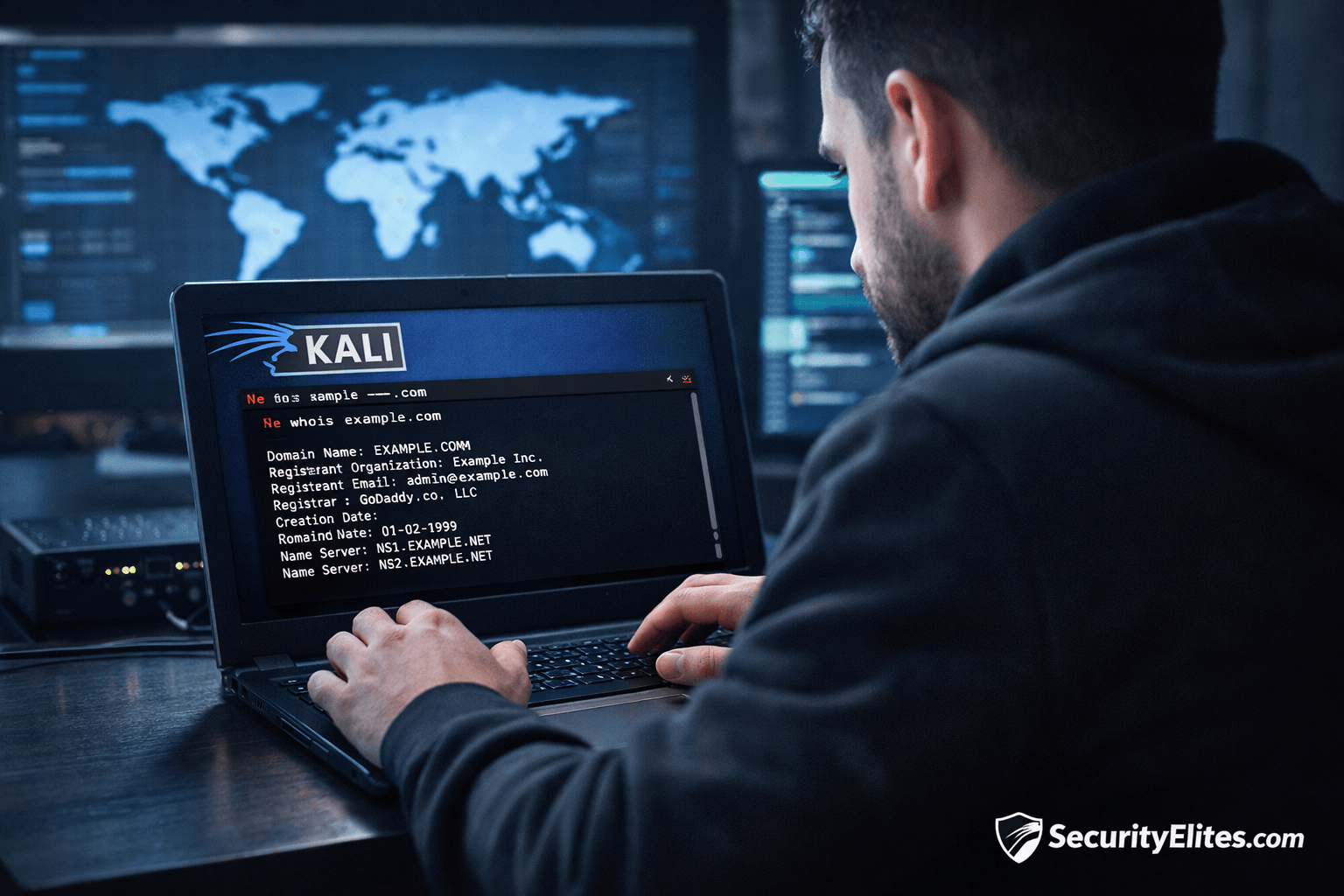
- WHOIS command syntax and key output fieldsIn Kali Linux, the basic command is `whois example.com`, which outputs registrant organization, registrar, creation date, name servers, and admin email. The article identifies four critical fields to analyze: registrar (domain provider like GoDaddy or Cloudflare), name servers (DNS infrastructure like ns1.cloudflare.com), creation date (older domains indicate mature infrastructure; new domains suggest testing environments), and registrant email (goldmine for discovering related assets through pattern matching).
- Pattern recognition across multiple domainsThe article emphasizes that professionals analyze relationships rather than simply reading WHOIS output. By comparing multiple domains, professionals look for patterns like the same admin email appearing across multiple domains—which reveals multiple company assets—or the same hosting provider across targets, indicating possible shared infrastructure. This relationship-mapping approach transforms isolated WHOIS queries into comprehensive asset discovery.
- Common mistakes undermine reconnaissance valueBeginners frequently stop analyzing when encountering privacy protection that hides domain data, run active scans immediately (triggering detection), and fail to document reconnaissance findings. The article advises always saving WHOIS output to files using `whois example.com > whois.txt`, checking domain expiration dates for takeover risks, and maintaining organized recon notebooks, as documentation is essential for professional reports and pattern discovery.
- Blue teams also leverage WHOIS for defenseThe article notes that security teams use WHOIS intelligence to monitor and analyze impersonation domains, phishing infrastructure, and brand abuse. This dual-use nature reinforces that WHOIS reconnaissance is a fundamental cybersecurity skill applicable to both offensive penetration testing and defensive threat intelligence analysis roles.
- Information gathering directly builds security careersThe article identifies penetration tester, bug bounty hunter, threat intelligence analyst, SOC analyst, and red team operator as roles directly leveraging information gathering skills. It emphasizes that students mastering reconnaissance early progress faster in their careers because while exploitation tools change, the reconnaissance mindset and passive intelligence methodology remain constant across the security industry.
Bottom line: WHOIS reconnaissance is a legal, passive, completely undetectable first step that must precede any active scanning or exploitation—and professionals often dedicate entire days to reconnaissance alone because infrastructure relationships discovered through WHOIS pattern analysis frequently reveal critical vulnerabilities that inexperienced testers miss by rushing to aggressive tools. Master WHOIS documentation and relationship analysis early, as these foundational reconnaissance skills transfer a
Information Gathering Using Kali Linux – Day 1 – Mastering WHOIS for Ethical Hackers (Beginner Guide)
Imagine this… You’re hired to test the security of a company website.
Most beginners immediately open hacking tools… start scanning ports… launching aggressive scans.
And that’s exactly how professionals know someone is inexperienced.
Because real penetration testing never starts with attacking. It starts with understanding.
From real enterprise penetration testing experience, the first question we always ask is:
Who actually owns this target?
Before touching systems, before scanning networks — we collect publicly available intelligence.
This phase is called Information Gathering, and today you’ll learn the very first professional technique used worldwide:
✅ WHOIS Reconnaissance
Now pause for a moment. You might think WHOIS is just domain information.
On paper, yes. But in real environments?
WHOIS often exposes:
- infrastructure ownership
- company expansion clues
- internal email formats
- hosting providers
- attack surface hints
And beginners completely underestimate it.
Today we fix that.
🎯 Why Information Gathering Matters in Real Cybersecurity
Information Gathering — also called Reconnaissance — forms nearly 60–70% of real penetration testing work.
Yes. Seriously.
During enterprise audits, junior testers often rush toward vulnerability scanners. Senior testers slow down instead.
Why?
Because every system leaves footprints. Think of reconnaissance like observing a building before entering:
- entrances
- guards
- cameras
- ownership
- nearby structures
WHOIS provides exactly this — but digitally.
A weak reconnaissance phase leads to:
❌ noisy attacks
❌ missed vulnerabilities
❌ detection by SOC teams
❌ incomplete pentest reports
Professional hackers reduce risk through intelligence first. And WHOIS is your first intelligence source.
🧠 Beginner-Friendly Concept Explanation
Let’s simplify WHOIS.
When someone registers a domain like:
example.com
They must provide registration details:
- Owner name
- Organization
- Registrar
- Creation date
- Name servers
These records are stored in global databases.
WHOIS simply means:
👉 Querying domain ownership records.
Now here’s where beginners get confused… WHOIS does NOT hack anything.
You are only reading public records. Like checking property ownership records in government databases.
Completely legal. Completely passive. And extremely powerful.
Pause –
Students often ask:
“If it’s public, how is it useful?”
Because attackers — and defenders — both rely on patterns.
Same admin email across domains?
You just discovered multiple company assets.
Same hosting provider?
Possible shared infrastructure.
Something interesting happens here…
One WHOIS lookup often leads to ten more targets.
⚙️ Professional Information Gathering Workflow
In real pentesting engagements, reconnaissance follows this order:
Step 1 — Define Target Scope
Example:
target: example.com
Never go outside authorized scope.
Legal boundaries matter.
Step 2 — Passive Intelligence Collection
(No interaction with target systems)
WHOIS belongs here.
Safe.
Silent.
Undetectable.
Step 3 — Infrastructure Mapping
WHOIS reveals:
- DNS servers
- Registrars
- Hosting clues
Which later guide scanning tools.
Step 4 — Attack Surface Expansion
We identify:
- related domains
- subsidiaries
- staging environments
This becomes your future attack surface.
From enterprise assessments:
Experienced testers sometimes spend an entire day only doing recon.
Beginners skip it — and miss vulnerabilities.
🧪 Real-World Scenario
During a corporate penetration test years ago, a client provided only:
company-main-site.com
Simple target. A junior tester scanned immediately.
Found nothing.
Engagement almost closed. But WHOIS lookup revealed:
Same registrant email linked to 14 additional domains.
One of them:
dev-company-site.com
Development server. No authentication. Database exposed. Critical breach discovered.
All from WHOIS.
That’s the power of information gathering.
🛠 Tool of the Day — WHOIS (Kali Linux)
Kali Linux already includes WHOIS.
✅ Step 1: Open Terminal
In Kali:
Applications → Terminal
✅ Step 2: Basic WHOIS Command
whois example.com
Press Enter.
You’ll see output like:
Registrant Organization:
Registrar:
Creation Date:
Name Server:
Admin Email:
✅ Step 3: Key Fields to Analyze
Focus on:
1. Registrar
Shows domain provider.
Example:
GoDaddy
Namecheap
Cloudflare
Helps understand hosting ecosystem.
2. Name Servers
Critical intelligence.
Example:
ns1.cloudflare.com
Reveals DNS infrastructure.
3. Creation Date
Older domains = mature infrastructure.
New domains = possible testing environments.
4. Registrant Email
Goldmine.
Used for discovering related assets later.
Observation 🔎
Most beginners read WHOIS. Professionals analyze relationships.
🚨 Beginner Mistakes
Common mistakes I repeatedly see:
❌ Ignoring Privacy Protection
Many domains hide data.
Beginners stop here.
Professionals pivot later using OSINT tools.
❌ Running Active Scans First
Triggers detection systems early.
Bad operational security.
❌ Collecting Without Notes
Recon data must be documented.
Always maintain recon sheets.
🔥 Pro Tips From 20 Years Experience
✅ Always save WHOIS output:
whois example.com > whois.txt
Documentation matters in reports.
✅ Compare multiple domains.
Look for patterns.
✅ Check domain expiration dates.
Expired domains sometimes expose takeover risks.
✅ Use WHOIS early — before scanning.
Silent intelligence wins engagements.
How to defend ethically and Professionally?
Blue teams also monitor WHOIS intelligence.
Security teams analyze:
- impersonation domains
- phishing infrastructure
- brand abuse
WHOIS helps defenders track attackers too.
Ethical rule:
⚠️ Only investigate authorized targets.
Recon outside scope may violate law.
Professional ethics define cybersecurity careers.
✅ Practical Implementation Checklist
Today’s Action Steps:
✔ Install Kali Linux
✔ Open terminal
✔ Run WHOIS on 5 websites
✔ Identify registrar
✔ Note name servers
✔ Record creation dates
✔ Save outputs
✔ Build recon notebook
Practice builds intuition.
💼 Career Insight
Information Gathering skills directly map to roles like:
- Penetration Tester
- Bug Bounty Hunter
- Threat Intelligence Analyst
- SOC Analyst
- Red Team Operator
Students who master recon early progress faster.
Because exploitation tools change.
Recon mindset does not.
🔁 Quick Recap Summary
Today you learned:
✅ Information Gathering fundamentals
✅ Passive reconnaissance concept
✅ WHOIS intelligence usage
✅ Professional recon workflow
✅ Real-world pentest application
Remember:
Hackers attack systems.
Professionals understand ecosystems.
Tomorrow we expand intelligence deeper.
FAQs
1. Is WHOIS legal to use?
Yes. WHOIS queries public registration data and are completely legal when used on authorized targets.
2. Why start with WHOIS?
Because it provides passive intelligence without alerting security defenses.
3. Can WHOIS reveal vulnerabilities?
Indirectly yes — by exposing infrastructure relationships.
4. What if WHOIS data is hidden?
Later OSINT tools help bypass limited visibility.
5. Do bug bounty hunters use WHOIS?
Absolutely. It’s often the first recon step.
