If you are learning ethical hacking or bug bounty hunting, one of the most powerful tools you will encounter is FFUF.
This FFUF Cheat Sheet will teach you how to use FFUF like a professional penetration tester.
FFUF stands for Fuzz Faster U Fool. It is an extremely fast web fuzzing tool used by ethical hackers, penetration testers, and security researchers to discover hidden resources inside web applications.
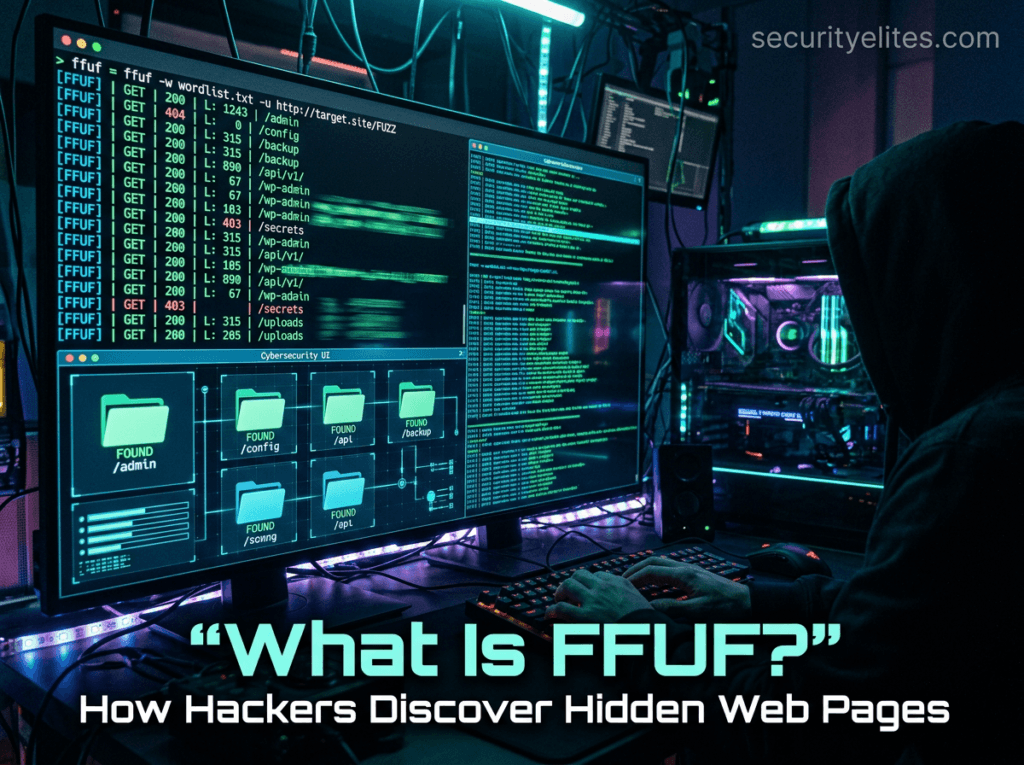
Think of FFUF like a smart robot that tries thousands of URLs automatically to discover hidden directories, API endpoints, files, parameters, and subdomains.
Instead of manually guessing URLs like:
/admin
/login
/config
/backup
FFUF can test thousands of possibilities per second. We have shared in detail FFUF tutorial step by step on securityelites, you can go through same to master FFUF tool and web fuzzing.
FFUF is an extremely fast open-source web fuzzing tool maintained on GitHub. You can explore the official FFUF project repository here:
https://github.com/ffuf/ffuf
That is why bug bounty hunters and cybersecurity professionals rely on it during:
- web application penetration testing
- vulnerability discovery
- hidden endpoint discovery
- API fuzzing
- parameter fuzzing
- directory brute forcing
The reason FFUF is loved by ethical hackers is simple:
- extremely fast
- simple syntax
- powerful filtering
- flexible output formats
- highly customizable
If you are new to cybersecurity, you may also want to read our guide on types of hackers explained, where we break down the differences between white hat, black hat, and gray hat hackers.
By the end of this guide, you will have a bookmark-worthy FFUF Cheat Sheet that you can use during bug bounty hunting and penetration testing engagements.
Table of Contents
Installing FFUF on Kali Linux
FFUF comes preinstalled in many versions of Kali Linux, the most popular operating system used by penetration testers and ethical hackers worldwide. If you are new to Kali Linux, read our Kali Linux complete beginner guide to understand the tools included in the distribution.
However, it is still useful to know how to install or update it manually.
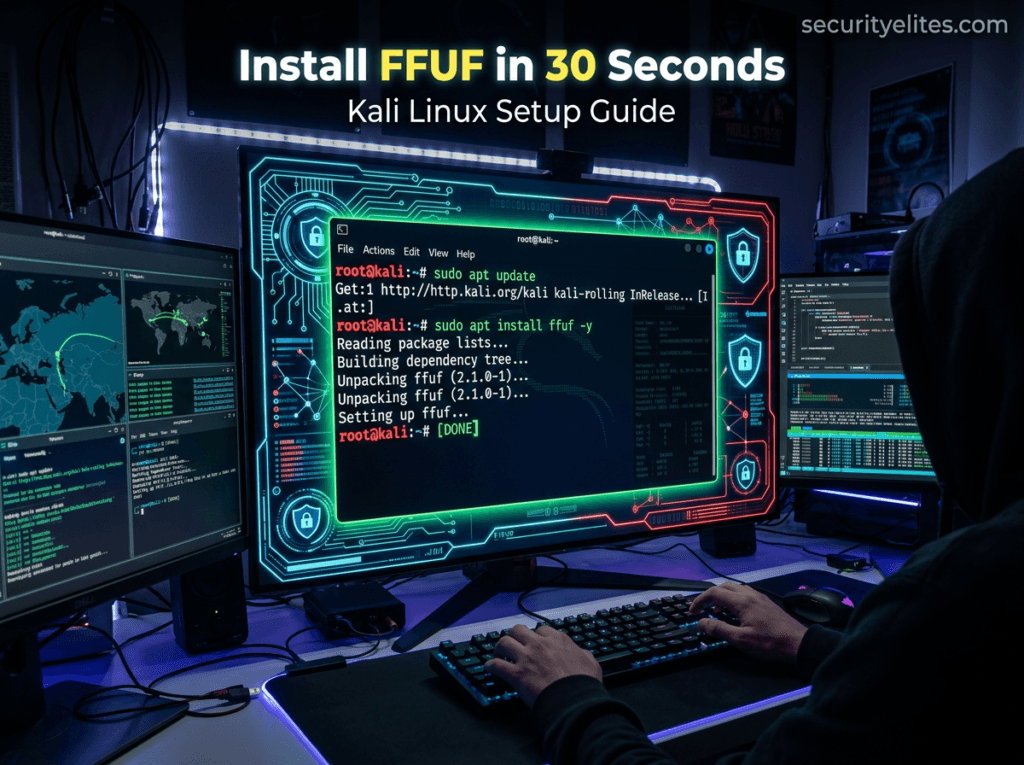
Step 1 — Update Kali Linux
sudo apt update && sudo apt upgradeThis ensures all cybersecurity tools are updated.
Step 2 — Install FFUF
sudo apt install ffufStep 3 — Verify Installation
ffuf -hIf the installation is successful, you will see the FFUF help menu with available commands.
Step 4 — Check FFUF Version
ffuf -VDefault Wordlists Location in Kali Linux
Most FFUF attacks use wordlists.
These wordlists are stored in:
/usr/share/wordlists/Common wordlists:
/usr/share/wordlists/dirb/common.txt
/usr/share/wordlists/rockyou.txt
/usr/share/seclists/
SecLists is one of the best wordlist collections for fuzzing.
BASIC COMMANDS OF FFUF
Below is the core section of the FFUF Cheat Sheet that every beginner should understand.
These commands are used during:
- directory discovery
- file fuzzing
- parameter testing
- API testing
- bug bounty reconnaissance
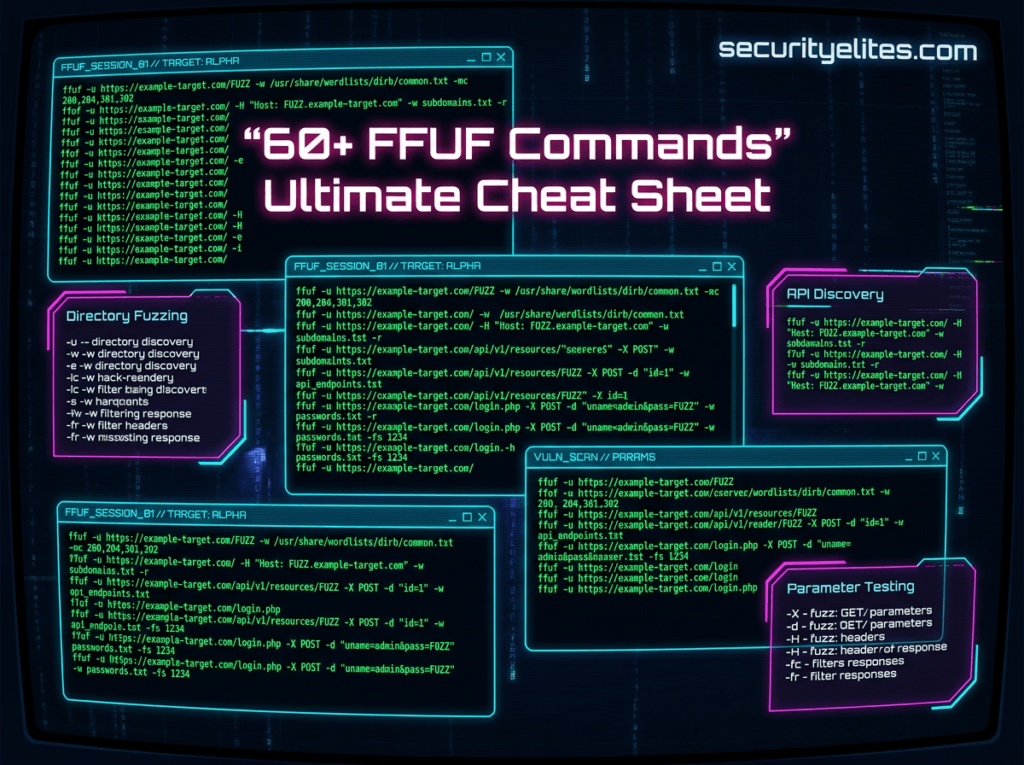
| Command Syntax | Purpose of Command | Description |
|---|---|---|
ffuf -h | Display help menu | Shows the full help menu containing all FFUF commands, options, filters, and parameters. Beginners should always run this command first to understand available flags and how the tool structures fuzzing requests during penetration testing. |
ffuf -V | Show version | Displays the installed version of FFUF on Kali Linux. This helps penetration testers verify whether they are running the latest release before performing web application fuzzing or bug bounty reconnaissance tasks. |
ffuf -u http://target/FUZZ -w wordlist.txt | Basic directory fuzzing | This is the most basic command in the FFUF Cheat Sheet. It replaces the FUZZ keyword with entries from the wordlist to discover hidden directories or files inside a web server during reconnaissance. |
ffuf -u https://target/FUZZ -w common.txt | Simple path discovery | Uses a basic wordlist to discover directories like admin, backup, config, and dashboard. This command is commonly used during the early stages of web penetration testing to identify exposed resources. |
ffuf -u https://target/FUZZ -w wordlist.txt -mc 200 | Filter by status code | Filters responses and only shows results that return HTTP status code 200. This helps ethical hackers quickly identify accessible resources instead of reviewing all server responses. |
ffuf -u https://target/FUZZ -w wordlist.txt -fc 404 | Exclude status codes | Removes results that return status code 404. This reduces noise and helps penetration testers focus on interesting responses that may contain hidden files or directories. |
ffuf -u https://target/FUZZ -w wordlist.txt -t 50 | Set thread count | Controls the number of concurrent threads used during fuzzing. Increasing threads speeds up scanning but may trigger security protections like Web Application Firewalls. |
ffuf -u https://target/FUZZ -w wordlist.txt -recursion | Enable recursion | Recursively fuzzes discovered directories. Once a directory is found, FFUF automatically continues fuzzing inside it to discover deeper paths inside the web application. |
ffuf -u https://target/FUZZ -w wordlist.txt -recursion-depth 2 | Control recursion depth | Limits how deep the recursive fuzzing should go. This prevents extremely large scans and keeps fuzzing manageable during bug bounty engagements. |
ffuf -u https://target/FUZZ -w wordlist.txt -o results.json | Save results | Saves scan results to a JSON file. This helps penetration testers analyze findings later or import them into reporting tools and automation frameworks. |
ffuf -u https://target/FUZZ -w wordlist.txt -of html | HTML output | Generates results in HTML format which can be easily opened inside a browser. This format is useful when sharing findings with clients during penetration testing reports. |
ffuf -u https://target/FUZZ -w wordlist.txt -v | Verbose mode | Displays detailed information about every request and response during fuzzing. This is useful for debugging or understanding how the server behaves under fuzzing conditions. |
ffuf -u https://target/FUZZ -w wordlist.txt -timeout 10 | Set request timeout | Defines how long FFUF waits for a response before moving to the next request. This prevents scans from slowing down when servers respond slowly. |
ffuf -u https://target/FUZZ -w wordlist.txt -c | Colored output | Displays color-coded results in the terminal. This improves readability and helps ethical hackers quickly identify successful responses during scans. |
ffuf -u https://target/FUZZ -w wordlist.txt -r | Follow redirects | Enables automatic following of HTTP redirects. This is useful when web applications redirect users to login pages or different URLs during requests. |
ffuf -u https://target/FUZZ -w wordlist.txt -s | Silent mode | Runs FFUF with minimal terminal output. This is useful when scans are executed through scripts or automation pipelines during large reconnaissance operations. |
ffuf -u https://target/FUZZ -w wordlist.txt -rate 100 | Rate limiting | Limits the number of requests per second. This helps avoid triggering Web Application Firewalls or rate limiting protections implemented by the target server. |
ffuf -u https://target/FUZZ -w wordlist.txt -H "User-Agent: Mozilla" | Custom header | Adds custom HTTP headers to fuzzing requests. This can help bypass basic security filters or simulate requests coming from legitimate browsers. |
ffuf -u https://target/FUZZ -w wordlist.txt -ac | Auto calibration | Automatically calibrates filters based on baseline responses from the server. This reduces false positives and improves scan accuracy during fuzzing operations. |
ffuf -u https://target/FUZZ -w wordlist.txt -fs 1234 | Filter by size | Filters responses by response size. This technique helps detect hidden resources where the server returns slightly different content sizes. |
ffuf -u https://target/FUZZ -w wordlist.txt -fl 20 | Filter by line count | Filters results based on number of lines in server responses. This is useful when searching for pages that behave differently from normal responses. |
ffuf -u https://target/FUZZ -w wordlist.txt -fw 50 | Filter by word count | Filters results based on number of words in the response body. This is another method used by penetration testers to identify interesting responses. |
ffuf -u https://target/FUZZ -w wordlist.txt -replay-proxy http://127.0.0.1:8080 | Proxy replay | Sends successful requests to a proxy such as Burp Suite for deeper analysis. This is extremely useful during vulnerability testing workflows. |
ffuf -u https://target/FUZZ -w wordlist.txt -maxtime 60 | Maximum scan time | Stops fuzzing automatically after the defined time period. This prevents extremely long scans during reconnaissance phases. |
ffuf -u https://target/FUZZ -w wordlist.txt -json | JSON output | Formats output in JSON structure for integration with automation scripts and cybersecurity tools used during vulnerability scanning. |
ffuf -u https://target/FUZZ -w wordlist.txt -debug | Debug mode | Enables debugging logs that help security researchers understand how FFUF processes requests and handles responses internally. |
ffuf -u https://target/FUZZ -w wordlist.txt -p 0.1 | Delay requests | Introduces a delay between requests. This helps bypass rate limiting protections implemented by web servers. |
ffuf -u https://target/FUZZ -w wordlist.txt -maxtime-job 120 | Job time limit | Limits execution time for each fuzzing job separately. This improves control when running multiple scans simultaneously. |
ffuf -u https://target/FUZZ -w wordlist.txt -noninteractive | Non interactive mode | Runs FFUF without requiring user interaction. This is helpful for automation scripts used in penetration testing pipelines. |
ffuf -u https://target/FUZZ -w wordlist.txt -recursion-strategy greedy | Greedy recursion | Uses aggressive recursive fuzzing to explore directories quickly during large web application reconnaissance campaigns. |
ADVANCED COMMANDS OF FFUF
The advanced section of this FFUF Cheat Sheet includes techniques used by professional penetration testers and bug bounty hunters.
These commands allow fuzzing of:
- parameters
- APIs
- virtual hosts
- POST requests
- multiple wordlists
| Command Syntax | Purpose of Command | Description |
ffuf -u https://target/FUZZ -w wordlist.txt -e .php,.html,.txt | Extension fuzzing | Tests multiple file extensions during fuzzing. This technique helps discover files such as admin.php, backup.txt, or config.html that may be hidden inside web servers. |
ffuf -u https://target/FUZZ -w wordlist.txt -recursion | Recursive scanning | Enables recursive fuzzing to explore nested directories. This allows ethical hackers to discover hidden endpoints deep inside web applications. |
ffuf -u https://target/?id=FUZZ -w ids.txt | Parameter fuzzing | Tests different parameter values inside URLs. This is useful for discovering hidden functionality or ID based vulnerabilities during web application testing. |
ffuf -u https://FUZZ.target.com -w subdomains.txt -H "Host: FUZZ.target.com" | Subdomain fuzzing | Discovers hidden subdomains by fuzzing the host header. This technique is commonly used in bug bounty reconnaissance. |
ffuf -u https://target/login -X POST -d "username=admin&password=FUZZ" -w passwords.txt | POST fuzzing | Sends POST requests while fuzzing parameters. This technique is often used for authentication testing and password discovery. |
ffuf -u https://target/FUZZ -w wordlist.txt -H "Cookie: session=abc" | Authenticated fuzzing | Includes session cookies in fuzzing requests so authenticated areas of web applications can be tested. |
ffuf -u https://target/api/FUZZ -w api.txt | API fuzzing | Used to discover hidden API endpoints inside modern web applications. |
ffuf -u https://target/FUZZ -w wordlist.txt -timeout 5 -rate 200 | High speed fuzzing | Combines rate control and timeout settings for faster scans without overwhelming servers. |
ffuf -u https://target/FUZZ -w wordlist.txt -ac -mc all | Auto calibrated fuzzing | Uses automatic calibration with multiple status codes to improve detection of hidden resources. |
ffuf -u https://target/FUZZ -w wordlist.txt -ignore-body | Ignore body | Ignores response body content during fuzzing to improve speed when only headers or status codes matter. |
ffuf -u https://target/FUZZ -w wordlist.txt -mode clusterbomb | Clusterbomb fuzzing | Combines multiple wordlists in every possible combination to fuzz complex parameters. |
ffuf -u https://target/FUZZ -w wordlist.txt -mode pitchfork | Pitchfork fuzzing | Uses multiple wordlists simultaneously where entries are matched line by line. |
ffuf -u https://target/FUZZ -w users.txt:USER -w pass.txt:PASS -X POST -d "username=USER&password=PASS" | Credential fuzzing | Tests username and password combinations automatically during authentication testing. |
ffuf -u https://target/FUZZ -w wordlist.txt -request req.txt | Custom request | Uses a raw HTTP request file which allows advanced fuzzing scenarios including headers and body manipulation. |
ffuf -u https://target/FUZZ -w wordlist.txt -maxtime 300 | Long scans | Allows longer scans useful during deep reconnaissance tasks. |
ffuf -u https://target/FUZZ -w wordlist.txt -o results.csv -of csv | CSV reporting | Exports results into CSV format for analysis in spreadsheets. |
ffuf -u https://target/FUZZ -w wordlist.txt -ic | Case insensitive | Performs case insensitive fuzzing which can reveal hidden resources on case-sensitive servers. |
ffuf -u https://target/FUZZ -w wordlist.txt -sf | Stop on error | Stops scanning when server errors occur repeatedly. |
ffuf -u https://target/FUZZ -w wordlist.txt -sa | Stop on all errors | Terminates scan when multiple errors are encountered. |
ffuf -u https://target/FUZZ -w wordlist.txt -se | Stop on spurious errors | Stops fuzzing if unexpected server responses appear repeatedly. |
SecurityElites Hands-On Lab – Real Scenarios
Below are real-world penetration testing scenarios where the FFUF Cheat Sheet commands are used by cybersecurity professionals.
Scenario 1 — Discover Hidden Admin Panels
Many web applications hide administrative dashboards. Discovering hidden admin panels is a common step during bug bounty reconnaissance. Our bug bounty hunting guide for beginners explains how researchers approach this process.
You can easily discover Hideen Admin Panels using below command.
Example target:
https://example.com/adminCommands Used
ffuf -u https://example.com/FUZZ -w /usr/share/wordlists/dirb/common.txtPossible discoveries:
/admin
/dashboard
/panel
/control
These endpoints may contain login panels or sensitive management interfaces.
Scenario 2 — Discover Backup Files
Developers sometimes leave backup files on production servers. You can use FUFF tool to discover backup files using below command.
Example files:
backup.zip
config.old
database.sql
Commands Used
ffuf -u https://target/FUZZ -w wordlist.txt -e .zip,.sql,.bak,.oldFinding backup files can expose:
- database credentials
- API keys
- source code
Scenario 3 — API Endpoint Discovery
Modern web applications use APIs heavily. We can easily discover endpoints using below command.
Hidden endpoints might include:
/api/users
/api/admin
/api/internal
Commands Used
ffuf -u https://target/api/FUZZ -w api_wordlist.txtThese endpoints may expose sensitive functionality.
Scenario 4 — Parameter Fuzzing
Some vulnerabilities appear when parameters accept unexpected values.
Example URL:
https://target/product?id=1Commands Used
ffuf -u https://target/product?id=FUZZ -w ids.txtThis may reveal:
- hidden products
- unauthorized resources
- IDOR vulnerabilities
Scenario 5 — Subdomain Discovery
Large organizations use many hidden subdomains. You can discover them easily using FFUF tool.
Example:
admin.company.com
dev.company.com
test.company.com
Commands Used
ffuf -u https://FUZZ.company.com -w subdomains.txt -H "Host: FUZZ.company.com"This technique often reveals staging environments that contain security vulnerabilities.
FAQ – People Also Ask
What is FFUF used for?
FFUF is a web fuzzing tool used by ethical hackers and penetration testers to discover hidden resources inside web applications. It automatically tests thousands of possible URLs, parameters, and files using wordlists. Security professionals use FFUF during reconnaissance phases of penetration testing to uncover hidden directories, API endpoints, authentication panels, and misconfigured servers that may contain vulnerabilities.
Is FFUF legal to use?
Yes, FFUF is legal when used for ethical hacking, penetration testing, and security research on systems where you have permission to test. Many companies run bug bounty programs that allow researchers to use tools like FFUF to find vulnerabilities responsibly. However, using FFUF against systems without authorization may violate cybersecurity laws.
Does Kali Linux include FFUF?
Yes. Kali Linux includes FFUF by default in most modern versions. Ethical hackers using Kali Linux can simply run the command ffuf -h to verify installation. If the tool is missing, it can easily be installed using the package manager with the command sudo apt install ffuf.
Is FFUF used by hackers?
Yes, both ethical hackers and malicious hackers may use FFUF. Ethical hackers use it during penetration testing to help organizations identify security weaknesses before attackers exploit them. Bug bounty hunters also rely heavily on FFUF for reconnaissance and hidden endpoint discovery in web applications.
What are alternatives to FFUF?
Several other fuzzing tools exist in cybersecurity. Popular alternatives include Dirsearch, Gobuster, WFuzz, and Burp Suite Intruder. However, FFUF is often preferred because it is extremely fast, flexible, and easy to integrate into bug bounty workflows.
Conclusion
Learning FFUF is one of the most valuable skills in web penetration testing.
This FFUF Cheat Sheet covered:
- installation on Kali Linux
- 60+ essential FFUF commands
- beginner and advanced fuzzing techniques
- real-world penetration testing scenarios
- practical cybersecurity labs
FFUF allows ethical hackers to discover:
- hidden directories
- API endpoints
- backup files
- authentication portals
- security misconfigurations
To truly master FFUF:
- practice in cybersecurity labs
- test on bug bounty platforms
- experiment with different wordlists
- combine FFUF with tools like Burp Suite
Make sure to bookmark this FFUF Cheat Sheet so you can quickly reference commands during penetration testing engagements.
If you want to become a cybersecurity professional, keep practicing and explore more ethical hacking tutorials on SecurityElites.
Your journey into cybersecurity has only just begun.