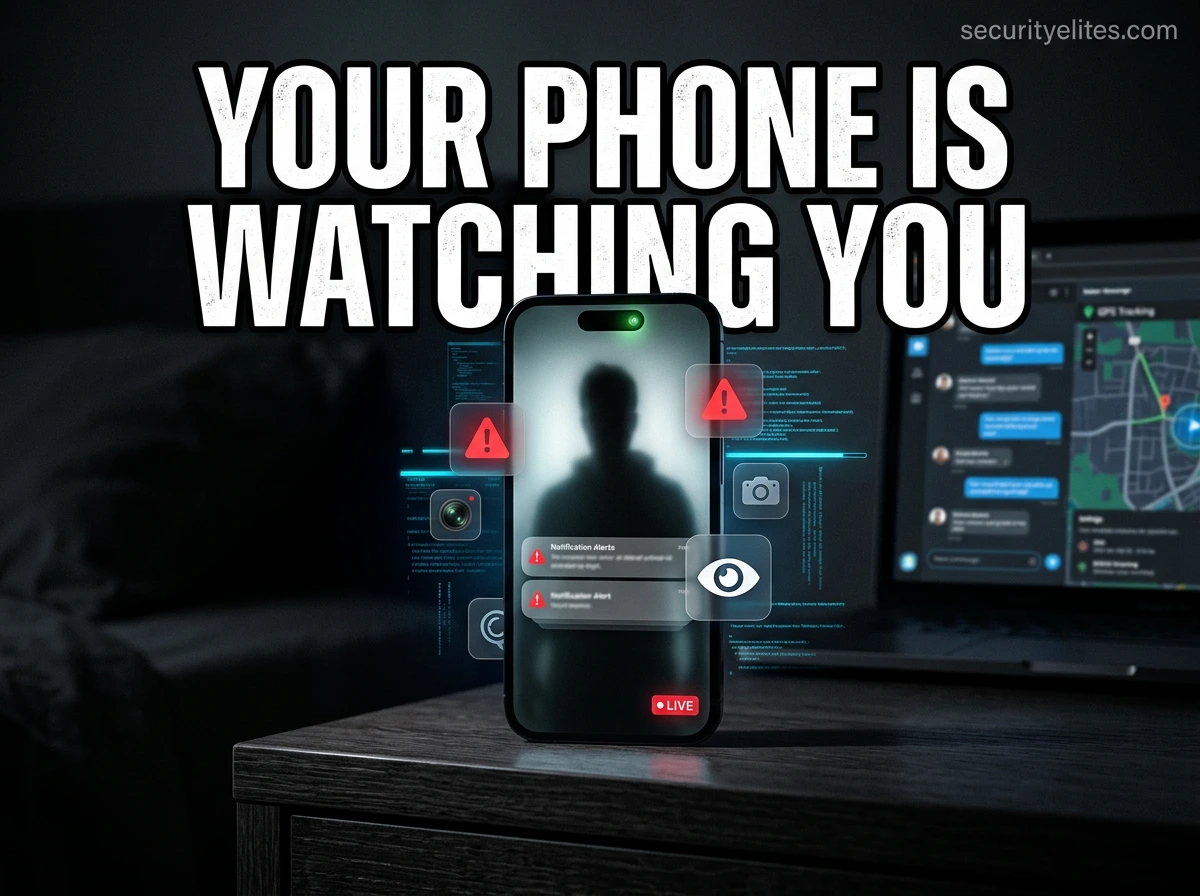
I want to start this lesson with something that might be hard to hear: stalkerware is more common than most people know. You probably know someone it’s happened to — they just don’t know it themselves.
Stalkerware is not some exotic spy tool. It’s sold on regular websites, sometimes packaged as “family safety” or “parental monitoring” software. It installs in minutes if someone has physical access to your unlocked phone. That’s the only technical barrier: five minutes alone with your device.
Once it’s installed, here’s what it can access: your real-time GPS location, every text you send and receive (including encrypted apps in some cases), your call log, your photos, your microphone, your camera. Everything.
As a student of security, I want you to understand both sides of this: how it works technically, and how to detect and remove it. Let’s go through the seven most reliable checks — in order from easiest to most technical.
Check 1: The Full App List (Start Here)
This is where I start every time. The mistake students make is only checking their home screen — stalkerware developers know that’s where you’ll look, so they hide it from there on purpose.
On Android: Settings → Apps → See All Apps. Every single app on your device shows up here, including ones that aren’t on your home screen. Look for anything with a generic system-sounding name that you didn’t install: “Device Health Monitor,” “System Manager,” “Phone Guard,” “Sync Service.” These are chosen to sound boring and ignorable. Don’t ignore them. Google every name you don’t recognise — if nothing comes up, or results mention stalkerware, that’s significant.
Check 2: Device Administrator Permissions (The Sneaky One)
Here’s something most people don’t know: Android has a special permission level called Device Administrator that lets an app resist being uninstalled. Legitimate uses are mobile device management (MDM) for work phones. Illegitimate use: stalkerware granting itself this permission to survive deletion attempts.
Check this: Settings → Security (or Biometrics & Security) → Device Admin Apps. You should see only things you knowingly set up — Find My Device, your work MDM. Anything else? That’s a serious red flag.
Check 3: Background Data Usage (The Technical Tell)
Let me teach you something about how spyware works that makes this check make sense. Everything spyware collects — location pings, messages, recordings — has to be transmitted to the attacker. That transmission uses mobile data. It happens in the background while you’re doing something else. And your phone logs it.
Go to Settings → Network → Data Usage, broken down by app for the last 30 days. The column to focus on is background data. A legitimate app you use regularly will have foreground data (you used it and it loaded content). An app you’ve never opened sitting at 300MB of background data this month is not a legitimate app doing legitimate things.
Check 4: Microphone and Camera Permissions (Ask “Why?”)
This is a good habit to build regardless of whether you suspect anything. Every few months, go through your microphone and camera permission lists and ask yourself “why does this app need this?” A calculator. A torchlight. A weather app. A unit converter. None of these have any legitimate reason to access your microphone or camera. If they have it, revoke it. Then ask yourself how they got it.
On both Android and iOS, you can see which apps have microphone and camera access. There’s no legitimate reason for a calculator, a torchlight app, a weather widget, or most utility apps to have microphone or camera access. If you see it, revoke it and then ask yourself why it was ever granted.
iOS 14+ added a green dot (camera) and orange dot (microphone) indicator that appears whenever these are in use. If you see either indicator when you’re not recording anything, something is actively accessing your hardware.
Check 5: Behavioural Signs (Less Reliable, But Worth Knowing)
I teach these as supporting evidence rather than primary indicators — they can have innocent explanations. But if you’re seeing these alongside other signs from this list, pay attention.
Older or poorly-coded stalkerware sometimes causes clicking or static during calls (it’s recording the audio in real time). Your phone taking unusually long to shut down can mean processes are flushing logs. A screen that briefly lights up when idle can mean a remote command was executed. None of these alone are conclusive, but combined with signs 1–4, they paint a picture.
Check 6: Review Your Google or Apple Account for Unknown Devices
If stalkerware was installed, the attacker may also have added your account to their own device to monitor synced data. Check: Google Account → Security → Your Devices. Apple ID: Settings → Your Name → scroll down for connected devices. Remove anything you don’t own immediately and change your password.
Check 7: Run a Dedicated Spyware Scan
Malwarebytes for Android specifically detects stalkerware and greyware. It’s free and has a good detection rate for commonly used stalkerware products. On iPhone, the attack surface is smaller but iMazing’s spyware detection can check for signs of compromise including Pegasus-style infections.
What to Do If You Find Something — The Action Plan
Students, before you do anything, read the warning box below. The order of operations here is important.
Important: plan carefully before removing it
If you believe someone dangerous installed the spyware — particularly in a domestic abuse situation — removing it will alert them that you know. Before you do anything, call a domestic abuse helpline from a safe device for guidance on your specific situation. They have protocols for exactly this scenario.
If you’ve assessed your situation and it’s safe to remove:
- Back up your photos and contacts to a separate device or cloud service
- Change your passwords from a different device first
- Perform a factory reset — this removes all installed software including spyware
- After reset, don’t restore from a backup (it might restore the spyware too) — set up fresh
- Enable MFA on every account, starting with email
Learn more about how malware works and how to analyse it in our Malware Analysis guide. And check our Email Breach Checker to see if your credentials are already circulating from a previous compromise.
Frequently Asked Questions – Is Someone Spying on Your Phone?
Can my partner legally spy on my phone?
In most jurisdictions: no. Installing monitoring software on another adult’s personal device without their knowledge and consent is illegal in most countries, regardless of the relationship. Exceptions exist for parental monitoring of minor children’s devices in some contexts, but even then there are often legal requirements around disclosure.
Does turning off your phone stop spyware?
Yes — while the phone is off, the spyware can’t run or transmit data. However, most spyware is designed to resume operation the moment the phone is powered back on.
How can I tell if someone is spying on my phone?
If you’re wondering whether someone is spying on your phone, look for key warning signs such as unusual battery drain, high background data usage, unknown apps installed, overheating when idle, strange noises during calls, and unexpected permissions (like camera or microphone access). These indicators often suggest spyware or stalkerware activity.
Can someone spy on my phone without installing anything?
In most cases, spying requires physical access to install spyware on your phone. However, advanced cyberattack tools like zero-click exploits can compromise a device remotely, though these are extremely rare and usually target high-profile individuals. For most users, physical access is the main risk.
What are the most common signs of spyware on a phone?
The most common signs include unknown apps, excessive background data usage, rapid battery drain, phone overheating, slow performance, and suspicious permissions granted to apps. If multiple signs appear together, your phone may be compromised.
How do I remove spyware from my phone?
To remove spyware, first back up important data, then change all your passwords from a secure device. Next, run a trusted mobile security scan. The most effective method is performing a factory reset, which removes all apps including hidden spyware. Avoid restoring from old backups.
Can spyware survive a factory reset?
In most cases, spyware is completely removed after a factory reset because all installed apps and data are wiped. However, highly advanced threats (very rare) could persist at a deeper system level. For typical users, a factory reset is sufficient.
Is it legal for someone to spy on my phone?
No, in most countries it is illegal to install spyware on another adult’s phone without their knowledge or consent. Exceptions may exist for parental monitoring of minor children, but laws vary depending on jurisdiction.
How can I check if my WhatsApp or messages are being monitored?
Check for linked devices in WhatsApp settings (Linked Devices section) and review your account activity. If you see unknown devices, log them out immediately and enable two-factor authentication. Also watch for unusual behavior like messages being read without your knowledge.
What apps are commonly used for spying on phones?
Spyware is often disguised as system apps or monitoring tools with names like “Device Monitor,” “System Service,” or “Phone Tracker.” Commercial stalkerware apps may also be marketed as parental control or employee monitoring software.
Does turning off my phone stop spyware?
Yes, when your phone is powered off, spyware cannot run or transmit data. However, once the phone is turned back on, the spyware will resume its activity if it is still installed.
What should I do if I suspect someone is spying on my phone?
If you suspect spying, avoid taking immediate action if your safety is at risk. Use a different device to seek help, change passwords, and plan safely. Then back up data, perform a factory reset, and secure your accounts with strong passwords and multi-factor authentication.