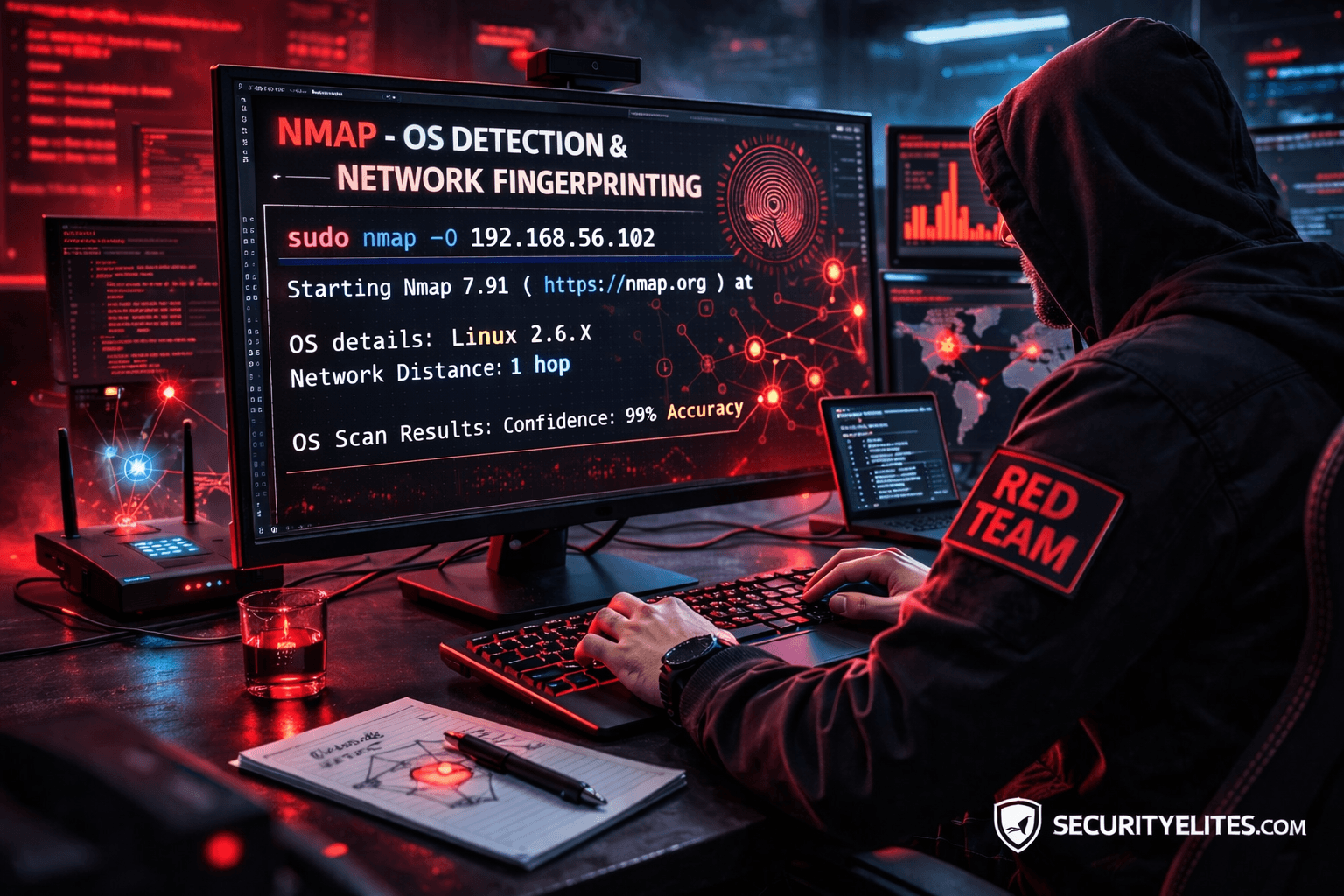
Network Scanning Tutorial Using Nmap — Day 5
OS Detection & Network Fingerprinting Like Real Red Teams
Great ! Now we enter one of the most powerful reconnaissance capabilities in cybersecurity.
Up to this point in our journey we learned:
✅ Day 1 — Nmap Foundations
✅ Day 2 — Host Discovery
✅ Day 3 — Port Scanning
✅ Day 4 — Service & Version Enumeration
Today we move into something attackers highly depend on before exploitation:
Identifying the Operating System remotely.
Because exploits are rarely universal.
They are OS-specific.
During a real Red Team engagement, a junior tester once asked me:
“Why spend time detecting operating systems when ports already show services?”
Good question.
But here’s what happened next.
He attempted Linux-based exploitation against a Windows server.
Nothing worked.
Hours wasted.
Professional attackers never guess operating systems.
They fingerprint targets first.
Because exploitation success depends heavily on:
- kernel behavior
- TCP/IP implementation
- packet response patterns
- system architecture
Today you learn how attackers identify systems without logging into them.
Note —
Enumeration tells you what runs.
OS detection tells you where it runs.
Both together create attack precision.
Why OS Detection Matters
Consider this:
| OS | Exploit Strategy |
|---|---|
| Windows Server | SMB / RDP attacks |
| Linux | SSH / Web misconfig |
| Network Devices | Firmware exploits |
| IoT Systems | Default credentials |
Wrong OS assumption destroys attack workflow.
Real Incident Story
Incident response investigation revealed attackers targeting outdated Windows Server 2012 machines.
How did they know?
Simple.
Nmap OS fingerprinting identified TCP stack signatures unique to Windows systems.
Attackers filtered targets automatically.
Defensive Insight
OS fingerprint attempts often trigger:
- IDS anomaly alerts
- packet inspection warnings
- reconnaissance detection rules
Because fingerprinting indicates advanced reconnaissance.
What is OS Fingerprinting?
Every operating system handles network packets differently.
Examples:
- TCP window size
- TTL values
- packet fragmentation
- response timing
These differences act like digital fingerprints.
Nmap compares responses against its OS database.
Analogy
Think of handwriting analysis.
Even writing same sentence…
Everyone’s style differs.
Networks behave similarly.
Beginner Mistake
Students believe banners always reveal OS.
Modern systems hide banners.
Fingerprinting bypasses this.
Note —
Fingerprinting analyzes behavior — not text responses.
Very important distinction.
Professional OS Detection Workflow
Real pentest methodology:
Step 1 — Open Port Requirement
OS detection works best with open ports.
Step 2 — Packet Probing
Multiple TCP tests executed.
Step 3 — Signature Matching
Compared against Nmap database.
Step 4 — Confidence Rating
Accuracy estimation provided.
Enterprise networks may intentionally confuse scanners using deception techniques.
Professionals validate results carefully.
✅ HANDS-ON PRACTICAL TUTORIAL (Live Lab)
Now we perform real OS fingerprinting.
Lab Environment
Continue previous setup:
✅ Kali Linux
✅ Metasploitable2
✅ Same network
Target:
192.168.56.102
Step 1 — Basic OS Detection
Goal:
Identify operating system.
Command:
sudo nmap -O 192.168.56.102
Flag Explanation
-O→ Enable OS detection- Requires root privileges
Technical Process
Nmap sends:
- TCP SYN probes
- ACK probes
- ICMP requests
- malformed packets
System responses analyzed.
Expected Output
OS details: Linux 2.6.X
Network Distance: 1 hop
Beginner View
You see OS guess.
Attacker View
Attacker now knows:
- Linux kernel family
- exploit compatibility
- privilege escalation path
Attack planning refined.
Note —
Accuracy improves when multiple ports open.
Always combine scans.
Step 2 — Aggressive Detection Mode
Professional combined scan:
sudo nmap -A 192.168.56.102
What -A Enables
✅ OS detection
✅ Version detection
✅ Script scanning
✅ Traceroute
This simulates real penetration test reconnaissance.
Enterprise Insight
-A is powerful but noisy.
SOC systems detect aggressive scans quickly.
Use carefully.
Step 3 — Improve Accuracy
If detection uncertain:
sudo nmap -O --osscan-guess 192.168.56.102
Forces educated guessing.
Useful in filtered networks.
Step 4 — Targeted OS Scan
Efficient approach:
sudo nmap -O -p 22,80 192.168.56.102
Uses confirmed open ports.
Improves fingerprint reliability.
Step 5 — Traceroute Mapping
Command:
sudo nmap --traceroute 192.168.56.102
Reveals network path.
Helps understand infrastructure layers.
During corporate assessment, traceroute revealed unexpected routing through legacy subnet.
That subnet hosted unpatched backup servers.
Fingerprinting exposed hidden attack path.
Note —
Fingerprinting reveals architecture — not just OS.
Think bigger than single machine.
Troubleshooting
OS Detection Failed?
Reasons:
- insufficient open ports
- firewall filtering
- IDS interference
Fix:
-Pn
or scan additional ports.
Incorrect OS Guess?
Virtual machines may confuse signatures.
Validate manually later.
Scan Blocked?
Reduce aggressiveness.
Attacker Thinking Simulation
At this stage attacker asks:
- Kernel exploitable?
- Windows domain member?
- Embedded device?
- Patch lifecycle status?
OS detection drives exploitation choice.
Real-World Scenario
Red Team assessment detected Windows Server fingerprint internally.
Admins claimed Linux-only environment.
Shadow IT discovered.
Major compliance issue prevented.
Professional Tools
OS fingerprint data feeds:
- Exploit selection
- Vulnerability scanners
- Threat intelligence
- Attack automation frameworks
Nmap becomes decision engine.
Beginner Mistakes 🚨
❌ Running -A everywhere
❌ Trusting 100% accuracy
❌ Ignoring filtered responses
❌ Skipping validation
❌ Over-scanning monitored networks
Pro Tips From 20 Years Experience 🔥
- Combine enumeration + OS detection.
- Validate manually.
- Expect deception.
- Document confidence level.
- Treat guesses cautiously.
Elite hackers confirm assumptions.
Defensive & Ethical Perspective
Blue Teams reduce fingerprinting via:
- packet normalization
- firewall filtering
- IDS signatures
- TCP stack randomization
Reducing fingerprint exposure strengthens security posture.
Practical Implementation Checklist
✅ OS detection executed
✅ Aggressive scan understood
✅ Fingerprint interpreted
✅ Network path analyzed
✅ Results validated
Career Insight
OS fingerprinting knowledge helps roles:
- Red Team Operator
- Threat Hunter
- Incident Responder
- Security Engineer
- Network Auditor
Many real-world investigations start with fingerprint validation.
Quick Recap
Today you mastered:
✅ OS detection
✅ TCP/IP fingerprinting
✅ Aggressive scans
✅ Traceroute mapping
✅ Attack precision logic
Tomorrow…
You unlock Nmap’s true power.
Automation begins.
FAQs
What does -O do?
Performs operating system detection using packet fingerprinting.
Is OS detection accurate?
Usually high but depends on open ports and filtering.
Why use sudo?
Raw packet crafting requires elevated privileges.
Is -A safe everywhere?
No. Highly detectable in enterprise networks.
Can firewalls block OS detection?
Yes, partially or fully.
Does virtualization affect results?
Yes, VM signatures may confuse detection.
Do defenders monitor fingerprinting?
Yes — considered advanced reconnaissance.