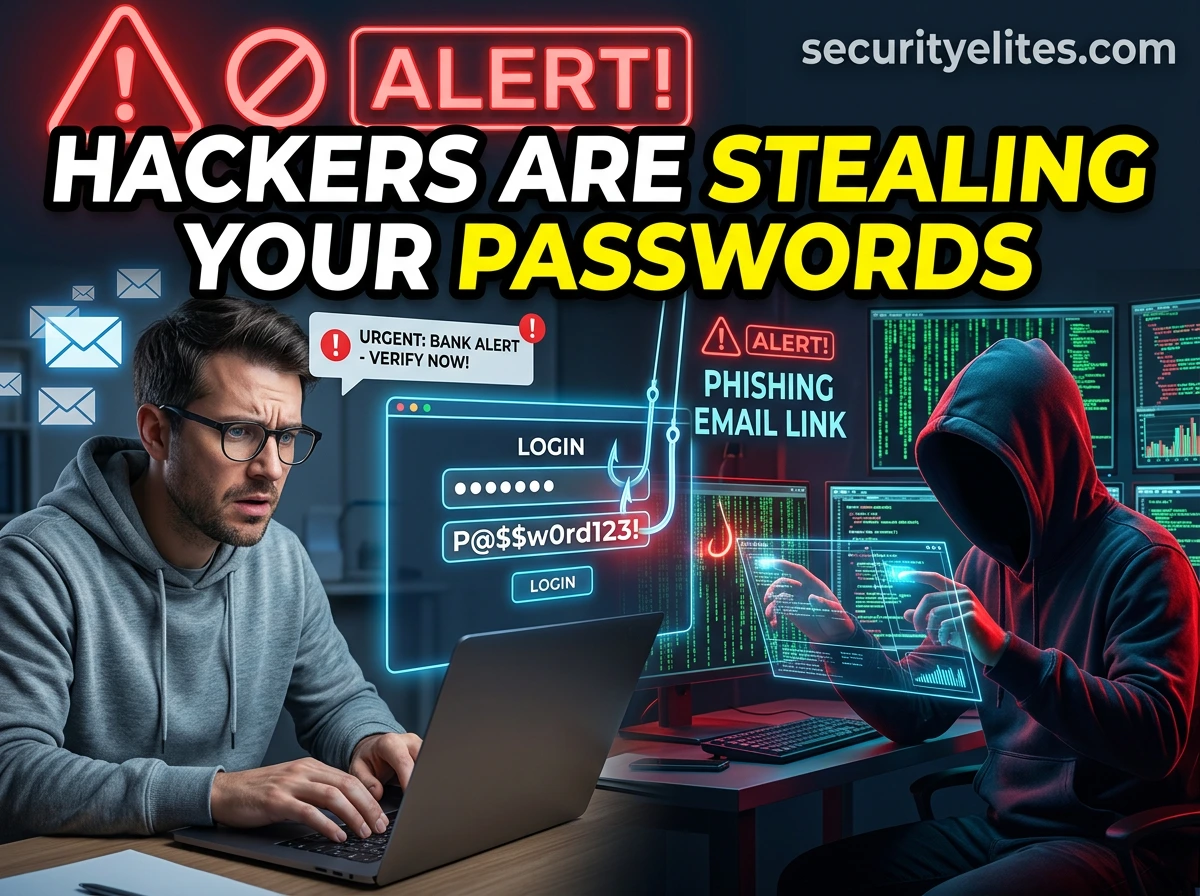
One of the most common and dangerous cyber threats today is phishing. Phishing attacks are responsible for more than 80% of cyber security breaches worldwide. Hackers use phishing techniques to steal passwords, bank details, credit card numbers, personal information, and even company secrets.
Despite being one of the oldest hacking techniques, phishing remains extremely effective because it targets human psychology instead of software vulnerabilities.
Instead of hacking computers, attackers simply trick people into giving away their information voluntarily.
In this detailed guide from Security Elites, you will learn:
- What phishing is
- How phishing attacks work
- How hackers trick people psychologically
By the end of this guide, you will be able to identify phishing attacks instantly and avoid becoming a victim.
Cyber threats such as phishing are becoming more common every year. Many cybercriminals combine phishing with other threats like malware and ransomware to compromise victims’ systems. To understand these threats better, read our detailed guide on What Is Malware and How It Infects Computers.
Table of Contents
What Is Phishing?
Phishing is a type of cyber attack where criminals impersonate legitimate organizations to trick people into revealing sensitive information like Passwords, Bank details, Credit card numbers, Social security numbers or Personal identity information.
In a phishing attack, hackers send messages that appear to come from trusted organizations such as:
- Banks
- Government agencies
- Social media platforms
- Email providers
- Online shopping websites
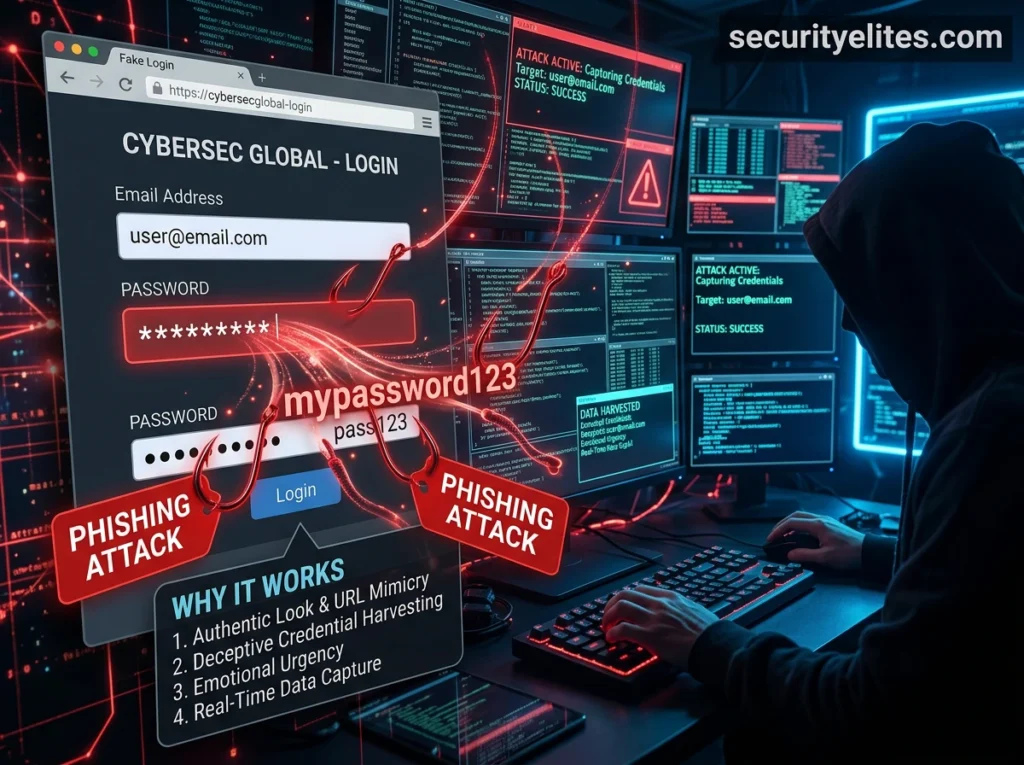
The message usually contains a link to a fake website designed to look identical to the real one. When victims enter their login credentials or personal information, the attacker immediately captures the data.
This stolen information can then be used for Identity theft, Financial fraud, Corporate espionage or simply account takeovers.
Phishing attacks are extremely effective because they rely on trust and urgency, making victims act quickly without verifying the authenticity of the message. Many large cyber attacks begin with phishing emails that deliver malicious software to victims’ devices. These attacks often involve spyware or ransomware that secretly steals data or locks important files.
Learn more in our guide on What Is Ransomware and How It Locks Your Files.
How Phishing Attacks Work
A phishing attack typically follows a simple but effective process. Here is simple step by step process hackers use for targetting victims:
Step 1: Attacker Creates a Fake Message
The hacker creates an email or message that appears legitimate. It may look like it comes from:
- PayPal
- Amazon
- Banks
- Government agencies
The message often claims that urgent action is required. For example, your account is suspended or suspicious loging detected or most common You have won 1Million$ Reward or Lottery.
Step 2: Victim Receives the Message
The victim receives the email or message and believes it is genuine. Common phishing messages examples are listed below:
- Your account has been suspended
- Your payment failed
- Verify your identity immediately
- Suspicious login detected
- You have won 1M $ Lottery or Reward etc..
Step 3: Victim Clicks the Link
The message contains a link to a fake website that looks identical to the real one.
Step 4: Victim Enters Information
The victim enters login credentials, passwords, card details or personal details depending on what kind of phishing page or fake page is created.
Step 5: Attacker Steals Data
The attacker immediately receives the information and can use it to access accounts or steal money.
Now lets see 12 ways hackers commonly use to trick people in giving away their passwords.
12 Ways Hackers Trick People Into Giving Passwords
Phishing attacks succeed because hackers are extremely skilled at manipulating human psychology. Instead of breaking complex security systems, cybercriminals often rely on deception and social engineering to convince people to reveal their passwords willingly.
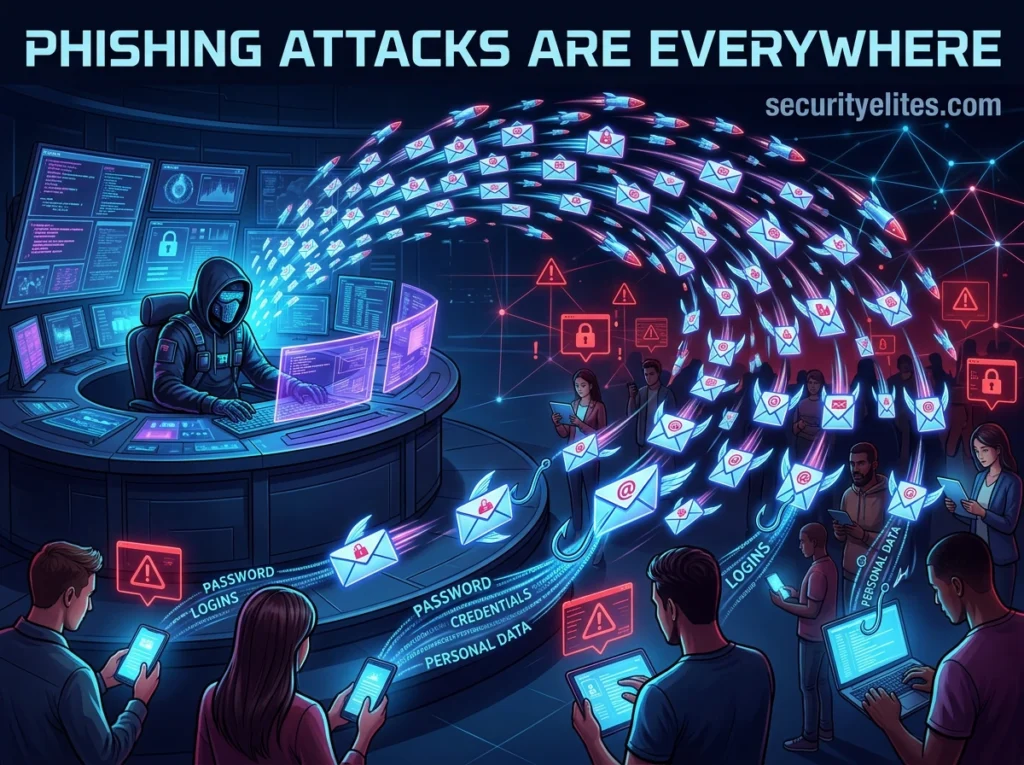
Many phishing attacks look completely legitimate. They imitate trusted companies, create urgent situations, and pressure victims to act quickly before thinking carefully.
Below are 12 of the most common phishing tricks hackers use to steal passwords and sensitive information.
1. Fake Account Security Alerts
One of the most common phishing attacks involves fake security warnings.
Hackers send emails pretending to be from companies like banks, email providers, or social media platforms. The message usually claims that suspicious activity has been detected on your account.
The email urges you to click a link to verify your identity immediately.
When victims click the link, they are taken to a fake login page designed to look identical to the real website. Once the victim enters their username and password, the attacker instantly captures the login credentials.
This phishing method works because people naturally want to protect their accounts.
2. Password Reset Scams
Another popular phishing trick involves fake password reset notifications.
Victims receive emails stating that a password reset request has been made for their account. The message may say something like:
“If you did not request this password reset, click here to secure your account immediately.”
The link leads to a fake login page where victims unknowingly enter their credentials.
Because the message appears urgent and security-related, many people respond without verifying its authenticity.
3. Fake Bank Verification Requests
Financial institutions are frequent targets for phishing attacks.
Hackers send emails pretending to be from banks and claim that customers must verify their account details to avoid suspension.
The email often includes official logos and professional formatting to appear legitimate.
Victims who click the verification link are redirected to a fake banking website where their login credentials are stolen.
4. Fake Payment Notifications
Phishing attackers frequently send fake payment alerts.
These emails claim that a transaction has been made from the victim’s account. The message may say that a large payment has been processed and provide a link to cancel the transaction.
Worried victims click the link immediately.
Instead of canceling the payment, they end up on a fake website where hackers capture their login credentials.
5. Package Delivery Scams
Online shopping has created new opportunities for hackers or attackers. Victims receive messages claiming that their package delivery failed or requires confirmation.
The message usually includes a link asking the recipient to confirm their address or pay a small delivery fee.
The link leads to a fake website that steals personal information and passwords.
6. Fake Job Offers
Job seekers are frequent victims of phishing scams. Hackers send emails offering attractive job opportunities and ask candidates to log in to a portal to submit personal information.
The login page is fake and designed to capture credentials.
In some cases, attackers also collect identity documents that can be used for identity theft.
7. Social Media Account Verification Scams
Many phishing attacks target social media users. Victims receive messages claiming that their account requires verification to remain active.
The message may appear to come from a platform’s support team.
When victims click the verification link, they are taken to a fake login page where hackers steal their account credentials.
Once attackers gain access, they can spread phishing messages to the victim’s friends and followers.
8. Free Prize or Giveaway Scams
People are naturally attracted to rewards and prizes. Hackers exploit this by sending messages claiming the recipient has won a prize or giveaway.
The message asks victims to log in to claim the reward.
Instead of receiving a prize, victims unknowingly provide their login credentials to attackers.
9. Fake Tech Support Messages
Tech support scams are another common tactic famous among ethical hackers. Attackers send messages claiming that the victim’s computer is infected with malware.
The message instructs the victim to log in to a support portal or contact a technician.
Victims who follow these instructions may unknowingly reveal passwords or grant remote access to their computers.
10. Urgent Business Email Requests
Corporate phishing attacks often involve urgent requests from executives or managers. Employees may receive emails appearing to come from their boss requesting immediate login verification or confidential information.
Because the message appears to come from a trusted authority figure, employees often respond quickly without questioning it.
These attacks are known as Business Email Compromise (BEC) scams.
11. Fake Cloud Storage Login Pages
Cloud services such as document sharing platforms are common targets. Victims receive emails claiming that someone shared a document with them.
When they click the link to access the file, they are asked to log in to view it.
The login page is fake and captures the victim’s credentials.
12. QR Code Phishing (Quishing)
A newer technique involves malicious QR codes. Instead of sending clickable links, attackers send QR codes that victims scan with their smartphones.
The QR code leads to a fake login page designed to steal credentials.
Because QR codes hide the destination URL, victims cannot easily verify where the link leads.
This technique is becoming increasingly popular among cybercriminals.
Why These Tricks Work?
These attacks succeed because they exploit human behavior rather than technical vulnerabilities.
Hackers design messages that trigger emotions such as:
- fear
- urgency
- curiosity
- trust
When people feel pressured to act quickly, they are less likely to verify whether a message is legitimate. This psychological manipulation makes it one of the most effective cyberattack methods.
Frequently Asked Questions
What is phishing in cybersecurity?
Phishing is a cyberattack where criminals pretend to be trusted organizations to trick people into revealing sensitive information such as passwords, bank details, or personal data.
What are the most common phishing attacks?
The most common attacks include email phishing, spear phishing, smishing , vishing , and fake login websites designed to steal credentials.
How do hackers send fake emails?
Hackers use automated email tools and compromised email accounts to send large volumes of phishing messages that appear to come from trusted companies.
How can you detect fake emails?
You can detect fake or phish emails by checking the sender address, looking for suspicious links, identifying urgent requests for personal information, and verifying messages directly with the organization.
What should you do if you click a fake link?
If you click a fake link, change your passwords immediately, enable two-factor authentication, run a malware scan, and monitor your accounts for suspicious activity.
Key Takeaway
Understanding these 12 phishing tricks is the first step in protecting yourself online.
If you receive unexpected messages asking you to log in, verify accounts, or confirm personal information, always take time to verify the request before responding.
Cybersecurity awareness is the strongest defense against phishing attacks.
Google Safe Browsing helps protect over five billion devices every day by showing warnings to users when they attempt to navigate to dangerous sites or download dangerous files. Safe Browsing also notifies webmasters when their websites are compromised by malicious actors and helps them diagnose and resolve the problem so that their visitors stay safer