Information Gathering Using Kali Linux – Day 7
Hidden Directory Discovery Using Dirsearch (Finding Sensitive Paths)
Now we enter the phase where reconnaissance starts revealing real vulnerabilities.
Up to now you have built intelligence like a professional:
✅ Day 1 — WHOIS → Ownership
✅ Day 2 — DNSRecon → Infrastructure
✅ Day 3 — Sublist3r → Subdomains
✅ Day 4 — Nmap → Live Hosts
✅ Day 5 — theHarvester → OSINT Intelligence
✅ Day 6 — WhatWeb → Technology Fingerprinting
You now know what exists and what runs there.
But experienced penetration testers ask one more critical question:
What is hidden from normal users?
Because organizations rarely expose sensitive areas directly.
They hide them in directories.
And today… we uncover them.
Let me tell you something from a real penetration test.
A company website looked perfectly secure.
No visible admin panel.
No login portal.
No vulnerabilities detected.
Everything appeared clean.
Junior testers stopped.
But directory enumeration revealed:
/backup/
/admin_old/
/devpanel/
Inside /backup/?
Database export files.
Customer information exposed publicly.
No exploit required.
Just discovery.
Pause here.
Most serious breaches don’t occur because systems are vulnerable…
They occur because sensitive files were never meant to be public.
Today’s lesson in Information Gathering using Kali Linux focuses on discovering hidden web content using:
✅ Dirsearch
🎯 Why Directory Discovery Matters in Cybersecurity
Web applications rarely consist of a single webpage.
Behind every website exists:
- admin panels
- APIs
- testing environments
- uploads folders
- backups
- configuration files
Developers often assume users won’t guess URLs.
But attackers don’t guess manually.
They automate discovery.
During enterprise security audits, directory enumeration frequently exposes:
- forgotten admin portals
- exposed backups
- staging applications
- sensitive scripts
Attack surface expands dramatically at this stage.
Beginners usually believe:
“If it’s not linked on the website, it’s secure.”
This assumption causes major breaches.
Web servers respond to requests — not visibility.
Hidden does NOT mean protected.
🧠 Beginner-Friendly Concept Explanation
Think of a website like a building.
Homepage = reception.
Directories = internal rooms.
Example:
example.com/admin
example.com/login
example.com/uploads
Even if reception doesn’t show these rooms…
Doors may still exist.
Dirsearch systematically checks thousands of possible paths.
It asks:
“Does this directory exist?”
And analyzes server responses.
⚙️ Professional Recon Workflow (Continuation)
Your workflow now becomes:
WHOIS
 ↓
DNS Enumeration
 ↓
Subdomain Discovery
 ↓
Host Discovery
 ↓
OSINT Intelligence
 ↓
Technology Fingerprinting
 ↓
Directory Discovery ✅
This stage transitions recon toward vulnerability discovery.
Professional testers never skip this.
🧪 Real-World Scenario
During a healthcare organization audit, strong authentication protected main systems.
No visible weaknesses.
Dirsearch discovered:
/old_portal/
Legacy patient system.
Outdated software.
Authentication bypass vulnerability.
Sensitive medical records exposed.
Security team forgot system existed.
Discovery — not exploitation — caused the finding.
🛠 Tool of the Day — Dirsearch (Kali Linux)
Dirsearch performs automated directory brute-forcing.
It uses wordlists containing common paths.
Kali installation:
sudo apt install dirsearch
Or run default version:
dirsearch
✅ Step 1 — Basic Directory Scan
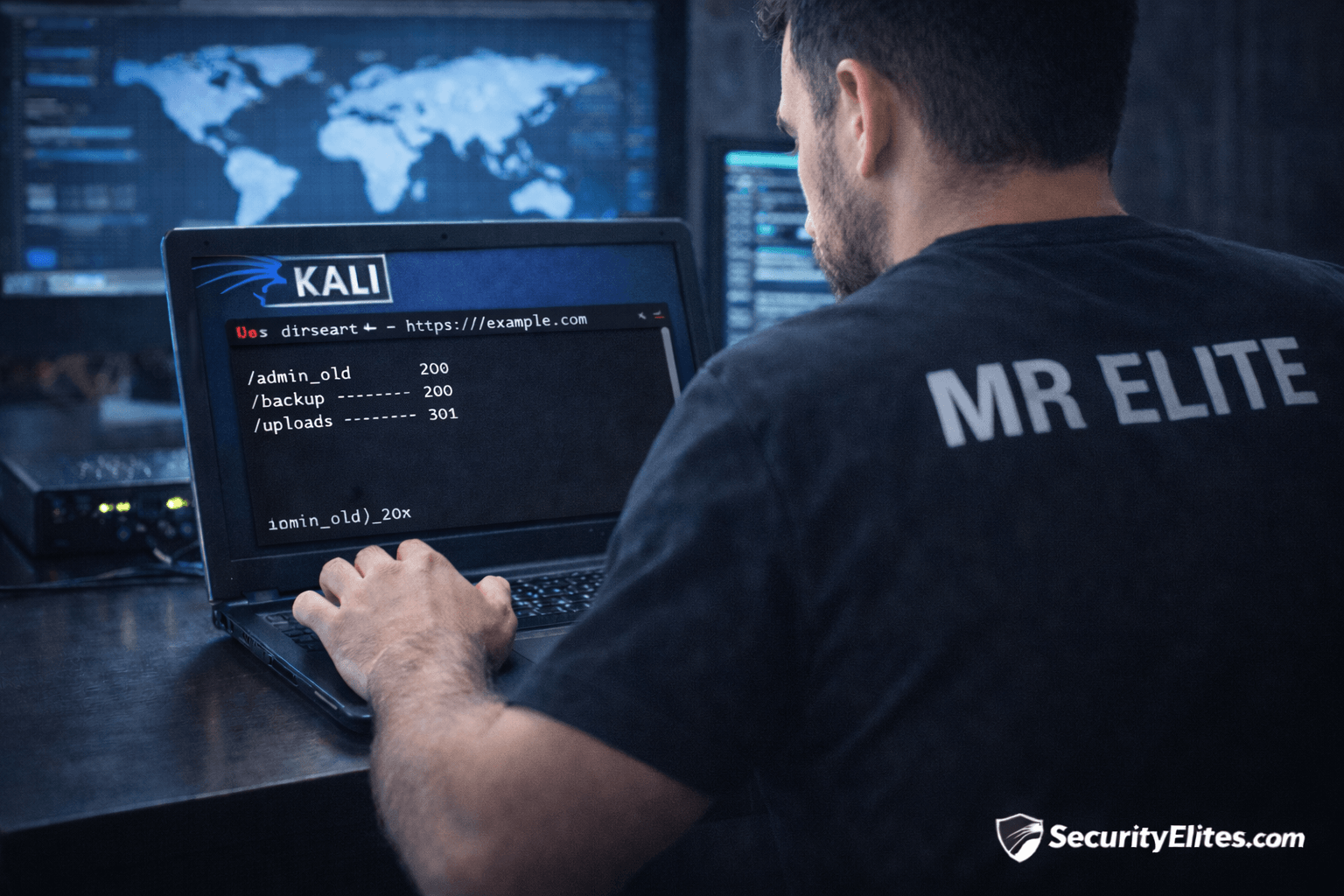
dirsearch -u https://example.com
Dirsearch tests hundreds of paths.
Output example:
/admin (200)
/backup (200)
/uploads (301)
Status codes matter.
Insight 🔎
Students focus on results.
Professionals analyze response behavior.
200 = accessible
403 = exists but restricted
301 = redirected resource
Even blocked paths provide intelligence.
✅ Step 2 — Target Specific Subdomain
Use Day 3 results:
dirsearch -u https://dev.example.com
Development environments often weaker.
✅ Step 3 — Use Custom Wordlist
dirsearch -u https://example.com -w /usr/share/wordlists/dirb/common.txt
Wordlists define discovery depth.
✅ Step 4 — Increase Threads (Speed)
dirsearch -u https://example.com -t 50
Faster enumeration.
Use responsibly.
✅ Step 5 — Save Results
dirsearch -u https://example.com -o results.txt
Documentation essential for reporting.
🚨 Beginner Mistake Alert
❌ Ignoring 403 Responses
Restricted directories still exist.
High-value targets.
❌ Scanning Only Main Domain
Always scan subdomains.
Most vulnerabilities hide there.
❌ Using Huge Wordlists Immediately
Start small → expand gradually.
Avoid detection.
🔥 Pro Tips From 20 Years Experience
Check carefully for:
backup
admin
old
test
staging
api
config
uploads
These frequently expose data.
Always combine:
Technology (Day 6) + Directories (Day 7)
Example:
WordPress + /wp-admin
Instant attack direction.
Enterprise truth:
Directory enumeration finds more issues than automated scanners.
🛡 Defensive & Ethical Perspective
Blue teams should:
✅ disable directory listing
✅ restrict sensitive folders
✅ remove backups
✅ apply authentication controls
Security failures often come from forgotten resources.
Ethical reminder:
Only scan authorized targets.
✅ Practical Implementation Checklist
Practice today:
✔ Run Dirsearch on main domain
✔ Scan subdomains
✔ Identify directories
✔ Analyze status codes
✔ Save results
✔ Build directory inventory
Your recon capability now approaches professional level.
💼 Career Insight
Directory discovery skills are vital for:
- Web Application Pentesters
- Bug Bounty Hunters
- Red Team Operators
- Vulnerability Researchers
Many bug bounty critical findings begin exactly here.
Discovery wins rewards.
🔁 Quick Recap Summary
Your progress:
| Day | Skill |
|---|---|
| Day 1 | WHOIS |
| Day 2 | DNS |
| Day 3 | Subdomains |
| Day 4 | Nmap |
| Day 5 | OSINT |
| Day 6 | Technology Detection |
| Day 7 | Hidden Directory Discovery ✅ |
You now uncover hidden application surfaces.
Tomorrow…
We expand reconnaissance across entire organizations automatically.
❓ FAQs
1. What is Dirsearch used for?
It discovers hidden directories and files on web servers.
2. Is directory brute-forcing legal?
Yes, within authorized penetration testing scope.
3. Why are hidden directories dangerous?
They often expose admin panels or backups.
4. What do status codes mean?
They indicate accessibility or existence of resources.
5. Do professionals use Dirsearch?
Yes — widely during web reconnaissance.