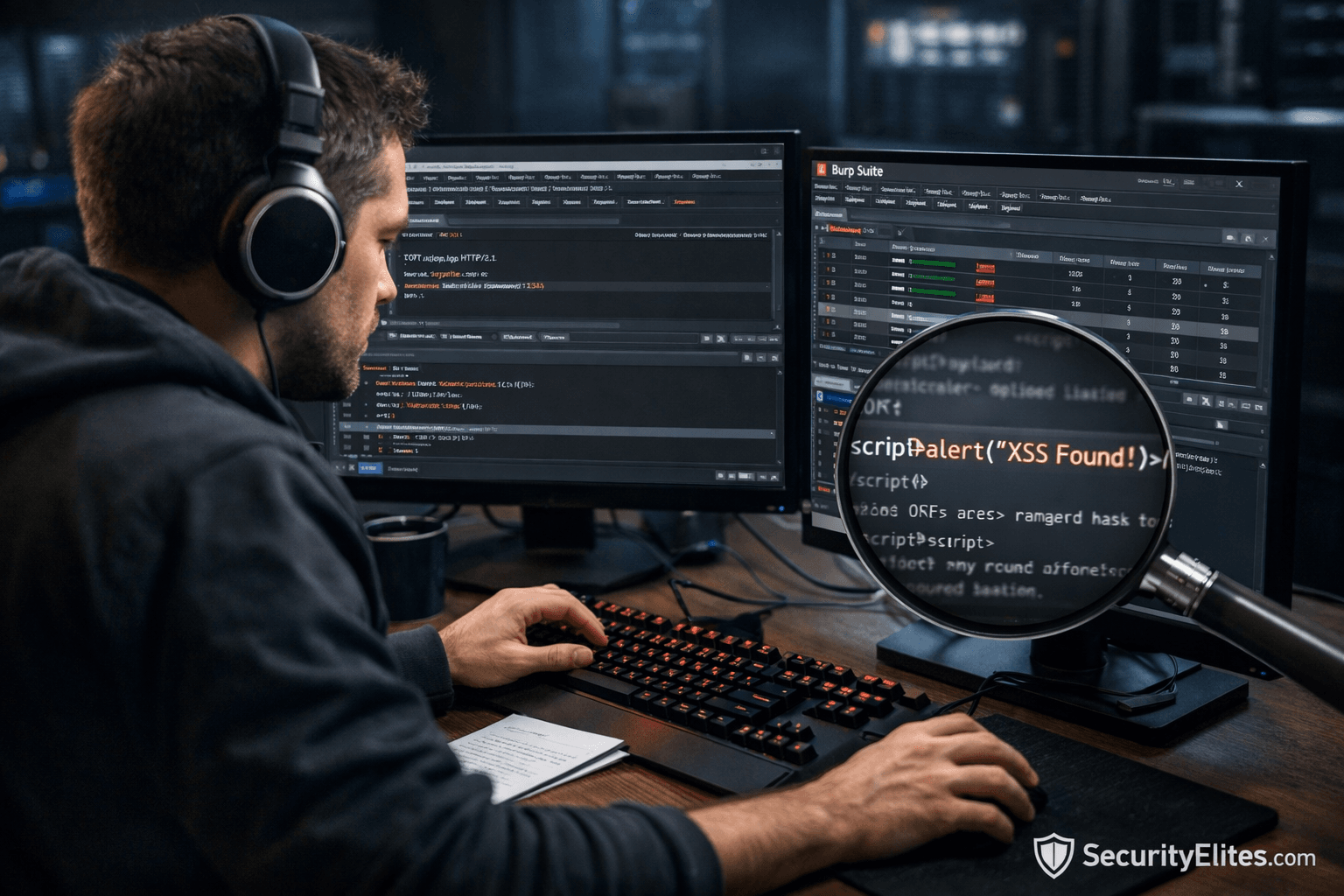
What is Burp Suite and Why Hackers Use It?
Burp Suite is a web application security testing platform used by ethical hackers and attackers to intercept, analyze, and manipulate web traffic between a browser and a target application in order to discover vulnerabilities.
It allows security professionals to observe how applications handle requests, identify weaknesses in authentication, session management, input validation, and business logic, and simulate real-world attacks such as SQL Injection, Cross-Site Scripting (XSS), and authentication bypass.
From an attacker’s perspective, Burp Suite transforms a normal browser into a controlled attack interface. Instead of blindly interacting with websites, testers gain visibility into the attack surface, enabling reconnaissance, enumeration, payload execution, and vulnerability validation.
In enterprise penetration testing, Burp Suite often becomes the primary weapon during web exploitation phases, bridging manual analysis with automated discovery.
Understanding Burp Suite in Real Attacks
Modern cyber attacks rarely start with malware.
They start with web applications.
Banking portals, SaaS dashboards, admin panels, APIs, e-commerce systems — all expose functionality through HTTP/HTTPS communication. Every button click generates requests traveling between browser and server.
Burp Suite sits directly in this communication channel.
Technically, Burp Suite works as an intercepting proxy.
Instead of:
Browser → Website Server
Traffic becomes:
Browser → Burp Proxy → Target Server
This architectural shift changes everything.
Attackers now gain the ability to:
- View hidden parameters
- Modify requests before execution
- Replay authenticated sessions
- Inject malicious payloads
- Analyze server responses
- Map application logic
This process directly supports attacker phases such as:
- Reconnaissance
- Enumeration
- Attack surface mapping
- Payload execution
- Privilege escalation attempts
- Persistence testing
A beginner mistake is assuming hacking tools automatically find vulnerabilities.
Professionals know:
Burp Suite does not hack applications — it exposes trust boundaries developers assumed were safe.
Why Attackers Prefer Burp Suite ?
During real penetration tests, attackers evaluate tools based on control.
Burp provides:
✅ Manual precision
✅ Automation support
✅ Traffic visibility
✅ Stateful testing
✅ Repeatable exploitation
Automation scanners miss logic flaws.
Burp enables human reasoning.
And most enterprise breaches originate from logic weaknesses — not automated findings.
Note —
Think of Burp Suite as X-ray vision for web applications. You are not breaking systems randomly. You are observing how trust flows between user and server.
How Professionals Use Burp Suite ?
Experienced attackers follow structured methodology.
Beginners click tools randomly.
This difference determines success.
Phase 1 — Reconnaissance
Attackers first observe application behavior.
Questions asked:
- How authentication works?
- Where user input exists?
- Which APIs respond dynamically?
- What endpoints expose data?
Burp Proxy records every interaction automatically.
This builds a live attack surface map.
Phase 2 — Enumeration
After mapping traffic, attackers identify controllable inputs:
- Login fields
- Search parameters
- Cookies
- Headers
- API JSON values
Enumeration reveals where user-controlled data reaches backend systems.
At this stage, attackers evaluate:
Can I influence backend logic?
Phase 3 — Manipulation
Here professional testers begin modifying requests.
Examples:
- Changing user IDs
- Removing authentication tokens
- Editing prices
- Altering roles
- Injecting payloads
Many enterprise breaches occur here.
Servers often trust client-side validation.
Attackers remove it instantly.
Phase 4 — Payload Execution
Using Burp tools like:
- Repeater
- Intruder
- Decoder
Attackers test vulnerabilities repeatedly until confirmed.
Professional logic:
Never trust first success. Verify consistency.
Phase 5 — Post-Exploitation Thinking
If access changes occur, attackers evaluate:
- Privilege escalation
- Lateral movement possibilities
- Sensitive data exposure
- Session persistence
Burp becomes investigation infrastructure rather than attack software.
Note —
Real hackers spend more time observing responses than sending attacks. Response analysis reveals vulnerabilities faster than brute forcing.
Hands-On Practical Tutorial — Burp Suite Beginner Lab
⚠️ This section simulates real penetration testing workflow.
Step 1 — Lab Environment Setup
Required Components
Install:
- Kali Linux (recommended)
- Burp Suite Community Edition
- Firefox Browser
Burp Suite comes preinstalled in Kali Linux.
Launch using:
burpsuite
Select:
Temporary Project → Use Burp Defaults
You now enter the Burp dashboard.
Understanding Interface Layout
Key tabs:
- Proxy
- Target
- Repeater
- Intruder
- HTTP History
Beginners feel overwhelmed here.
Professionals start only with Proxy.
Note —
Ignore advanced tools initially. Master traffic interception first. Every elite tester began here.
Step 2 — Configuring Browser Proxy
Burp listens on:
127.0.0.1:8080
Configure Firefox:
Settings → Network → Manual Proxy
HTTP Proxy:
127.0.0.1
Port: 8080
Enable proxy for HTTPS.
Now all browser traffic flows through Burp.
Step 3 — Installing Burp Certificate (Critical Step)
Without certificate installation:
HTTPS sites break.
Visit:
http://burp
Download CA Certificate.
Import into Firefox:
Settings → Privacy → Certificates → Import
Trust for websites.
Now HTTPS interception works.
Common Beginner Failure
If websites stop loading:
✅ Proxy misconfigured
✅ Certificate missing
✅ Intercept still ON unintentionally
Step 4 — Intercepting Traffic
Navigate to:
Proxy → Intercept → ON
Visit any website.
Request pauses inside Burp.
Example intercepted request:
POST /login HTTP/1.1
Host: example.com
username=admin&password=test
You are now controlling application communication.
Attacker Decision Moment
At this stage, attackers ask:
- Is authentication client-controlled?
- Can parameters change?
- Does server validate input?
Modify password:
password=admin123
Click Forward.
Request executes with modification.
Note —
You did not hack anything yet. You simply proved users control requests — a foundational exploitation principle.
Step 5 — Mapping Attack Surface (Target Tab)
Go to:
Target → Site Map
Burp automatically builds structure:
/login
/dashboard
/api/user
/admin
Hidden endpoints appear naturally during browsing.
Professionals spend significant time here.
Why?
Because discovery beats exploitation.
Unseen endpoints often contain weakest security.
Step 6 — Using Repeater (Most Important Tool)
Right-click request:
Send to Repeater
Open Repeater tab.
Now requests can be modified repeatedly.
Example test:
Change:
user_id=102
to
user_id=103
Send request.
If response returns another user’s data → IDOR vulnerability.
This is one of the most common enterprise breaches.
How Professionals think ?
Attackers evaluate:
- Does authorization exist?
- Is access checked server-side?
- Are IDs predictable?
Beginners test once.
Professionals test patterns.
Note —
Repeater is where real hacking happens. Intruder automates later — understanding comes first.
Step 7 — Intruder (Controlled Automation)
Send request to Intruder.
Define payload position:
username=§admin§
Payload list:
admin
administrator
root
test
guest
Start attack.
Burp sends multiple requests automatically.
Analyze:
- Status codes
- Response length
- Timing differences
Login bypasses often appear here.
Attacker Observation Logic
Different response size usually means:
✅ Different backend behavior
✅ Potential authentication success
Never rely only on success messages.
Step 8 — Testing Input Vulnerabilities
Modify search input:
search=test'
Server error?
Possible SQL Injection.
Test:
' OR 1=1--
Observe response changes.
Professionals confirm logically before escalation.
Enterprise Reality Example
Real breach investigations show:
Developers validate UI inputs but trust backend parameters.
Burp bypasses UI completely.
Note —
If developers cannot see your browser interface, their validation cannot protect them.
Step 9 — Session & Cookie Analysis
Check headers:
Cookie: session=akd9329as
Modify or remove cookie.
Questions attackers ask:
- Session invalidates?
- Access continues?
- Privilege retained?
Weak session handling enables account takeover.
Step 10 — Troubleshooting Beginner Issues
Website Not Loading
Intercept ON accidentally.
Turn OFF.
HTTPS Errors
Certificate missing.
No Requests Appearing
Proxy misconfigured.
Intruder Slow
Community Edition limitation.
Manual analysis still preferred initially.
Note —
Speed never replaces understanding. Elite testers manually validate before automation.
How Enterprises Detect Burp Usage ?
Defenders monitor behavioral indicators.
Burp testing generates patterns:
- Repeated parameter modification
- Abnormal request frequency
- Enumeration attempts
- Unexpected payload signatures
SOC teams use:
- Web Application Firewalls (WAF)
- Behavioral analytics
- Threat intelligence feeds
- Rate anomaly detection
Indicators include:
✅ Sequential ID access
✅ Injection patterns
✅ Header tampering
✅ Session replay attempts
However, skilled attackers slow testing intentionally.
Detection becomes difficult when activity resembles normal users.
Note —
Defense fails when monitoring focuses only on signatures instead of behavior.
What Happens in Real Penetration Tests ?
In enterprise environments, Burp Suite becomes central during:
- External penetration tests
- Red Team operations
- Bug bounty programs
- Secure code validation
Reality check:
Most critical vulnerabilities are discovered manually.
Automation reports noise.
Human testers discover impact.
Typical enterprise findings:
- Broken access control
- Business logic abuse
- API authorization failures
- Session weaknesses
Organizations often deploy expensive defenses yet overlook simple request manipulation flaws.
Burp reveals these assumptions quickly.
Note —
Security maturity increases when organizations understand attacker workflow — not just vulnerability lists.
Frequently Asked Questions (FAQs)
1. Is Burp Suite legal to use for beginners?
Yes, Burp Suite is completely legal when used on systems you own or have explicit permission to test. Ethical hackers operate under defined authorization scopes. Unauthorized testing may violate cybersecurity laws regardless of intent. Beginners should practice using vulnerable labs like DVWA or WebGoat before testing real environments.
2. Why do hackers prefer Burp Suite over automated scanners?
Automated scanners detect known vulnerabilities but fail against logic flaws. Burp Suite enables manual analysis where attackers understand workflows, authentication logic, and backend trust relationships. Real-world breaches frequently involve authorization weaknesses that automation cannot interpret correctly.
3. Can beginners learn ethical hacking using only Burp Suite?
Burp Suite forms the foundation of web application testing, but attackers also require networking, HTTP protocol knowledge, authentication mechanisms, and scripting understanding. Mastering Burp significantly accelerates learning because it exposes how real applications communicate internally.
4. What vulnerabilities can be found using Burp Suite?
Common discoveries include SQL Injection, Cross-Site Scripting (XSS), IDOR, authentication bypass, session fixation, insecure APIs, privilege escalation paths, and sensitive data exposure. Burp assists in both discovery and validation phases during penetration testing engagements.
5. Do enterprises detect Burp Suite attacks easily?
Basic testing may trigger alerts, but skilled professionals adjust speed, payload patterns, and request timing to resemble legitimate users. Detection depends on behavioral monitoring maturity rather than signature-based defenses alone.
6. Is Burp Suite required for bug bounty hunting?
Practically yes. Most successful bug bounty researchers rely heavily on Burp Suite because it allows deep manual testing of APIs and workflows. Nearly every top researcher integrates Burp into reconnaissance and exploitation phases.