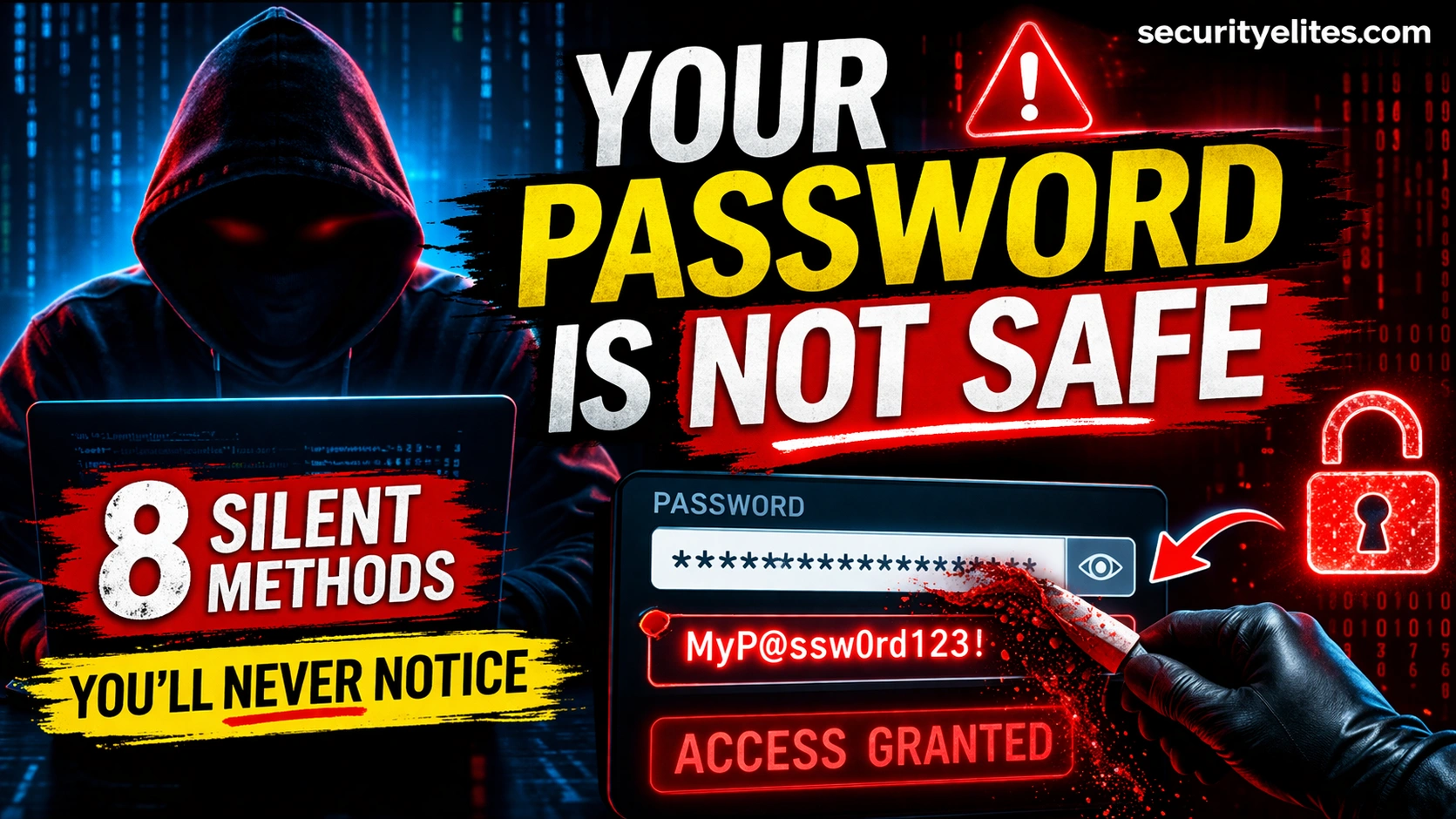
Your passwords are being targeted right now by methods you cannot see, feel, or detect. The most dangerous password attacks in 2026 are completely silent — no error messages, no strange behaviour, no warning signs. How hackers steal passwords has evolved dramatically with AI and automation. This guide exposes all 8 methods and, crucially, the exact defence that blocks each one.
- Phishing — The Most Prolific Password Theft Method
- Credential Stuffing — Your Reused Password Is Already Stolen
- Keyloggers — Recording Every Keystroke Silently
- Man-in-the-Middle Attacks — Intercepting in Transit
- Password Spraying — Low and Slow Account Takeover
- Brute Force Attacks — Cracking Weak Passwords at Speed
- Database Breaches — When the Company Loses Your Password
- Shoulder Surfing & Social Engineering
- The Complete Password Defence System
Method 1: Phishing — The Most Prolific Password Theft Method
Phishing remains the dominant vector for how hackers steal passwords in 2026. You receive a convincing email, SMS, or social media message directing you to a fake login page that looks identical to the real service. You enter your credentials. The fake page captures them, logs you into the real service to avoid suspicion, and forwards you there seamlessly. You never know it happened.
Real-time phishing proxies like Evilginx2 make this more dangerous: instead of just copying a login page, they proxy the real site — capturing your username, password, and 2FA code simultaneously. Your login succeeds. Your session is live. The attacker has your credentials and your authenticated session cookie all at once.
Hardware security keys (FIDO2/WebAuthn) are cryptographically bound to the real domain — they physically cannot authenticate on a phishing domain. Enable one on your email and banking accounts. Additionally: never click login links in emails, always navigate directly to the real domain.
Method 2: Credential Stuffing — Your Reused Password Is Already Stolen
Over 15 billion username/password combinations from breached websites circulate on dark web markets in 2026. Attackers load these into automated tools that test them against Gmail, banking apps, Amazon, Netflix, and hundreds of other services simultaneously. If you reuse passwords — which 65%+ of people do — your accounts on untested services are vulnerable the moment any single site you use is breached.
Credential stuffing is entirely automated and completely silent. There is no phishing email, no unusual login prompt, nothing that draws attention. The attack runs in the background at massive scale — millions of login attempts per hour. Your account is simply tested until it either succeeds or exhausts the known credential combinations.
One unique password per account, generated and stored in a password manager (Bitwarden is free, excellent). Check your email at SecurityElites Email Breach Checker now. Enable 2FA on all critical accounts — even a breached password cannot log in without the second factor.
Method 3: Keyloggers — Recording Every Keystroke Silently
A keylogger records every key you press on your device and sends the data to the attacker. This captures passwords exactly as you type them — before encryption, before submission, before any security measure can intervene. It defeats strong passwords, unique passwords, and everything except passwordless authentication. Modern keyloggers operate with zero visible footprint: no windows, no process visible in Task Manager, no performance degradation.
In 2026, keyloggers are most commonly delivered as part of infostealer malware bundles — malicious software that simultaneously captures keystrokes, screenshots, saved browser passwords, session cookies, and cryptocurrency wallet files. A single infostealer infection in 2026 can hand an attacker your complete digital life in under 60 seconds.
Keep OS and browser updated — most keyloggers exploit unpatched vulnerabilities. Never install cracked software or click email attachments from unknown senders. Use a reputable antivirus with real-time protection. Hardware security keys defeat keyloggers entirely — a keylogged password is useless without the physical key.
Method 4: Man-in-the-Middle Attacks — Intercepting in Transit
Man-in-the-middle (MITM) attacks position the attacker between you and the service you’re connecting to, intercepting and potentially modifying traffic. On public WiFi, attackers create evil twin access points — fake WiFi networks with names like “Starbucks_Free” that proxy your traffic. Modern HTTPS prevents direct password interception on properly configured sites, but MITM attacks remain effective through SSL stripping (downgrading your connection to HTTP), DNS hijacking (redirecting you to phishing clones), and session cookie theft.
Use a VPN on all public WiFi — encrypts your traffic end-to-end preventing interception. Only use HTTPS sites (check the padlock). Enable HTTPS-Only mode in your browser (available in Firefox and Chrome). Avoid logging into sensitive accounts on public networks where possible.
Method 5: Password Spraying — Low and Slow Account Takeover
Password spraying is the inverse of brute force. Instead of trying thousands of passwords against one account (triggering lockout), an attacker tries one or two very common passwords — “Password1!”, “Welcome1”, “Summer2026” — against thousands of accounts simultaneously. No single account triggers lockout. The attack blends into normal login traffic and bypasses most account lockout policies.
Password spraying is especially effective against corporate Microsoft 365 and Azure AD environments, where password policies are often set to “complex” but not “unique” — resulting in patterns like “CompanyName2026!” that attackers include in their spray lists. It was the vector behind several major corporate breaches in 2024 and 2025.
Avoid any password that could appear on a top-1000 common password list — even with substitutions like “@” for “a” or “3” for “e”. Use genuinely random passwords (16+ characters from a password manager). Enable multi-factor authentication — a sprayed password cannot log in without the second factor.
Method 6: Brute Force — Cracking Weak Passwords at Speed
Brute force systematically tries every possible password combination until the correct one is found. Against online login pages with rate limiting, this is slow. But when an attacker has a stolen password hash from a database breach, they crack it offline — running billions of guesses per second using GPU-powered tools like Hashcat. An 8-character password using common words and substitutions can be cracked in under an hour. A 12-character random password from a password manager would take millions of years.
Use passwords of 16+ random characters generated by a password manager — or long passphrases of 4+ random words. Length and randomness are the only two variables that matter for crack resistance. “Correct-horse-battery-staple” is stronger than “P@ssw0rd123!” despite being easier to remember.
Method 7: Database Breaches — When the Company Loses Your Password
When a company’s database is breached, your password is exposed regardless of how strong it is. This is the attack you have the least control over — you did everything right and still got compromised because the service stored your password insecurely (plaintext or with weak hashing like MD5). In 2025 alone, major breaches exposed hundreds of millions of credentials. Every year, new breach data enters circulation on dark web markets within hours of the breach occurring.
Use unique passwords everywhere — a breach at one site cannot cascade to others. Monitor breach exposure at SecurityElites Email Breach Checker. Change passwords immediately when you appear in a breach notification. Enable 2FA — a breached password cannot log in without the second factor.
Method 8: Shoulder Surfing & Social Engineering
The oldest attack in the book remains effective in 2026. Shoulder surfing — watching someone type their password in a café, airport, or office — is low-tech but devastatingly simple. Social engineering extracts passwords through manipulation: pretending to be IT support, creating false pretexts (“we need your login to fix the issue”), or exploiting trust relationships in corporate environments.
Use a privacy screen filter on laptops in public. Be aware of your surroundings when entering passwords. Legitimate IT support never needs your password — they have admin access. Establish verification protocols before providing any credentials over phone or chat.
The Complete Password Defence System
to steal passwords — and every defence.
Check if you’ve been breached. Set up your password manager. Enable 2FA. Those three steps today close more of your attack surface than anything else you could do.
Frequently Asked Questions
SecurityElites — Password Breach Checker — check if your specific password has been exposed
SecurityElites — Password Cracking Explained — how attackers crack hashed passwords from breach databases
Bitwarden — free, open-source password manager — generate and store unique passwords everywhere →
Have I Been Pwned — check if your email and passwords appear in known data breaches →
I test password security for organisations regularly. The consistent finding: most breaches I see are not sophisticated. They are credential stuffing with reused passwords, phishing that worked because no hardware key was in place, or keyloggers on unpatched machines. The attacks are simple. The defences are equally simple. A password manager and a YubiKey close the majority of what I find in the field. Implement both today.