Let me start with something most tutorials won’t tell you.
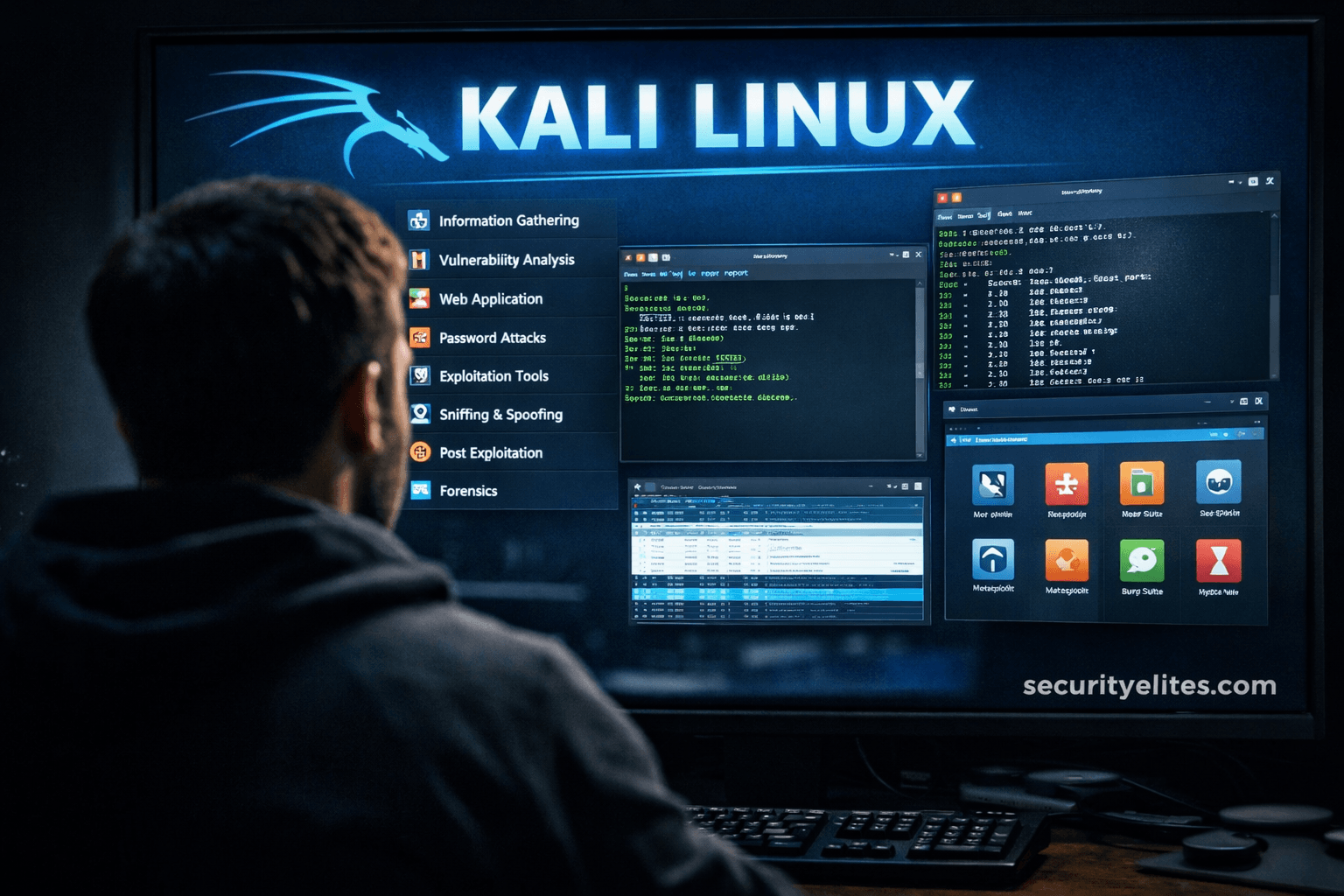
When beginners open Kali Linux for the first time and see 600+ security tools, excitement quickly turns into confusion.
I’ve watched this happen repeatedly during corporate trainings.
Someone asks:
“Sir… which tool should I actually learn first?”
And honestly — that’s the right question.
Because professional penetration testers don’t use hundreds of tools.
In real assessments, we repeatedly rely on a small, practical toolkit.
This guide on Top 20 Kali Tools Explained Practically is exactly how I teach junior analysts entering real-world cybersecurity roles — not YouTube-style hacking, but structured security testing.
Let’s walk through them the way they’re actually used in the field.
🧠 Understanding Kali Tools Before Using Them
Now here’s where most beginners get confused…
They think tools perform hacking automatically.
They don’t.
Every Kali tool fits into a testing phase:
- Reconnaissance
- Scanning
- Enumeration
- Exploitation
- Post-Exploitation
- Analysis & Reporting
Think of it like medical diagnosis.
You don’t perform surgery before examination.
Same logic applies here.
🔎 Phase 1 — Information Gathering Tools
These tools answer one question:
👉 What exists on the target?
1. Nmap — Network Mapper
If Kali Linux had a heartbeat, it would be Nmap.
In real assessments, Nmap runs before anything else.
Practical Use
- Discover live hosts
- Detect open ports
- Identify services
- OS fingerprinting
Example workflow:
- Scan network
- Identify web server
- Detect outdated service
Boom — attack path begins.
Real Scenario
During an enterprise audit, a forgotten development server appeared only through Nmap scanning. That machine later exposed admin credentials.
Simple scan. Massive impact.
2. theHarvester
Used for OSINT gathering.
It collects:
- Emails
- Domains
- Subdomains
- Public infrastructure data
Attackers love exposed email structures.
Defenders should too — visibility equals prevention.
3. Maltego
Visual intelligence mapping tool.
Let me simplify:
It connects relationships between people, domains, IPs, and organizations.
Think detective investigation board with strings connecting clues.
🚨 Beginner Mistake Alert
Many beginners skip reconnaissance.
Big mistake.
80% of successful penetration tests succeed because of information exposure, not exploitation.
🌐 Phase 2 — Scanning & Enumeration Tools
Now we move deeper.
4. Netdiscover
Identifies active devices inside local networks.
Useful during internal assessments where documentation is missing.
In real companies?
Network diagrams are often outdated.
5. Nikto
Web server vulnerability scanner.
Detects:
- Dangerous files
- Misconfigurations
- Outdated software
Quick and noisy — but excellent starting point.
6. Gobuster
Directory brute-forcing tool.
Finds hidden:
- Admin panels
- Backup files
- APIs
Real story?
We once discovered /backup_old/ directory exposing database dumps.
Developers forgot to delete it.
7. Enum4linux
Used in Windows network enumeration.
Extracts:
- Users
- Shares
- Policies
Extremely valuable in Active Directory environments.
💥 Phase 3 — Exploitation Tools
This is where beginners rush.
Slow down.
Exploitation without understanding causes failures.
8. Metasploit Framework
The most famous Kali tool.
But professionals use it carefully.
Practical Workflow
- Import vulnerability
- Select exploit
- Configure payload
- Validate access safely
Metasploit is less about hacking — more about controlled validation.
9. SQLmap
Automates SQL Injection testing.
Used when applications improperly validate input.
Example:
Login form → injectable parameter → database access.
Many real breaches still originate here.
10. Searchsploit
Offline exploit database.
Professionals love this.
Why?
Because during restricted assessments internet access may not exist.
🔥 Pro Tip from Field Experience
Always verify vulnerabilities manually before exploitation.
Automated exploitation without confirmation creates false positives.
🔑 Phase 4 — Password & Authentication Testing
Authentication remains weakest security layer globally.
11. Hydra
Online password testing tool.
Supports:
- SSH
- FTP
- HTTP
- RDP
Used to validate password policies.
12. John the Ripper
Offline password cracking.
Used after hash extraction.
Corporate audits regularly reveal weak password reuse.
13. Hashcat
GPU-powered password recovery.
Extremely fast.
In incident response, Hashcat helps determine password exposure risks.
🧪 Real Scenario Story
During breach investigation, recovered password hashes were cracked within minutes.
Reason?
Employees used company name + year.
Predictable passwords defeat expensive security tools.
📡 Phase 5 — Wireless Security Tools
Wireless networks remain underestimated attack surfaces.
14. Aircrack-ng
Wireless auditing suite.
Used for:
- Packet capture
- Handshake analysis
- Encryption testing
Helps validate Wi-Fi security strength.
15. Wifite
Automated wireless testing framework.
Great learning tool — but understand underlying process first.
Automation without understanding builds bad habits.
🕵️ Phase 6 — Traffic Analysis & Monitoring
Understanding network traffic changes everything.
16. Wireshark
One of the most powerful analysis tools ever created.
Captures network packets.
Shows:
- Credentials
- Sessions
- Protocol behavior
Many beginners underestimate Wireshark.
Professionals never do.
17. tcpdump
Terminal-based packet capture.
Used on servers without GUI access.
Essential during incident response.
🧬 Phase 7 — Web Application Testing
Modern attacks target applications more than networks.
18. Burp Suite
Industry standard web testing platform.
Used daily by:
- Bug bounty hunters
- Red teams
- App security testers
Allows interception and modification of HTTP requests.
Most web vulnerabilities surface here.
19. OWASP ZAP
Beginner-friendly web scanner.
Excellent for learning vulnerability concepts safely.
🧠 Phase 8 — Post Exploitation & Control
20. Netcat (The Hacker’s Swiss Army Knife)
Simple yet incredibly powerful.
Capabilities:
- Banner grabbing
- Reverse shells
- Port listening
- Data transfer
Many advanced attacks still rely on Netcat basics.
✅ Professional Kali Workflow Checklist
✔ Recon first
✔ Scan carefully
✔ Enumerate deeply
✔ Exploit responsibly
✔ Maintain evidence
✔ Report clearly
🚨 Common Mistakes Seen in the Field
- Running aggressive scans in production
- Blindly trusting automated tools
- Ignoring logs
- Skipping documentation
- Learning tools instead of concepts
I’ve rejected candidates who knew tool names but couldn’t explain results.
Understanding beats memorization.
🔥 Pro Tip from 20 Years of Experience
The best penetration testers think like defenders.
Ask yourself constantly:
- Why did this vulnerability exist?
- How could it be prevented?
- What monitoring failed?
That mindset builds elite professionals.
🛡️ Ethical & Defensive Considerations
Kali tools are legal.
Unauthorized usage is not.
Always practice on:
- Personal labs
- Training platforms
- Authorized environments
Remember:
Ethical hacking = improving security posture.
⚡ Quick Actionable Takeaways
- Master Nmap first
- Learn networking deeply
- Practice web testing
- Understand authentication attacks
- Document findings professionally
📌 Quick Recap Summary
The Top 20 Kali Tools Explained Practically represent real-world cybersecurity workflows.
You don’t need hundreds of tools.
You need understanding of:
- Reconnaissance
- Enumeration
- Exploitation validation
- Analysis
- Defense thinking
Kali Linux becomes powerful only when methodology guides usage.
❓ FAQs
Which Kali tool should beginners learn first?
Nmap and Burp Suite.
Are automated tools enough?
No. Manual validation is essential.
Do professionals use GUI tools?
Yes — but heavily combined with terminal workflows.
Can Kali tools detect all vulnerabilities?
No tool replaces human analysis.
How long to master Kali tools?
Typically 6–12 months of consistent practice.