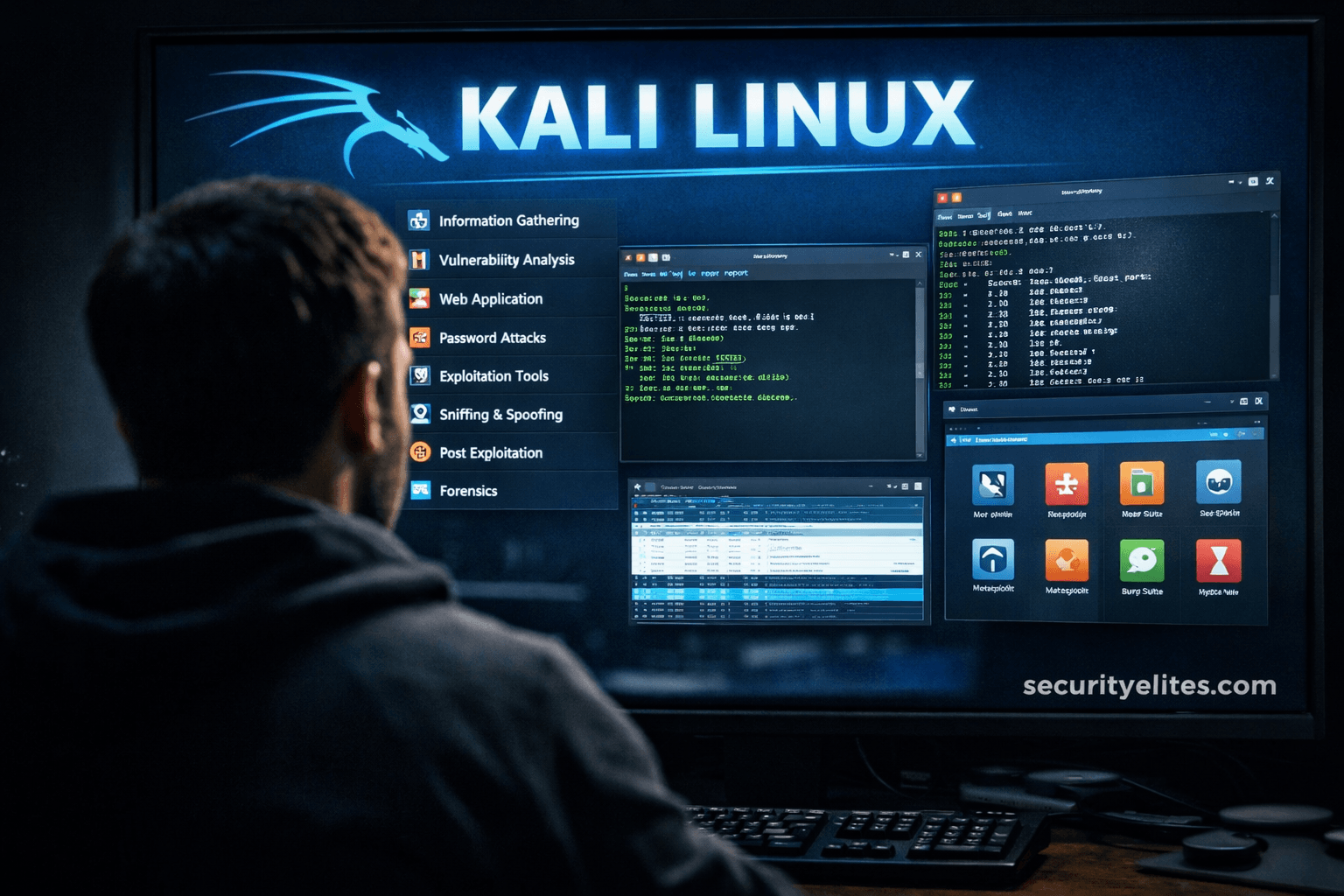
This article presents a structured guide to twenty essential Kali Linux tools organized by their role in the penetration testing methodology: reconnaissance, scanning, enumeration, exploitation, password testing, wireless security, traffic analysis, web application testing, and post-exploitation. The author argues that professional penetration testers succeed not by mastering hundreds of tools but by deeply understanding a focused toolkit applied systematically across defined testing phases. The article addresses the common beginner confusion of tool proliferation by demonstrating how real-world ethical hackers apply these tools methodically, emphasizing that 80% of successful penetration tests succeed due to information exposure during reconnaissance rather than sophisticated exploitation
- Testing phases structure methodologyThe article organizes all tools within eight defined phases: information gathering, scanning and enumeration, exploitation, password and authentication testing, wireless security, traffic analysis, web application testing, and post-exploitation. This framework parallels medical diagnosis, where examination precedes intervention. The author stresses that skipping reconnaissance—a mistake beginner penetration testers frequently make—undermines success, as 80% of successful assessments depend on information exposure rather than exploitation sophistication.
- Reconnaissance tools discover target landscapeNmap serves as the foundational tool, performing host discovery, open port detection, service identification, and OS fingerprinting. Complementary tools include theHarvester for collecting emails, domains, and subdomains from public sources; Maltego for visually mapping relationships between entities; and Netdiscover for identifying active local network devices. The article includes a real scenario where a forgotten development server discovered only through Nmap scanning later exposed admin credentials, demonstrating how reconnaissance uncovers critical attack paths.
- Scanning tools expose vulnerabilities systematicallyNikto scans web servers for dangerous files, misconfigurations, and outdated software through quick but noisy scanning. Gobuster performs directory brute-forcing to find hidden admin panels, backup files, and APIs—with the author describing a real case where a /backup_old/ directory exposed database dumps developers forgot to delete. Enum4linux extracts users, shares, and policies from Windows environments, proving valuable in Active Directory assessments where network documentation is often outdated.
- Exploitation requires validation, not automationThe article emphasizes that Metasploit Framework functions as controlled validation rather than automatic hacking—requiring manual vulnerability verification before exploitation to avoid false positives. SQLmap automates SQL injection testing against applications with improper input validation, while Searchsploit provides an offline exploit database crucial during restricted assessments without internet access. The author stresses that automation without understanding creates unreliable results and that professionals manually verify vulnerabilities before proceeding.
- Authentication layer remains universally weakestThree tools target password security: Hydra tests online passwords across SSH, FTP, HTTP, and RDP to validate password policies; John the Ripper cracks offline password hashes extracted from systems; and Hashcat uses GPU acceleration for extremely fast password recovery. The article includes a breach investigation case where recovered password hashes cracked within minutes because employees predictably used company name plus year combinations, demonstrating how weak password practices defeat expensive security infrastructure.
- Traffic capture reveals plaintext and sessionsWireshark captures and analyzes network packets to reveal credentials, sessions, and protocol behavior, described as one of the most powerful analysis tools ever created yet underestimated by many beginners. tcpdump provides terminal-based packet capture essential for servers without GUI access and during incident response operations. Both tools expose vulnerabilities professionals exploit but defenders often overlook when monitoring.
- Web application testing targets modern threatsBurp Suite functions as the industry standard platform for web application testing, used daily by bug bounty hunters, red teams, and application security testers for intercepting and modifying HTTP requests. OWASP ZAP provides a beginner-friendly alternative for learning vulnerability concepts safely. The article notes that modern attacks increasingly target applications rather than networks, making web application testing a primary focus area.
- Professional methodology prioritizes understanding over toolsThe article's core argument asserts that understanding beats memorization and that the best penetration testers think defensively—constantly questioning why vulnerabilities existed, how they could be prevented, and what monitoring failed. The author states rejection of candidates who knew tool names but couldn't explain results. The professional workflow checklist emphasizes reconnaissance first, careful scanning, deep enumeration, responsible exploitation, evidence maintenance, and clear reporting, positioning methodology as more critical than tool familiarity.
Bottom line: Professional penetration testers succeed through structured methodology applied across focused toolkits rather than mastering hundreds of tools or relying on automation without validation. Ethical hackers should master reconnaissance and web testing foundations, practice deep network understanding, validate all findings manually, and maintain a defensive mindset that prevents vulnerabilities rather than merely discovering them.
Let me start with something most tutorials won’t tell you.
When beginners open Kali Linux for the first time and see 600+ security tools, excitement quickly turns into confusion.
I’ve watched this happen repeatedly during corporate trainings.
Someone asks:
“Sir… which tool should I actually learn first?”
And honestly — that’s the right question.
Because professional penetration testers don’t use hundreds of tools.
In real assessments, we repeatedly rely on a small, practical toolkit.
This guide on Top 20 Kali Tools Explained Practically is exactly how I teach junior analysts entering real-world cybersecurity roles — not YouTube-style hacking, but structured security testing.
Let’s walk through them the way they’re actually used in the field.
🧠 Understanding Kali Tools Before Using Them
Now here’s where most beginners get confused…
They think tools perform hacking automatically.
They don’t.
Every Kali tool fits into a testing phase:
- Reconnaissance
- Scanning
- Enumeration
- Exploitation
- Post-Exploitation
- Analysis & Reporting
Think of it like medical diagnosis.
You don’t perform surgery before examination.
Same logic applies here.
🔎 Phase 1 — Information Gathering Tools
These tools answer one question:
👉 What exists on the target?
1. Nmap — Network Mapper
If Kali Linux had a heartbeat, it would be Nmap.
In real assessments, Nmap runs before anything else.
Practical Use
- Discover live hosts
- Detect open ports
- Identify services
- OS fingerprinting
Example workflow:
- Scan network
- Identify web server
- Detect outdated service
Boom — attack path begins.
Real Scenario
During an enterprise audit, a forgotten development server appeared only through Nmap scanning. That machine later exposed admin credentials.
Simple scan. Massive impact.
2. theHarvester
Used for OSINT gathering.
It collects:
- Emails
- Domains
- Subdomains
- Public infrastructure data
Attackers love exposed email structures.
Defenders should too — visibility equals prevention.
3. Maltego
Visual intelligence mapping tool.
Let me simplify:
It connects relationships between people, domains, IPs, and organizations.
Think detective investigation board with strings connecting clues.
🚨 Beginner Mistake Alert
Many beginners skip reconnaissance.
Big mistake.
80% of successful penetration tests succeed because of information exposure, not exploitation.
🌐 Phase 2 — Scanning & Enumeration Tools
Now we move deeper.
4. Netdiscover
Identifies active devices inside local networks.
Useful during internal assessments where documentation is missing.
In real companies?
Network diagrams are often outdated.
5. Nikto
Web server vulnerability scanner.
Detects:
- Dangerous files
- Misconfigurations
- Outdated software
Quick and noisy — but excellent starting point.
6. Gobuster
Directory brute-forcing tool.
Finds hidden:
- Admin panels
- Backup files
- APIs
Real story?
We once discovered /backup_old/ directory exposing database dumps.
Developers forgot to delete it.
7. Enum4linux
Used in Windows network enumeration.
Extracts:
- Users
- Shares
- Policies
Extremely valuable in Active Directory environments.
💥 Phase 3 — Exploitation Tools
This is where beginners rush.
Slow down.
Exploitation without understanding causes failures.
8. Metasploit Framework
The most famous Kali tool.
But professionals use it carefully.
Practical Workflow
- Import vulnerability
- Select exploit
- Configure payload
- Validate access safely
Metasploit is less about hacking — more about controlled validation.
9. SQLmap
Automates SQL Injection testing.
Used when applications improperly validate input.
Example:
Login form → injectable parameter → database access.
Many real breaches still originate here.
10. Searchsploit
Offline exploit database.
Professionals love this.
Why?
Because during restricted assessments internet access may not exist.
🔥 Pro Tip from Field Experience
Always verify vulnerabilities manually before exploitation.
Automated exploitation without confirmation creates false positives.
🔑 Phase 4 — Password & Authentication Testing
Authentication remains weakest security layer globally.
11. Hydra
Online password testing tool.
Supports:
- SSH
- FTP
- HTTP
- RDP
Used to validate password policies.
12. John the Ripper
Offline password cracking.
Used after hash extraction.
Corporate audits regularly reveal weak password reuse.
13. Hashcat
GPU-powered password recovery.
Extremely fast.
In incident response, Hashcat helps determine password exposure risks.
🧪 Real Scenario Story
During breach investigation, recovered password hashes were cracked within minutes.
Reason?
Employees used company name + year.
Predictable passwords defeat expensive security tools.
📡 Phase 5 — Wireless Security Tools
Wireless networks remain underestimated attack surfaces.
14. Aircrack-ng
Wireless auditing suite.
Used for:
- Packet capture
- Handshake analysis
- Encryption testing
Helps validate Wi-Fi security strength.
15. Wifite
Automated wireless testing framework.
Great learning tool — but understand underlying process first.
Automation without understanding builds bad habits.
🕵️ Phase 6 — Traffic Analysis & Monitoring
Understanding network traffic changes everything.
16. Wireshark
One of the most powerful analysis tools ever created.
Captures network packets.
Shows:
- Credentials
- Sessions
- Protocol behavior
Many beginners underestimate Wireshark.
Professionals never do.
17. tcpdump
Terminal-based packet capture.
Used on servers without GUI access.
Essential during incident response.
🧬 Phase 7 — Web Application Testing
Modern attacks target applications more than networks.
18. Burp Suite
Industry standard web testing platform.
Used daily by:
- Bug bounty hunters
- Red teams
- App security testers
Allows interception and modification of HTTP requests.
Most web vulnerabilities surface here.
19. OWASP ZAP
Beginner-friendly web scanner.
Excellent for learning vulnerability concepts safely.
🧠 Phase 8 — Post Exploitation & Control
20. Netcat (The Hacker’s Swiss Army Knife)
Simple yet incredibly powerful.
Capabilities:
- Banner grabbing
- Reverse shells
- Port listening
- Data transfer
Many advanced attacks still rely on Netcat basics.
✅ Professional Kali Workflow Checklist
✔ Recon first
✔ Scan carefully
✔ Enumerate deeply
✔ Exploit responsibly
✔ Maintain evidence
✔ Report clearly
🚨 Common Mistakes Seen in the Field
- Running aggressive scans in production
- Blindly trusting automated tools
- Ignoring logs
- Skipping documentation
- Learning tools instead of concepts
I’ve rejected candidates who knew tool names but couldn’t explain results.
Understanding beats memorization.
🔥 Pro Tip from 20 Years of Experience
The best penetration testers think like defenders.
Ask yourself constantly:
- Why did this vulnerability exist?
- How could it be prevented?
- What monitoring failed?
That mindset builds elite professionals.
🛡️ Ethical & Defensive Considerations
Kali tools are legal.
Unauthorized usage is not.
Always practice on:
- Personal labs
- Training platforms
- Authorized environments
Remember:
Ethical hacking = improving security posture.
⚡ Quick Actionable Takeaways
- Master Nmap first
- Learn networking deeply
- Practice web testing
- Understand authentication attacks
- Document findings professionally
📌 Quick Recap Summary
The Top 20 Kali Tools Explained Practically represent real-world cybersecurity workflows.
You don’t need hundreds of tools.
You need understanding of:
- Reconnaissance
- Enumeration
- Exploitation validation
- Analysis
- Defense thinking
Kali Linux becomes powerful only when methodology guides usage.
❓ FAQs
Which Kali tool should beginners learn first?
Nmap and Burp Suite.
Are automated tools enough?
No. Manual validation is essential.
Do professionals use GUI tools?
Yes — but heavily combined with terminal workflows.
Can Kali tools detect all vulnerabilities?
No tool replaces human analysis.
How long to master Kali tools?
Typically 6–12 months of consistent practice.
