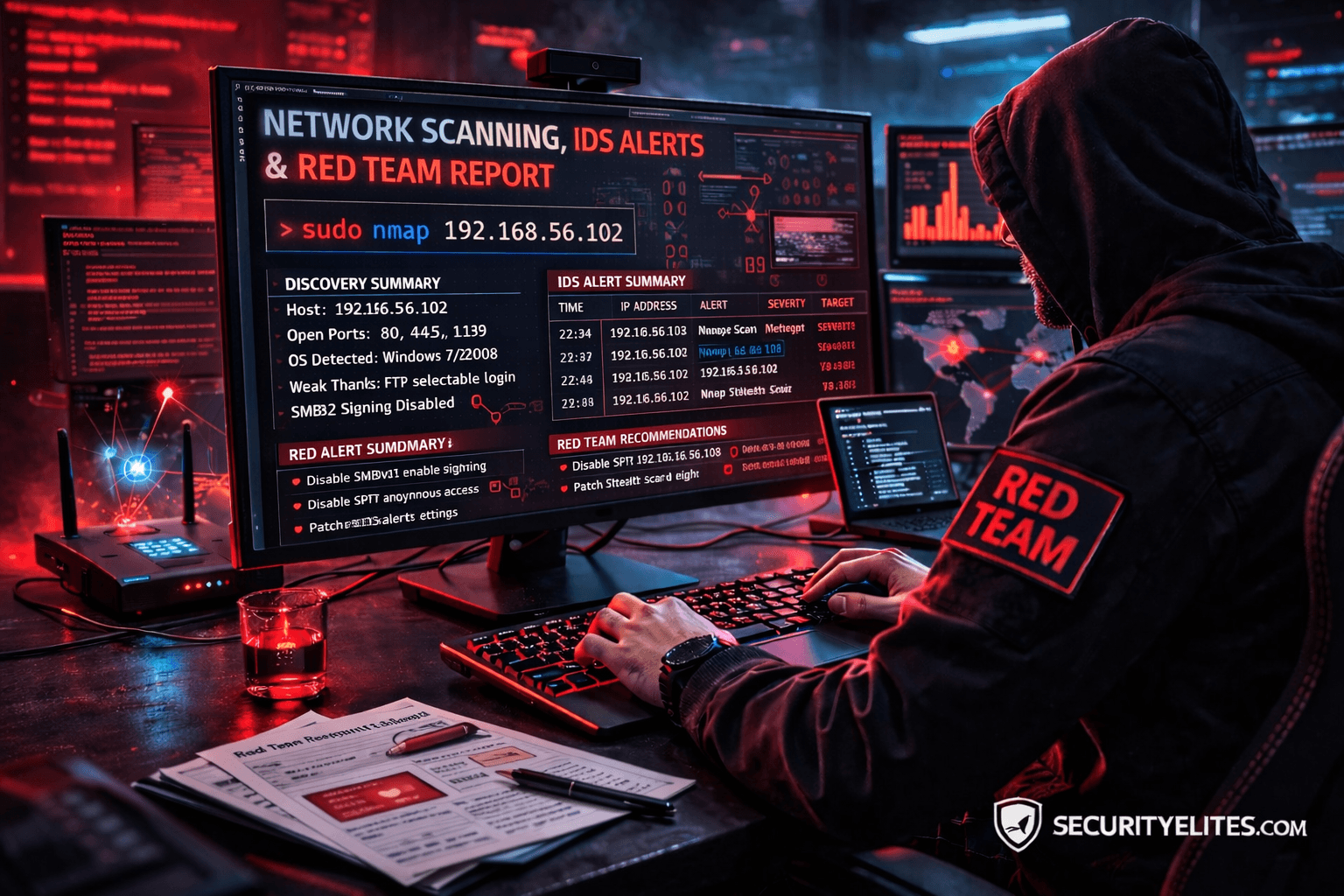
Network Scanning Tutorial Using Nmap — Day 7
Stealth Scanning & Detection Evasion Like Professional Red Teams
Excellent. You’ve now reached the final stage of this professional journey.
Up to this point, you have learned exactly how real penetration testers operate:
✅ Day 1 — Nmap Foundations
✅ Day 2 — Host Discovery
✅ Day 3 — Port Scanning
✅ Day 4 — Service Enumeration
✅ Day 5 — OS Fingerprinting
✅ Day 6 — NSE Vulnerability Discovery
Today…
We move into the phase that separates:
Tool Users
from
Real Red Team Operators
Let me tell you something most tutorials never explain.
In enterprise environments…
Scanning is rarely blocked because of what you scan.
It’s blocked because of how you scan.
During a Red Team engagement against a monitored financial organization, a junior tester launched a normal Nmap scan.
Within 90 seconds:
✅ SOC alert triggered
✅ Incident response activated
✅ Engagement visibility lost
Same tools.
Wrong technique.
Professional attackers succeed because they understand detection systems.
Today you learn how scanning interacts with:
- IDS
- IPS
- Firewalls
- SIEM platforms
- Behavioral analytics
Note —
Real hacking is not speed.
It is invisibility.
Why Stealth Scanning Matters
Modern networks deploy:
- Intrusion Detection Systems (IDS)
- Endpoint Detection & Response (EDR)
- Network monitoring
- Traffic anomaly analysis
Aggressive scans appear as reconnaissance instantly.
Stealth scanning attempts to:
✅ reduce logging
✅ slow detection
✅ blend with normal traffic
Real Incident Insight
SOC dashboards commonly detect:
- sequential port scans
- SYN flood patterns
- rapid probing behavior
Red Teams modify scanning behavior to avoid pattern recognition.
What Makes a Scan Detectable?
Detection occurs when scanners show:
- predictable timing
- large packet bursts
- sequential port access
- abnormal protocol usage
Think of security guards noticing someone checking every door quickly.
Stealth means behaving normally.
Note —
Stealth does NOT mean invisible.
It means less suspicious.
Professional Stealth Scanning Workflow
Real Red Team methodology:
Phase 1 — Slow Reconnaissance
Avoid thresholds.
Phase 2 — Packet Manipulation
Modify signatures.
Phase 3 — Traffic Obfuscation
Blend with legitimate traffic.
Phase 4 — Distributed Scanning
Reduce source visibility.
Enterprise defenses analyze patterns — not single packets.
✅ HANDS-ON PRACTICAL TUTORIAL (Live Lab)
This simulates controlled Red Team techniques.
⚠️ Use ONLY authorized lab environments.
Lab Setup
Continue environment:
✅ Kali Linux
✅ Metasploitable2
Target:
192.168.56.102
Step 1 — Slow Timing Scan
Goal:
Avoid detection thresholds.
Command:
nmap -T1 192.168.56.102
Timing Levels
| Option | Speed |
|---|---|
| T0 | Paranoid |
| T1 | Sneaky |
| T2 | Polite |
| T3 | Normal |
| T4 | Aggressive |
| T5 | Insane |
Attacker Thinking
Slower scans resemble legitimate traffic.
SOC correlation becomes harder.
Note —
Fast scans impress beginners.
Slow scans succeed professionally.
Step 2 — Fragment Packet Scan
Command:
sudo nmap -f 192.168.56.102
Technical Behavior
Packets split into fragments.
Some firewalls struggle reassembling traffic.
Reduces signature matching.
Enterprise Reality
Modern IPS often reassemble fragments successfully.
Technique still useful in legacy environments.
Step 3 — Decoy Scan (Source Obfuscation)
Command:
sudo nmap -D RND:5 192.168.56.102
What Happens?
Multiple fake source IPs generated.
Target cannot easily identify real scanner.
During assessment, decoy scanning delayed SOC attribution long enough to complete reconnaissance phase.
Attribution matters in Red Team operations.
Note —
Obfuscation ≠ anonymity.
Logs still exist.
Step 4 — Randomize Scan Order
Command:
nmap --randomize-hosts targetIP
Prevents predictable patterns.
Detection engines rely heavily on sequence analysis.
Step 5 — Source Port Manipulation
Command:
sudo nmap --source-port 53 targetIP
Traffic appears DNS-related.
Some firewalls trust specific ports.
Step 6 — Disable DNS Resolution
Command:
nmap -n targetIP
Prevents unnecessary queries.
Reduces visibility footprint.
Step 7 — Combine Stealth Techniques
Professional Red Team example:
sudo nmap -sS -T1 -f -n -D RND:5 targetIP
Controlled stealth reconnaissance.
Note —
Never combine techniques blindly.
Understand impact first.
Troubleshooting
Scan Extremely Slow?
Expected behavior.
Stealth trades speed for survivability.
Target Blocks Scan?
IPS actively filtering.
Adjust timing or ports.
No Results Returned?
Over-evasion may reduce reliability.
Balance stealth vs accuracy.
Attacker Thinking Simulation
At this stage attacker evaluates:
- detection thresholds
- monitoring maturity
- response time
- logging capability
Scanning becomes psychological warfare against defenders.
Real-World Scenario
Red Team engagement bypassed detection by running scans over 48 hours using T0 timing.
SOC never correlated activity.
Patience defeated monitoring.
Professional Tools
Advanced operators combine Nmap with:
- proxychains
- VPN pivoting
- TOR routing
- jump hosts
- internal pivots
Stealth becomes operational strategy.
Beginner Mistakes 🚨
❌ Using aggressive timing everywhere
❌ Believing stealth equals invisible
❌ Running full scans immediately
❌ Ignoring SOC monitoring
❌ Overusing evasion flags
Pro Tips From 20 Years Experience 🔥
- Scan slowly in enterprise networks.
- Observe defensive reactions.
- Adjust dynamically.
- Blend into traffic patterns.
- Think like defender.
Elite hackers understand detection systems deeply.
Defensive & Ethical Perspective
Blue Teams counter stealth scans using:
- behavioral analytics
- anomaly detection
- machine learning monitoring
- traffic baselining
Defense evolves constantly.
Understanding offense strengthens defense.
Practical Implementation Checklist
✅ Timing control used
✅ Packet fragmentation tested
✅ Decoy scanning understood
✅ Source manipulation applied
✅ Detection awareness gained
Career Insight
Mastering stealth scanning prepares you for:
- Red Team Operator
- Advanced Pentester
- Threat Hunter
- SOC Engineer
- Adversary Simulation Specialist
Few professionals truly understand detection evasion.
You now do.
Quick Recap — Complete Course Journey
You mastered:
✅ Network Discovery
✅ Port Scanning
✅ Enumeration
✅ OS Detection
✅ NSE Automation
✅ Stealth & Evasion
You now understand the complete reconnaissance lifecycle used in real engagements.
FAQs
Is stealth scanning undetectable?
No. It reduces probability of detection.
Why use slow timing?
Avoid IDS threshold triggers.
Are decoy scans anonymous?
No — attribution still possible.
Do enterprises detect fragmentation?
Modern systems usually can.
Should beginners always use stealth?
Only when understanding impact.
Is evasion legal?
Only in authorized testing environments.
Do Red Teams rely heavily on stealth?
Yes — especially in mature organizations.