What You’ll Learn
⏱️ 10 min read
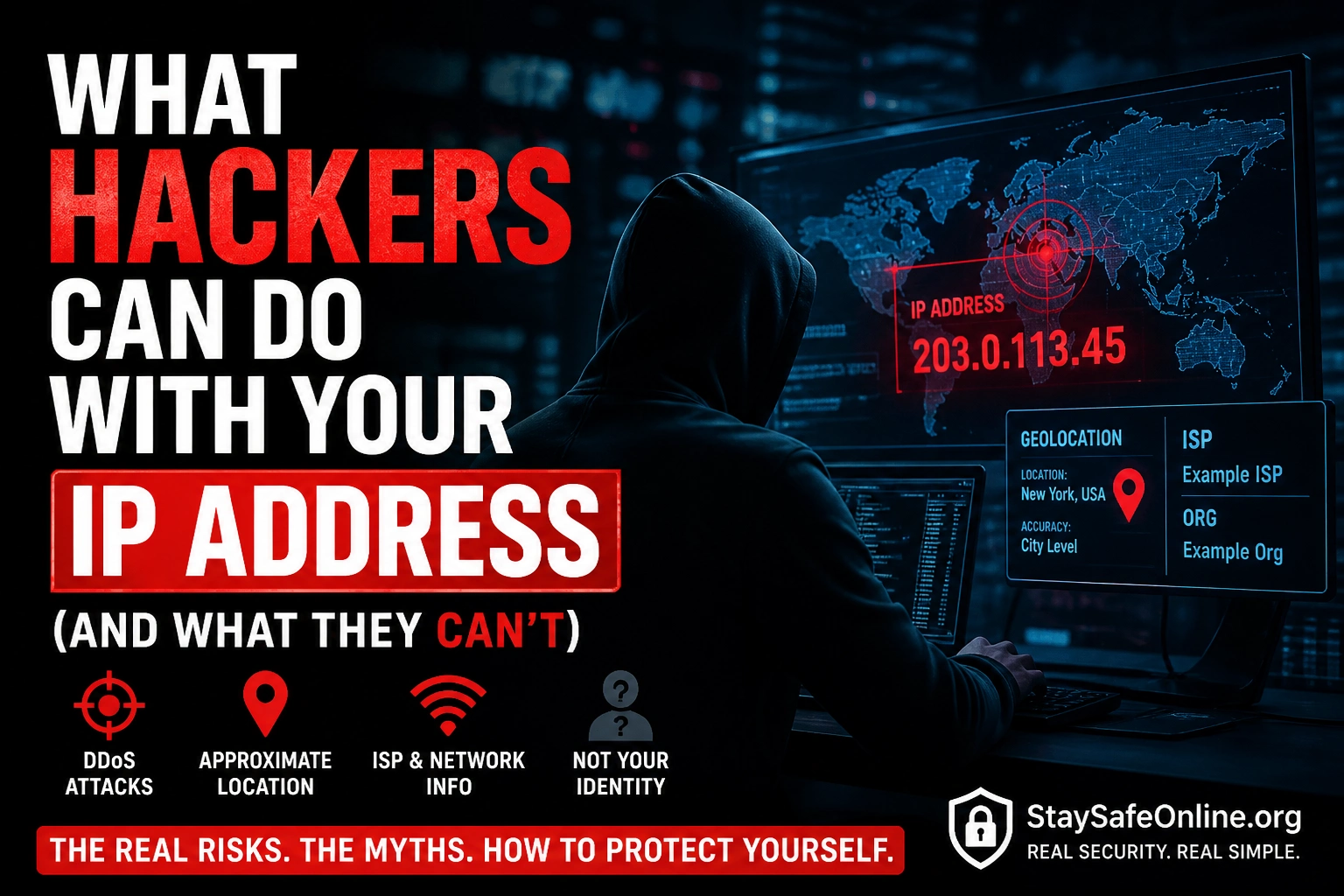
What Hackers Can Do With Your IP Address
If you want to check what your current IP address is and what it reveals publicly, use the IP Address Lookup Tool — it shows exactly what anyone can see about your IP. To check if your email or password has appeared in a breach, use the Email Breach Checker.
What Your IP Address Actually Is
Your IP address is the number assigned to your internet connection by your ISP — every device that connects to the internet has one. Understanding what this number reveals, and what it does not, is genuinely useful security knowledge. Think of it like the return address on a letter — it tells websites where to send the data back to. You have a public IP (visible to the internet, assigned by your ISP) and a private IP (only visible inside your home network, assigned by your router). When people say “they have my IP address,” they mean your public IP — the one visible to any website you visit.
What They CAN Do — The Real Risks
Here’s the honest list of what is genuinely possible with just your IP address. Most of these require specific circumstances or target the wrong person for basic home users — but they’re real and worth understanding.
What They CANNOT Do — The Myths
The YouTube “IP grabber” scare content has created a lot of myths about what’s possible with an IP address. These are the things people commonly believe are possible that genuinely are not — at least not from an IP address alone. Understanding the distinction matters because worrying about the wrong threat stops you from protecting against the real ones.
How Hackers Get Your IP Address
Understanding how IPs get captured helps you avoid the situations where it actually matters. Your IP is visible to every website you visit — that’s unavoidable and normal. The specific scenarios where someone might try to capture your IP maliciously are more targeted.
How to Protect Yourself
Whether your concern is the real risks (DDoS, port scanning) or just general privacy, here’s what actually works. My recommendation for most people is simple: a VPN costs less than £5 a month and eliminates the two main real risks (DDoS and port exposure) simultaneously. If you’re not a gamer or streamer being specifically targeted, updating your router firmware and checking for open ports is sufficient.
Quick Summary — IP Address Security
Your IP Address — Now You Know the Real Picture
The risk is much lower than YouTube scare content suggests — but the DDoS and open port risks are real for specific users. A VPN solves both. Check what’s exposed on your own IP using the IP Address Lookup Tool and Port Scanner Tool right now.
Quick Check
Frequently Asked Questions
Can someone find my home address from my IP address?
Can someone hack my computer with my IP address?
What can someone actually do with my IP address?
How do I hide my IP address?
How do IP grabber links work?
Does my IP address change?
IP Address Lookup Tool — Check Your Own IP
How to Tell If Your Phone Is Hacked (10 Warning Signs)
Further Reading
- IP Address Lookup Tool — Check exactly what information is publicly visible about your own IP address right now. Shows ISP, approximate location, and organisation data — the same information anyone who has your IP can see.
- Port Scanner Tool — Check which ports are open and visible on your IP address. If you have no port forwarding rules set up, nothing should be showing. Any unexpected open ports are worth investigating.
- Email Breach Checker — Check if your email address has appeared in data breaches. Unlike IP-based risks, credential theft from breaches is a much more common and serious threat for most people.
- Google Dorking — What Hackers Can Find About You Publicly — What determined attackers can find about anyone using public search techniques — far more than just an IP address.
- Subnet.today — Interactive Subnetting Practice Tool
- IANA — IPv4 Address Space Registry
