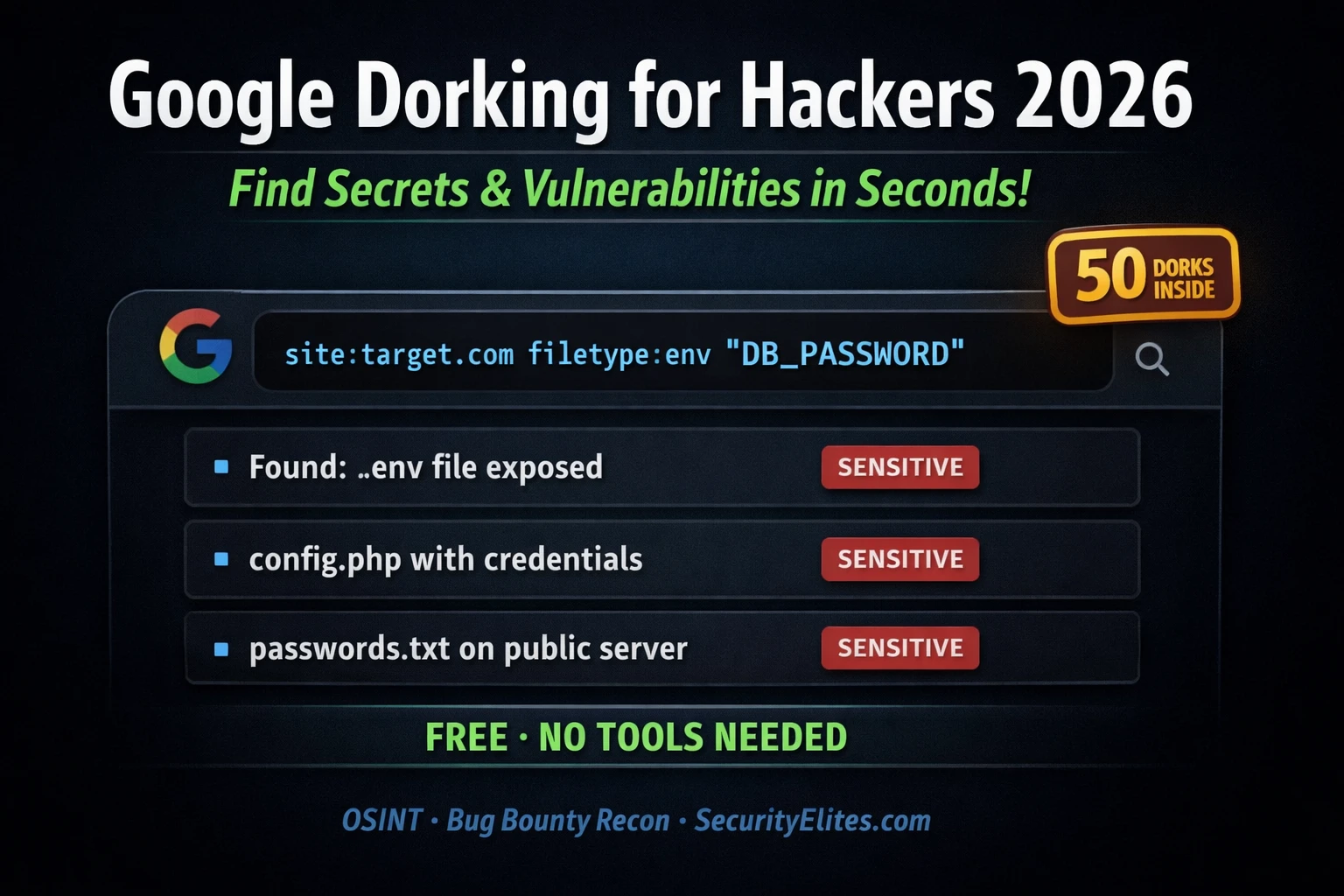
This article provides a comprehensive guide to Google dorking—using advanced search operators to find exposed sensitive data like configuration files, credentials, admin panels, and error messages on target domains. It covers six core operators, presents 50 categorized dorks across admin discovery, sensitive files, error messages, and APIs, and emphasizes that Google dorking is a zero-cost, zero-tool reconnaissance technique critical for bug bounty hunters. The article stresses responsible use within authorized scope and demonstrates through practical exercises how systematic dorking consistently reveals high-impact vulnerabilities.
- Six core operators form all advanced dorksThe article identifies site:, filetype:, inurl:, intitle:, intext:, and exclusion (-) as the foundational operators. Each restricts or filters results in a specific way; powerful dorks combine two or more to narrow results to exactly what a researcher seeks. For example, site:target.com combined with filetype:env finds environment configuration files on a specific domain.
- Sensitive file exposure dorks target overlooked dataThe article notes that credential-finding and sensitive file categories are most underused by hunters because they appear too simple, yet they consistently work. Specific dorks like site:target.com filetype:env intext:DB_PASSWORD and site:target.com filetype:sql target database backups, configuration files with credentials, and .env files containing application secrets—often indexed by Google accidentally during migrations or development.
- Error pages and stack traces reveal framework detailsThe article explains that error message dorks surface SQL errors revealing database type and query structure, PHP warnings exposing internal file paths, and stack traces disclosing framework versions and code paths. Dorks like site:target.com "Fatal error: Uncaught" and site:target.com intitle:"Exception" intext:"stack trace" expose internal architecture useful for targeting subsequent exploitation.
- Technology-specific dorks outperform generic patternsThe article argues that custom dorks targeting specific technology stacks—such as Django's DEBUG mode, Django-admin paths, PostgreSQL error messages, and Celery configuration files—consistently outperform generic admin/login dorks because they target actual configuration patterns rather than generic keywords. Exercise 2 requires building Django/Python-stack-specific dorks as proof of this principle.
- Google Hacking Database centralizes community-vetted dorksThe article references exploit-db.com/google-hacking-database as a repository of thousands of community-contributed dorks organized by category, with especially valuable sections for Files Containing Passwords, Sensitive Directories, and Vulnerable Files. The article recommends checking GHDB before building custom dorks to avoid reinventing queries already optimized by experienced researchers.
- Passive Google dorking leaves minimal reconnaissance traceThe article emphasizes that Google dorking requires no accounts, API keys, or special tools—only Google's public search and manual operator combination. This contrasts with active scanning tools and leaves no logs on target servers, making it valuable early-stage reconnaissance within authorized scope that complements but does not replace other bug bounty methodologies.
- Manual dork construction provides control and flexibilityThe article states that while tools like theHarvester use Google as a data source, manually constructing dorks against a specific domain offers more control and creative flexibility than automated tools. A free Google Dork Generator tool is presented as a middle ground—accelerating repetitive assembly work across 13 categories without sacrificing precision.
- Real-time and historical dorking require different layersThe article distinguishes between live Google dorking (finding currently indexed content) and historical URL discovery via gau/Wayback Machine (finding pages previously indexed but later removed or de-indexed). The recommended workflow runs the Google Dork Generator first for live results, then gau for historical URLs, ensuring complete passive reconnaissance coverage with minimal overlap.
Bottom line: Google dorking is a foundational, zero-cost reconnaissance technique that consistently finds critical vulnerabilities through systematic searches for exposed admin panels, configuration files with credentials, error pages, and API documentation—but only when researchers build technology-specific queries and operate strictly within authorized bug bounty scope, always reporting findings responsibly without accessing or downloading sensitive files. The article's owner documented discovering a Criti
🎯 What You’ll Master in This Guide
⏱️ 45 min read · 3 exercises · no tools needed
📊 How do you currently use Google for security research?
📋 What You’ll Master — Google Dorking for Hackers 2026
- The 6 Core Google Operators Every Security Researcher Must Know
- Admin Panel and Login Page Discovery Dorks
- Sensitive File Exposure — Config, Backup and Credential Dorks
- Error Message and Stack Trace Discovery
- API Endpoint and Documentation Discovery
- Google Dork Generator — Build Dorks for Any Target in Seconds
- Building Custom Dorks and Using the Google Hacking Database
Google dorking sits at the zero-cost end of the bug bounty recon methodology — pure passive intelligence from the world’s largest index, requiring no accounts, no API keys, and no special tools. The theHarvester tool from Kali Day 9 actually uses Google as one of its data sources — but for targeted dorking on a specific domain, doing it manually gives you more control and more creative flexibility than any automated tool.
Google Dork Generator — Build Dorks for Any Target Instantly
Instead of manually combining operators, use our free Google Dork Generator — enter a target domain, select a category (admin panels, config files, credentials, API endpoints, and more), and get a ready-to-run dork in one click. No signup required.
The 6 Core Google Operators Every Security Researcher Must Know
Google’s advanced search operators are the building blocks of every dork. Each operator restricts or filters results in a specific way. The most powerful dorks combine two or more operators to narrow results to exactly what you are looking for.
⏱️ Time: 10 minutes · Browser only, Google.com
a web application in scope) and run these 5 dorks in order.
Replace “target.com” with the actual programme domain.
DORK 1: site:target.com
→ Note: How many results? What subdomains appear?
DORK 2: site:target.com inurl:login
→ Note: How many login pages? Any on unexpected subdomains?
DORK 3: site:target.com inurl:admin
→ Note: Any admin interfaces indexed? At what path?
DORK 4: site:target.com filetype:pdf
→ Note: What documents are publicly accessible? Any internal docs?
DORK 5: site:target.com “error” OR “exception” OR “stack trace”
→ Note: Any error pages revealing internal paths, versions, or code?
For each result that looks interesting:
– Note the URL
– Note what the page title suggests it contains
– Rate it: Low / Medium / High value for further testing
DO NOT click into or download anything — observe URLs only.
📸 Screenshot your most interesting dork result (URL only, no sensitive data) and share in #dorking-recon on Discord.
Skip the manual combining: Our Google Dork Generator builds all five of those dorks automatically — enter target.com, choose a category, and get the dork pre-formatted and ready to paste into Google. Try it now before moving to the 50-dork categories below.
Admin Panel and Login Page Discovery Dorks
Sensitive File Exposure — Config, Backup and Credential Dorks
Error Message and Stack Trace Discovery
API Endpoint and Documentation Discovery
⏱️ Time: 8 minutes · No tools required
– PostgreSQL database
– Redis cache
– AWS S3 for file storage
– Celery task queue
– Docker deployment
Build 5 Google dorks specifically targeted at this technology
stack that you would NOT find in a generic dorks list.
Think about:
– What configuration files are specific to Django/Python?
(settings.py, requirements.txt, Procfile, celeryconfig.py)
– What error messages are specific to Django?
– What URL patterns does Django use for admin?
– What does PostgreSQL expose in error messages?
– What Celery-specific configuration might get indexed?
Write each dork with the site:target.com prefix and explain
what specific vulnerability or exposure each one targets.
📸 Share your 5 technology-specific dorks in #dorking-recon on Discord. Then paste them into the Google Dork Generator to compare against the auto-generated equivalents.
Google Dork Generator — Build Dorks for Any Target in Seconds
Manually combining operators for every target and category is the right way to learn — but once you know the patterns, the SecurityElites Google Dork Generator eliminates the repetitive assembly work. Enter your target domain, select one of 13 categories, and the generator outputs a correctly-formatted dork ready to paste directly into Google. No signup, no API key, completely free.
The generator covers all 13 categories from the 50 dorks in this guide — and since it injects your target domain automatically, there is no risk of forgetting the site: prefix or making a typo in the operator syntax. For recon workflows where you are running 20-30 dorks across multiple categories against a programme’s full scope, the generator is significantly faster than building each dork from scratch.
Going Deeper — Automated URL Discovery With gau
The Google Dork Generator handles real-time Google searches. For historical URL discovery — finding pages that Google indexed in the past but has since de-indexed — two CLI tools complement it: gau (Get All URLs) and hakrawler fetch indexed URLs through the Wayback Machine, Common Crawl, and OTX. Sensitive files that were indexed, removed from Google’s index, but never deleted from the server are consistently found this way.
The recommended workflow: run the Google Dork Generator first for live Google results across all categories, then run gau to surface historical URLs that Google has de-indexed. The two approaches have minimal overlap — Google shows what is currently indexed and accessible, while gau shows what was ever indexed, regardless of current indexing status. Both layers together give you the most complete passive recon picture of any target.
Building Custom Dorks and Using the Google Hacking Database
The 50 dorks in this guide are starting points. The real skill in Google dorking is building custom queries that match the specific technology, industry, or content type you are targeting. The framework for building any custom dork is: start with site:target.com to restrict to your target, then add the most specific indicator of what you are looking for, then narrow further with additional operators if results are too broad.
The Google Hacking Database (GHDB) at exploit-db.com maintains thousands of community-contributed dorks organised by category. Before building a custom dork for a specific technology, always check the GHDB first — it is likely that someone has already built an optimised version. The GHDB categories most valuable for bug bounty are: Files Containing Passwords, Sensitive Directories, Vulnerable Files, and Pages Containing Login Portals.
⏱️ Time: 12 minutes · Browser only
Step 2: In the search bar, search for a technology your target uses
Examples: “WordPress”, “Laravel”, “React”, “Jenkins”, “Kibana”
Step 3: Browse the results — for each dork found:
– Read the Google dork query
– Read the description of what it finds
– Modify it to add site:target.com as a prefix
Step 4: Run your 3 most promising technology-specific dorks
against your bug bounty target on Google
Step 5: Compare GHDB dorks vs the generic dorks from this guide:
– Which found more relevant results?
– Did the technology-specific dorks find anything
the generic ones missed?
Step 6: Submit a new dork to the GHDB if you discover something
useful during your research that is not already listed
(optional — contributes to the security community)
📸 Screenshot your best GHDB-sourced dork result and share in #dorking-recon on Discord. Tag #googledork2026
🧠 QUICK CHECK — Google Dorking
site:target.com filetype:env and Google returns a result showing a URL ending in /.env. The page title shows “Index of /” and the snippet mentions “DB_PASSWORD” and “APP_KEY”. What have you found and what do you do next?
📋 50 Essential Dorks — Quick Reference by Category
❓ Frequently Asked Questions
What is Google dorking?
Is Google dorking legal?
What are the most powerful Google dork operators?
Is there a tool to generate Google dorks automatically?
What is the Google Hacking Database?
How do I find exposed .env files with Google dorks?
What is Google dorking used for in bug bounty?
How to Use Shodan 2026
Google Dorking for Bug Bounty Guide
📚 Further Reading
- ⚡ Google Dork Generator Tool — Free — Enter any target domain, pick a category, and get a ready-to-run Google dork instantly. 150+ templates across 13 categories: admin panels, config files, credentials, API endpoints, error pages, subdomains, and more. No signup required.
- How to Use Shodan 2026 — Shodan is the complementary internet-wide device search tool — use Google dorks for indexed web content and Shodan for exposed service banners that Google never indexes.
- Google Dorking for Bug Bounty — The complete category hub for Google dorking in bug bounty contexts — including automated dorking with tools and advanced operator combinations.
- theHarvester Tutorial 2026 — theHarvester automates some Google dorking alongside other data sources — the automated complement to the manual dork techniques in this guide.
- Google Hacking Database — Exploit-DB — The definitive community-maintained repository of thousands of security dorks categorised by finding type — check here before building custom dorks for any technology.
- Google Dorks Cheat Sheet — GitHub — Comprehensive community-maintained dork cheat sheet covering over 100 operators and query patterns organised by use case and vulnerability type.
