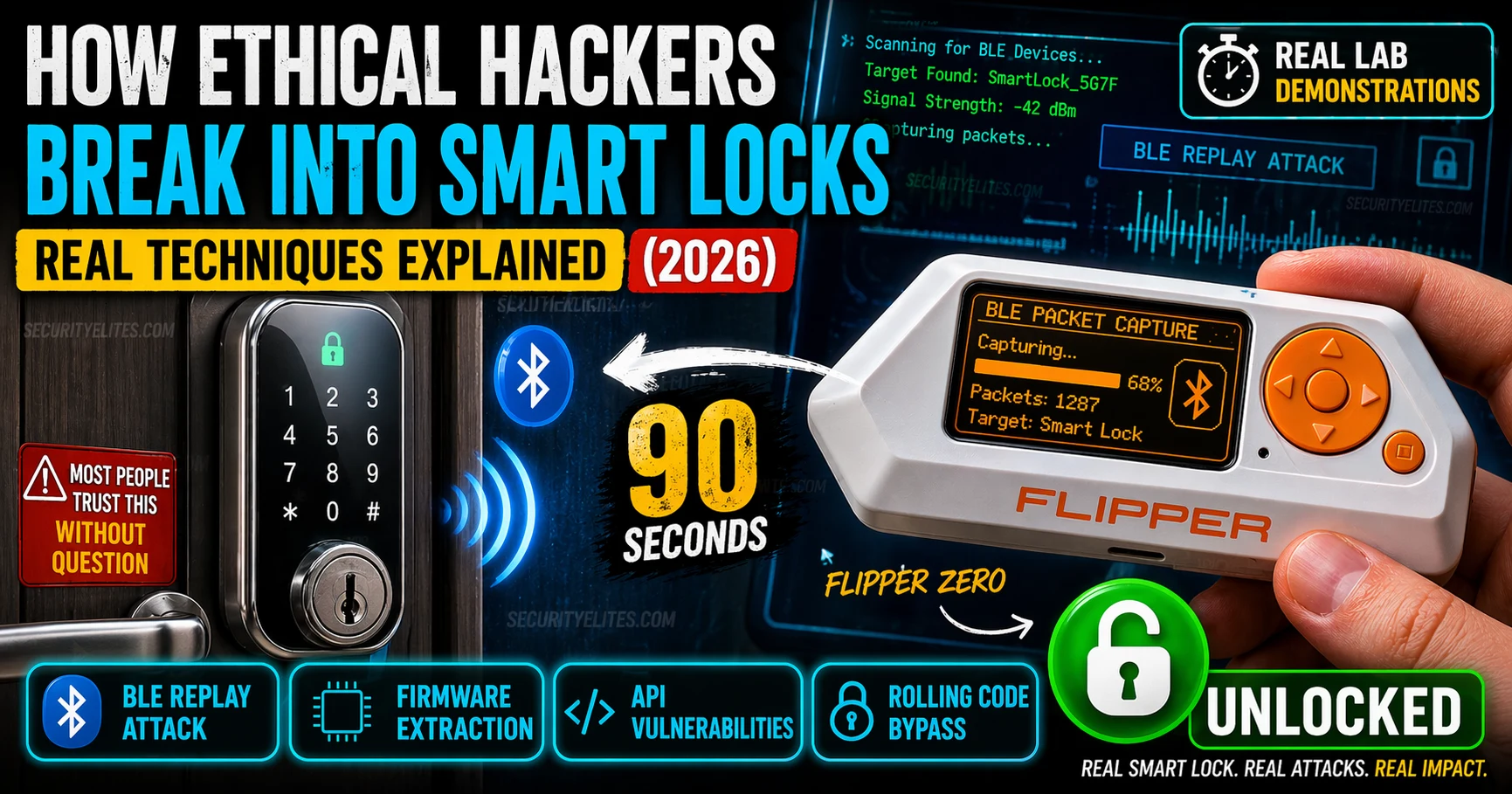
This article explains how smart locks are compromised through five distinct attack vectors: BLE replay attacks, rolling code bypass, firmware extraction via debug interfaces, cloud API vulnerabilities, and mobile app interception. It documents real techniques used in ethical security research, demonstrates why fixed-code smart locks remain widely vulnerable despite known defenses, and shows that manufacturers continue shipping devices with preventable flaws across all four layers of the attack surface. Understanding these vulnerabilities matters for physical security assessments, IoT research, and informed purchasing decisions.
- BLE Replay Attacks Exploit Fixed Unlock CodesLocks transmitting the same Bluetooth packet sequence on every unlock are completely vulnerable to replay attacks. An attacker captures the packet once (e.g., with a Flipper Zero) while observing a legitimate user unlock, then retransmits that exact packet days or weeks later from any distance to open the door. The lock cannot distinguish a replayed valid unlock from a live one—it receives the correct packet and opens. This attack requires no decryption or key compromise; the encrypted packet itself becomes the reusable credential if the unlock code is static.
- Rolling Code Implementations Break Under Realistic ConditionsWhile rolling codes theoretically defend against replay by generating a different code per unlock, real implementations fail because manufacturers must implement desynchronization recovery—accepting a wide window of future codes so users don't lock themselves out if they press unlock 50 times while out of range. A lock accepting codes N through N+2000 becomes exploitable; an attacker capturing just a few consecutive codes gets one valid for future use within that window. Additionally, some implementations seed the rolling code from predictable sources like device ID (visible in BLE packets) XO
- Active UART and JTAG Debug Interfaces Ship in ProductionConsumer smart locks commonly have active UART or JTAG debug interfaces that manufacturers forget to disable before shipping. UART provides shell access; JTAG provides full flash read/write capability. The article describes real firmware extractions revealing hardcoded API credentials, encryption keys, pairing secrets, and plaintext master PINs stored in configuration files—with examples showing factory default PINs identical across all units of the same model. Firmware boot logs captured via UART show debug warnings like 'DO NOT SHIP' still present in production devices, indicating these were
- Cloud API Vulnerabilities Bypass All Physical SecurityPremium smart locks with hardened BLE implementations often have the weakest API security. The article documents IDOR (Insecure Direct Object Reference) vulnerabilities where changing the lock_id parameter in POST /api/v2/lock/unlock requests allows an attacker to unlock someone else's door from their laptop. No proximity required, no BLE capture needed, no hardware access—just a Burp Suite proxy and valid account on the platform. Long-lived API tokens without expiry and missing authorization checks on user access to specific lock IDs compound this risk.
- Mobile App SSL Pinning Bypass Reveals API TrafficWhen Burp Suite CA certificates can be installed and pinned certificate validation is absent or bypassable, an attacker intercepts all traffic between the app and cloud backend. The article explains that captured API credentials, hardcoded API keys, and plaintext tokens in app storage compound this exposure. Burp Suite testing reveals the actual API endpoints, authentication schemes, and whether authorization checks validate that the requesting user actually owns the lock being controlled.
- Five Security Properties Create Genuine DefenseThe article identifies five properties required for comprehensive smart lock security: (1) challenge-response or narrow-window rolling code BLE authentication using fresh nonces per session, (2) disabled production debug interfaces and encrypted flash with firmware signing, (3) short-lived API tokens expiring in minutes with server-side revocation, (4) object-level authorization validating the user owns each lock_id plus non-sequential/non-guessable IDs, (5) SSL pinning in the mobile app. The article states no consumer smart lock currently implements all five, meaning each shipping device has
- Flipper Zero Capability Specificity Matters for AssessmentThe Flipper Zero's relevance to smart lock attacks is strictly limited to passive BLE packet capture and replay of fixed-code locks. It cannot break AES-128 encrypted BLE channels, bypass properly implemented rolling codes, crack BLE pairing keys via passive capture, or access cloud APIs. Understanding these limitations is critical because locks vulnerable only to advanced cryptographic attacks or API-level exploits require specialist tools (nRF Sniffer, Ubertooth One, GATTacker, Burp Suite) rather than a Flipper Zero, though the underlying vulnerabilities are equally exploitable.
- CVE Patterns Show Repeated Failures Across YearsThe article documents that the Bitdefender 2016 study found 75% of tested smart locks vulnerable to BLE replay, and research exercises confirm the same vulnerability categories—fixed codes, hardcoded credentials, API authorization failures, firmware extraction—reappear in new products year after year. Published CVEs document these flaws, yet manufacturers continue shipping products with identical failure modes in 2024-2025. The article frames this as 'known vulnerabilities, known mitigations, consistent failure to implement them,' indicating an industry-wide pattern of security debt rather tha
Bottom line: Smart lock security depends on implementing all five defensive properties across BLE, hardware, firmware, API, and mobile layers—yet consumer products consistently fail at multiple layers, making them exploitable through techniques ranging from simple packet replay to IDOR attacks requiring only a laptop and Burp Suite. Before purchasing or assessing a smart lock, verify firmware version against published CVEs, confirm debug interfaces are disabled, and test the cloud API for authorization check
The physical security industry moved from mechanical keys to PIN codes to smartphone-connected locks and called it progress. What it actually did was add a software attack surface to a hardware security problem. Locks that took a skilled locksmith minutes to pick can now be compromised by anyone with a consumer-grade Bluetooth sniffer and 15 minutes of YouTube tutorials.
I want to be clear on scope: everything in “How Hackers Break Smart Locks” is documented security research and published CVEs, approached from an ethical security testing perspective. Understanding how these attacks work is essential for anyone doing physical security assessments, IoT security research, or making informed purchasing decisions for their own property.
🎯 What You’ll Understand After This
⏱️ 20 min read · IoT security research and physical security assessment context
📋How Hackers Break Smart Locks in 2026 – Contents
BLE Replay Attacks — The Most Common Smart Lock Vulnerability
Bluetooth Low Energy sends packets. When you unlock your smart lock with your phone, the app sends a specific BLE packet sequence to the lock. If that sequence is the same every time — a fixed code — then capturing it once and replaying it is a complete bypass. The lock has no way to distinguish a replayed valid unlock from a live unlock. It sees the right packet. It opens.
This isn’t a subtle vulnerability. It’s the Bluetooth equivalent of a door that opens to anyone who says the right word, regardless of who’s saying it or how many times they’ve said it before. And it’s present in a significant number of consumer smart locks — devices people install on their front doors and call an upgrade from a physical key.
What the Flipper Zero Actually Does to Smart Locks
The Flipper Zero became the consumer face of hardware hacking because it does something that previously required hundreds of dollars of specialist equipment with a $200 device the size of a key fob. For smart lock testing, the relevant capability is BLE sniffing in passive mode — the Flipper listens without transmitting, capturing BLE advertising and connection packets in real time.
The important distinction: the Flipper Zero captures BLE packets. Whether that capture can unlock a lock depends entirely on the lock’s implementation. Against a fixed-code lock, captured packets replay trivially. Against a properly implemented rolling code or challenge-response lock, raw packet replay doesn’t work — you’d need to break the cryptographic scheme, which is a fundamentally different attack.
⏱️ 15 minutes · Browser only — no hardware required
Before touching hardware, understand the published research. Every attack documented here has published CVEs and security disclosures. Find them and map the attack types to the techniques.
Go to: nvd.nist.gov
Search: “smart lock” in the CVE description field
Note the vulnerability types — what categories appear most?
Step 2: Find the LOCKState and Tapplock research
Search: “Tapplock smart lock vulnerability 2018”
Search: “LOCKState smart lock CVE”
What attack types were used? Could these be prevented today?
Step 3: Find the August Lock research
Search: “August smart lock security research CVE”
What was the specific vulnerability class?
Was it BLE, API, or firmware?
Step 4: Find the Bitdefender IoT smart lock research (2016)
Search: “Bitdefender smart lock Bluetooth replay attack”
How many locks were found vulnerable to replay in that study?
What percentage of the market did that represent?
Step 5: Check the NVD for recent 2024-2025 smart lock CVEs
Search NVD: smart lock 2024
Are the vulnerability types changing or is it the same categories?
📸 Screenshot the NVD search results for smart lock CVEs. Share in #iot-security
Rolling Code Bypass — When the Defence Fails
Rolling codes are the theoretical defence against replay attacks. Each unlock generates a different code — the lock accepts code N, then advances to expect code N+1. Replay of code N fails because the counter has moved. This is solid in principle. The implementations are where it breaks down.
The most common rolling code failure mode is desynchronisation recovery. When a user locks themselves out — maybe they pressed the unlock button 50 times while out of range — the lock needs a way to resync. Many manufacturers implement this by accepting a large window of future codes. If the window is wide enough, capturing a few consecutive codes gives an attacker a valid code from within that window. The resynchronisation feature that makes the product usable also breaks the rolling code protection.
Firmware Extraction via Debug Interfaces
Open any consumer smart lock and you’ll likely find a PCB with a microcontroller that has UART or JTAG debug pins active. These interfaces exist for manufacturing testing and developer debugging — and manufacturers frequently forget to disable them before shipping. A UART connection gives you a shell. JTAG gives you full flash read/write access.
What you find in extracted firmware: hardcoded API credentials, encryption keys, pairing secrets, plaintext passwords in configuration files, and the complete application logic. I’ve seen smart lock firmware where the “master PIN” that bypasses all access controls was stored in plaintext in a configuration file that was trivially extractable via UART. Every lock using that firmware had the same master PIN.
Cloud API and Mobile App Vulnerabilities
Premium smart locks often have the most hardened BLE implementation and the weakest API security. The thinking is that the physical layer is what matters — but the cloud API controls everything the BLE layer does. Lock and unlock remotely. Share access. Revoke permissions. If the API has an IDOR on the lock_id parameter, none of the BLE security matters — an attacker unlocks your door from their laptop.
The IDOR pattern I’ve seen most often: the app sends POST /api/v2/lock/unlock with a body containing {"lock_id": "LS-00492"}. Change the lock_id to another user’s lock identifier — found via enumeration or disclosed in a previous API response — and the API unlocks their lock. No BLE proximity required. No hardware at all.
⏱️ 15 minutes · No tools — pure threat modelling
A motivated attacker targeting a specific property doesn’t need all four attack vectors. They need one that works. Map the complete decision tree for each attack path and identify which gives the best ROI for a real-world attacker.
a popular Bluetooth smart lock. They have no physical access yet.
They have 72 hours. They have: a Flipper Zero, a laptop, and
a willingness to spend $200 on additional hardware.
ATTACK PATH A — BLE Replay
Requirements: Must be within ~10m of the door while legitimate
user operates the lock. One-time capture needed.
Time: 30 seconds of capture. Unlimited replays.
Counter: Only works on fixed-code locks.
Question: How does the attacker determine if this lock uses
fixed codes before getting near the door?
(Hint: firmware version research, CVE database, YouTube demos)
ATTACK PATH B — Firmware Research
Requirements: Must have the same lock model.
Buy identical hardware for ~$200 → extract firmware → find hardcoded PIN.
Time: 4-8 hours for hardware analysis.
Counter: Works only if manufacturer used same PIN across devices.
Question: What information would confirm this is worth pursuing?
ATTACK PATH C — API IDOR
Requirements: Must create a legitimate account on the platform.
Find another user’s lock_id via enumeration.
Time: 30 minutes with Burp Suite.
Counter: Only works if IDOR vulnerability exists and is unpatched.
Question: How does the attacker confirm the target uses
this specific brand’s cloud platform from outside the property?
ATTACK PATH D — Mobile App Proxy
Requirements: Must intercept app traffic.
Find API endpoint, test for auth bypass.
Time: 1-2 hours.
Counter: SSL pinning may block interception.
Question: What’s the first test to run on the intercepted traffic?
WHICH PATH WOULD YOU CHOOSE FIRST and why?
📸 Write out your attack path decision and share in #iot-security. Tag #SmartLockHacking
What a Secure Smart Lock Actually Looks Like
Most smart lock marketing talks about AES-256 encryption and “military-grade security.” What they mean is: the BLE channel uses AES encryption. What they don’t say: whether the encryption keys are stored securely, whether the rolling code implementation is actually sound, whether the API has authorisation checks, and whether the hardware debug interfaces are disabled.
A genuinely secure smart lock implementation needs all five properties to resist every attack covered above. Missing one is enough for a determined attacker to find a path. Here’s what each property actually means in practice:
⏱️ 15 minutes · Browser only
Security research is only valuable if it reaches the manufacturers and ultimately gets fixed. Before you test anything, know where findings go.
Search: “[Brand] smart lock security disclosure programme”
Try: August, Yale, Schlage, Kwikset, Nuki
Which brands have a formal disclosure programme?
Which have a HackerOne or Bugcrowd programme?
Step 2: Find the NVD entries for smart lock CVEs
Go to: nvd.nist.gov
Search: smart lock bluetooth
Find the 3 most recent CVEs
What was the CVSS score and attack vector for each?
Step 3: Find the ICS-CERT smart lock advisories
Go to: cisa.gov/uscert/ics/advisories
Search for smart lock or Bluetooth lock advisories
What vulnerability categories appear in ICS-CERT advisories for IoT locks?
Step 4: Research responsible disclosure timelines
Search: “smart lock CVE responsible disclosure timeline”
How long did manufacturers take to patch?
What happened when patches weren’t issued?
Step 5: Find an academic paper on smart lock security
Search: “smart lock security bluetooth vulnerabilities site:usenix.org OR site:ieee.org”
What methodology did researchers use?
How many locks were tested in the study?
📸 Screenshot the NVD search results for smart lock CVEs and share in #iot-security
✅ Smart Lock Security — Full Picture
BLE replay, rolling code bypass, firmware extraction via UART, API IDOR, mobile app interception — five attack surfaces, each independently exploitable on consumer smart locks. The five security properties that close each one. And the responsible disclosure process that connects research to fixes. For anyone doing physical security assessments or IoT research, this is the complete framework.
🧠 Quick Check
❓ Frequently Asked Questions
Can smart locks be hacked with a Flipper Zero?
What is a BLE replay attack on smart locks?
Which smart locks have known security vulnerabilities?
How do ethical hackers extract smart lock firmware?
Is testing smart lock security legal?
What makes a smart lock secure against these attacks?
Kali Linux WSL2 Setup 2026
How to Hack AWS S3 Buckets (Ethically)
📚 Further Reading
- How Hackers Exploit Bluetooth Devices 2026 — The broader Bluetooth attack surface beyond smart locks — BLESA, BIAS, Bluetooth impersonation, and the attacks that affect every Bluetooth device you own.
- How Hackers Bypass 2FA in 2026 — Smart lock companion apps increasingly use 2FA for account access — understanding bypass techniques is essential for the full API security assessment.
- Kali Linux Day 11 — Aircrack-ng Tutorial — Wireless protocol analysis skills that transfer directly to BLE traffic capture and 2.4GHz spectrum analysis for smart lock research.
- NVD — Smart Lock CVE Database — The authoritative source for published smart lock vulnerabilities — check before any smart lock security assessment to understand the known attack surface for specific firmware versions.
- CISA ICS-CERT Advisories — Government-coordinated IoT security advisories including smart lock and access control system vulnerabilities with manufacturer response timelines and mitigation guidance.
