FREE
Part of the AI/LLM Hacking Course — 90 Days
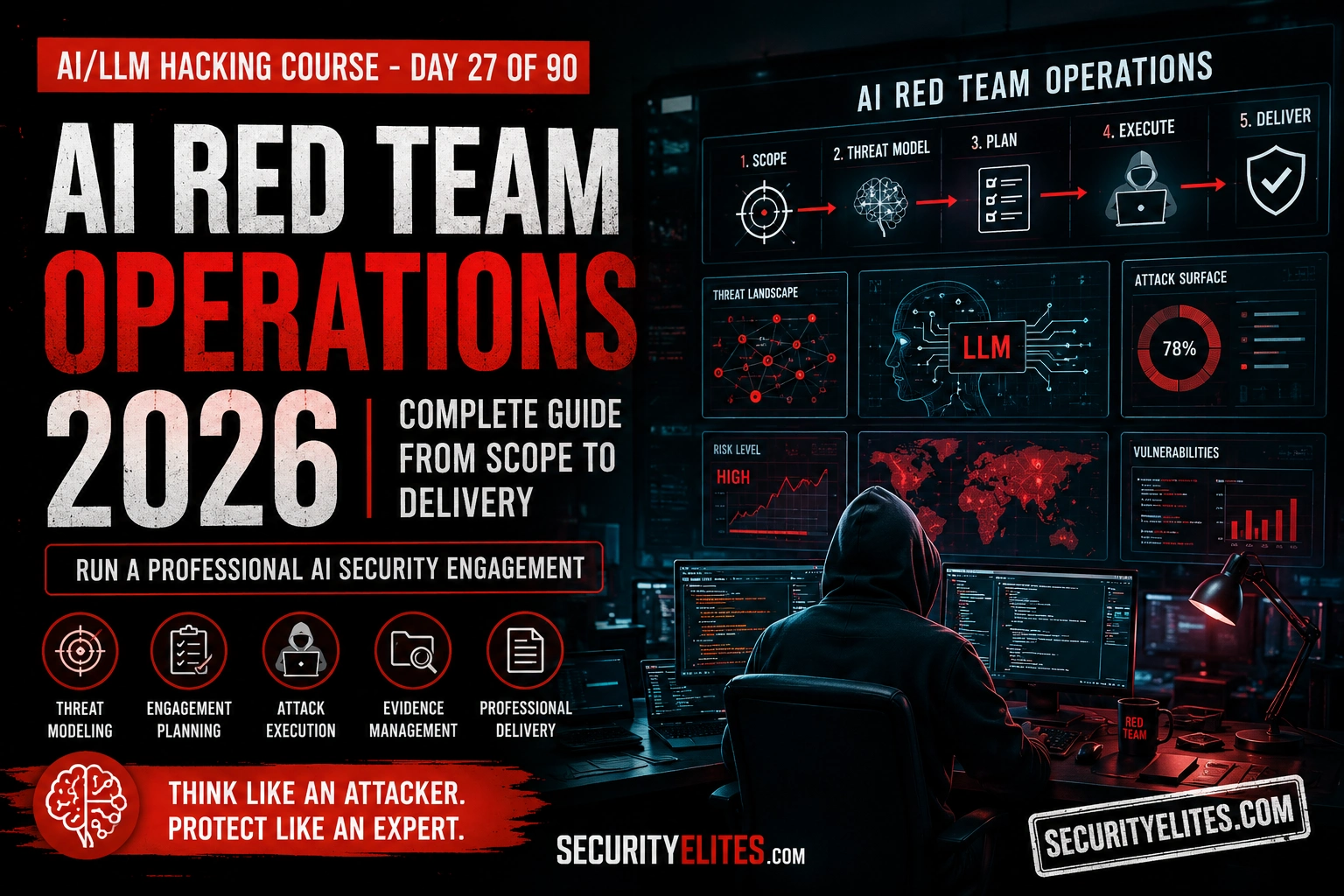
The difference between a good AI red team engagement and a thorough waste of everyone’s time is almost entirely in the planning. What the target is. Who would attack it and why. What the most likely attack paths are for that specific adversary profile. Which techniques to run first because they’ll produce the most significant findings. How to structure the testing window so the high-impact work gets done before the deadline. Day 27 covers the complete engagement methodology — the operational layer that turns the technical skills from Days 16 through 26 into a coherent, professional engagement.
🎯 What You’ll Master in Day 27
⏱️ Day 27 · 3 exercises · Think Like Hacker + Think Like Hacker + Kali Terminal
✅ Prerequisites
- Day 25 — AI Security Report Writing
— the report format from Day 25 is the output artifact of the Day 27 engagement methodology; understand the deliverable before planning how to produce it
- Days 20–24
— the complete attack toolkit from the Phase 2 and 3 modules; Day 27 orchestrates these techniques, not introduces them
- Familiarity with basic penetration testing engagement structure — scope, rules of engagement, and report delivery concepts
📋 AI Red Team Operations — Day 27 Contents
In Day 26 you covered the pre-deployment attack surface. Day 27 covers how to structure an engagement that tests the full attack surface — supply chain through inference — in a coherent, professional sequence. Day 28 covers adversarial ML attacks: the techniques that operate at the model layer itself, below the application layer that Days 4 through 26 primarily targeted.
Building the AI Threat Model
Threat modelling for AI systems has the same structure as threat modelling for any system — identify assets, identify adversaries, map attack paths — but the specific assets and adversaries are different enough that generic threat model templates don’t capture the AI-specific risks well. The assets include the model weights, the training data, the system prompt, the RAG knowledge base, and the tool integrations. None of these appear in a standard STRIDE template.
The adversary profiles that matter for AI systems: external users attempting to extract value by abusing the AI’s capabilities, insider threats with access to the AI’s configuration or data pipelines, supply chain adversaries targeting the model before deployment, and indirect attackers who can influence the content the AI processes (via document upload, email, or web content that the AI reads). Each profile has different access, different objectives, and maps to different attack families. A public-facing customer service AI has primarily external user threats. An enterprise internal assistant has significant insider threat and indirect injection surfaces.
⏱️ 20 minutes · No tools needed
The threat model determines what you test first, what you test at all, and what you can justify skipping. Building one for three very different deployment types shows how dramatically the attack surface and adversary profile shift with context.
No authentication required. No tool access. No RAG.
Only capability: answer questions about products and returns.
200,000 daily users. System prompt is confidential.
DEPLOYMENT B: Internal AI coding assistant for a software company.
Authentication required (employee accounts only).
Tools: read/write to internal Git repos, Jira ticket creation.
RAG: internal documentation and codebase.
500 users. No external internet access from the agent.
DEPLOYMENT C: AI financial advisor for a wealth management firm.
Authentication required (client accounts).
Tools: read customer portfolio data, send email to advisor.
RAG: financial regulations and product information.
5,000 clients. Highly regulated — FINRA/SEC applies.
For each deployment, complete the threat model template:
— List all assets
— Identify which adversary profiles are relevant (and why)
— Map the top 2 attack paths per relevant adversary profile
— State the top 3 attack families to prioritise for each
— Identify which OWASP LLM categories are most critical for each
REFLECTION: What’s the single most important difference between
the three threat models that changes what you test first?
📸 Share your three threat models in #day27-red-team-ops on Comments.
Rules of Engagement — AI-Specific Considerations
Generic penetration testing RoE templates don’t cover the AI-specific considerations that create real problems during AI engagements. Volume limits are the most important gap. An automated injection scanner running at 20 requests per minute against a production AI endpoint produces measurable API costs and load that a standard web app scanner wouldn’t. The client needs to agree on volume limits, timing windows, and what happens if automated scanning causes production impact.
Data handling is the second major AI-specific gap. System prompt extraction may reveal credentials, internal architecture, and sensitive business logic. IDOR testing requires confirming that another user’s data is accessible — which means briefly accessing real user data. RAG extraction may surface confidential documents. The RoE must specify what data the tester is authorised to access, how it must be handled, and what gets retained versus destroyed at engagement close. This is more sensitive than a standard web app engagement because AI systems often have access to much richer data than their interface suggests.
The Phased Attack Execution Plan
Phase order matters. Authentication testing (Day 21) goes first because an unauthenticated AI endpoint is a Critical finding that doesn’t require any injection sophistication — and knowing an endpoint is unauthenticated changes how you approach the rest of the testing for that endpoint. Recon and fingerprinting (Days 20 and 24) go second — you need the endpoint inventory and model identification before any targeted testing. Injection and extraction (Days 16–18 and 22) go third. Agent assessment (Day 19) goes fourth, because it depends on having the system prompt extracted. Supply chain (Day 26) runs in parallel or before the deployment is even accessed.
Within each phase, lead with automated breadth coverage and follow with manual depth investigation on whatever the automation flagged. The Day 16 scanner covers injection breadth in 20 minutes. Manual multi-turn chains from Day 22 go thirty minutes deep on the single endpoint that scored highest. The automation tells you where to spend manual time. The manual work produces the findings worth filing.
⏱️ 20 minutes · No tools needed
A 3-day engagement is the most common AI assessment window. Planning exactly what happens in each half-day block is the difference between completing the full methodology and running out of time before the report is written.
Endpoints: 6 AI endpoints discovered in pre-engagement brief.
Tools: email, calendar, internal wiki access.
RAG: company knowledge base (~10,000 docs).
Authentication: required, test account provided.
Time available: 3 days, 8 working hours each.
PLAN EACH HALF-DAY BLOCK (6 blocks × 4 hours each):
Block 1 (Day 1 AM) — 4 hours:
What do you do? In what order?
What is the output/deliverable of this block?
Block 2 (Day 1 PM) — 4 hours: ___________
Block 3 (Day 2 AM) — 4 hours: ___________
Block 4 (Day 2 PM) — 4 hours: ___________
Block 5 (Day 3 AM) — 4 hours: ___________
Block 6 (Day 3 PM) — 4 hours: ___________
For each block, specify:
— Primary activity
— Tools / scripts from the course used
— Output that feeds the next block
— What you do if this block takes longer than expected
CONSTRAINT: The report must be complete by end of Day 3.
How much time is reserved for report writing?
What do you cut if you’re behind at the start of Day 3?
📸 Share your block-by-block engagement plan in #day27-red-team-ops on Comments.
Real-Time Evidence Management
The most common mistake in AI red team engagements isn’t technical — it’s evidence. Testers find a finding, make a mental note, move to the next test, and then spend the last two hours of the engagement trying to reconstruct exactly what they did and what the response was. Automated scanner JSON logs help. Burp HTTP history helps more. But neither of those is a substitute for naming and annotating evidence as each finding is confirmed.
My practice: a finding log text file open throughout the engagement. Every time something interesting happens — a high scanner score, a partial extraction result, a Collaborator callback — one line goes in the log: timestamp, endpoint, technique, what it produced, file reference for the evidence. That log is the first draft of the findings section. At the end of the engagement, I have a complete ordered list of everything that happened with pointers to every piece of evidence. Writing the report is a formatting exercise, not a reconstruction exercise.
⏱️ 15 minutes · Kali Linux · Python
This exercise builds a lightweight engagement logger that captures findings in real time — structured enough to feed the report generator from Day 25, simple enough that logging a finding takes five seconds, not five minutes.
nano day27_engagement_log.py
Step 2: Build the logger:
import json, datetime
from pathlib import Path
LOG_FILE = “engagement_log.json”
SEVERITIES = {“C”: “Critical”, “H”: “High”, “M”: “Medium”, “L”: “Low”}
def log_finding(endpoint, technique, severity, description, evidence_file=None):
“””Log a finding with one function call during testing”””
entry = {
“timestamp”: datetime.datetime.now().isoformat(),
“endpoint”: endpoint,
“technique”: technique,
“severity”: SEVERITIES.get(severity.upper(), severity),
“description”: description,
“evidence_file”: evidence_file or “pending”,
“confirmed”: False, # set to True after manual verification
}
log = []
if Path(LOG_FILE).exists():
with open(LOG_FILE) as f: log = json.load(f)
log.append(entry)
with open(LOG_FILE, “w”) as f: json.dump(log, f, indent=2)
print(f”[{entry[‘severity’].upper()}] Logged: {endpoint} — {description[:50]}”)
return entry
def mark_confirmed(index):
“””Mark a finding as manually confirmed”””
with open(LOG_FILE) as f: log = json.load(f)
log[index][“confirmed”] = True
with open(LOG_FILE, “w”) as f: json.dump(log, f, indent=2)
print(f”Finding #{index} marked confirmed”)
def print_summary():
“””Print engagement summary sorted by severity”””
with open(LOG_FILE) as f: log = json.load(f)
order = {“Critical”:0,”High”:1,”Medium”:2,”Low”:3}
log.sort(key=lambda x: (order.get(x[“severity”],9), x[“timestamp”]))
print(f”\n{‘=’*60}”)
print(f”ENGAGEMENT LOG — {len(log)} findings”)
for i, e in enumerate(log):
confirmed = “✓” if e[“confirmed”] else “?”
print(f” [{i}] {confirmed} [{e[‘severity’][:4]}] {e[‘endpoint’]} | {e[‘description’][:50]}”)
confirmed_count = sum(1 for e in log if e[“confirmed”])
print(f”\nConfirmed: {confirmed_count}/{len(log)}”)
Step 3: Test the logger:
# Simulate a real engagement session
log_finding(“/api/chat”, “T6-Translation”, “H”,
“System prompt partially extracted — tool names visible”,
“evidence/scan_001.json”)
log_finding(“/api/summarise”, “No-Auth”, “C”,
“Endpoint returns AI response without auth header”,
“evidence/burp_001.png”)
log_finding(“/api/chat”, “T12+T6-Chain”, “H”,
“Full system prompt extracted including DB connection string”,
“evidence/burp_002.png”)
mark_confirmed(1) # confirm the Critical finding
print_summary()
📸 Screenshot your engagement log summary output. Share in #day27-red-team-ops on Comments. Tag #day27complete
📋 AI Red Team Operations — Day 27 Reference Card
✅ Day 27 Complete — AI Red Team Operations
AI threat modelling, rules of engagement with AI-specific considerations, phased attack execution planning, timeline design for 2-day through 7-day engagement windows, real-time evidence management, and the engagement log tool that makes report writing a formatting exercise rather than a memory exercise. Day 28 covers adversarial ML attacks — the techniques that operate at the model layer itself, below the application surface that the Phase 2 and 3 methodology targeted.
🧠 Day 27 Check
AI Red Team Operations FAQ
What is an AI red team engagement?
How long does an AI red team engagement take?
What should AI red team rules of engagement cover?
Day 26 — LLM Supply Chain Security
Day 28 — Adversarial ML Attacks
📚 Further Reading
- Day 28 — Adversarial ML Attacks — The model-layer attack surface: adversarial examples, evasion attacks, and black-box probing that operates below the application layer.
- Day 25 — AI Security Report Writing — The report format that Day 27’s engagement log feeds into — understanding the output shapes how you collect evidence during testing.
- AI/LLM Hacking Course Hub — The complete 90-day course overview — Day 27 marks 30% complete with the full engagement methodology now in place.
- OWASP AI Security Top 10 — LLM08 (Excessive Agency) is the OWASP category underpinning agentic AI risk. The full framework with all ten categories and defensive controls.
- Dark Reading — Agentic AI Attack Surface 2026 — Dark Reading’s reader poll confirming agentic AI as the #1 security concern of 2026, with expert commentary on the MCP and vibe coding risk compounding factors.
