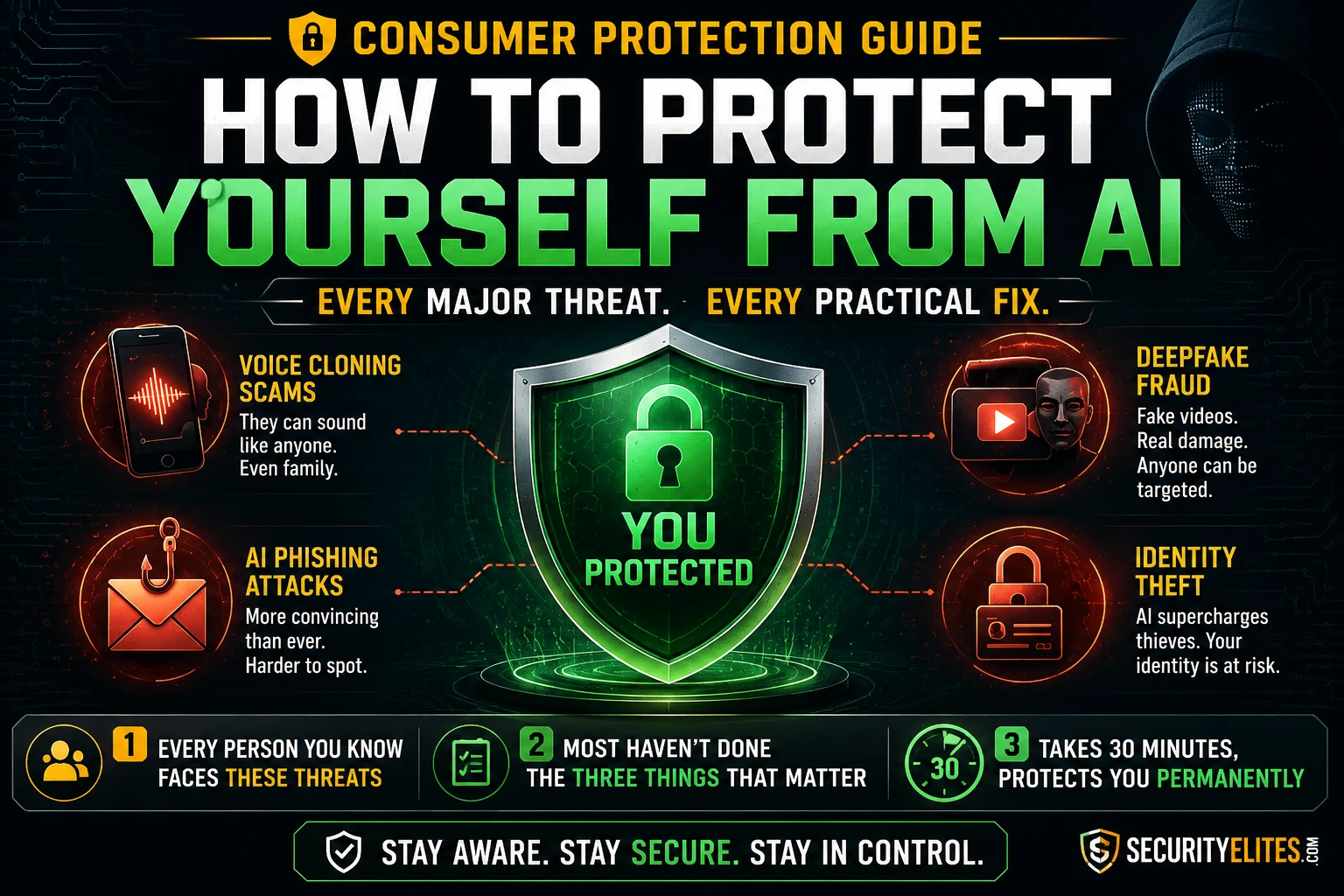
That call was made with AI voice cloning software that costs less than a monthly streaming subscription. The attacker had probably fed it audio from her son’s social media — enough to generate a convincing real-time imitation. The scam itself isn’t new; what’s new is that it now works on careful, alert people who would never have fallen for the previous generation of it. The old version had an accent that was slightly off, a way of speaking that didn’t quite match. The 2026 version sounds like the person you love.
The protection against it is thirty seconds. Text your family a word. Agree that anyone calling in an emergency has to say it before any money moves. The attacker cannot know the word. The call ends. The £2,200 stays where it belongs. Most people reading this haven’t done it. This how to protect yourself from AI guide covers that fix and every other meaningful protection against the AI threat categories that are actually reaching real people in 2026 — not the theoretical ones, the documented ones.
🎯 What You’ll Have After Reading This
⏱️ 15 min read · 30 min to implement the Tier 1 actions · no technical background required
✅ What You Need
- A phone and access to your banking and email accounts — Exercises 1 and 2 walk through the specific settings changes on any device
- Nothing technical required — the most important protections are habits and phone calls, not software configurations
- 10 minutes for the Tier 1 actions, 30 minutes for Tier 2 — the full guide explains what each action does and why it matters before asking you to do it
📋 How to Protect Yourself From AI — Contents
- Voice Cloning Scams — The Verification Word Fix
- AI Identity Fraud — The Credit Freeze
- AI Phishing — Why Quality No Longer Means Legitimate
- AI Job Scams
- AI Investment Scams
- Deepfake Calls and Video Fraud
- The Habit Layer — Rules That Work Against Any AI Quality Level
- Protecting Your Family — Different Members, Different Threats
Voice Cloning Scams — The Verification Word Fix
The emergency grandchild scam — a caller pretending to be a grandchild or family member in sudden trouble, needing money immediately and quietly — has existed for years. What AI did to it is transform the success rate. The old version required the caller to impersonate a voice they didn’t have, relying on the target’s willingness to fill in the gaps. The 2026 version uses audio from social media, voicemails, or any recorded speech to generate a real-time cloned voice that sounds like the actual person. The emotional lever — hearing the specific voice of someone you love, distressed — is now available to anyone with a budget of a few pounds.
The verification word defeats it at the first question. Agree on a word — something unlikely to come up in normal conversation, known only to your household. When a call comes in claiming to be a family member in an emergency, you ask for the word. The cloned voice doesn’t know it. The attacker hangs up or stumbles. The call is over before any money is discussed. This protection works regardless of how sophisticated the cloning becomes, because sophistication of the voice is irrelevant to a secret the attacker doesn’t have.
⏱️ 5 minutes · Your phone · do this before reading further
This is the single highest-impact protective action in this guide. It takes thirty seconds to establish and provides permanent protection against voice cloning emergency scams. Do it now, not later.
Requirements:
— Something you’ll remember under stress
— Something that won’t come up in normal conversation
— Not a family name, pet name, or common word
Good options: a specific colour + number combination,
a random object (“lighthouse”, “tugboat”), a made-up word
Avoid: birthdays, names, obvious family references
Step 2: Text or call every person in your immediate household.
Message to send:
“Family security update — we’re setting up a verification
word for emergency calls. Our word is [WORD]. If you ever
get a call from someone claiming to be me or any family
member saying they’re in trouble, ask for this word before
doing anything. If they don’t know it, hang up and call
me directly on my saved number.”
Step 3: Apply the same to wider family.
Include: elderly parents, grandparents, adult children
living elsewhere, siblings. These are the most likely
targets of voice cloning emergency scams.
Step 4: Agree the callback rule alongside it.
Even with a verification word, agree: any call involving
money — regardless of explanation — gets verified by
calling back on a saved number before acting.
“If someone calls saying they’re you and needs money,
I’ll hang up and call your mobile. If you’re actually
in trouble, you’ll answer.”
Step 5: Store the word somewhere secure.
Notes app locked with biometrics, or your password manager.
Not in a text thread where someone else could find it.
AI Identity Fraud — The Credit Freeze
AI has made identity fraud faster and more scalable. Social engineering calls to open accounts in your name — an attacker pretending to be you to a bank representative — benefit from AI voice generation, AI-generated supporting documents, and AI-assisted scripting of the call. The amount of personal data required to impersonate someone convincingly has dropped because AI can fill gaps and generate plausible-sounding responses to verification questions from whatever data the attacker has assembled from breaches and data broker profiles.
A credit freeze doesn’t stop the attacker from trying. It stops the attempt from succeeding. When you freeze your credit at all three bureaus — Equifax, Experian, and TransUnion — any lender who checks your credit before opening a new account receives a frozen status. The account cannot be opened. Not the fraudulent one, not a legitimate one you try to open yourself. That’s the trade-off: you have to temporarily lift the freeze when you want to apply for credit yourself. That temporary lift takes minutes and you do it for a specific lender for a specific window. The protection in the meantime is that new accounts simply cannot be opened in your name regardless of what personal data an attacker has.
The credit freeze is free at all three bureaus. It does not affect your existing accounts, your credit score, or anything about your current financial life. The reason most people haven’t done it is not that it’s difficult or costly — it’s that nobody told them it was an option before they needed it. I ask at every security talk I give: who here has a credit freeze? In most rooms, one or two people. Every person in that room would benefit from it.
AI Phishing — Why Quality No Longer Means Legitimate
The old heuristic — if the email has spelling mistakes and weird phrasing, it’s phishing — is dead. AI generates grammatically flawless, contextually appropriate phishing emails that match the genuine communication style of the organisation they’re impersonating. An AI-written phishing email from “your bank” looks indistinguishable from a real email from your bank, uses your actual name, references the last four digits of your card, and creates a plausible-sounding reason for you to act. The quality of the communication is no longer a signal of legitimacy.
The replacement heuristic: any communication requesting urgent action — clicking a link, confirming credentials, transferring money, providing a code — gets verified through a channel you initiate, not the one you were contacted through. You don’t click the link in the email. You type the address directly. You don’t call the number in the text. You call the number on the back of your card or on the organisation’s official website. The verification channel is one you control; the contact channel is one the attacker controls. Those two things are never the same.
AI Job Scams
AI-generated job scams have a specific profile in 2026: a job posting on a legitimate platform (LinkedIn, Indeed, ZipRecruiter), a well-written description for a plausible role, a quick response to applications, and a hiring process that takes place entirely over text or asynchronous video, never a live two-way call or video with a real person. The interview questions are sophisticated. The offer comes quickly. Then the pre-employment requirements arrive: a background check fee, a laptop purchase you’ll be reimbursed for, a training fee for the systems you’ll be using.
The rule is absolute: no legitimate employer asks you to pay money before your first paycheck. Not for background checks, not for equipment, not for training, not for anything. Any job that involves payment before employment is a scam. Every single time. The sophistication of the AI-generated job posting, the interview process, and the offer letter doesn’t change this. Before accepting any offer, verify the company independently — search for the company’s actual website (not just the domain in the email), check Companies House or your equivalent corporate registry, and speak to a current employee through LinkedIn’s verified messaging. If the company doesn’t exist at that address or those employees don’t exist, the job doesn’t either.
AI Investment Scams
AI has supercharged investment fraud in two specific ways. Deepfake video endorsements — celebrity or financial expert faces and voices convincingly saying they made their fortune on this platform — are now cheap to produce and widely deployed in social media advertising. And AI-generated customer service and investment advice can simulate a professional brokerage experience well enough to keep victims engaged for months while deposits accumulate and the platform builds false confidence before the eventual withdrawal request fails and the money is gone.
The protection is a single step before any money moves: check the regulatory register. In the UK, the FCA register at register.fca.org.uk. In the US, FINRA BrokerCheck at brokercheck.finra.org. In Australia, ASIC Connect at connectonline.asic.gov.au. If the platform is not registered, it cannot legally accept investment funds from retail customers in most jurisdictions, and its absence from the register is a regulatory red flag that ends the conversation regardless of what any video endorsement shows. The celebrity in that video didn’t endorse the platform — their face was generated. The register check doesn’t care about the video.
Deepfake Calls and Video Fraud
Live deepfake video in real-time calls is an emerging threat that became practically deployable in 2025. A video call where the face and voice of someone you trust — a financial advisor, a family member, a colleague — is generated in real time, convincingly enough to pass a brief visual inspection. The tells are still there if you know what to look for: unnatural eye movement, lip sync that’s slightly behind the audio, skin texture that looks rendered rather than filmed, difficulty tracking objects moving across the face. But these tells require you to be looking for them, and most people on a video call aren’t.
The protection is not visual inspection — it’s the callback rule applied to video. Any video call where the caller requests financial action (authorisation, payment, account details) gets verified by ending the call and calling back on a saved number. The deepfake call is on the attacker’s infrastructure; the callback is on yours. If the call was legitimate, the callback reaches the same person. If it wasn’t, it doesn’t. The few seconds of awkwardness from “I’m going to call you back to confirm” is worth it against a threat that can impersonate anyone on a video call.
The Habit Layer — Rules That Work Against Any AI Quality Level
The protections above address specific threat categories. These habits work across all of them because they address the underlying mechanics of how AI-assisted fraud operates, not the surface details that AI quality improvements keep changing.
The callback rule: any request involving money, credentials, or urgent action — regardless of who appears to be asking and regardless of communication quality — gets verified by calling back on a saved number. Not the number the caller gives. The number you already have, or the number on the back of the card, or the number on the official website. This works against voice cloning, deepfake video, AI phishing, and everything else because the verification channel is yours, not the attacker’s.
Never click links in texts: for any bank, government body, delivery service, or official organisation — type the address directly in the browser. AI-generated smishing messages are indistinguishable in quality from legitimate texts. The URL in a smishing message goes to a convincing-looking fake site. Typing the address directly bypasses the fake URL entirely.
The regulatory register check for investments: before putting any money into any investment platform — check the register for your jurisdiction. The register check takes sixty seconds and is a binary result. Registered: proceed with standard due diligence. Not registered: stop, regardless of what you’ve been shown or told.
No upfront payment for any job: absolute rule. No exceptions. The sophistication of the AI-generated hiring process is irrelevant to this rule.
⏱️ 20 minutes · Your devices · works on iPhone, Android, or computer
Exercise 1 covered the family verification word — the highest-impact single action. This exercise covers the account security layer: switching from SMS 2FA, checking breach exposure, and auditing which tools have access to your email and phone.
Go to: haveibeenpwned.com
Enter each email address you use.
For any email that shows breached accounts:
— Change the password on that service immediately
— If you used that same password elsewhere: change there too
— Install a password manager if you haven’t yet
(Bitwarden is free, open-source, well-regarded)
ACTION 2: Switch bank and email 2FA to authenticator app (10 min)
This eliminates SIM swap vulnerability.
Install: Google Authenticator or Authy (free)
Then for each critical account:
Banking apps: Settings → Security → Two-Factor Authentication
→ Change from SMS to Authenticator App
Gmail: myaccount.google.com → Security → 2-Step Verification
→ Add authenticator app → remove phone number
Email (Outlook): account.microsoft.com → Security
→ Advanced Security → Authenticator App
Note: keep SMS as backup for non-critical accounts
but move banking and email to authenticator
ACTION 3: Audit email app permissions (5 min)
Google: myaccount.google.com → Security
→ Third-party apps with account access
Microsoft: account.microsoft.com → Privacy
→ Apps and services
Review each connected app:
— Remove anything you no longer actively use
— Remove any AI writing tools that have full email access
if you’re not using them (broad email access is
a significant data exposure)
ACTION 4: Audit phone microphone and camera (2 min)
iPhone: Settings → Privacy & Security → Microphone
(and Camera — review same list)
Android: Settings → Apps → Permissions → Microphone
Revoke from: games, shopping apps, news apps,
any app without a clear audio or video function
Protecting Your Family — Different Members, Different Threats
Different family members have different threat profiles, and the conversations worth having are specific to those profiles rather than generic “be careful online” advice that doesn’t change behaviour.
Elderly relatives face the highest risk from voice cloning emergency scams and investment fraud. The verification word and callback rule are the essential protections. The specific conversation to have: “No legitimate authority ever asks for payment in gift cards or wire transfer for any reason. Not HMRC, not the police, not a solicitor, not anyone. If a call asks for that, it is a scam. Hang up and call me.” That sentence, understood and believed, prevents the gift card payment that ends thousands of these scams.
Teenagers face specific risks around AI-generated sextortion — where an attacker claims to have intimate images (sometimes AI-generated from public photos, sometimes obtained through other means) and demands payment to not share them. The protection is knowledge that this exists and clarity about what to do: do not pay (payment escalates the demands, never ends them), tell a trusted adult, report through the NCMEC CyberTipline and StopNCII.org which can pre-emptively hash images to prevent their distribution on partnered platforms. The “do not pay” rule is the same as ransomware: paying confirms the lever works.
Working adults are targeted by AI phishing directed at their professional contexts — payroll fraud, supplier payment redirection, and executive impersonation. The callback rule applied to any financial authorisation at work, regardless of how legitimate the email looks and who it appears to be from, is the professional equivalent of the personal habit layer. Finance teams in organisations should be specifically briefed that AI phishing quality now makes email alone an insufficient authorisation channel for payment changes.
⏱️ 15 minutes · No tools · Just a realistic assessment of your household
Specific protection conversations are more effective than general ones. This exercise identifies which threat categories are most relevant to each family member and produces a targeted conversation plan.
immediate family (parents, adult children, siblings).
Step 2 — For each person, identify their highest-risk
threat categories:
ELDERLY RELATIVES:
Highest risk: voice cloning emergency scams,
investment fraud, government impersonation (HMRC/IRS/police)
Protection conversations to have:
— Verification word (done in Exercise 1?)
— Gift cards / wire transfer = always a scam
— Callback rule before any money moves
TEENAGERS:
Highest risk: AI sextortion, romance manipulation,
AI-generated peer pressure content
Protection conversations to have:
— AI-generated images of real people exist and are being
used for sextortion — if it happens, don’t pay, tell me
— Do not send intimate images to anyone regardless of
relationship status or apparent trust
WORKING ADULTS:
Highest risk: AI phishing at work, payroll fraud,
supplier fraud, LinkedIn job scams
Protection conversations:
— Callback rule for any work payment authorisation
— Investment regulatory register before any funds
YOU:
Go through every threat category in this guide.
Which one haven’t you addressed yet?
Write it down and set a calendar reminder.
Step 3 — Identify your most urgent conversation.
Which family member has the highest risk exposure
without the relevant protection in place?
That conversation happens this week.
📋 AI Protection — Complete Master Checklist
✅ AI Protection Setup Complete
Voice cloning and the verification word fix, the credit freeze that stops most AI identity fraud before it starts, why email quality no longer means legitimate, AI job scam patterns, the regulatory register check for investment fraud, deepfake video callbacks, the habit layer that works against any AI quality level, and a family threat profile framework. The Tier 1 actions — verification word, credit freeze, authenticator app — take under 30 minutes and provide permanent protection against the most costly AI attacks targeting consumers in 2026.
🧠 Quick Check
❓ AI Protection FAQ
What is the most important AI protection action?
Can I protect myself from AI without technical knowledge?
How do I know if AI is being used against me?
Is AI going to keep getting more dangerous for consumers?
How do I protect elderly relatives who aren’t tech-savvy?
What should I do if I’ve already been targeted by an AI scam?
Smart Home AI Security 2026
AI Scam Calls 2026
📚 Further Reading
- AI Scam Calls 2026 — The full voice cloning guide: how cloning works, documented incidents in detail, detection methods, and everything beyond the verification word fix covered here.
- AI Identity Theft 2026 — The full credit freeze and identity protection guide — detailed walkthrough of each bureau’s freeze process and what to do if fraud has already occurred.
- How Hackers Use AI to Target You 2026 — The attacker’s perspective: the full catalogue of AI attack techniques used against consumers, written from the offensive side to make the defences make more sense.
- Is AI Always Listening? 2026 — Voice assistant privacy and smart device recording — the AI threats inside your home rather than coming at you from outside.
- CISA — Secure Our World — The US government’s cybersecurity basics campaign — aligns with the protection framework here and provides authoritative guidance for people who want a second source.
