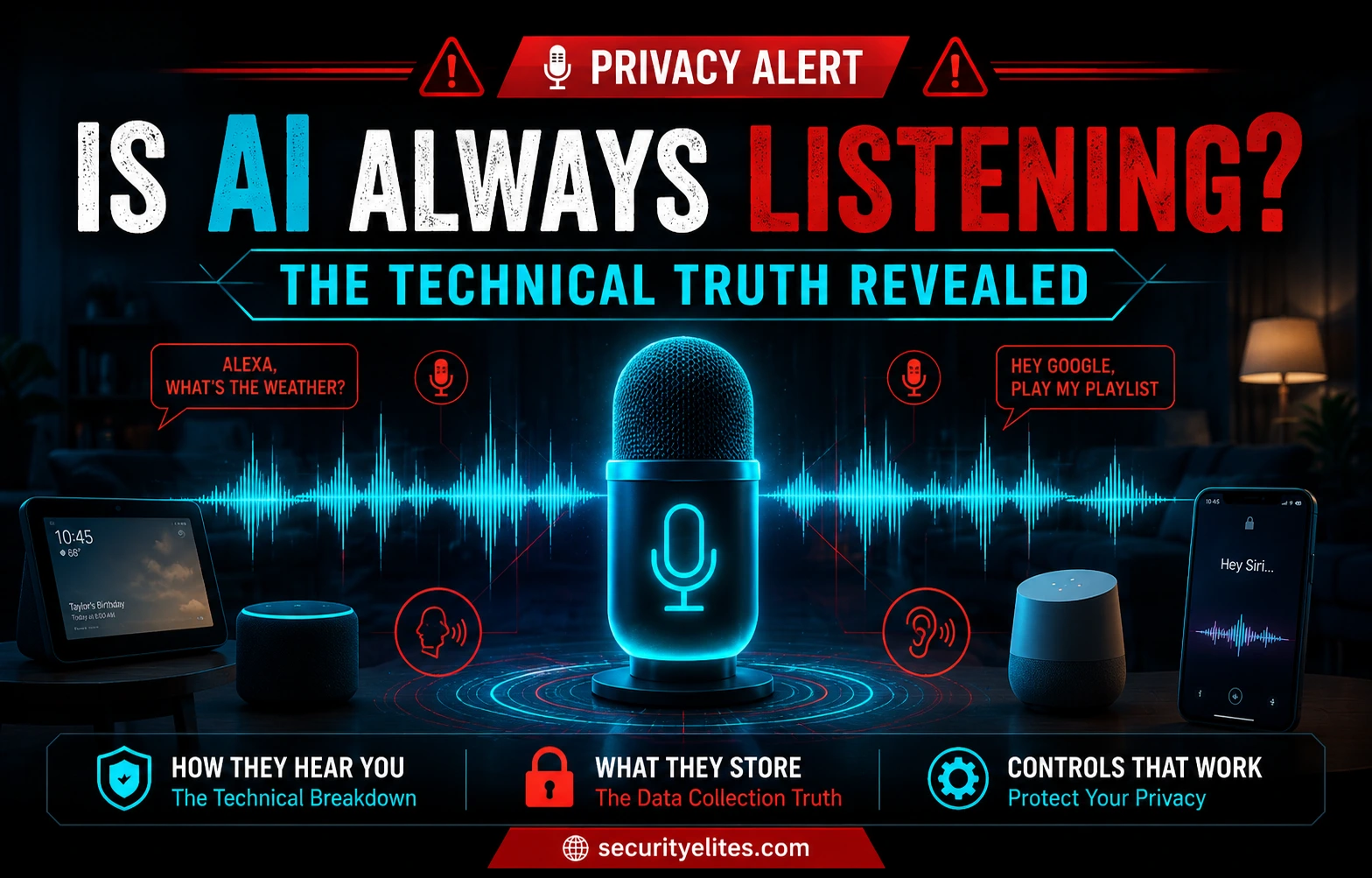
I’ve had this conversation dozens of times. The people asking aren’t paranoid — they’re observant. The experience they’re describing is real and consistently strange-feeling. What I tell them is this: the answer isn’t the simple yes the conspiracy theory requires, and it isn’t the dismissive no the tech companies prefer. The technical truth sits in the middle and it’s more interesting than either extreme — because what’s actually happening is documented, specific, and actionable in ways that the vague “your phone is spying on you” narrative never is.
Here’s what I know from the security side: voice assistants do capture private conversations — accidentally, through imperfect wake-word detection, with those recordings sometimes reviewed by human contractors who heard things those homeowners never intended anyone to hear. That’s confirmed. It happened. It’s not speculation. The controls exist to stop most of it, and most people haven’t applied them because nobody ever explained what they are or why they matter.
Have you ever reviewed the voice recordings stored in your Alexa, Google, or Siri account?
🎯 What You’ll Know After Reading This
⏱️ 12 min read · 3 practical exercises · works on any smartphone or smart speaker
✅ What You Need
- A smartphone (iPhone or Android) — for the microphone permission audit in Exercise 2
- Access to any Alexa, Google Home, or Siri account — for Exercise 1’s voice history review
- Nothing technical required — this guide is written for anyone who owns a smart speaker or smartphone
📋 Is AI Always Listening? — Contents
How Wake-Word Detection Actually Works
Your Amazon Echo, Google Nest, or Apple HomePod is always processing audio. That part of the fear is correct. But what it’s doing with that audio in the idle state is more limited than most people assume. There’s a small, compressed neural network running on a dedicated chip inside the device — trained specifically to recognise the acoustic pattern of “Alexa,” “OK Google,” or “Hey Siri.” It listens for that specific pattern and nothing else. This processing happens entirely on the device. No audio leaves the device at this stage. That’s local computation on a chip designed for exactly this job.
When the on-device model decides it’s heard the wake word, the behaviour changes completely. The device starts transmitting audio to the company’s cloud servers — full speech recognition, intent parsing, response generation. The audio clip from this interaction gets stored in your account. It gets processed by machine learning systems to improve the service. And historically, before companies changed their policies following public pressure in 2019, it got reviewed by human contractors hired specifically to listen to voice assistant recordings.
The weak point in this architecture is false positive detection. The on-device model makes mistakes. It mishears conversational words as wake words. It activates on TV dialogue that phonetically resembles its trigger. It fires on ambient sounds during quiet moments and captures whatever follows. When a false positive occurs, that audio uploads to the cloud as if it were an intentional interaction — because the device doesn’t know the difference. The device recorded something you didn’t ask it to record, and sent it somewhere. That’s the actual privacy problem with smart speakers, and it’s both real and acknowledged by all three companies.
What Voice Assistants Store About You
Every time a voice assistant activates — intentionally or by accident — it creates a record. That record includes the audio clip itself, a transcript, the device location, the timestamp, and the response generated. If you’ve been using an Alexa device for two years and have average usage plus a normal rate of false positives, you potentially have hundreds or thousands of these clips sitting in your Amazon account right now. Most people have never looked at them.
Where to find yours: Alexa stores everything in the Alexa app under More → Settings → Alexa Privacy → Review Voice History. Google Assistant history lives at myactivity.google.com — filter by Google Assistant. Siri’s history is accessible through Settings → Siri & Search → Siri & Dictation History on iPhone. I recommend doing Exercise 1 below before reading further — seeing your own data makes everything below more concrete.
All three platforms now offer automatic deletion. Amazon lets you set recordings to auto-delete after 3 or 18 months. Google offers the same options. Apple uses shorter default retention and requires opt-in for any extended storage. Set auto-deletion to 3 months on every platform you use — it doesn’t affect how the device works going forward, it just stops the historical archive from growing indefinitely.
⏱️ 10 minutes · Your phone or browser · Alexa app, Google account, or iPhone Settings
Before applying any of the controls covered here, check what already exists. Most people find recordings they have no memory of making — which is the false positive problem in practice.
1. Open the Alexa app on your phone
2. More (bottom right) → Settings → Alexa Privacy
3. Review Voice History
4. Scroll through — look for recordings with no clear request
These are false positives: your device activated when you
didn’t intend it to
5. Note the “All History” filter — select a date range and
look at volume. How many did you actually make vs how
many are mystery recordings?
6. Tap: Delete All Recordings for All History
7. Scroll to: Automatic deletion → choose 3 Months
GOOGLE ASSISTANT:
1. Go to myactivity.google.com in a browser
2. Filter by: Google Assistant
3. Browse your history — click individual items to hear
the actual audio recordings
4. Note any recordings that seem accidental or unintended
5. Select All → Delete
6. Go to: Data & Privacy → History settings
→ Web & App Activity → Auto-delete → 3 months
APPLE SIRI:
1. Settings → Siri & Search → Siri & Dictation History
2. Tap: Delete Siri & Dictation History
3. Siri has shorter default retention than Amazon/Google
but explicit deletion is still good practice
WHAT TO NOTE:
— How many recordings exist in total?
— Can you find any false positives?
— Were any captured near private conversations?
The Human Contractor Recording Scandal
In 2019, Bloomberg broke the story that Amazon employed teams of human contractors whose job was to listen to Alexa recordings and annotate them for quality assurance — improving speech recognition and training the AI. This wasn’t a secret in legal terms; it was disclosed in Amazon’s privacy policy. But it was disclosed in the way things get buried in privacy policies: technically present, practically invisible to anyone who wasn’t reading with a lawyer’s eye.
The recordings the contractors heard included private conversations captured by accidental activations. Bloomberg reported that reviewers had heard conversations covering a range of intimate and sensitive content — arguments, medical information, and what appeared to be a sexual assault in one case. Apple contractors, reported on separately by The Guardian and others, described hearing medical details, business negotiations, and personal moments. Google contractors reported similar categories of content from Google Home devices. All three companies acknowledged the practice and defended it as disclosed and necessary for service improvement. None of that made it feel acceptable to the people who’d been recorded.
Following the public response, all three platforms moved to opt-in models for human review. The review still happens — it just now requires you to explicitly agree to it. The problem is that the opt-in settings are buried several levels deep in account settings, and the default on some platforms is still opt-in unless you explicitly toggle it off. Check your current status using the steps below and disable all of them.
Documented Cases of Accidental Recording
The Portland, Oregon case in 2018 is the one I use whenever I need to explain why the false positive problem is real. A family’s Amazon Echo activated on background conversation, interpreted fragments of the conversation as a wake word followed by a send-message command followed by a contact name — all misheard from ambient speech — and sent a recording of their private conversation to a contact in the husband’s address book. The contact, an employee, called to warn them. Amazon confirmed the incident. This wasn’t speculation or theory; it was a documented chain of events where accidental activation produced a real privacy consequence for a real family.
A 2019 Belgian broadcaster investigation found that Google Home contractors had reviewed recordings including domestic arguments, children’s voices, and medical conversations — captured through accidental activations, not deliberate use. An SRF investigation in Switzerland identified similar content in Apple contractor access: confidential business discussions, personal medical information, intimate conversations. These cases aren’t cherry-picked outliers from thousands of devices. They emerged from systematic journalism looking at what contractors were actually hearing in their day-to-day work.
What these cases establish: smart speakers are not covert surveillance instruments designed to monitor you. The companies aren’t running a secret mass-surveillance programme. What they are running is technology with a specific technical imperfection — wake-word false positives — that has real privacy consequences when it interacts with human contractor review programmes. The imperfection is acknowledged. The consequences were real. The fix is a combination of the hardware mute button for conversations you want to keep private and the opt-out settings that remove your recordings from human review.
Are Apps Secretly Listening Through Your Phone?
I want to take the “my phone heard me” experience seriously before I explain what’s probably actually happening. The experience is real, it’s consistent, and it’s reported by people who aren’t prone to paranoia and who describe it with specific enough detail that you can’t dismiss it. Someone thinks about a product. They’ve never searched for it. They haven’t texted about it. Within a day or two there’s an ad. This happens enough that it’s become a shared cultural reference point. What’s causing it?
Multiple independent research projects — academic teams and investigative journalists — have run controlled experiments to test this. They’ve installed apps, discussed specific products near phones in sterile conditions, monitored network traffic for audio uploads, and checked for ads. They haven’t found evidence of ambient audio surveillance from mainstream consumer apps. What the research has found consistently is that the data these apps already collect — your browsing history, location history, demographic inferences, purchase history, the social graph of people you know and what they’re interested in — is specific enough to produce targeting that can feel uncanny. You notice the hit. You don’t notice the hundred misses. The ones that feel like “my phone heard me” get remembered; the ads that were completely wrong get ignored and forgotten.
That’s the likely explanation. But here’s the part that’s legitimately worth being concerned about regardless of whether ambient surveillance is happening: apps that have microphone permission can access it when the app is active. The question isn’t whether Facebook is running a continuous secret recording programme — the evidence says it probably isn’t. The question is why a shopping app or a news app or a game needs microphone access at all. They don’t. Revoke it.
⏱️ 10 minutes · Your phone settings
The microphone permission audit is the practical equivalent of the voice history review — seeing what access you’ve already granted, most of which you’ve long forgotten about.
Settings → Privacy & Security → Microphone
You’ll see every app that has requested microphone access.
ANDROID:
Settings → Apps → Permissions → Microphone
(Path varies slightly by manufacturer and Android version)
REVIEW EACH APP:
KEEP microphone access:
✅ Phone / calling app
✅ Camera app (for video recording)
✅ Voice memo / recording apps
✅ Video calling apps (Zoom, Teams, FaceTime, WhatsApp)
✅ Podcast/audio creation apps you actively use
REVOKE microphone access:
❌ Games (no legitimate audio function)
❌ Shopping apps (you browse; you don’t speak to them)
❌ News apps, weather apps, utility apps
❌ Apps you barely use or installed years ago
❌ Any app where you can’t explain why it needs audio
REVIEW CAREFULLY:
⚠️ Social media apps — legitimate for voice stories and
voice DMs but you can restrict to “only while using”
⚠️ Navigation apps — legitimate for voice commands;
set to “while using” not “always”
CHANGE TO “WHILE USING” ONLY:
Any app that has “Always” microphone access but should
only need it when you’re actively in the app.
iPhone: tap the app → change from “Always” to “While Using”
AFTER REVOKING:
The apps continue to function normally for all non-audio
features. You haven’t broken anything.
Voice Privacy Controls That Actually Work
These are the controls I apply on my own devices and recommend to anyone who uses voice assistants and wants to manage the risk without giving up the technology. None of them require removing your smart speaker or disabling your voice assistant. They give you meaningful control over what gets recorded, where it goes, and who reviews it.
The Hardware Mute Button
This is the most reliable control available and the one I trust most. Every Echo, Google Nest, and HomePod has a physical button that cuts power to the microphone at the hardware level. Press it and the device cannot hear anything — not the wake word, not a conversation, not ambient TV audio. The LED indicator shows mute state. Nothing in software can override a hardware mute, which is the key property. You’re not trusting a software setting to not listen; you’re physically breaking the circuit.
Where to use it: any conversation you’d prefer not to have uploaded anywhere. Medical conversations. Financial discussions. Anything involving a third party who hasn’t consented to be in the room with an always-on microphone. Bedtime conversations. It takes one second and the device continues to work as a speaker, for timers, for reminders — everything except voice activation.
Voice History Deletion and Auto-Deletion
Do Exercise 1 to handle your existing history, then set up auto-deletion so the archive doesn’t rebuild. The auto-deletion setting on Amazon and Google is 3 months or 18 months — use 3 months. It doesn’t affect how the device works; it just limits how long recordings are retained before being purged. A 3-month window means any recording from a false positive more than three months ago is already gone. For most people’s threat models, that’s sufficient.
Smart Speaker Placement
Where you put the device matters more than most people consider. The bedroom is where you have your most private conversations — the ones about health, relationships, finances, and everything else you’d prefer stayed between you and the people in the room. Putting a device with always-on audio detection in your bedroom is a choice worth reconsidering. If you do keep one there, the mute button should be your default state when not actively using it.
Bathrooms are even more private and there’s no realistic use case that justifies the tradeoff. Kitchens and living rooms — where you’re more likely to actually use the device and less likely to have your most sensitive conversations — are lower-risk placements. This isn’t about eliminating the technology; it’s about being deliberate about where you put always-on microphones.
⏱️ 10 minutes · No tools · Just you and a mental map of your home and phone
Security professionals map attack surfaces before assessing them. Your voice privacy attack surface is the set of all places and devices where audio can be captured from your life without your explicit intention. This exercise builds that map.
List all smart speakers, smart TVs with voice assistants,
smart doorbells with microphones, voice-enabled appliances,
car infotainment systems, and your phone.
Where are they? Which rooms?
Step 2 — Categorise by conversation sensitivity.
For each microphone location, what types of conversations
typically happen there?
Low sensitivity: “Alexa, set a timer” type requests
Medium sensitivity: general household conversation
High sensitivity: medical, financial, relationship,
private conversations you’d never expect to be recorded
Step 3 — Identify your highest-risk combination.
Where does a high-sensitivity conversation location
combine with an always-on microphone you don’t mute?
That’s your highest-priority change to make.
Step 4 — Map your phone permissions against your habits.
Which apps have microphone permission?
Which of those do you use in locations or contexts where
sensitive audio might be captured?
Step 5 — Write down one change you’ll make today.
Not a list of ten things. One specific change, today.
Hardware mute in bedroom? Revoke two app permissions?
Delete and set auto-delete on Alexa?
The change you’ll actually make is worth more than
the perfect plan you won’t execute.
📋 Voice Privacy — Complete Control Checklist
✅ Voice Privacy Controls Applied
Wake-word detection and its false-positive problem, what gets stored and where, the human contractor scandal and how to opt out, documented real-world accidental recording cases, the research on app-based ambient surveillance, and the specific settings that give you meaningful control. The checklist above covers everything. It takes about 15 minutes to complete and it doesn’t require removing any technology from your home.
❓ Voice Privacy FAQ
Is AI always listening?
Do smart speakers record conversations?
Can I stop my smart speaker from listening completely?
Has Alexa been caught recording private conversations?
Do apps listen to me through my phone microphone?
Does Amazon sell my Alexa recordings?
Can the government access my voice assistant recordings?
Are smart TVs listening to conversations?
📚 Further Reading
- Is AI Watching You? How AI Surveillance Works in 2026 — How AI surveillance works in 2026 — facial recognition, employer monitoring, social media tracking, voice scanning etc.
- AI Voice Cloning Authentication Bypass 2026 — How AI-generated audio deepfakes are defeating voice biometric systems, documented attack scenarios, detection etc.
- EFF — Smart Home Privacy Guide — The Electronic Frontier Foundation’s documentation of smart home privacy rights, law enforcement request history, and incident records across platforms.
- Amazon Transparency Report — Amazon’s own disclosure of law enforcement requests for Alexa data — useful if you want to understand the volume and nature of government access requests in practice.
