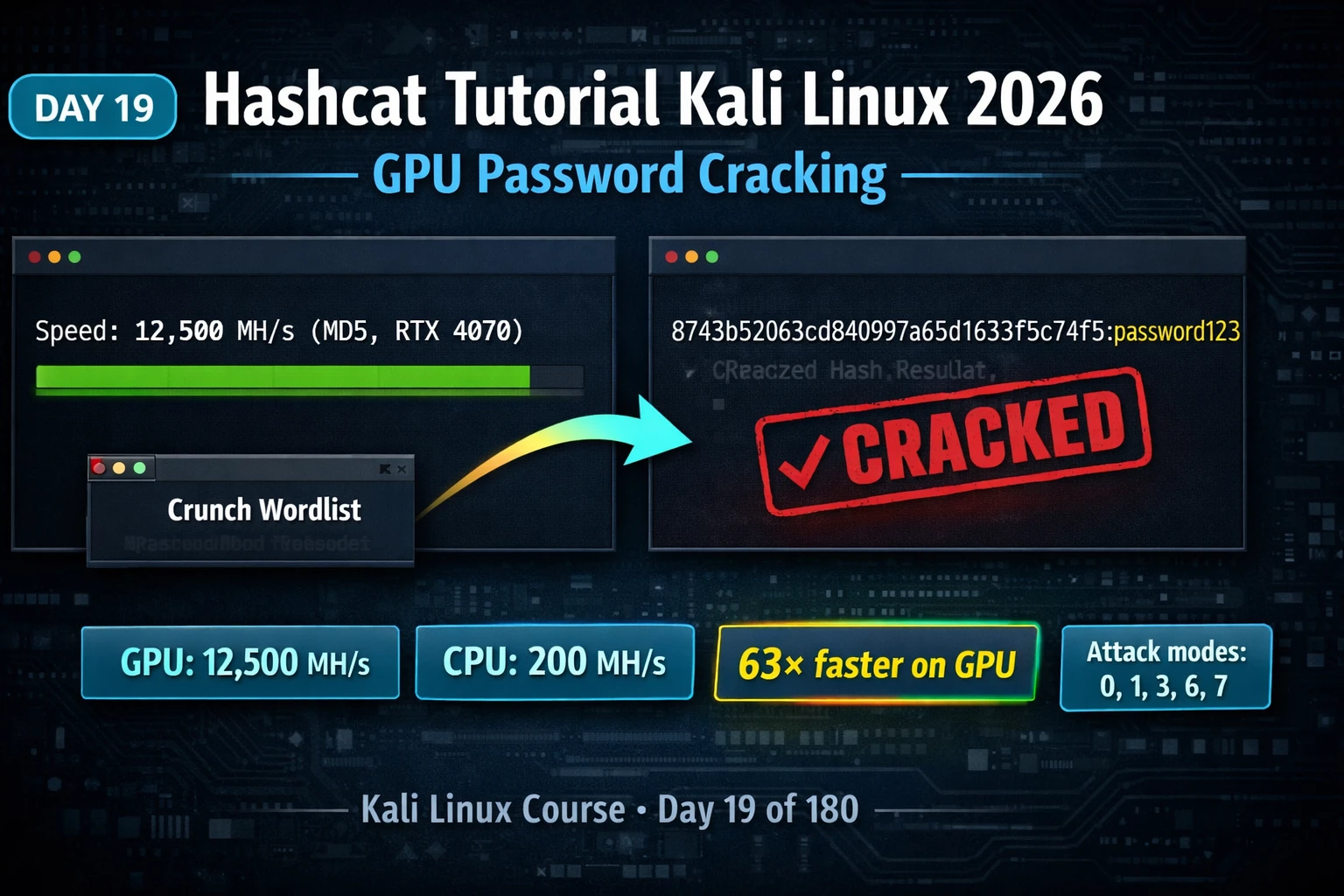
This tutorial covers Hashcat, the industry-standard GPU-accelerated offline password cracker, demonstrating how to identify hash types, benchmark hardware, and execute multiple attack modes—dictionary, rule-based, mask-based, and hybrid—to recover plaintext passwords from captured hashes. The article emphasizes that GPU acceleration provides transformational speed improvements (74× faster than CPU for MD5) and explains practical attack strategies for real-world penetration testing scenarios, including corporate NTLM dumps and WPA2 handshakes.
- Hash type identification before crackingHashcat requires the correct -m flag specifying hash type; using the wrong mode produces zero results. The article presents three identification methods: visual recognition by length and character set (MD5 = 32 hex chars, SHA-1 = 40 chars, SHA-256 = 64 chars, bcrypt begins with $2y$), the hashid tool on Kali, and consulting hashcat.net's reference of 300+ supported modes. This prerequisite step prevents wasted time on incorrect attack configurations.
- GPU acceleration transforms crack speedThe article demonstrates concrete speed differences: an MD5 hash taking CPU 40 minutes exhausts in under 2 seconds on mid-range GPU; rockyou.txt (14.3M words) completes in under 1 millisecond on GPU for MD5/NTLM. Benchmarking with hashcat -b reveals actual hardware capabilities—MD5 on RTX 4070 achieves 18,234 MH/s versus 245 MH/s on CPU (74× faster). Understanding these speeds determines attack feasibility and strategy selection.
- Dictionary attacks as entry pointMode 0 (dictionary attack) is the starting point because rockyou.txt alone cracks 40–60% of MD5 and NTLM hashes from real-world databases within seconds on GPU. The attack hashes each wordlist entry and compares results; multiple wordlists can be specified sequentially. The --show flag displays all previously cracked hashes from the potfile, preventing redundant re-cracking of already-solved hashes.
- Rule-based attacks for corporate mutationsRules apply transformations to wordlist entries before hashing—capitalizing, appending digits, substituting letters, adding special characters. A single entry like 'password' generates 64 candidates via best64.rule: Password, PASSWORD, p@ssword, password1, Password1!, covering mutations corporate policies force. Applied to rockyou.txt (14.3M words), this generates 915 million candidates while rockyou.txt alone misses 15–25% of real passwords; best64.rule alone typically cracks an additional 15–25% of hashes.
- Mask attacks for known-pattern passwordsMode 3 generates character combinations matching specific patterns using placeholders: ?l for lowercase (26 chars), ?u for uppercase (26 chars), ?d for digits (10 chars), ?s for special characters (32 chars). Example: ?u?l?l?l?l?l?d?d covers passwords like Password00 through Zzzzzzz99. A 4-digit PIN (?d?d?d?d) contains only 10,000 combinations, exhausting in milliseconds even on CPU. This dramatically reduces keyspace versus pure brute force while covering known password conventions.
- Hybrid attacks for word-plus-digits patternsMode 6 appends masks to wordlist entries; Mode 7 prepends. For common corporate patterns like 'summer2026' or 'welcome1234', Mode 6 with ?d?d?d?d applied to rockyou.txt generates password0000–password9999, summer0000–summer9999, etc. This covers the extremely common pattern of dictionary words with years or PINs appended—a pattern forced by corporate password policies—within seconds on GPU.
- Session management for long operationsThe --session=name flag names a crack session; --restore recovers interrupted jobs after terminal closure or reboot. Pressing 's' during execution displays status including Recovered (hashes cracked/total), Speed (current hash rate), Progress (percentage through keyspace), and ETA. The potfile (~/.local/share/hashcat/hashcat.potfile) permanently stores all cracked hashes, enabling instant results on previously solved hashes without re-running attacks.
- WPA2 cracking requires conversion and targeted listsWPA2 cracking requires converting captured handshakes or PMKIDs to Hashcat's format using hcxtools, then using -m 22000. Unlike NTLM's billions of hashes per second, WPA2 PBKDF2 provides only 1–2 million hashes per second on GPU, making rockyou.txt feasible (14 minutes) but exhaustive masks impractical. The article demonstrates the Day 18→Day 19 chain: collect OSINT intelligence, generate targeted Crunch wordlists (e.g., CompanyName%%%%), crack with Hashcat—a 5,000-word targeted list takes under a second versus 14 minutes for 14 million generic entries.
Bottom line: Hashcat's practical power comes from selecting the right attack mode for the context: fast hashes like MD5/NTLM justify large wordlists plus rule sets (best64.rule recovers an additional 15–25%), while slow hashes like bcrypt require intelligent targeting via masks or hybrid attacks built from OSINT. GPU acceleration (50–200× faster than CPU) makes the difference between hours and minutes, meaning real penetration testers benchmark hardware first, identify hash types precisely, and combine wordl
Part of the Kali Linux 180-Day Course
🎯 What You’ll Master Today
⏱️ 50 min · 3 terminal exercises · Kali Linux required
📋 Prerequisites — Complete Before Day 19
- Day 18: Crunch Tutorial — understand custom wordlist generation; Day 19 uses your Crunch lists directly as Hashcat input
- Day 10: Metasploit Tutorial — post-exploitation scenarios produce the NTLM and SAM hashes that Hashcat cracks
📋 Hashcat Tutorial 2026 — Contents
Hash Type Identification — Finding the Right -m Mode
Hashcat requires you to specify the hash type with the -m flag. Using the wrong mode number produces zero results because Hashcat generates hashes of the specified type and the comparison never matches. Hash identification is therefore the essential first step before running any crack attempt. There are three reliable methods to determine hash type before cracking.
The first method is visual recognition by length and character set. MD5 produces a 32-character hexadecimal string. SHA-1 produces 40 characters. SHA-256 produces 64 characters. NTLM produces 32 hex characters but looks identical to MD5 — context determines which it is (Windows system = NTLM). Bcrypt hashes begin with $2y$ or $2b$. SHA-512crypt begins with $6$. WPA2-PMKID hashes from hcxtools begin with the PMKID field format. Once you recognise these patterns, identification becomes instant.
The second method is the hashid tool on Kali, which analyses a hash string and returns the most likely algorithm along with the Hashcat mode number. The third method is consulting the Hashcat hash mode reference at hashcat.net — a searchable list of all 300+ supported hash types with example hashes for verification. For any unfamiliar hash encountered in a penetration test, the reference confirms the exact mode before spending time on a crack attempt.
Benchmarking Your Hardware
Before starting any serious crack operation, run Hashcat’s built-in benchmark to understand your hardware’s capabilities. The benchmark reveals actual speeds for every hash type, which determines whether a given attack is feasible in your timeframe. It also reveals whether Hashcat is successfully using your GPU — a common issue in VM environments.
On modern GPU hardware, MD5 cracking rates typically reach 10,000–50,000 MH/s (million hashes per second), meaning rockyou.txt (14 million entries) exhausts in under one millisecond. NTLM is similarly fast. Bcrypt ($2b$) is intentionally slow — GPU rates of 50,000 hashes per second are typical, meaning a full rockyou.txt attack takes hours. SHA-512crypt ($6$) lands between these extremes. Understanding these speeds informs your attack strategy: fast hashes justify large wordlists and all rule sets; slow hashes require more targeted approaches.
| Hash Type | GPU Speed | CPU Speed | Mode |
| MD5 | 18,000 MH/s | 245 MH/s | 0 |
| NTLM | 32,000 MH/s | 410 MH/s | 1000 |
| SHA-256 | 7,200 MH/s | 90 MH/s | 1400 |
| bcrypt | 50 KH/s | 1 KH/s | 3200 |
| WPA2-PMKID | 1,200 KH/s | 15 KH/s | 22000 |
Dictionary Attacks — Mode 0 with Wordlists
Mode 0 is the dictionary attack — Hashcat takes each entry from your wordlist, hashes it with the specified algorithm, and compares against the target hash file. It is the starting point for all crack attempts because rockyou.txt alone cracks 40–60% of MD5 and NTLM hashes from real-world databases within seconds on GPU hardware. Dictionary attacks use the -a 0 flag (which is the default, so -a 0 can often be omitted).
The wordlist input can be any text file with one password candidate per line — rockyou.txt for broad coverage, or the targeted Crunch list from Day 18 for precision attacks against specific environments. Multiple wordlists can be specified in sequence. The -o flag writes cracked hashes to an output file. The --show flag at the end of any hashcat run displays all hashes already cracked and stored in the potfile, preventing unnecessary re-cracking of already-solved hashes.
⏱️ 15 minutes · Kali Linux terminal
📸 Screenshot the cracked output showing all three hash:password pairs. Post to #day-19-hashcat on Discord.
Rule-Based Attacks — Intelligent Password Mutation
Rule-based attacks are the most efficient crack technique for real-world environments. Rules apply transformations to wordlist entries before hashing them — capitalising the first letter, appending digits, substituting letters for numbers, adding a trailing special character. A single wordlist entry like “password” becomes dozens of candidates: Password, PASSWORD, p@ssword, password1, Password1!, and so on. This covers the exact mutations that corporate password policies force users to make, which is why rockyou.txt + best64.rule outperforms much larger wordlists alone.
Kali Linux includes Hashcat’s full rule library at /usr/share/hashcat/rules/. The most important rule files are best64.rule (64 high-yield transformations, fastest to run), dive.rule (hundreds of thousands of rules for thorough coverage), and OneRuleToRuleThemAll.rule (a community-curated comprehensive set). For corporate NTLM hash dumps, best64.rule typically cracks an additional 15–25% of hashes that plain rockyou.txt misses.
password1 · password123 · password!
p@ssword · passw0rd · P@ssword
Password1 · Password1! · PASSWORD1
1password · !password · passwords
…64 total transformations
Mask Attacks — Mode 3 for Pattern-Based Cracking
Mask attacks (Mode 3) generate all character combinations matching a specific pattern you define using placeholder characters. Unlike brute force which tries every combination of every character, masks focus on a specific structure — for example, all 8-character passwords that start with an uppercase letter, followed by five lowercase letters, followed by two digits. This dramatically reduces the keyspace compared to pure brute force while covering the exact pattern of a known password convention.
Hashcat’s mask characters are: ?l for any lowercase letter (a–z), ?u for any uppercase letter (A–Z), ?d for any digit (0–9), ?s for any special character, and ?a for all printable ASCII. You can also define custom charsets with -1 through -4 flags for specific character combinations. Masks integrate naturally with OSINT intelligence: if you discover a company uses Company+Year+! as a password convention, -t CompanyYear?s in Crunch or the equivalent Hashcat mask covers the entire space efficiently.
⏱️ 20 minutes · Kali Linux terminal
📸 Screenshot the –show output confirming all three mutation hashes cracked. Post to #day-19-hashcat on Discord.
Hybrid Attacks, Session Management and the Potfile
Hybrid attacks combine wordlists with masks to cover the extremely common pattern of a common word with digits or special characters appended. Mode 6 appends a mask to each wordlist entry — so “password” from rockyou.txt becomes password0000 through password9999 with ?d?d?d?d. Mode 7 prepends the mask. For corporate environments where employees are forced to add “Year!” to their base password (“summer2026!”), Mode 6 with ?d?d?d?d?s covers the entire year+special combination space applied to every word in your list.
Session management is essential for long-running crack operations. Use --session=name to name a crack session. If the terminal closes or the machine reboots, restore with --restore. Press s during a running session to see current status including speed, estimated time, and percentage complete. The potfile (~/.local/share/hashcat/hashcat.potfile) stores all cracked hashes permanently — running --show against a hash file returns previously cracked results instantly without repeating the crack.
WPA2 Hash Cracking with Hashcat
WPA2 cracking with Hashcat requires converting the captured handshake or PMKID to Hashcat’s hccapx or 22000 format using hcxtools. Once converted, the crack process is identical to any other hash mode — specify -m 22000 and run your wordlist or mask attack. The key difference from Windows NTLM cracking is speed: WPA2 PBKDF2 is computationally expensive, providing 1–2 million hashes per second on GPU hardware vs billions per second for NTLM. This makes rockyou.txt attacks on WPA2 feasible (14 minutes on a modern GPU) but exhaustive mask attacks impractical — targeted Crunch wordlists using the network name and known conventions are far more effective.
crunch 10 10 -t CompanyName%%%% -o targeted.txt. (3) Day 19 Hashcat — crack the captured WPA2 handshake with the targeted list: hashcat -m 22000 handshake.hc22000 targeted.txt. A 5,000-word targeted list takes under a second. It either cracks the password or it doesn’t — there is no wasted time on 14 million irrelevant entries.⏱️ 15 minutes · Kali Linux terminal
📸 Screenshot the hybrid attack output showing all three hashes cracked. Post to #day-19-hashcat on Discord. Tag #day19complete
--force for VM environments. Actual penetration testing engagements with large hash dumps should be run on bare-metal Kali or a cloud GPU instance (AWS p3.2xlarge, Google Cloud g2-standard-4). The speed difference is 50–200× — a job that takes 8 hours on CPU takes minutes on GPU, which matters significantly for time-boxed assessments.🧠 QUICK CHECK — Day 19 Hashcat
📋 Hashcat Quick Reference — Day 19
🏆 Mark Day 19 Complete — Hashcat GPU Password Cracking
The credential attack chain is complete: Day 17 WPScan discovers targets, Day 18 Crunch builds precision wordlists, Day 19 Hashcat cracks the hashes. Day 20 covers Medusa — parallel online brute force for SSH, FTP, HTTP, and 20+ live services.
❓ Frequently Asked Questions — Hashcat Kali Linux 2026
What is Hashcat and how does it work?
What is the difference between Hashcat attack modes?
How do I find the Hashcat -m mode number for my hash?
Why does Hashcat say ‘No devices found’ in Kali?
How long does Hashcat take to crack a password?
What comes after Hashcat in the Kali Linux course?
Day 18: Crunch — Custom Wordlists
Day 20: Medusa — Parallel Brute Force
📚 Further Reading
- Day 18: Crunch Tutorial — Custom Wordlists — Builds the targeted wordlists Hashcat cracks — the Day 18 → Day 19 chain is the most efficient credential recovery workflow in the course.
- Kali Linux 180-Day Course Hub — Full course overview — Day 19 Hashcat completes the wordlist attack chain that began with Day 17 WPScan and Day 18 Crunch.
- GPU vs CPU Password Cracking Speed Comparison 2026 — Full benchmark comparison across hardware tiers — helps teams decide whether to invest in a cracking rig or use cloud GPU for penetration test engagements.
- Hashcat Official Wiki — Complete hash mode reference, attack mode documentation, rule syntax, and example commands — the definitive Hashcat reference for all supported algorithms and configurations.
- Hashcat Rules GitHub Repository — Full collection of Hashcat rule files including best64.rule and OneRuleToRuleThemAll — browse the rule syntax to understand exactly what transformations each rule applies.
