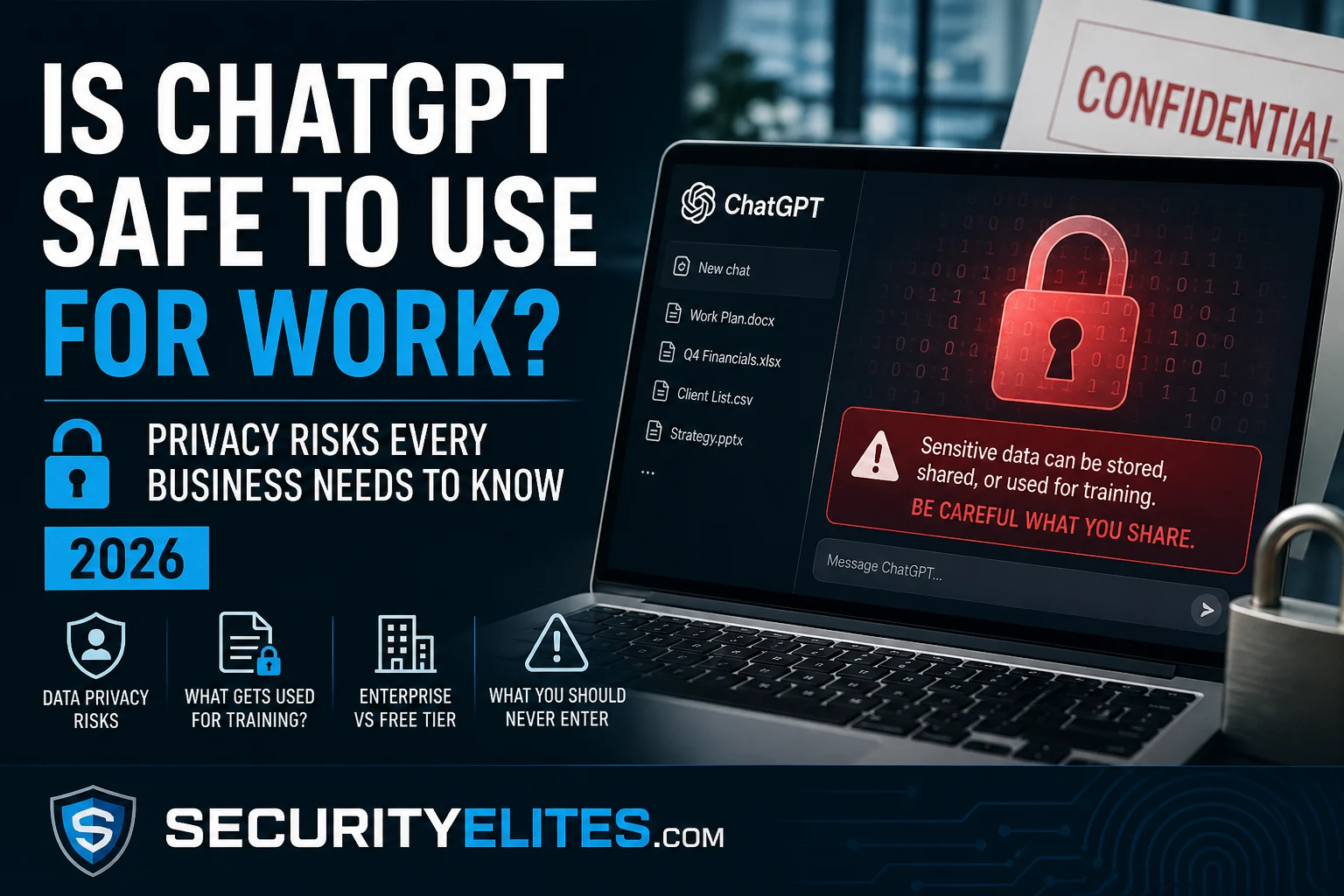
Samsung engineers pasted proprietary source code into ChatGPT. The code hit OpenAI’s servers. Three separate incidents in 20 days. Samsung had to ban ChatGPT company-wide and spend significant resources building internal AI tools as a replacement. The data, once submitted, could not be retrieved or deleted from OpenAI’s systems. The data was already gone. This is the business risk of using AI tools without understanding what happens to the information you type into them. The answer to “is ChatGPT safe for work” is nuanced — it depends which plan you’re on, what you put in, and whether your organisation has policies covering it. Here is the complete picture.
What You’ll Learn
What OpenAI does with the conversations you have on ChatGPT
The difference between free, Plus, Team, and Enterprise plans for data privacy
What the Samsung incident actually teaches about AI data risk
A clear list of what you should and shouldn’t put into ChatGPT at work
How to adjust your settings to reduce data exposure right now
⏱️ 10 min read
Is ChatGPT safe for work – ChatGPT Work Safety Complete Guide 2026
My summary of OpenAI data practices for the default ChatGPT free and Plus plans — and this is what most employees using the free tier for work don’t realise: conversations are stored, may be reviewed by human trainers, and by default are used to improve future versions of the model. This is not hidden — it’s in the privacy policy — but it’s rarely top of mind when someone opens a chat window. Understanding it changes how you should use the tool.
OPENAI DATA PRACTICES — FREE AND PLUS PLANS
# What happens to your conversations by default
Stored: yes — OpenAI stores conversation history
Human review: possible — OpenAI staff may review conversations for safety/quality
Training use: yes by default — conversations used to improve models
Retention: conversations retained until you delete them or your account
# What OpenAI can see
Everything you type — prompts, pastes, documents uploaded
Images uploaded for analysis
Custom GPT conversations (depends on GPT owner’s settings)
# What this means practically
Anything you type could be read by OpenAI employees
Anything you type could influence future AI model outputs
Anything you type could theoretically appear in responses to other users if memorised
Free vs Plus vs Team vs Enterprise — Data Policy Differences
The plan you’re on significantly affects your data privacy position. I summarise this for clients evaluating AI tools for business use: free and Plus are consumer products with consumer data practices. Team and Enterprise are business products with contractual data protection commitments.
CHATGPT PLAN DATA POLICY COMPARISON
# Free and ChatGPT Plus ($20/month)
Training use: yes by default (opt-out available in settings)
Human review: possible
Data storage: OpenAI’s US servers
Appropriate for: personal use, non-sensitive business tasks
Not appropriate: anything confidential, personal data, financial data, client data
# ChatGPT Team ($30/user/month)
Training use: NO — conversations not used for training by default
Human review: no by default
Workspace: separate workspace, conversations not shared between orgs
Appropriate for: small business use with moderate sensitivity data
# ChatGPT Enterprise (custom pricing)
Training use: NO — contractual commitment not to use for training
Data residency: options available for EU data residency
BAA available: Business Associate Agreement for healthcare (HIPAA)
Appropriate for: enterprise use with sensitive business data (with proper governance)
# Key practical guidance
Using free or Plus for business = Samsung risk
Team or Enterprise = reduced but not zero risk (still requires usage policy)
No plan = appropriate for medical records, legal privilege, classified data
The Samsung Case — What Actually Happened
The Samsung incident is the most instructive real-world example of enterprise AI data risk. My analysis of what it reveals for other organisations: the risk wasn’t a hack. It wasn’t a breach. It was employees doing something reasonable — getting help reviewing code — without understanding that “sending it to ChatGPT” was equivalent to sending it to an external party.
THE SAMSUNG CHATGPT INCIDENT — TIMELINE AND LESSONS
# What happened (April 2023)
Incident 1: engineer pasted semiconductor equipment source code for debugging help
Incident 2: different engineer pasted code to optimise for a specific use case
Incident 3: employee used ChatGPT to summarise confidential meeting notes
All three occurred within 20 days of Samsung allowing ChatGPT for internal use
# What the consequences were
The code and meeting notes entered OpenAI’s servers
Samsung could not retrieve or delete the data once submitted
Samsung banned ChatGPT entirely and invested in building internal AI tools
# What this teaches
Employees used a useful tool for legitimate work purposes — not malicious
The risk was the tool’s data policy, not user error in the traditional sense
Without clear policy + training, employees default to using the most convenient tool
Fix: clear AI usage policy before employees use AI tools, not after
What You Should Never Enter Into ChatGPT at Work
My practical guide for employees using free or Plus ChatGPT for work. The list is specific because “be careful with sensitive data” is too vague to drive behaviour change.
Required: an AI usage policy regardless of which plan you choose
Building an AI Usage Policy for Your Organisation
My consistent recommendation to clients after reviewing their AI tool usage: an AI acceptable use policy should be in place before employees have broad access to AI tools, not after the first incident. The policy doesn’t need to be long — in my experience, shorter policies with clear examples get followed more than detailed ones — the Samsung lesson is that the gap was education, not enforcement. Employees who understand the risk make different choices.
AI USAGE POLICY — MINIMUM ELEMENTS
# 1. Approved tools (whitelist or principles)
Option A: list specific approved tools and plans (ChatGPT Team, Microsoft Copilot M365)
Option B: state principles (only tools with no-training-use contractual commitment)
Permitted: publicly available information, generic writing tasks, learning activities
Conditional: internal data with no classification (team lead approval required)
# 3. Output review requirement
AI output must be reviewed before use in: client communications, legal documents, financial reports
AI output must not be presented as independently verified without checking
# 4. Incident reporting
If sensitive data is entered into an unapproved tool → report to IT/security within 24 hours
No blame for reporting — blame for not reporting
# 5. Training
Annual 30-minute AI data risk training — cover what AI tools do with input data
Specific examples: Samsung case, what “data used for training” actually means
💡 The One-Page Policy That Works: My most effective AI policy template for SMEs is a one-page document with three lists: green (always safe to use AI for this), amber (use with caution, use Temporary Chat, don’t include real names or confidential specifics), and red (never put this in AI, full stop). Green/amber/red is faster to apply in practice than trying to remember a detailed classification scheme. Employees asked me for the one-page version after I delivered a 12-page policy at one client — the one-page version had measurably better adoption.
Safer Alternatives for Sensitive Work Tasks
If your work involves data that can’t go into a consumer AI tool, you have options that provide AI assistance without the data privacy tradeoffs. My current recommendations for organisations that need AI capability with stronger data controls.
SAFER AI OPTIONS FOR SENSITIVE WORK
# Option 1: Microsoft 365 Copilot (enterprise)
Data stays within your Microsoft 365 tenant — not sent to external training
Covered by your existing Microsoft data processing agreement
Integrated into Word, Excel, Outlook — no copy-paste to external tool needed
# Option 2: Private/self-hosted AI models
Run open-source models (Llama, Mistral) on your own infrastructure
No data leaves your network — full control over retention and training
Requires technical resource to set up and maintain
# Option 3: ChatGPT Enterprise with appropriate governance
Settings: disable training toggle + use Temporary Chat for anything sensitive
ChatGPT Work Safety — Take Action Now
Two settings changes take 60 seconds: disable model training in Settings → Data Controls, and use Temporary Chat for any work-related conversation. For your organisation, the Samsung incident is the business case for an AI usage policy before the next incident — not after.
Quick Check
A colleague uses ChatGPT Plus to summarise notes from a board meeting that included unreleased financial results and M&A plans. What is the main risk and what should have prevented this?
Frequently Asked Questions
Does OpenAI use my ChatGPT conversations to train its AI?
By default, yes — on free and ChatGPT Plus plans, conversations are used to improve OpenAI’s models unless you opt out. You can disable this in Settings → Data controls → toggle off “Improve the model for everyone.” This applies to future conversations; it doesn’t retroactively remove past conversations from training data. ChatGPT Team and Enterprise plans do not use conversations for training by default.
Is ChatGPT GDPR compliant?
OpenAI has a GDPR data processing addendum available and operates a data privacy framework for EU users. For ChatGPT Enterprise, data residency options are available. However, entering personal data about individuals (customer names, contact details, employee information) into any external AI tool requires a legal basis under GDPR and a data processing agreement with the vendor. Many data protection authorities (including the UK ICO and Italy’s Garante) have scrutinised OpenAI data practices. Consult your DPO before using any AI tool to process personal data at work.
What’s the difference between ChatGPT Team and Enterprise for data protection?
Both exclude your conversations from model training by default. Enterprise adds: contractual data protection commitments, optional EU data residency, admin controls for deployment and usage policy enforcement, audit logs, and the ability to obtain a Business Associate Agreement (BAA) for healthcare use cases (HIPAA). Team is more suitable for small businesses with moderate sensitivity requirements. Enterprise is more suitable for large organisations or those handling regulated data categories.
Can I delete my ChatGPT conversation history?
Yes — Settings → Data controls → Delete all chats, or delete individual conversations from the sidebar. Deleting removes conversations from your interface and from active training use, but OpenAI may retain data for a period for safety and legal compliance purposes. For complete data deletion, submit a data deletion request through OpenAI’s privacy portal at privacy.openai.com.
← Related
ChatGPT Security Incidents — What Happened
→ Related
What Is Prompt Injection?
Further Reading
ChatGPT Security Incidents 2026— The security incident record: the March 2023 conversation exposure bug, the 101K credential theft report, and the prompt injection vulnerabilities affecting ChatGPT’s AI layer.
AI Security Series— The complete AI security knowledge base. All 90 articles covering AI vulnerabilities, AI-assisted attacks, and AI defence strategies for organisations and security professionals.
Email Breach Checker— Check whether your work email has appeared in data breaches. Complements the ChatGPT data risk picture — account credentials are a separate exposure vector from conversation data.
OpenAI Enterprise Privacy— OpenAI’s official documentation on enterprise data practices, privacy commitments, and the data processing addendum available for business customers. The authoritative source for current data retention and training policies.
ME
Mr Elite
Owner, SecurityElites.com
The Samsung incident changed how I frame AI data risk in every client briefing. Before it happened, the conversation was theoretical — “what if an employee shares sensitive data?” After it happened, I could point to a documented case where three separate engineers at a major technology company did exactly that within 20 days, for completely reasonable work purposes. My advice to every organisation now: assume your employees are already using consumer AI tools for work tasks, because they almost certainly are. The question is not whether to allow it but what policy to put in place before the next Samsung-style incident, not after.
Founder of Securityelites and creator of the SE-ARTCP credential. Working penetration tester focused on AI red team, prompt injection research, and LLM security education.