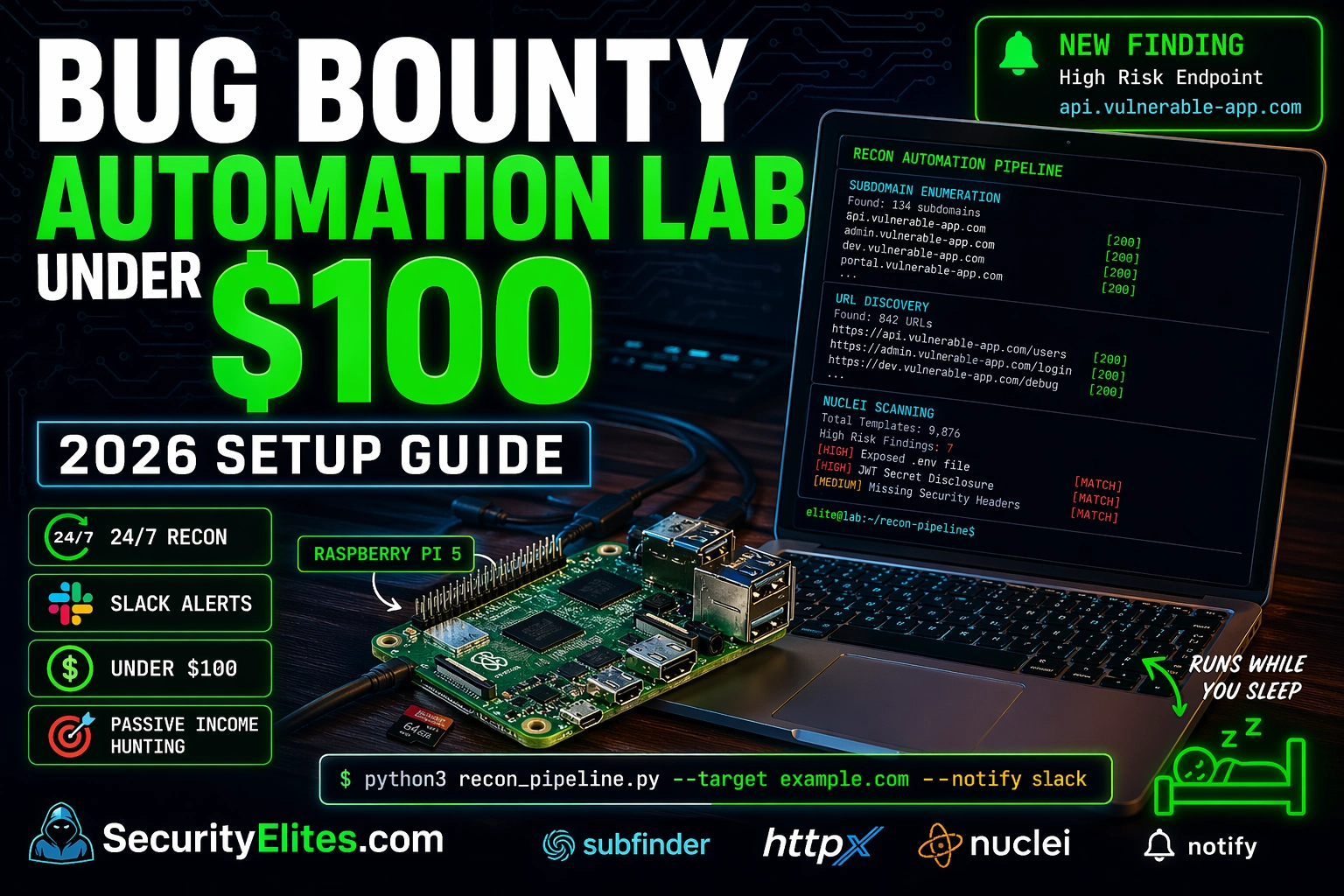
The hunters consistently landing first-blood findings on new programme scope additions aren’t faster at manually running recon. They have automation running while they sleep. A new subdomain goes live on their target at 2am. Their pipeline discovers it by 2:05am, probes it for live services, scans it with Nuclei templates, and pings their phone with the result. They’re in the application by 9am. Everyone else opens their laptop and starts their manual recon session at 9am — and finds the scope addition already has a disclosed finding.
That Bug Bounty automation lab setup costs under $100 in hardware — a Raspberry Pi 5 is $60. The tool stack is entirely open source. The running cost is less than a coffee per month in electricity. And once it’s built and configured, it runs continuously without any manual intervention.
Here’s the exact stack I run, the exact commands that wire it together, and the exact pipeline that generates notifications when something new and interesting appears on your targets.
🎯 What You’ll Build
Hardware setup: Raspberry Pi 5 or VPS configured as a 24/7 recon machine
Full ProjectDiscovery tool stack: Subfinder, Httpx, Nuclei, Notify — all installed and configured
API key configuration that doubles subdomain discovery coverage at zero cost
Automated pipeline script that runs the full recon chain on a cron schedule
Slack/Telegram notifications for new subdomains and Nuclei findings — to your phone
Two practical options under $100. The Raspberry Pi 5 (4GB) costs about $60 plus a microSD card. It draws less than 10W, runs 24/7 for roughly $0.50/month in electricity, and runs all Go-based security tools natively on 64-bit ARM. After year one your running costs are negligible. The downside: you need to handle home networking if you want to SSH in remotely.
A cloud VPS at $4-6/month (Vultr, Hetzner, DigitalOcean all have options in this range) has no upfront cost, is accessible from anywhere without networking setup, and is easy to snapshot and rebuild. The downside: $50-70/year ongoing. If you plan to run this for 2+ years, the Raspberry Pi wins on cost. If you want the simplest possible remote access, the VPS wins on convenience.
RASPBERRY PI 5 SETUP — INITIAL CONFIGURATION
# Hardware shopping list (prices approximate)
Raspberry Pi 5 4GB ~$60
64GB microSD (Samsung Endurance) ~$12
Official Pi 5 power supply ~$12
Case (optional, Argon NEO 5) ~$15
Total: ~$85-100
# OS setup
Download: Raspberry Pi Imager → flash Raspberry Pi OS (64-bit, Lite)
Enable SSH in Imager → boot Pi → ssh pi@raspberrypi.local
# Install Go (required for all ProjectDiscovery tools)
wget https://go.dev/dl/go1.22.linux-arm64.tar.gz
sudo tar -C /usr/local -xzf go1.22.linux-arm64.tar.gz
4 Tools That Cover Your Entire Automation Pipeline
Every serious bug bounty automation setup I’ve seen uses Project Discovery tools as the backbone. They’re designed to work together, stdin/stdout chaining is built in, and the template library behind Nuclei is maintained by the community with daily additions. Four tools cover the complete pipeline from domain input to actionable finding.
INSTALL THE COMPLETE TOOL STACK
# Install all 4 core tools via Go
go install -v github.com/projectdiscovery/subfinder/v2/cmd/subfinder@latest
go install -v github.com/projectdiscovery/httpx/cmd/httpx@latest
go install -v github.com/projectdiscovery/nuclei/v3/cmd/nuclei@latest
go install -v github.com/projectdiscovery/notify/cmd/notify@latest
NOTIFY 3 findings → Slack/Telegram notification to your phone
Total runtime: ~8 minutes for a typical 50-subdomain target · runs via cron at 2am daily
📸 Bug bounty automation pipeline showing the full data flow from domain input to phone notification. Subfinder discovers 47 subdomains passively — no active scanning, no footprint on the target network. Httpx narrows those to 31 live hosts with their HTTP status codes and technology stack. Nuclei scans all 31 live hosts and finds 3 issues: one critical CVE match and two misconfigurations. Notify delivers those 3 findings to Slack within seconds of detection. Total wall-clock time: 8 minutes. This pipeline runs at 2am every morning while you sleep.
API Keys — Free Tier Configurations
Subfinder without API keys uses public sources only. With the right free-tier keys, subdomain discovery roughly doubles for most targets. All five of these have free plans that are sufficient for automation — none require a credit card for the free tier.
Wiring It Together — Your First Automation Pipeline
The pipeline chains all four tools with pipes. Every line of output from Subfinder goes directly into Httpx. Every live URL from Httpx goes directly into Nuclei. Results get saved with timestamps and new findings pipe to Notify. The entire thing is one bash script that you can run manually or hand to a cron job.
Research the ProjectDiscovery Tool Stack and Pricing
⏱️ 15 minutes · Browser only
Before spending any money, map exactly what you’re getting and what it costs. Open source doesn’t mean free API keys — confirm the limits before you build around them.
Step 1: Review all 4 core tools on ProjectDiscovery
Go to: github.com/projectdiscovery
For each of the 4 tools (Subfinder, Httpx, Nuclei, Notify):
– How many GitHub stars does it have?
– When was the last commit?
– Is there a paid cloud version?
Step 2: Check Nuclei template count
Go to: github.com/projectdiscovery/nuclei-templates
How many templates exist currently?
Search for a CVE you know about — is there a template for it?
How frequently are new templates added?
Step 3: Check API key free tier limits
shodan.io: what are the free plan API query limits?
securitytrails.com: how many queries/month on free?
virustotal.com: what is the free API rate limit?
Are the free limits sufficient for daily automation against 10 targets?
Step 4: Compare Raspberry Pi 5 vs VPS for your situation
Your home internet: is it stable enough for 24/7 device hosting?
Your budget: one-time $85 or $5/month recurring?
Your technical comfort: which setup are you more confident maintaining?
Step 5: Find one bug bounty hunter’s public automation setup on GitHub
Search: “bug bounty automation bash” site:github.com
What tools do they use?
What’s different from the stack described here?
✅ The API rate limit check is the most important step in this exercise. SecurityTrails free tier allows a limited number of queries per month — if you’re running daily automation against 20 targets, you’ll hit the limit within the first week. That’s the constraint that determines how many targets your automation can cover on free tiers. The answer for most hunters: automate 5-10 of your best targets on free tiers, upgrade specific API keys only when a target’s complexity justifies the cost.
📸 Screenshot the Nuclei template count on GitHub. Share in #bug-bounty
Continuous Monitoring — Change Detection
The single highest-value capability of a 24/7 automation lab isn’t running scans faster — it’s catching new attack surface before other hunters. Programmes add new subdomains, launch new features, and expand scope without announcement. An automation setup that checks daily and alerts on differences finds these additions within 24 hours of them going live.
Notify from Project Discovery sends any command’s stdout to Slack, Telegram, Discord, email, or a custom webhook. The Slack setup takes five minutes: create a free Slack workspace, add an incoming webhook integration, paste the webhook URL into the Notify config. From that point, echo "test" | notify -silent sends “test” to your Slack channel.
Burp Suite Community Manual testing + interception · Free
notify Slack/Discord alerts for scan results · Free
Total cost $0 for tools · ~$15/mo VPS · Under $100 total setup
📸 Complete bug bounty automation lab tool stack with zero tool licensing cost. Every tool listed is free and open-source — the only cost is the VPS for running continuous scans ($10-20/month on DigitalOcean or Linode). The combination of Amass for subdomain discovery, httpx for live probing, and Nuclei for template-based vulnerability scanning handles the reconnaissance-to-detection pipeline automatically. Burp Suite Community is your manual testing layer when automation surfaces something interesting. This stack finds real bugs on real programmes running 24/7 while you’re working on other targets.
🧠 EXERCISE 2 — THINK LIKE A HACKER (15 MIN · NO TOOLS)
Design Your Personal Automation Coverage Strategy
⏱️ 15 minutes · No tools needed
Automation is only valuable if you’re monitoring the right targets at the right frequency. Design your personal strategy before you build the infrastructure.
QUESTION 1 — Target selection
You can monitor 10 targets daily within free API tier limits.
How do you choose which 10 from the programmes you’re active on?
What makes a target worth continuous monitoring vs manual-only?
(Consider: scope size, bounty amounts, time since last finding, programme age)
QUESTION 2 — Scan frequency vs noise
Daily scans generate alerts. More frequent scans generate more alerts.
Too many alerts = you stop checking them (alert fatigue).
What is the right scan frequency for:
a) A large mature programme (500+ scope assets, 3+ years old)
b) A new programme launched last week
c) A programme that just announced a scope expansion
QUESTION 3 — Nuclei template scope
Running all Nuclei templates generates more findings but more noise.
Which severity levels should trigger immediate notification?
Which should go in a daily digest instead?
What template categories would you exclude to reduce false positives?
QUESTION 4 — What automation CANNOT replace
Name 3 types of vulnerability that your automation pipeline will never find,
and explain why manual testing is required for each.
(Hint: think about what Nuclei templates can and cannot check)
✅ Question 4 is the most important strategic question in this exercise. Nuclei finds known CVEs, exposed panels, and misconfiguration patterns — templated, documented vulnerabilities. It doesn’t find business logic flaws, IDOR vulnerabilities, authentication bypass chains, or any vulnerability that requires understanding the application’s intended behaviour. Automation handles the repetitive, template-based discovery. Your manual hours are most valuable on the attack surface automation surfaces but can’t exploit — new subdomains, new endpoints, new features. That’s the right division of labour.
📸 Write your 10 target selection criteria and share in #bug-bounty
2 High/Critical findings → immediately report to programme. 142 hosts scanned in 4 minutes.
📸 Nuclei scan output showing four findings across 142 live hosts — two requiring immediate reporting (Critical .env exposure, High unauthenticated API endpoint). This is the output format you receive in your terminal and, if configured, as a Slack/Discord alert via the notify tool. The .env file exposure is a Critical finding because environment files typically contain database credentials, API keys, and service tokens. The unauthenticated API endpoint needs manual verification in Burp — Nuclei confirms it’s accessible, you confirm what data it returns. Total scan time: 4 minutes. This is the ROI of automation: 142 hosts, 2 reportable findings, 4 minutes.
🛠️ EXERCISE 3 — BROWSER ADVANCED (15 MIN · NO INSTALL)
Register API Keys and Test Subfinder Coverage on a Practice Domain
⏱️ 20 minutes · Subfinder installed + browser for API registration
If you have Subfinder installed (Kali or any Linux), test the direct impact of API keys on subdomain discovery. If you don’t have it installed yet, complete the API key registration steps and save them for when you build the lab.
Step 1: Register these 3 free API keys (takes 5 min each)
shodan.io → Create account → My Account → API Key → copy
virustotal.com → Create account → Profile → API Key → copy
securitytrails.com → Create account → My Profile → API Key → copy
Step 2: If Subfinder is installed — test coverage difference
# Without keys (note the count):
subfinder -d bugcrowd.com -silent -count
# Add keys to ~/.config/subfinder/provider-config.yaml
# With keys (compare count):
subfinder -d bugcrowd.com -silent -all -count
Step 3: If Subfinder is NOT installed — estimate the improvement
Go to: crt.sh → search bugcrowd.com
Count how many subdomains appear
Go to: securitytrails.com → search bugcrowd.com → subdomains
Compare the counts
Step 4: Review Nuclei template categories
Go to: github.com/projectdiscovery/nuclei-templates
Browse the directory structure — what categories exist?
Count the templates in the “cves/” directory
Find one template for a CVE from the last 6 months
Step 5: Calculate your lab ROI
Raspberry Pi 5 hardware cost: $85
Electricity per year: ~$6
API keys: $0 (all free tier)
Total year 1: $91
If automation finds one Medium bug ($300 bounty): ROI = 3× in first month
✅ The coverage comparison between with-keys and without-keys is the most convincing data point for building the full lab setup. For most mature targets, API keys more than double subdomain discovery. Those extra subdomains are the ones other hunters aren’t checking — precisely because they didn’t appear in the without-keys enumeration that most hunters run manually. Every subdomain only you can see is potential first-blood territory.
📸 Screenshot your before/after Subfinder count comparison. Share in #bug-bounty
✅ Bug Bounty Automation Lab — Complete Blueprint
Hardware, tool stack, API keys, pipeline script, change detection, notifications. The entire setup is documented here. Build time: 2-3 hours. Running cost after year one: under $10/year. The automation finding while you sleep pays for itself with the first Medium payout.
🧠 Quick Check
Your automation pipeline runs nightly and this morning alerts you to 3 new subdomains on your target that didn’t exist yesterday. What is your exact next step and why does it matter that you act on this quickly?
Bug Bounty Automation Lab FAQ
What hardware do I need for a bug bounty automation lab?
Under $100: Raspberry Pi 5 (4GB, ~$60) running Raspberry Pi OS 64-bit, or repurpose an old laptop. Alternative: cloud VPS at $4-6/month (Hetzner, Vultr). Raspberry Pi wins on 2+ year cost; VPS wins on remote access convenience. Both run all Go-based security tools natively.
What tools are in a bug bounty automation stack?
Core Project Discovery stack: Subfinder (subdomain enumeration, 50+ passive sources), Httpx (HTTP probing, status/title/tech), Nuclei (9,000+ vulnerability templates), Notify (Slack/Telegram/Discord alerts). Extended: Katana (web crawling), Gau (URL discovery), Amass (additional subdomain sources). All open source, all Go, all install with one command.
Is automated bug bounty testing legal?
Only against targets explicitly in scope on programmes that permit automated scanning. Read the programme policy — some prohibit it. Passive reconnaissance (subdomain enumeration, certificate transparency) is generally permitted. Active Nuclei scanning should only target explicitly in-scope hosts with scanning allowed. Never automate against assets outside confirmed scope.
How much does this lab cost per month?
Raspberry Pi 5 (one-time ~$85) + ~$0.50-1/month electricity. From year two: under $12/year total. All API keys free tier. Compare: VPS at $5/month ($60/year). Raspberry Pi wins if running 2+ years. VPS wins for remote accessibility without home networking.
What is Nuclei and how does it work?
Nuclei is a template-based vulnerability scanner from ProjectDiscovery with 9,000+ community templates covering CVEs, misconfigurations, exposed panels, and default credentials. Point at a URL list and it tests all matching templates. New templates added daily — running Nuclei against monitored subdomains catches newly-exploitable CVEs immediately after disclosure.
How do I set up subdomain change monitoring?
Run Subfinder daily via cron, save output to timestamped files, compare today vs yesterday with comm or diff. New entries = new subdomains. Pipe new subdomains through Httpx → Nuclei → Notify immediately. New subdomains often represent recently deployed, unhardened services — the highest-value discovery window is the first 24-48 hours after deployment.
← Previous
How Hackers Break Smart Locks 2026
Next →
How to Hack AWS S3 Buckets (Ethically)
📚 Further Reading
Subdomain Enumeration Tools 2026— Amass, Subfinder, and Assetfinder in depth — the comparison that helps you choose which tools to combine in your automation pipeline for maximum coverage per target type.
Amass Cheat Sheet 2026— Amass command reference for adding to the automation stack alongside Subfinder — running both in parallel is the standard approach for comprehensive subdomain coverage.
Day 23 — WebSocket Bug Bounty— The manual testing layer that automation cannot replace. New subdomains your pipeline discovers often have WebSocket endpoints that only manual testing reveals — the automation surfaces the target, manual testing finds the finding.
Nuclei Templates GitHub Repository— The community template library with 9,000+ templates. Star this repository — new templates added daily, and the most recent CVE templates are the ones most likely to produce first-blood findings on new scope additions.
ProjectDiscovery Notify Documentation— Complete Notify configuration reference covering Slack, Telegram, Discord, email, and custom webhook providers — with all provider-config.yaml syntax documented for quick setup.
ME
Mr Elite
Owner, SecurityElites.com
The first finding my automation lab caught while I was asleep was a misconfigured S3 bucket on a new subdomain that had gone live at 11pm. My pipeline detected the subdomain at 2am, Nuclei flagged it at 2:07am, my phone buzzed with a Slack notification. I was in the application and writing the report by 8am. It was a Medium finding — $500. The Raspberry Pi that found it had been running for six weeks at that point and had cost me £72 in hardware. That single finding paid for 144 years of running costs. The automation lab isn’t a productivity tool. It’s a finding discovery machine that never sleeps, never gets distracted, and never decides a target isn’t worth checking today.
Founder of Securityelites and creator of the SE-ARTCP credential. Working penetration tester focused on AI red team, prompt injection research, and LLM security education.