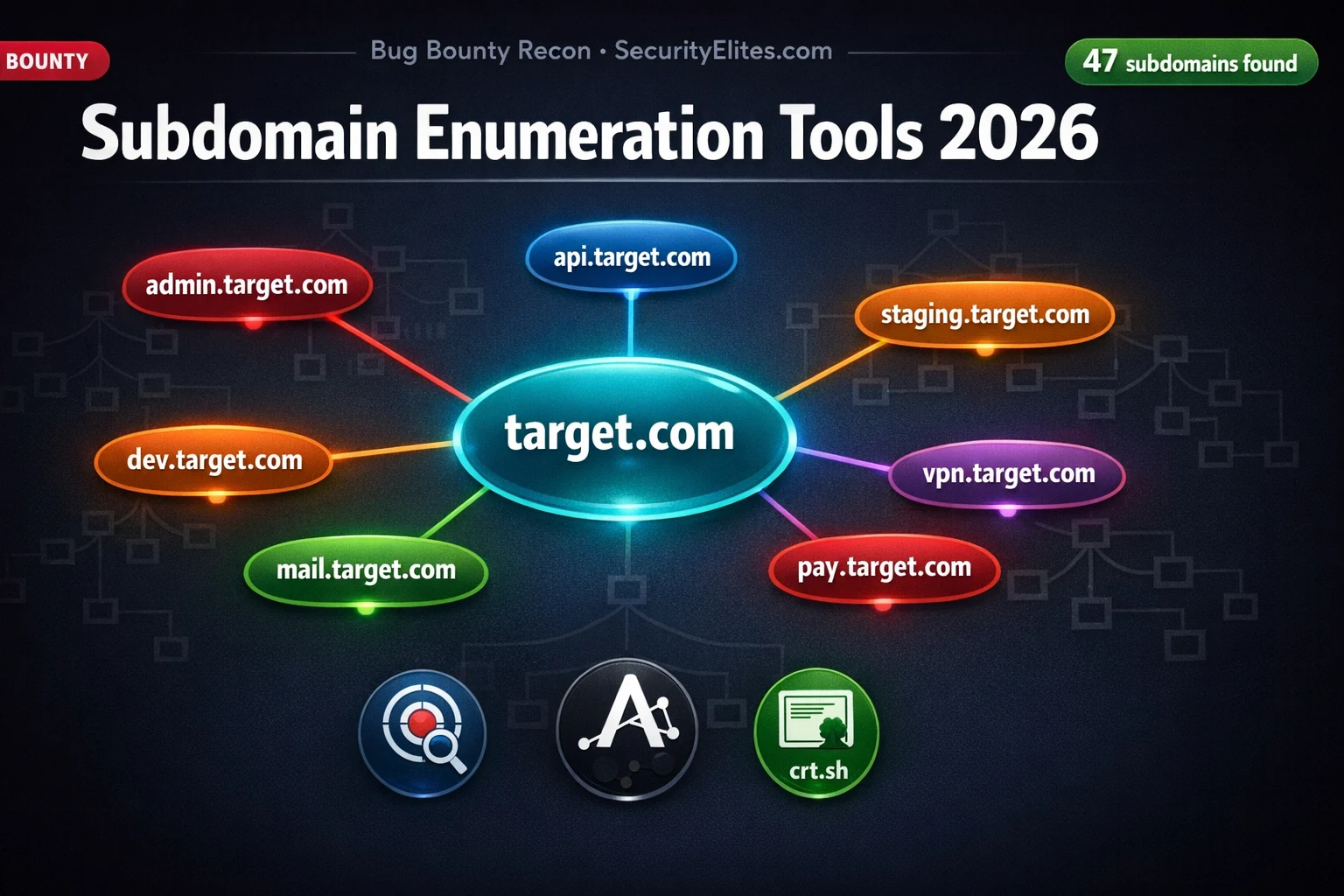
This article presents a comprehensive seven-method pipeline for subdomain enumeration in bug bounty hunting, covering both passive and active techniques. It argues that subdomains represent the highest-value attack surface because they often run staging environments, admin panels, APIs, and legacy applications with weaker security than main domains. The article provides specific commands, exercises, and prioritization frameworks to help hunters systematically discover and validate subdomains before vulnerability testing.
- Subdomains yield higher-severity findings than main domainsThe article cites statistics from HackerOne and Bugcrowd showing that the majority of Critical and High findings in large programmes originate from subdomains rather than primary applications. Admin panels, staging environments, and legacy subdomains are classified as high-risk because they run the same codebase without latest security patches, assume weaker authentication, or predate the company's security programme entirely.
- Passive enumeration combines multiple independent sourcesThe article demonstrates that no single tool discovers all subdomains. The passive approach combines Subfinder (40+ sources), Amass (deepest passive coverage), Assetfinder (lightweight secondary source), and crt.sh (certificate transparency logs). The deduplication step combining all four sources consistently produces significantly more unique subdomains than running any single tool alone.
- Certificate transparency logs reveal unindexed subdomainsThe article explains that every TLS certificate issued by public CAs is recorded in certificate transparency logs, retrievable via crt.sh. When companies create certificates covering subdomains, those names appear in CT logs even if never indexed by search engines or listed in DNS databases. The crt.sh API query `curl -s 'https://crt.sh/?q=%.target.com&output=json'` extracts these subdomains via command line.
- Google dorks find indexed but forgotten subdomainsThe article shows how Google dorks like `site:target.com -www.target.com` and specialized queries (`site:target.com inurl:admin`, `site:target.com inurl:api`) reveal subdomains that search engines have indexed but tools may miss. These queries complement passive tools by accessing a different data source—Google's indexed pages rather than third-party databases.
- Active DNS brute force requires confirmed programme scopeThe article distinguishes active enumeration (puredns and dnsx with SecLists wordlists) from passive methods, emphasizing that active DNS brute force should only be performed within explicitly confirmed programme scope. Passive enumeration using public data sources is legal against any target, but active scanning outside authorized scope violates programme rules.
- Subdomain takeover detection checks for abandoned servicesThe article explains that subdomain takeover occurs when DNS records point to deleted or deregistered third-party services (S3 buckets, GitHub Pages, Heroku, Azure, Netlify). The tool subzy fingerprints responses against known takeover signatures ('NoSuchBucket' for S3, 'There isn't a GitHub Pages site here' for GitHub). The methodology documents the CNAME record and error response as proof without registering the unclaimed service.
- Prioritization framework ranks subdomains by business functionThe article presents a tiered prioritization system: Tier 1 (test first) includes pay, admin, login, internal, and legacy subdomains serving high-privilege functions; Tier 2 includes staging, dev, beta, api, vpn serving test environments; Tiers 3-5 descend to user-facing and static asset subdomains. Prioritization depends on the business function and access level the subdomain likely provides, not the name itself.
- Complete pipeline automates discovery through reportingThe article provides a complete bash script pipeline combining: passive collection from all sources into a single file, deduplication with `sort -u`, DNS resolution with dnsx to filter dead hosts, HTTP probing with httpx to extract status codes and technology fingerprints, and subdomain takeover detection with subzy. The entire workflow executes in under 10 minutes on any target.
Bottom line: Building a multi-source subdomain enumeration pipeline—combining passive tools (Subfinder, Amass, Assetfinder, crt.sh), Google dorks, and active brute force—consistently discovers more high-value targets than any single tool or approach. Prioritizing discovered subdomains by business function (admin, staging, api, legacy) and systematically probing them for HTTP responses and takeover vulnerabilities produces significantly higher bug bounty earnings than testing only explicitly listed main domai
🎯 What You’ll Master in This Guide
⏱️ 48 min read · 3 hands-on exercises
📊 What is your subdomain enumeration workflow?
📋 What You’ll Master — Subdomain Enumeration Tools 2026
- Why Subdomains Are the Highest-Value Bug Bounty Attack Surface
- Passive Subdomain Enumeration — Subfinder, Amass and Assetfinder
- Certificate Transparency — crt.sh and SSL-Based Discovery
- Google Dorking for Subdomain Discovery in 2026
- Active DNS Brute Force — puredns and dnsx Wordlist Attacks
- The Complete Subdomain Pipeline — Collect, Deduplicate, Probe and Prioritise
Subdomain enumeration is step one in the bug bounty recon methodology. Before you test a single parameter or run a single scanner, you need to know the full scope of what you are working with. The Day 6 Bug Bounty course article introduced the concept — this guide goes deeper with the complete 7-source pipeline and the automation commands that make it repeatable on any target in under 10 minutes.
Why Subdomains Are the Highest-Value Bug Bounty Attack Surface
The main application at www.company.com has been tested by hundreds of hunters before you. It has received regular security audits. Its developers are aware of the most common vulnerabilities. The attack surface is well-worn. The subdomains are different. Staging environments run the same codebase without the latest security patches. Admin panels run internal tools built by developers who assumed nobody would find them. API endpoints were built for mobile apps and were never hardened. Legacy subdomains run outdated software that predates the company’s security programme entirely.
Statistics from HackerOne and Bugcrowd consistently show that the majority of Critical and High findings in large programmes come from assets that were not the primary application. Subdomain enumeration is the skill that accesses those assets — and the hunters who build comprehensive subdomain pipelines consistently earn more per hour than those who test only what the programme’s brief explicitly lists.
Passive Subdomain Enumeration — Subfinder, Amass and Assetfinder
⏱️ Time: 10 minutes · Browser only
Step 2: Search for: %.tesla.com
(% is the wildcard — finds all subdomains on the cert)
Note: Use a company from a public bug bounty programme
Step 3: Count unique subdomains found. Note any interesting ones:
admin.*, staging.*, dev.*, internal.*, api.*
Step 4: Open Google and search:
site:tesla.com -www.tesla.com
(finds indexed subdomains Google knows about)
Step 5: Also try:
site:tesla.com inurl:admin
site:tesla.com inurl:login
site:tesla.com inurl:api
Step 6: Compare: which method found more subdomains?
Which method found different subdomains?
Step 7: Go to chaos.projectdiscovery.io/chaos-bugbounty-list
Find your target company — download their pre-collected
subdomain dataset if available.
Step 8: Count the difference in results between:
crt.sh alone vs crt.sh + Google + Chaos combined
📸 Screenshot your combined results showing source comparison and share in #subdomain-recon on Discord.
Certificate Transparency — crt.sh and SSL-Based Discovery
Google Dorking for Subdomain Discovery in 2026
Active DNS Brute Force — puredns and dnsx Wordlist Attacks
⏱️ Time: 10 minutes · No tools required
Rank them 1–5 (1=test immediately, 5=lowest priority):
admin.target.com status.target.com
api.target.com support.target.com
staging.target.com blog.target.com
dev.target.com static.target.com
legacy.target.com cdn1.target.com
beta.target.com help.target.com
pay.target.com fonts.target.com
login.target.com images.target.com
vpn.target.com privacy.target.com
internal.target.com careers.target.com
For your top 5 selections, explain:
— What makes this subdomain higher priority than others?
— What specific vulnerability type would you test first on it?
— What technology fingerprint would change your priority ranking?
📸 Write your prioritised list with reasoning and share in #subdomain-recon on Discord.
The Complete Subdomain Pipeline — Collect, Deduplicate, Probe and Prioritise
⏱️ Time: 20 minutes · Free TryHackMe account required
(free room, no subscription required)
Step 2: Complete the room tasks that cover:
— sublist3r subdomain enumeration
— crt.sh certificate transparency lookup
— Shodan for subdomain discovery
Step 3: For each method in the room, run the same query on
a different target from a public bug bounty programme
using the browser-based AttackBox
Step 4: Document for each method:
— How many unique subdomains found?
— Which subdomains look interesting (admin, api, staging)?
— Which method would you run first on a new target?
Step 5: Install and run httpx on discovered subdomains:
echo “list_of_subdomains” | httpx -silent -status-code
— Which subdomains return 200 OK?
— Which return 403 (forbidden) — still worth noting
— Which return 404 (not found) — check for takeover
📸 Screenshot your httpx output showing live hosts with status codes and share in #subdomain-recon on Discord.
Subdomain Takeover Detection — The Most Overlooked Step
After you have a deduplicated list of resolved subdomains, one of the highest-value checks you can run in under two minutes is subdomain takeover detection. A takeover occurs when a subdomain’s DNS record points to a service (S3 bucket, GitHub Pages, Heroku, Azure, Netlify, etc.) that has been deleted or deregistered — anyone who registers the same service under that name can serve content under the company’s subdomain.
The tool subzy automates this check across your entire discovered subdomain list. It fingerprints the response from each subdomain against known takeover signatures — “NoSuchBucket” for S3, “There isn’t a GitHub Pages site here” for GitHub Pages, “No such app” for Heroku — and flags any subdomains where the CNAME points to an unclaimed third-party service. This check consistently finds High-severity findings in large bug bounty programmes because infrastructure cleanup is rarely a priority for engineering teams.
When you find a takeover candidate, document the CNAME record, the response body showing the “unclaimed” error message, and a brief impact statement explaining what an attacker could host under that subdomain. The report does not require you to register the service — the CNAME pointing to a non-existent resource is sufficient proof of the vulnerability. Registering it without authorisation crosses into territory that could violate programme rules even on legitimate bug bounty programmes.
🧠 QUICK CHECK — Subdomain Enumeration
📋 Key Commands — Subdomain Enumeration Reference
❓ Frequently Asked Questions
What is subdomain enumeration and why does it matter for bug bounty?
What is the difference between passive and active subdomain enumeration?
Which subdomain enumeration tool is best in 2026?
How do certificate transparency logs help find subdomains?
What should I do with subdomains once I find them?
How many subdomains should I expect to find on a large company?
Bug Bounty Day 6: Subdomain Enumeration Basics
Bug Bounty Recon Methodology
📚 Further Reading
- Bug Bounty Day 6: Subdomain Enumeration — The foundational course article covering Subfinder basics and the mindset behind passive recon that this guide builds upon.
- Amass Tutorial Kali Linux — Deep dive into Amass configuration, API key setup, and advanced enumeration techniques for comprehensive subdomain coverage.
- Bug Bounty Recon Methodology — The complete recon methodology covering subdomain enumeration, JavaScript analysis, parameter discovery, and attack surface mapping for bug bounty programmes.
- Subfinder GitHub Repository — Official Subfinder documentation covering API key configuration, all supported data sources, and output format options for pipeline integration.
- crt.sh Certificate Transparency Search — The free certificate transparency log search engine — directly queryable for subdomain discovery with JSON API output for command-line integration.
