This article teaches clickjacking vulnerability detection and exploitation for bug bounty hunting, focusing on finding frameable pages with sensitive actions and building proof-of-concept exploits. The core problem it addresses is that clickjacking findings are frequently dismissed as low-value despite the potential for critical impact, because hunters test the wrong pages or fail to demonstrate real business risk. The article emphasizes that missing framing protection headers on account deletion, OAuth authorization, or financial transaction endpoints can command $500–$5,000+ payouts, while the same vulnerability on a login page earns nothing.
- Clickjacking exploits browser iframe rendering trustThe attack works by creating a transparent, invisible iframe containing a sensitive application page (via opacity: 0.00001), positioned precisely under a deceptive decoy button on an attacker's visible page. When the victim clicks what they believe is the attacker's button, the click event passes through to the hidden application underneath, triggering authenticated actions like account deletion or OAuth authorization. The browser treats this as a legitimate user interaction because it's the victim's own authenticated session making the request.
- Detection requires checking two HTTP response headersThe article identifies the detection mechanism as binary: pages are vulnerable if they lack both X-Frame-Options (with DENY or SAMEORIGIN values) and Content-Security-Policy with frame-ancestors directive. Burp Suite's passive scanner automatically flags missing X-Frame-Options during proxy interception, while manual header review via curl or browser developer tools Network tab reveals the complete framing protection status. Modern browsers (Chrome 80+, Firefox 75+, Safari 14+) prioritize CSP frame-ancestors over X-Frame-Options when both exist.
- Impact severity depends entirely on page actionThe same missing header finding produces $0 on a login page but $2,000 on an account deletion endpoint, because clickjacking impact is determined by what sensitive action the frameable page enables. The article establishes a hierarchy: OAuth authorization endpoints (Critical, $1,500–$5,000+), account deletion without confirmation (High, $500–$2,000), password/email changes (Medium-High, $300–$800), and profile modifications (Low-Medium, $100–$300). Pages without one-click sensitive actions—login, public content, search—are rejected as informational despite missing headers.
- HTML iframe PoC requires precise pixel calibrationThe article provides a template using absolute positioning to overlay a decoy button over the target's real button, with the iframe set to opacity: 0.00001 (not 0, since some browsers reject that). The calibration process uses opacity: 0.5 temporarily to visually align both layers, then adjusts the CSS top/left pixel values until the decoy perfectly overlaps the target button. The article emphasizes this must be tested in an authenticated browser session to verify the sensitive action actually fires when clicked.
- Burp Clickbandit automates PoC generation with reveal sliderBurp Suite's Clickbandit tool (accessed via Burp menu > Burp Clickbandit) eliminates manual calibration by recording user interactions within an embedded Chromium browser, automatically calculating button positions and sizes, then exporting a presentation-ready HTML file. The exported PoC includes an opacity slider that allows triagers to toggle between the deceptive view (what victims see) and the revealed view (what they actually click), making the attack mechanism visually undeniable without requiring setup knowledge.
- Chaining with CSRF escalates severity to CriticalWhen a frameable page's sensitive action uses no CSRF token or a predictable/bypassable one, the attacker can eliminate the user interaction requirement by using JavaScript to auto-submit the form as soon as the page loads. The victim doesn't need to click anything—account deletion, permission grants, or financial transfers fire automatically. The article identifies this as a High or Critical finding on virtually every major bug bounty program, compared to Medium severity for standalone clickjacking requiring user interaction.
- Reports must demonstrate realistic business impactThe article stresses that a valid PoC alone is insufficient—the most common reason triagers reject or downgrade clickjacking findings is lack of realistic impact demonstration. Effective reports include: a screen recording of the full attack chain against an authenticated user, calculated delivery vectors (phishing emails, social media links), evidence of irreversibility (account deletion cannot be undone), and CSS header audit output showing missing protections. The author's example of a resubmitted report that changed from 'Informational' to '$1,200 High severity' illustrates how framing the
- Testing methodology combines automated detection with manual triageThe article describes a workflow combining Burp Suite's passive scanner (which auto-flags missing X-Frame-Options across all captured responses) with manual browsing to identify the application's sensitive action inventory. Triagers must cross-reference the list of frameable URLs with actual sensitive actions, as not every missing header represents a viable finding. The approach ensures hunters don't waste effort on low-impact frameable pages while missing high-value targets like OAuth endpoints.
Bottom line: Clickjacking vulnerabilities deliver significant bug bounty payouts only when found on pages with sensitive one-click actions (account deletion, OAuth authorization, financial transfers)—not on informational pages—combined with evidence-rich reports demonstrating realistic attack scenarios and business impact. The technical detection (missing X-Frame-Options or CSP frame-ancestors) is straightforward; the skill is identifying which frameable pages matter and building PoCs (either manually or wit
FREE
Part of the 60-Day Bug Bounty Mastery Course
🎯 What You’ll Master in Day 20
⏱️ 40 min read · 3 hands-on exercises · Day 20 of 60
📋 Prerequisites — Complete Before Day 20
- Day 15: CSRF — Cross-Site Request Forgery — clickjacking chains with CSRF for the highest-impact findings; understanding CSRF is essential
- Day 5: Burp Suite Deep Dive — Burp Clickbandit is the fastest PoC generator; know the tool before using it for reports
- Day 18: OAuth Bug Bounty — clickjacking on OAuth authorisation pages is a high-severity chained attack vector
📋 Clickjacking Bug Bounty 2026 — Table of Contents
- How Clickjacking Actually Works at the Browser Level
- Detection — Finding Missing Framing Protection Headers
- Which Pages Are Worth Framing (and Which Aren’t)
- Building a Clickjacking PoC — HTML Iframe Method
- Burp Clickbandit — Automated PoC Generation
- Chaining Clickjacking with CSRF for Critical Severity
- Writing Bug Bounty Reports That Get Paid
Day 19 covered CSRF — cross-site request forgery — where forged requests trigger actions without user awareness. Day 20’s clickjacking is a related but distinct attack vector: instead of forging the request, you hijack the legitimate user interaction itself. The victim genuinely clicks, but they click on something different from what they believe they’re clicking on. Together, CSRF and clickjacking form the complete picture of client-side action hijacking — two techniques that every bug bounty hunter must know cold.
How Clickjacking Actually Works at the Browser Level
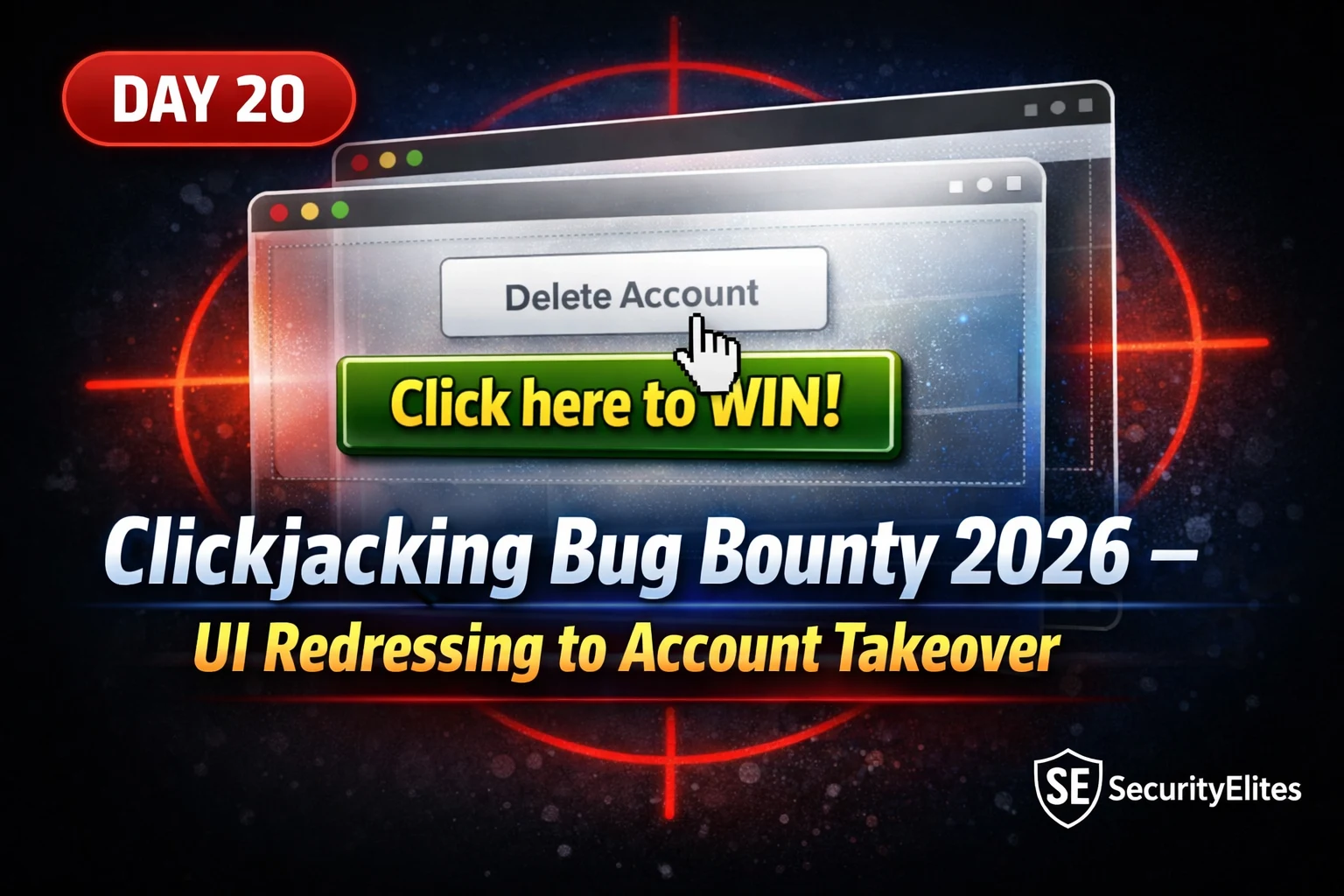
Clickjacking — also called UI redressing — exploits the browser’s ability to embed external pages inside iframes. An attacker creates a malicious web page that contains the victim’s target application in a transparent iframe layered over a deceptive UI. The iframe is positioned so that a sensitive button on the real application — the “Delete Account” button, the “Confirm Transfer” button, the “Authorise App” button — is precisely aligned under something the victim would genuinely want to click on the attacker’s page.
The browser renders both the attacker’s page and the iframe simultaneously. From the victim’s perspective, they see only the attacker’s page — the transparent iframe makes the underlying application invisible. When they click what appears to be the attacker’s button, the click event actually passes through to the invisible application underneath. The victim has just performed an authenticated action on the real application without knowing it. Their session cookies, authenticated state, and all permissions are fully active because it’s their browser loading the real page — the application has no way to know the click came through an iframe overlay.
The browser-level protection against this attack comes from HTTP response headers. When a server includes X-Frame-Options: DENY in its response, the browser refuses to render that page inside any iframe. X-Frame-Options: SAMEORIGIN allows same-origin frames only. The modern replacement is the Content Security Policy frame-ancestors directive — frame-ancestors 'none' blocks all framing, frame-ancestors 'self' allows same-origin. When both protections are absent, the page can be framed by any domain, and the entire clickjacking attack surface opens up.
frame-ancestors over X-Frame-Options when both are present. For a finding to be completely protected, either CSP frame-ancestors must be set, or X-Frame-Options must be set, or both. Missing only one of the two is still a finding if the missing one is CSP frame-ancestors, because that’s the modern standard.Detection — Finding Missing Framing Protection with Burp Suite
Detecting clickjacking vulnerabilities is straightforward once you understand what you’re looking for in HTTP response headers. The challenge isn’t the detection itself — it’s doing it efficiently across large applications with hundreds of endpoints and knowing which responses are worth checking in detail. My workflow combines Burp Suite’s passive scanner (which flags missing X-Frame-Options automatically) with manual header review for high-value sensitive action endpoints that I identify by browsing the application.
When Burp Suite’s spider or manual browsing captures responses, the passive scanner runs automatically and adds “Missing X-Frame-Options header” issues to the Issues tab for every response missing the header. This gives you a map of the entire frameable surface of the application. Your next step is triage — not every missing header represents a viable bug bounty finding. You need to cross-reference the list of frameable URLs with the application’s sensitive action inventory to find the intersection where real impact exists.
One important nuance to understand: some pages set X-Frame-Options or CSP frame-ancestors on the main document response but not on sub-resources or API responses that populate the page. For clickjacking purposes, what matters is the header on the page the victim would need to be viewing — the page that contains the sensitive action button. Always check the specific response for the sensitive action page, not just the homepage or login page headers.
⏱️ 12 minutes · Browser only — no tools, no install required
You’ll use browser developer tools to check HTTP headers — the same fundamental check that professional bug bounty hunters perform on every target.
(try a social media platform, a portfolio site, or any service you use).
Navigate to a settings page — ideally account deletion or password change.
Step 2: Open Developer Tools (F12). Go to Network tab.
Reload the page. Click on the main document request (first request, type=document).
Click “Headers” and look at the Response Headers section.
Search for: X-Frame-Options and Content-Security-Policy.
Step 3: Note what you find:
– Both present → protected
– X-Frame-Options present, no CSP frame-ancestors → partially protected
– Neither present → potentially frameable
Step 4: Check 3 different sensitive pages on 3 different sites.
For each, record:
– The URL
– Whether X-Frame-Options is present (and its value)
– Whether CSP frame-ancestors is present (and its value)
– Your assessment: is this page potentially frameable?
📸 Screenshot the Network response headers from one of your checks — blurred URL if preferred. Post to #day-20-clickjacking on Discord with your findings.
Which Pages Are Worth Framing — Impact Assessment
This is where most beginners go wrong with clickjacking. They find missing X-Frame-Options on a login page or a homepage, build a PoC, submit it, and get back a rejection: “Informational — no sensitive action affected.” Triagers have seen thousands of these submissions. Missing framing headers on a page with no sensitive action is a best practice violation, not a security vulnerability. To get paid, you need to find the intersection of two conditions: the page is frameable, and the page contains a sensitive action that causes real harm if triggered without the victim’s intent.
The hierarchy of valuable clickjacking targets starts with the most impactful: account deletion with no confirmation step, one-click financial transfers or purchases, OAuth authorisation endpoints where one click grants an attacker’s app access to the victim’s account, admin panel actions like user privilege escalation or account deactivation, and password change pages on applications that don’t require the current password. Below these sit medium-value targets: profile data modification, subscription changes, privacy setting toggles, and connected application authorisations. The bottom tier — login pages, public content, search functionality — rarely produces viable findings.
| Page Type | Severity | Typical Payout | Notes |
| OAuth authorize endpoint | Critical | $1,500–$5,000+ | One-click app permission grant |
| Account deletion (no confirm) | High | $500–$2,000 | Irreversible — high impact |
| Password/email change | Medium-High | $300–$800 | ATO chain potential |
| Admin action (privilege grant) | Medium-High | $300–$1,000 | Depends on programme scope |
| Profile data change | Low-Medium | $100–$300 | Limited real-world impact |
| Login / public pages | Info | $0 (rejected) | No actionable impact |
Building a Clickjacking PoC — The HTML Iframe Method
A proof-of-concept for clickjacking demonstrates that a victim can be made to perform a sensitive action without intending to. The PoC must include a realistic decoy that a victim would actually click — not just a blank page with a transparent iframe. Triagers need to be able to run the PoC and see the attack work in their browser. A PoC that requires expert knowledge to set up or that doesn’t visually demonstrate the overlap will slow down triage and may lead to a lower severity rating.
The HTML structure is simple: an outer div containing two layers. The bottom layer is the target application’s sensitive page in an iframe styled with opacity: 0.00001 (functionally transparent but technically present in the DOM — some browsers reject opacity: 0). The top layer is your decoy, positioned absolutely over the iframe at precisely the coordinates of the target’s sensitive button. The iframe is sized to match the target page’s layout, and the decoy button is positioned using CSS absolute positioning to align exactly with the action button underneath.
When calibrating the PoC, use opacity: 0.5 temporarily so you can see both layers simultaneously. Adjust the top and left CSS values of the decoy button until it appears to overlap the target’s real action button. Once perfectly aligned, reduce the opacity to 0.00001 and test the click. If the target action fires when you click the decoy — and the iframe was genuinely invisible — your PoC is ready. Document the exact pixel values and include them in your report so triagers can reproduce without guessing.
Burp Clickbandit — Automated PoC Generation
Manually calibrating iframe pixel positions is time-consuming when you have many targets to test. Burp Suite’s Clickbandit tool eliminates this problem entirely. Clickbandit records your interactions with the real target page, identifies the precise positions and sizes of the buttons you click, and generates a polished PoC HTML file automatically. The output is presentation-ready — the kind of PoC that impresses triagers because it requires no setup and works immediately when opened in a browser.
Clickbandit runs inside Burp Suite’s embedded Chromium browser. You navigate to the target page, launch Clickbandit, click the buttons you want to demonstrate being clickjacked, then export the PoC. The exported file contains all the necessary pixel calculations already done and typically includes a slider that lets the triage reviewer reveal the hidden iframe underneath the decoy layer — a powerful demonstration that makes the attack mechanism visually obvious.
⏱️ 20 minutes · Free PortSwigger account required — portswigger.net/web-security
Register a free account if you don’t have one.
Click “Access the lab” for: “Basic clickjacking with CSRF token protection”
Step 2: Note the lab objective:
– The lab contains login functionality and a delete account button
– Your goal: construct a clickjacking attack that induces the victim to click “delete account”
– The victim user credentials are given on the lab page
Step 3: Build your HTML PoC
Using the template from the previous section, create clickjacking_poc.html.
Replace the src URL with the lab’s URL + /my-account.
Set the iframe opacity to 0.5 first to calibrate position.
Step 4: Calibrate the position
Find the “Delete account” button’s approximate position.
Adjust top/left values until your decoy overlaps the real button.
Reduce opacity to 0.00001.
Step 5: Host the file on the lab’s exploit server
The lab provides an exploit server — use it.
Paste your HTML, click “Store”, then “Deliver to victim”.
If done correctly, the lab marks as solved.
📸 Screenshot the solved lab page. Post to #day-20-clickjacking on Discord with your PoC code and tag #portswigger-solved.
Chaining Clickjacking with CSRF for Critical Severity
Individual clickjacking vulnerabilities require user interaction — the victim must be on the attacker’s page and click the decoy element. This “requires user interaction” limitation is why standalone clickjacking typically lands at Medium severity. Chaining clickjacking with CSRF removes this limitation on certain applications and pushes the finding into High or Critical territory.
The chain works when the sensitive action on the frameable page uses either no CSRF token at all, or a CSRF token that is predictable, reused, or can be extracted through a secondary vulnerability. In this scenario, the attacker’s page loads the iframe transparently, uses JavaScript to submit the form automatically as soon as the page loads, and the action fires before the victim has even read the page — let alone clicked anything. Account deletion, permission grants, and financial transfers using this chain are Critical findings on virtually every major bug bounty programme.
Even without a full CSRF chain, clickjacking combined with a drag-and-drop technique can steal clipboard content or force OAuth authorisation in a single interaction. The PortSwigger Web Security Academy has an excellent series of chained clickjacking labs covering multi-step attacks, drag-and-drop clipboard theft, and frame-busting script bypass that are worth completing in full as part of this day’s study.
Writing Clickjacking Bug Bounty Reports That Get Paid
The quality of your report determines whether a valid finding gets paid or rejected. I’ve reviewed hundreds of bug bounty reports in my career and the most common reason a valid clickjacking finding gets downgraded or rejected isn’t the vulnerability itself — it’s that the hunter didn’t demonstrate realistic impact. “The page is missing X-Frame-Options” tells a triager you found a header. A full report with a working PoC, a documented victim scenario, and a calculated business impact tells them you found an attack. These two framings produce completely different outcomes.
⏱️ 18 minutes · Kali Linux + DVWA running locally + Burp Suite
📸 Screenshot both your manual PoC (with semi-transparent overlay showing alignment) and the Clickbandit-generated output side by side. Post to #day-20-clickjacking with tag #burp-clickbandit.
🧠 QUICK CHECK — Day 20 Clickjacking
📋 Commands Used Today — Day 20 Clickjacking Reference Card
🏆 Mark Day 20 Complete — Clickjacking Bug Bounty 2026
You now have a complete clickjacking methodology from header detection to PoC generation to paid report. Day 21 covers HTTP Request Smuggling — a server-side parsing vulnerability with far more complex discovery mechanics but potentially critical-severity findings on major platforms.
❓ Frequently Asked Questions — Clickjacking Bug Bounty 2026
What is clickjacking in bug bounty?
What headers prevent clickjacking?
Is clickjacking always a valid bug bounty finding?
How do I escalate clickjacking to higher severity?
What Burp Suite features are used for clickjacking testing?
What payout range can I expect for clickjacking findings?
Day 19: CSRF Bug Bounty 2026
Day 21: HTTP Request Smuggling 2026
📚 Further Reading
- Day 15: CSRF and Authentication Bypass — CSRF and clickjacking chain together for the highest-impact one-click account takeover findings — understand CSRF thoroughly before building combined PoCs.
- Day 18: OAuth Bug Bounty 2026 — OAuth authorisation endpoints are among the highest-value clickjacking targets — framing the OAuth consent page allows one-click token theft without any user suspicion.
- 60-Day Bug Bounty Course Hub — Full course hub — Day 20 clickjacking sits within the client-side attack phase covering Days 14–25 of the complete methodology.
- PortSwigger Web Security Academy — Clickjacking Labs — The best hands-on clickjacking practice available — covers basic iframes, multistep attacks, frame-busting bypass, and DOM XSS chaining across six labs.
- OWASP Clickjacking Defence Cheat Sheet — Definitive remediation reference — X-Frame-Options vs CSP frame-ancestors comparison, legacy browser support considerations, and implementation examples for all major frameworks.

If you have any queries feel free to ask here.