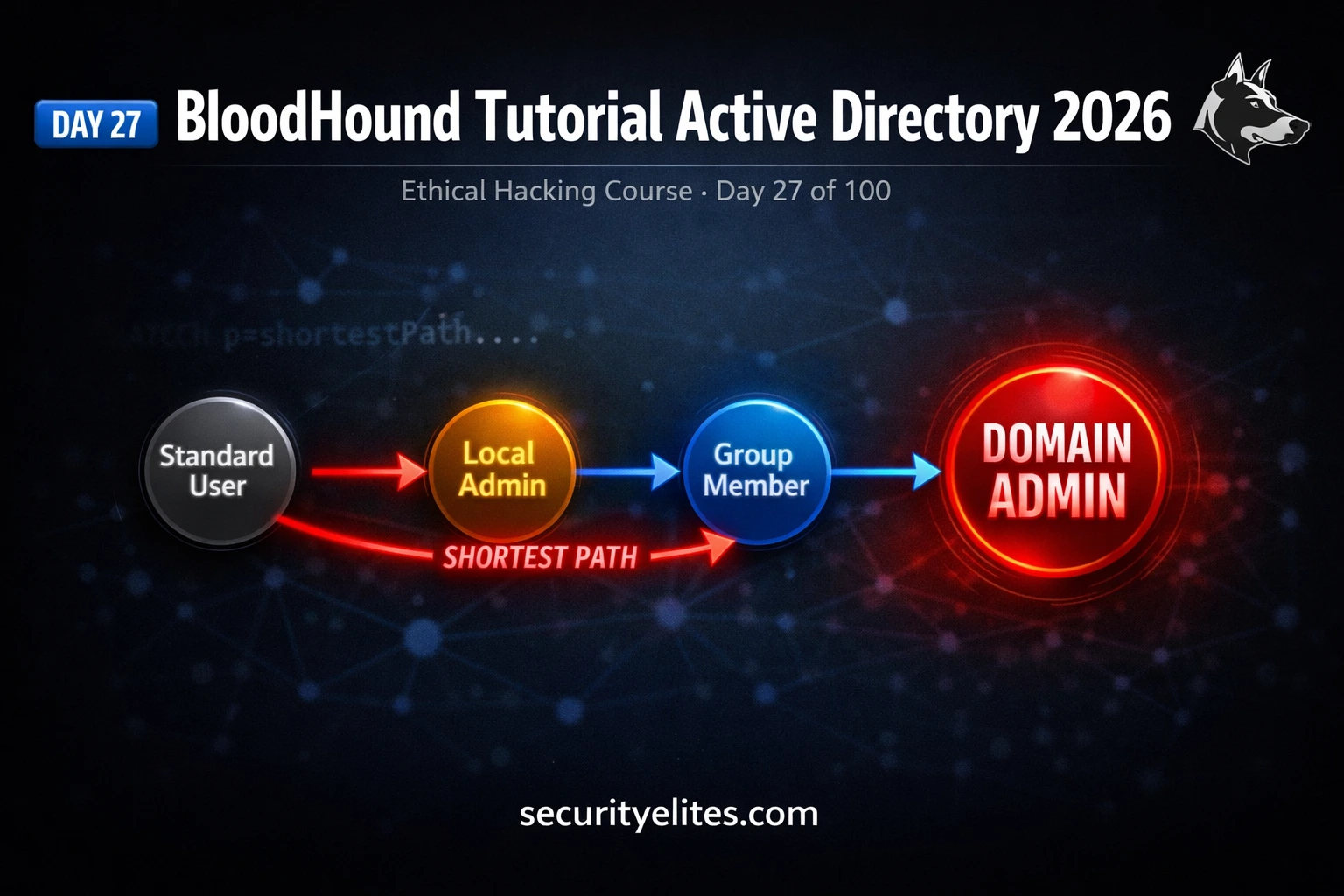
This tutorial teaches BloodHound, a free Active Directory attack path visualization tool that uses graph theory and shortest path algorithms to identify routes from standard domain users to Domain Admin compromise in minutes rather than days. The article covers BloodHound's conceptual foundation, installation of BloodHound CE and Neo4j via Docker, data collection using SharpHound and bloodhound-python, query execution to find attack paths, interpretation of graph edges as exploitation techniques, and practical reporting of findings. BloodHound matters because real AD environments accumulate undocumented permission chains through group memberships, legacy delegations, and unrevoiced admin rights that create compromise paths typically only 3–5 relationships away from any standard user.
- Graph theory reduces manual AD analysisBloodHound represents Active Directory as a mathematical graph where nodes are AD objects (users, groups, computers, GPOs, domains) and edges are relationships (MemberOf, AdminTo, HasSession, GenericAll). It applies Dijkstra's shortest path algorithm to automatically identify the minimum relationship-hops needed to reach Domain Admin from any starting point, replacing weeks of manual permission review with minutes of automated analysis.
- Every BloodHound edge maps to exploitation techniqueEach relationship type in BloodHound corresponds directly to a specific attack technique: AdminTo enables credential dumping with Mimikatz, HasSession allows credential theft from LSASS if local admin, MemberOf inherits all group rights, GenericAll provides full control to reset passwords or modify ACLs, DCSync replicates DC to dump hashes, WriteDacl modifies ACLs to grant yourself GenericAll, and ForceChangePwd resets user passwords. Understanding this mapping transforms a BloodHound graph from a visual diagram into an executable attack plan.
- BloodHound CE Docker deployment simplifies setupBloodHound CE installs via a single Docker Compose command that spins up Neo4j graph database, PostgreSQL, and the BloodHound web interface at localhost:8080. This replaces the legacy setup requiring separate Neo4j and Electron installations. For data collection on Kali, bloodhound-python runs directly from the command line with domain user credentials, eliminating the need to execute SharpHound on Windows machines in stealth-sensitive engagements.
- SharpHound collects relationship data, not via brute forceSharpHound queries LDAP, SMB, and RPC to enumerate AD relationships and outputs JSON files covering users, groups, computers, GPOs, domains, and OUs. Collection flags include: -c All (standard full collection), -c DCOnly (stealth mode avoiding direct computer enumeration), and --Loop (recurring collection every 15 minutes for session data). bloodhound-python provides equivalent functionality from Kali without Windows-side execution.
- Built-in queries identify highest-value attack pathsBloodHound provides pre-built Cypher queries covering the most impactful attack patterns: 'Find Shortest Paths to Domain Admins' (primary attack path discovery), 'Find Principals with DCSync Rights' (AD password replication), 'Find Kerberoastable Accounts' (offline hash cracking targets), 'Find AS-REP Roastable Users' (pre-auth not required accounts), and 'Find Computers with Unconstrained Delegation' (high-value targets). The 'Mark as Owned' feature shows immediate paths from any compromised account to Domain Admin, providing operational intelligence during engagements.
- Permission complexity accumulates over yearsThe article explains that Domain Admin is typically only 3–5 relationships away from standard users not necessarily due to poor security design but because AD environments accumulate permission complexity: group memberships from old projects, local admin rights granted for troubleshooting and never revoked, and delegation configurations for legacy applications create undocumented paths. The example of a six-year-old decommissioned system's forgotten delegation group creating a five-hop Domain Admin path illustrates this risk.
- Pentest reports require technical contextualizationBloodHound graphs are impactful in penetration test reports but require specific documentation: export the graph image, number each step with nodes and edges, specify the exploitation technique and tool names for each edge traversal, identify the starting account and access level, and provide remediation recommendations specific to each node in the path rather than generic permission fixes. This transforms a visual diagram into actionable remediation guidance for the client's security team.
- No Domain Admin credentials required for collectionStandard domain user credentials collect most relationship data including group memberships, ACLs, and AD object relationships sufficient for the Shortest Path to Domain Admin analysis. Local admin on target machines is required only for session data collection, but core attack path identification works with any domain-level user account.
Bottom line: BloodHound automates Active Directory attack path discovery using graph theory and shortest path algorithms, transforming what experienced penetration testers manually perform over days into a minutes-long analysis that identifies exploitation chains typically 3–5 relationships away from any standard user. Each discovered relationship maps directly to a specific exploitation technique (credential dumping, Kerberos abuse, ACL modification, password reset), enabling pentesters to execute theoretic
Part of the 100-Day Ethical Hacking Course
🎯 What You’ll Master in Day 27
⏱️ 60 min read · 3 hands-on exercises
📊 Where are you with BloodHound?
📋 What You’ll Master — BloodHound Tutorial Active Directory 2026
- What Is BloodHound and How Graph Theory Maps AD Attack Paths
- Installing BloodHound CE and Neo4j on Kali Linux 2026
- Running SharpHound — Collecting Active Directory Relationship Data
- BloodHound Queries — Finding Shortest Path to Domain Admin
- Reading BloodHound Graphs — Every Edge Type Explained
- Turning BloodHound Attack Paths Into Pentest Report Findings
In Day 26 you used Pass the Hash and Pass the Ticket to move laterally between machines — powerful techniques, but applied reactively. BloodHound changes the approach entirely: it shows you proactively which accounts, machines, and relationships form the optimal attack path before you execute a single technique. Combined with the 100-Day Ethical Hacking Course content on AD enumeration from Days 23–26, BloodHound becomes the analytical layer that makes everything else strategic.
What Is BloodHound and How Graph Theory Maps AD Attack Paths
BloodHound represents an Active Directory environment as a mathematical graph — nodes are AD objects (users, groups, computers, GPOs, domains) and edges are relationships between them (MemberOf, AdminTo, HasSession, GenericAll, etc.). Once the graph is built from real AD data, BloodHound applies Dijkstra’s shortest path algorithm to find the minimum number of relationship-hops needed to get from any source node to any target node.
The profound insight is that Domain Admin is almost never more than 3–5 relationships away from any standard user in a real enterprise environment. Not because of poor security necessarily — but because AD environments accumulate permission complexity over years. Group memberships from old projects, local admin rights granted for troubleshooting and never revoked, delegation configurations set up for legacy applications — they create paths that nobody documented and that manual review would never surface.
⏱️ Time: 10 minutes · No tools required
USER: jsmith
– MemberOf: IT_Helpdesk group
– HasSession on: DESKTOP-01 (jsmith is currently logged on)
GROUP: IT_Helpdesk
– AdminTo: all computers in OU=Workstations
COMPUTER: DESKTOP-01
– HasSession: svc_sqlbackup (service account logged on)
USER: svc_sqlbackup
– MemberOf: DB_Admins group
GROUP: DB_Admins
– GenericAll rights over: Domain Admins group
Now answer these questions:
1. Trace the full attack path from jsmith to Domain Admin.
Write each step as: [Source] —[Relationship]→ [Target]
2. What technique from Day 26 do you use at the HasSession edge?
(Hint: svc_sqlbackup is logged on to a machine where you are admin)
3. At the GenericAll edge on Domain Admins group, what can
you do to escalate to Domain Admin?
4. If you remove jsmith’s MemberOf IT_Helpdesk, does this
break the attack path? What is the minimum change required
to fully eliminate it?
📸 Draw your traced attack path and share in #day-27-bloodhound on Discord.
Installing BloodHound CE and Neo4j on Kali Linux 2026
Running SharpHound — Collecting Active Directory Relationship Data
SharpHound is the data collection engine. It runs on a Windows machine with domain user credentials and queries LDAP, SMB, and RPC to enumerate AD relationships. The output is a ZIP file containing multiple JSON files covering users, groups, computers, GPOs, domains, and OUs.
BloodHound Queries — Finding Shortest Path to Domain Admin
BloodHound’s pre-built queries are the fastest way to identify the highest-value attack paths in an ingested dataset. These queries run against the Neo4j graph database using Cypher query language. You do not need to write Cypher yourself — the built-in queries cover the most important attack path patterns out of the box.
⏱️ Time: 35 minutes · Free TryHackMe account required
or “Attacking Active Directory” (both include BloodHound tasks)
Step 2: Deploy the machine and connect via TryHackMe VPN or AttackBox
Step 3: The room provides domain user credentials — use them to run
bloodhound-python from your Kali AttackBox:
bloodhound-python -u [USER] -p [PASS] -d [DOMAIN] -c All –zip
Step 4: Transfer the ZIP to your BloodHound installation
Step 5: Upload the ZIP via BloodHound’s Upload Data button
Step 6: Once ingested, run the query:
“Find Shortest Paths to Domain Admins”
Step 7: For each attack path found, document:
— Number of hops
— Relationship types (edges) in the path
— Starting node (source user/computer)
— Technique to traverse each edge
Step 8: Mark the starting account as Owned (right-click > Mark as Owned)
Run: “Shortest Path from Owned Principals”
Does it show a different/shorter path?
📸 Screenshot your BloodHound graph showing the Shortest Path to Domain Admin and share in #day-27-bloodhound on Discord.
Reading BloodHound Graphs — Every Edge Type Explained
Every edge in a BloodHound graph represents a relationship that has a corresponding exploitation technique. Understanding what technique each edge maps to is the skill that transforms a BloodHound graph from a diagram into an execution plan.
⏱️ Time: 20 minutes · Kali Linux with Docker installed
📸 Screenshot the BloodHound CE web interface loaded at localhost:8080 and share in #day-27-bloodhound on Discord. Tag #bloodhound2026
Turning BloodHound Attack Paths Into Pentest Report Findings
A BloodHound attack path graph is one of the most impactful visuals you can include in a penetration test report. Client stakeholders who have never touched a command line immediately understand a graph showing “your standard helpdesk user can reach Domain Admin in four steps.” The challenge is contextualising the graph with enough technical detail that the remediation team can act on it.
For each attack path in your report, include: the exported BloodHound graph image, a numbered step-by-step breakdown of each node and edge in the path, the specific technique used to traverse each edge (with tool names), the account you started with and what level of initial access it represents, and a remediation recommendation specific to each node in the path (not generic “fix permissions”).
🧠 QUICK CHECK — Day 27
📋 Commands Used Today — Day 27 Reference Card
🏆 Mark Day 27 as Complete
You now have the most powerful Active Directory attack path visualisation tool in your arsenal. BloodHound turns weeks of manual AD analysis into minutes — and makes your pentest reports more impactful than any other tool in this course.
❓ Frequently Asked Questions
What is BloodHound and what does it do?
What is SharpHound and how is it different from BloodHound?
What is the difference between BloodHound CE and BloodHound Legacy?
What AD relationships does BloodHound map?
Do I need Domain Admin credentials to run BloodHound?
What comes after BloodHound in this course?
Day 26: Pass the Hash & Pass the Ticket
Day 28: Lateral Movement Techniques
📚 Further Reading
- Pass the Hash & Pass the Ticket 2026 — Day 26 covers the lateral movement techniques that traverse the AdminTo and HasSession edges BloodHound identifies — the practical execution of today’s attack paths.
- Kerberos Attacks 2026 — Day 25 covers Kerberoasting and AS-REP Roasting — directly applicable to BloodHound’s Kerberoastable and AS-REP Roastable user queries.
- 100-Day Ethical Hacking Course — The full course hub with all Active Directory attack days indexed sequentially from enumeration through domain compromise and post-exploitation.
- BloodHound GitHub Repository — The official BloodHound repository with CE installation docs, SharpHound releases, custom query library, and the complete edge type reference documentation.
- MITRE ATT&CK — Domain Policy Modification — The MITRE framework coverage of the AD privilege escalation and domain persistence techniques that BloodHound attack paths map to in the adversary TTP taxonomy.
