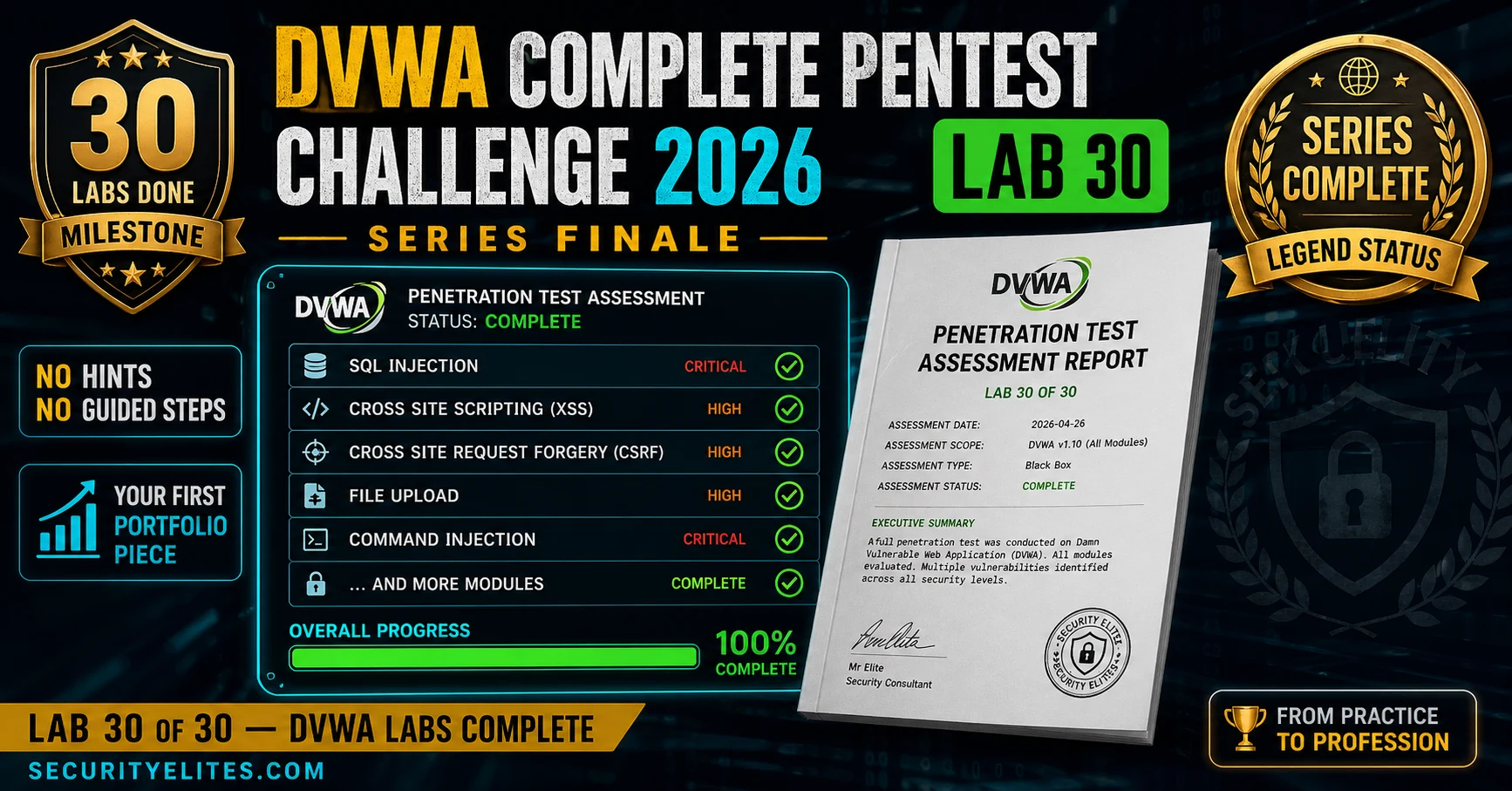
Lab 30 is the capstone challenge of a 30-lab DVWA series, requiring learners to conduct a complete, unsupported penetration test of DVWA from enumeration through professional report delivery. Unlike earlier labs with step-by-step guidance, this final assessment demands independent execution of the full penetration test methodology, documented findings with proof of concept, and a professionally formatted report suitable for client delivery. The article provides a structured methodology framework, finding documentation templates, and report structure to guide learners through this realistic, end-to-end security assessment exercise.
- Five-phase assessment methodology structureThe article outlines a five-phase framework: Phase 1 (Setup, 15 min) covering DVWA database reset and Burp Suite configuration; Phase 2 (Enumeration, 30 min) mapping all endpoints, documenting HTTP headers, and inventorying input parameters using Burp Spider and Nikto; Phase 3 (Exploitation, 2-3 hours) working through modules by priority tier; Phase 4 (Documentation, 1 hour) compiling findings with severity ratings; and Phase 5 (Report, 1-2 hours) assembling the professional deliverable. This phased approach mirrors real commercial penetration test engagements.
- Priority-based module ordering maximizes assessment valueThe article categorizes DVWA modules into tiers: Critical (SQL Injection, SQL Injection Blind, Command Injection, File Upload, File Inclusion), High (XSS Reflected, XSS Stored, XSS DOM, CSRF), Medium (Brute Force, Weak Session IDs, Insecure CAPTCHA, JavaScript Attacks), and Security Review. Working Critical findings first produces the highest business impact because they represent data exfiltration and system compromise risks; the article notes this ordering matches real commercial penetration test practice where business-critical findings receive priority in initial client review.
- Systematic enumeration discipline precedes exploitationThe article emphasizes completing full enumeration before any exploitation attempt, requiring learners to spider all endpoints with Burp Suite, document all HTTP response headers, inventory all input parameters across modules, and run Nikto before touching a single exploit. The article argues that this discipline prevents missing vulnerabilities: new pentesters find one SQL injection and exploit thoroughly while missing potentially more impactful stored XSS; experienced pentesters complete the attack surface map first, then work systematically through it.
- Finding documentation template ensures report assembly efficiencyThe article provides a standardized template for each finding during exploitation, capturing Finding ID, Title, Module, Severity, CVSS score, Description, Payload, Endpoint, Response, Impact, Remediation (with code from Impossible source), and Screenshot. The article argues consistent documentation format transforms report writing from composition to assembly—findings documented during exploitation can be directly pasted into report sections rather than reconstructed from memory hours later, reducing accuracy loss and increasing speed.
- Professional report structure with executive-level accessibilityThe article defines a five-section report structure: Cover Page (title, assessor, date, classification), Executive Summary (1 page, non-technical language suitable for a CEO), Findings Summary Table (severity descending, with ID, Title, Module, CVSS, Status), Detailed Findings (one section per finding with description, reproduction steps, evidence screenshots, business impact, and remediation), and Remediation Summary (priority-ordered fixes with effort estimates). The article specifically emphasizes non-technical executive summary language and notes that Critical findings must appear first in
- Three difficulty tiers accommodate varying learner skill levelsThe article offers Standard (all modules at Low security only, targeting 7-10 findings in 1-3 hours), Advanced (all modules at Low and Medium security, targeting 12-15 findings in 2-4 hours), and Expert (all modules at Low, Medium, and High security, targeting 15+ findings in 4-6 hours) tier options. This scaffolding allows learners to choose appropriate challenge scope rather than enforcing a single path, with each tier progressively requiring bypass techniques and security-level specific exploitation variations.
- Screenshot and payload documentation creates credible proof of conceptThe article stresses that screenshots taken at the time of exploitation serve as forensic evidence making the report credible to clients, and emphasizes that exploitation details degrade rapidly from memory—payload syntax, exact response content, vulnerable parameter—all become fuzzy within 30 minutes if not documented immediately. Each finding is not complete until the documentation template is filled with a screenshot, creating a discipline that separates professional assessment work from casual lab practice.
- Self-assessment reflection questions drive continuous improvementAfter completing the full assessment, learners are asked to conduct self-assessment: What was hardest to document clearly? Which module took longest at High security? What would you do differently next time? The article argues these questions reveal learning gaps—difficulty documenting findings reveals communication skill gaps, difficult modules reveal technical skill gaps, and the retrospective question builds the continuous improvement mindset that distinguishes experienced practitioners, preparing learners for the next series (Metasploitable) with greater complexity and less structure.
Bottom line: Completing Lab 30 with a professionally formatted, documented assessment report demonstrates genuine web application security competency that distinguishes learners in job interviews and client engagements far more effectively than lab completion badges alone. The full-cycle practice from enumeration through report writing reveals communication and technical gaps that become focused learning priorities, building the disciplined, methodical assessment practices that transfer directly to real comm
FREE
Part of the DVWA 30-Lab Series — Series Complete!
🎯 After Lab 30
⏱️ 4-6 hours total challenge · 30 min briefing read · Lab 30 of 30
✅ Prerequisites — Complete These First
- DVWA: Lab 29: Impossible Security Analysis — the techniques and tools from the previous session are assumed knowledge here.
- Environment: Kali Linux running (VM or native install). DVWA accessible at localhost if needed.
- Tools: Burp Suite Community, terminal with root or sudo access.
📋 DVWA Complete Pentest Challenge Lab 30 — Contents
Lab 29 analysed the Impossible security source code — you now know what secure looks like. This final lab tests everything: can you find what’s broken, demonstrate how it’s exploited, and communicate the risk clearly enough for a non-technical reader to understand why it needs fixing?
Assessment Brief
You have been engaged to conduct a web application penetration test of DVWA. The client has provided access to the DVWA installation in their lab environment. Your scope covers all DVWA modules. The deliverable is a professional assessment report covering all identified vulnerabilities with severity ratings, proof of concept, and remediation recommendations.
Assessment parameters: no time limit (complete the full assessment), all testing tools permitted, all security levels in scope (Low, Medium, High), and the Impossible level serves as the reference implementation for remediation recommendations. You will produce one comprehensive report for the full assessment.
Methodology Framework
Your assessment follows the standard web application penetration test methodology. I’m providing the framework — filling in each step is your work:
⏱️ 60 minutes · DVWA + Burp Suite + Nikto
Don’t skip enumeration to jump to exploitation. This exercise completes the full enumeration phase before touching a single exploit. Methodical enumeration is the habit that produces comprehensive assessments — missing an endpoint in enumeration means missing findings in the report.
DVWA → Setup/Reset Database
DVWA Security → Low
Confirm Burp Suite proxy active (localhost:8080)
Step 2: Spider DVWA with Burp
Burp Suite → Target → Scope → add DVWA base URL
Enable passive spider (Burp Pro) or manually browse all pages
Target → Site Map → export full URL list
Count: how many unique endpoints/pages?
Step 3: Document HTTP headers
Pick 3 DVWA pages
Check Response Headers in Burp:
What server software is running?
What PHP version (if disclosed)?
Any security headers present (CSP, X-Frame-Options)?
Any missing security headers?
Step 4: Input parameter inventory
For each module, list:
– URL parameters (GET)
– Form fields (POST)
– Cookies that affect page rendering
Total: how many input parameters across all modules?
Step 5: Run Nikto
nikto -h http://127.0.0.1/dvwa/ -output nikto-results.txt
Review findings — what does Nikto identify automatically?
How does Nikto output compare to your manual enumeration?
Step 6: Enumeration summary (before ANY exploitation)
Write a 3-bullet enumeration summary:
– Technology stack: [server, language, framework]
– Attack surface: [N pages, N unique input parameters]
– Initial observations: [anything unusual in headers or responses]
📸 Share your enumeration summary and Nikto output in comments using tag #dvwa-labs.
Finding Documentation Template
Each DVWA finding you document during the exploitation phase should follow this template. Consistent documentation format means professional report writing becomes assembly rather than composition — you’re pasting documented findings into a structure, not trying to remember what you found two hours ago.
⏱️ 90 minutes · DVWA + Burp Suite — no hints
This is the core assessment phase. Work through every Critical and High priority module at Low security, then Medium, then High. For each module, use the finding documentation template above. No module is complete until the template is filled out with a screenshot.
SQL Injection:
□ Non-blind: extract all users and password hashes
□ Payload documented in template
□ Screenshot: data extracted in browser response
SQL Injection (Blind):
□ Boolean-based: use 1′ AND 1=1# vs 1′ AND 1=2#
□ Time-based: 1′ AND SLEEP(5)#
□ Document: how do you extract data without visible output?
Command Injection:
□ Inject OS command after valid IP: 127.0.0.1; id
□ Demonstrate file read: 127.0.0.1; cat /etc/passwd
□ Screenshot: command output in response
File Upload:
□ Upload PHP webshell bypassing extension filter
□ Execute the shell via browser
□ Document: what URL executes the uploaded file?
HIGH MODULES:
XSS Reflected:
□ Craft alert(document.cookie) payload
□ Document what data could be stolen
XSS Stored:
□ Store XSS in guestbook/name field
□ Confirm it executes for every page load
□ Document impact: affects ALL users who visit page
CSRF:
□ Create HTML form that changes password without victim’s knowledge
□ Document: what action does the victim not know is happening?
FOR EACH FINDING: complete the documentation template before moving on.
Total findings expected: 7-10 Critical/High severity findings at Low security level.
📸 Share one complete finding template with screenshot in comments under tag #dvwa-labs.
Report Structure
The final deliverable is your assessment report. Structure it professionally — you’ll use this as a portfolio piece and the habits built here transfer directly to commercial engagement reporting.
⏱️ 2 hours · DVWA + Burp Suite + report tool
This is the culmination of 30 labs. No hints. No step-by-step. You have the methodology, the tool skills, and the vulnerability knowledge. Produce a complete professional assessment report. This is your Lab 30 deliverable and your portfolio proof of DVWA mastery.
You are conducting a web application security assessment of DVWA.
Your client is a fictitious company: SecureTest Ltd.
Engagement window: unlimited (this is a lab — take the time you need)
Deliverable: Professional PDF/Word assessment report
HARD REQUIREMENTS for the final report:
✓ Executive summary: 1 page, readable by a non-technical CEO
✓ Minimum 7 documented findings
✓ Each finding has: description, exact payload, screenshot, impact, fix
✓ At least 3 Critical severity findings fully documented
✓ Remediation section references Impossible source code
✓ Findings summary table with CVSS scores
✓ Professional formatting (your choice of Word, PDF, Markdown)
DIFFICULTY TIERS (choose your level):
STANDARD: All modules at Low security only
Target: 7-10 findings, 1-3 hours total
ADVANCED: All modules at Low AND Medium (bypass required for Medium)
Target: 12-15 findings, 2-4 hours total
EXPERT: All modules at Low, Medium, AND High
Target: 15+ findings, 4-6 hours total
When complete:
□ Count your total findings
□ Rate your assessment: what did you miss on first pass?
□ Time the full engagement (start to report complete)
□ Save as portfolio piece
SELF-ASSESSMENT AFTER COMPLETION:
What was your hardest finding to document clearly?
Which module took the longest to exploit at High security?
What would you do differently on the next assessment?
📸 Share your completed report cover page or findings summary table in comments under tag #dvwa-labs. Tag #DVWAComplete #Lab30 🏆
📋 Key Commands & Payloads — DVWA Complete Pentest Challenge 2026 — Full Assess
🏆 Lab 30 Complete — DVWA Series COMPLETE!
30 labs. Every OWASP vulnerability class. Offensive and defensive perspectives. A complete professional assessment report. This is the foundation that every next step builds on — Metasploitable for multi-service network assessments, TryHackMe and HackTheBox for guided and CTF challenges, and eventually OSCP for professional certification. The Metasploitable setup lab is next: a more complex target environment with intentional vulnerabilities across multiple services. A different kind of challenge, and a direct application of everything DVWA has built.
🧠 Quick Check
❓ Frequently Asked Questions — DVWA Complete Pentest
What does a complete DVWA assessment cover?
How long does a complete DVWA pentest take?
What tools are used in a complete DVWA assessment?
What is the hardest DVWA module?
What comes after completing all DVWA labs?
Can I use automated tools in the DVWA challenge?
Lab 29: DVWA Impossible Security Analysis
Metasploitable Lab Setup 2026 — Next Series
📚 Further Reading
- Lab 29 — Impossible Security Analysis — The defence side of this final challenge. Your remediation recommendations in the assessment report should reference the Impossible source code patterns — prepared statements, output encoding, CSRF tokens — documented in Lab 29.
- Metasploitable Lab Setup 2026 — The first lab in the Metasploitable series: setting up a more complex intentionally vulnerable target with multiple services, more realistic attack surface, and less hand-holding than DVWA. The natural next step after DVWA completion.
- DVWA Labs Hub — Full Series — Index of all 30 DVWA labs in the series. Full series complete — use this hub for review, to revisit specific vulnerability classes, or to share your series completion with others.
- DVWA on GitHub — Official Repository — The official DVWA project maintained by digininja. Installation instructions, changelog, and all source code — including the Impossible level reference implementations used for report remediation recommendations.
- TryHackMe — Jr Penetration Tester Path — The natural next guided learning path after DVWA completion. Builds on the same web application vulnerability knowledge with additional network and system pentesting context in a structured CTF format.
