What You’ll Learn
⏱️ 14 min read
How to Audit AI-Generated Code — 2026
My code audit methodology here complements the Vibe Coding Security Risks guide which covers the broader context. For the supply chain component — auditing AI-suggested packages before installation — see MCP Server Security for the agentic tooling angle. The penetration testing methodology applies these checks in a formal assessment context.
What AI Code Generation Consistently Misses
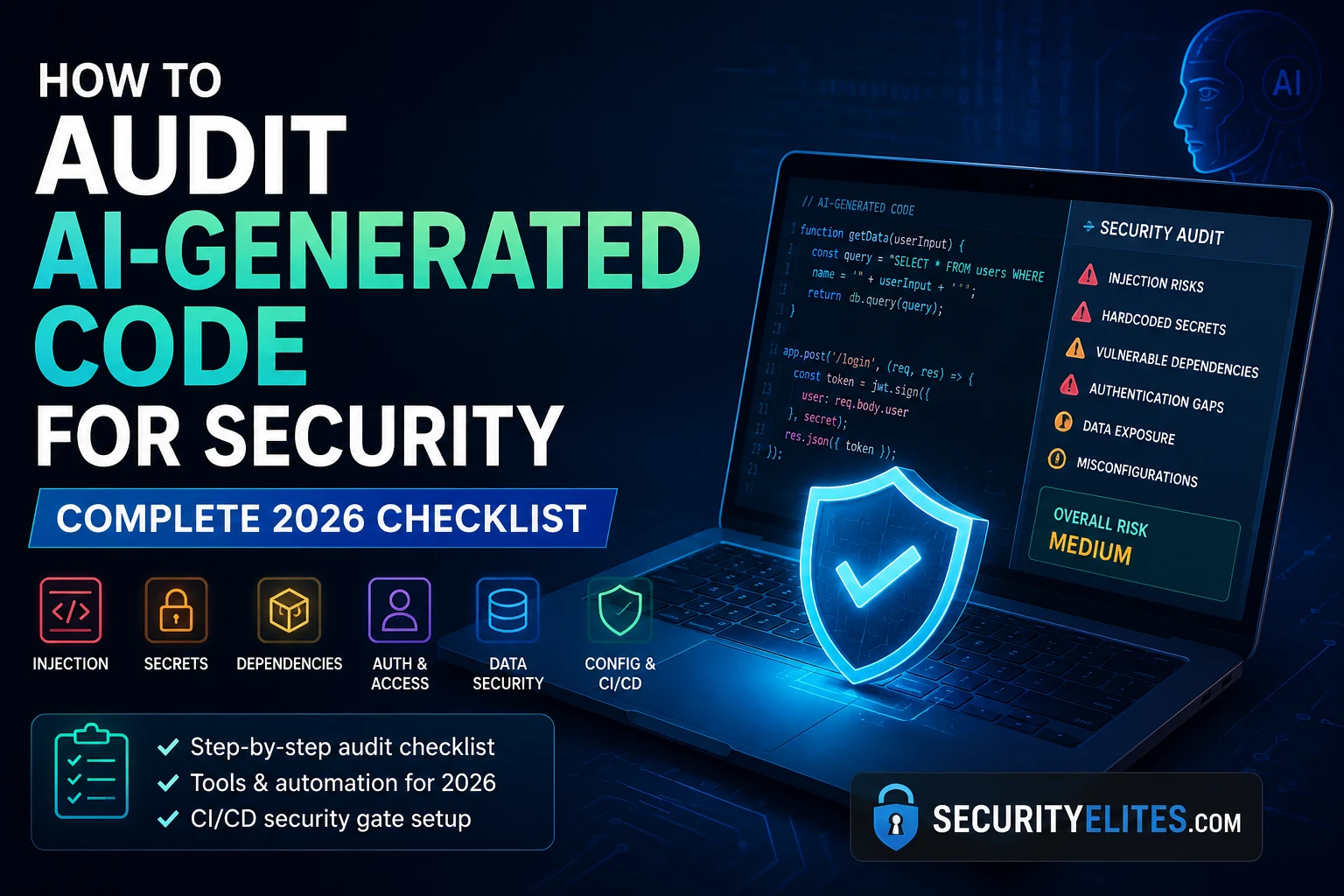
Based on my audit work across multiple codebases in 2026 — and these are production deployments where developers were actively using Copilot, Cursor, or Claude Code for the majority of their code — and aligned with what Veracode, Checkmarx, and GitLab have all published in the last quarter, AI code generators have a consistent security blind spot profile. They’re good at functional correctness. They miss security controls that a security-aware developer adds habitually but that aren’t explicitly requested in the prompt.
Automated Audit Tools — What Catches What
My tool selection for AI code auditing is designed around the specific gap profile above. Different tools catch different vulnerability classes, and running them in sequence is more effective than running any single tool. My recommended stack costs nothing for individual developers and open-source projects.
Search: “generated with cursor” OR “built with claude” site:github.com
Pick one with 20+ commits in the last 3 months
Step 2: Clone it locally
git clone [repo-url] /tmp/audit-target
Step 3: Run each tool
cd /tmp/audit-target
# Secret scan (historical)
gitleaks detect –source . –log-opts=”–all” –report-path gitleaks.json
# Dependency vulnerabilities
npm audit –audit-level=moderate (or pip-audit)
# SAST
semgrep –config=auto . –json > semgrep.json
Step 4: Document findings
How many secrets in git history?
How many vulnerable dependencies?
How many SAST findings at HIGH or CRITICAL?
Step 5: Check 3 random route handlers manually
Is auth middleware applied? Is user input validated?
Manual Review Techniques
Automated tools miss specific categories that require human judgement. My manual review focuses on the three areas where automated scanning is least reliable: authentication logic, business logic flaws, and configuration file security.
CI/CD Security Gate Setup
This is more valuable than a generic list because it targets your actual vulnerabilities.
Pick your stack (e.g., Node.js + Express + PostgreSQL + React):
For each component, write 3 specific security questions:
BACKEND FRAMEWORK (Express):
1. Are all routes protected by authentication middleware?
2. Are request body sizes limited to prevent DoS?
3. Is CORS configured restrictively (not *)?
DATABASE (PostgreSQL):
1. Are all queries parameterised (no string concatenation)?
2. Are database credentials in environment variables only?
3. Does the app user have minimal database permissions?
FRONTEND (React):
1. Is user-controlled content sanitised before rendering?
2. Are there any dangerouslySetInnerHTML usages?
3. Are sensitive data (tokens) stored in httpOnly cookies, not localStorage?
DEPENDENCIES (npm):
1. Is npm audit run and all HIGH/CRITICAL resolved?
2. Are all packages manually verified to exist and be legitimate?
3. Is there a process for monitoring new CVEs in used packages?
Write this for YOUR tech stack. Run it on your current project.
The 15-Minute Audit Workflow
Using AI to Find Its Own Security Issues
My most effective addition to the manual review phase: asking the AI assistant itself to review its own output for security issues. This doesn’t replace the toolchain — the AI will miss things, especially in configuration files — but it catches a significant portion of the application-layer vulnerabilities quickly and adds minimal time to the workflow.
AI Code Audit — Key Points
Start Your First AI Code Audit Now
Run Gitleaks on your current project before anything else. The git history result is almost always the most surprising. Then set up the GitHub Actions security gate — it takes 10 minutes to configure and runs automatically on every pull request from that point forward.
Quick Check
Frequently Asked Questions
What security vulnerabilities does AI-generated code most commonly introduce?
What is the best free tool for auditing AI-generated code?
How do I prevent AI from introducing security vulnerabilities in the first place?
Vibe Coding Security Risks 2026
Web Application Security Hub
Further Reading
- Vibe Coding Security Risks 2026 — The context for why AI code auditing is now a required discipline. The Claude Code source map leak, ClawHavoc, and the vulnerability classes that vibe coding consistently introduces.
- SQL Injection — Complete Guide — The injection vulnerability that AI code generation most commonly introduces. Full methodology, testing techniques, and parameterised query patterns for every major framework.
- How Password Attacks Work — The credential theft techniques that exploit hardcoded secrets and insecure credential storage — two of the top AI code vulnerabilities this audit process targets.
- Semgrep Documentation — Official setup guide for the SAST tool I use as the primary code pattern scanner. The OWASP Top 10 ruleset and auto-config mode are the starting points for AI code auditing.
- Gitleaks — Setup and configuration for the git history secret scanner. The pre-commit hook setup prevents credentials from being committed in the first place.
