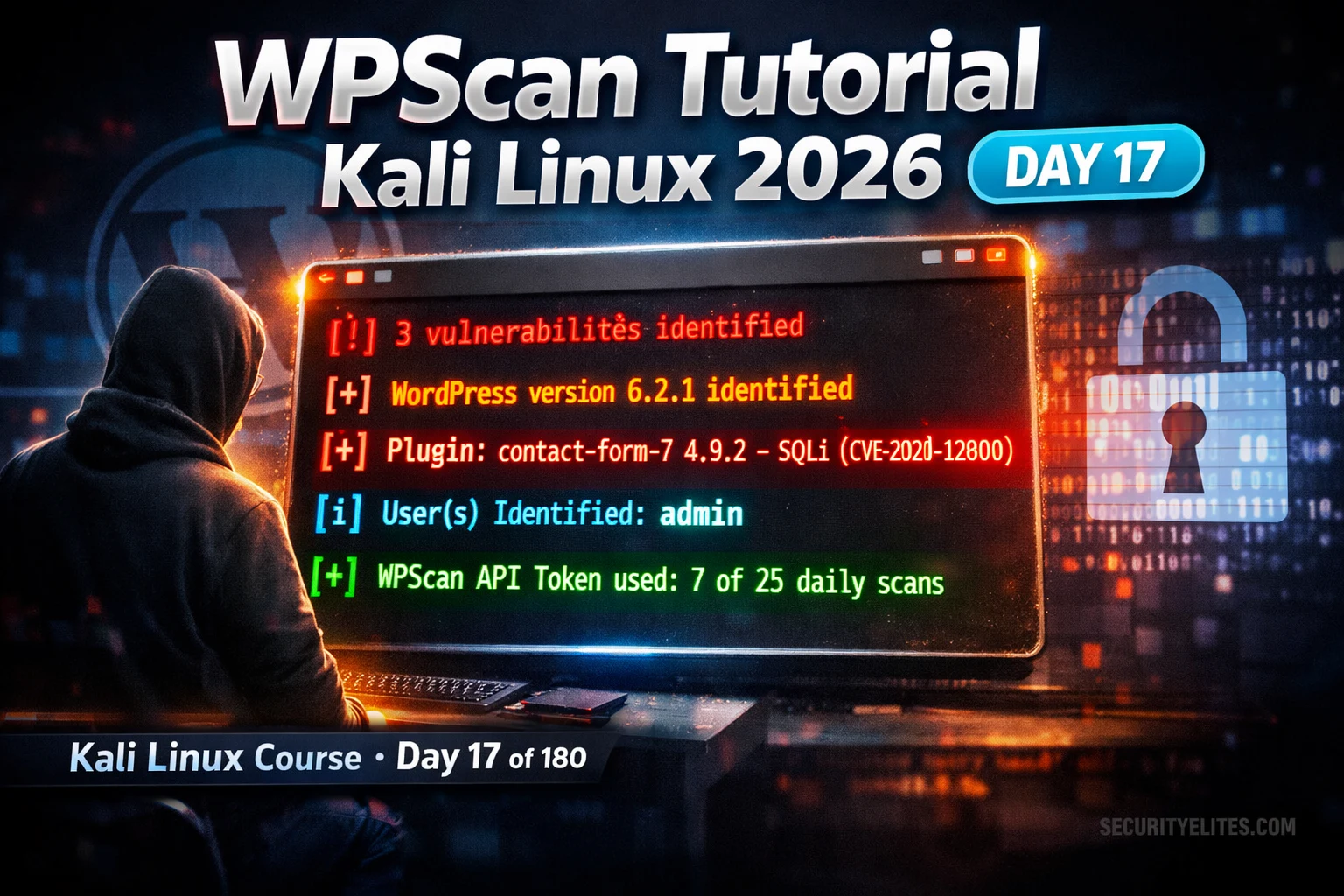
This article is a detailed tutorial on WPScan, a WordPress-specific security scanner included in Kali Linux, teaching users how to enumerate WordPress installations, identify vulnerable plugins and themes, discover valid usernames, and chain findings into credential attacks. The article argues that WordPress's standardised architecture—predictable file paths, a decade-old user enumeration endpoint, and a large plugin ecosystem with outdated versions carrying public CVEs—makes it systematically vulnerable to automated scanning. WPScan matters because WordPress powers over 40% of the web, making WordPress security assessments a critical skill for penetration testers.
- WordPress architecture creates systematic attack surfaceThe article explains that WordPress stores all plugins under /wp-content/plugins/[name]/ with predictable file paths, and plugin readme.txt files contain version numbers, enabling automated fingerprinting. Deactivated-but-not-deleted plugins remain accessible and vulnerable on disk even after being disabled. The trust model for the 59,000+ plugins in the official repository is weaker than enterprise software procurement, and niche plugins with small user bases often lack dedicated security teams, creating a disproportionate attack surface.
- Passive versus aggressive detection differencesPassive detection reads plugin references from page source code only, while aggressive detection systematically requests known plugin file paths from WPScan's database of over 50,000 plugin directory names to check for readme.txt files. Aggressive mode discovers inactive, hidden, and legacy plugins that never appear in passive scanning. This distinction is critical because deactivated plugins remain vulnerable but invisible to passive scans, yet WPScan's aggressive mode will find them.
- Setup requires free API token for CVE mappingWPScan is pre-installed in Kali Linux but requires a free API token from wpscan.com for vulnerability data; the free tier provides 25 API requests per day. The token can be permanently configured in ~/.wpscan/scan.yml or passed per-scan with the --api-token flag. Without a token, WPScan identifies version numbers but cannot map them to CVEs or vulnerability details.
- Basic scan reveals version and active plugin vulnerabilitiesA standard WPScan command with API token outputs WordPress version (marked as outdated or current), active themes and plugins with version numbers, and any known CVEs with references and CVSS scores. For example, the article shows WooCommerce 7.4.0 identified with a reflected XSS vulnerability fixed in 7.4.1, and Contact Form 7 5.7.1 with a SQLi vulnerability. Output can be saved as text or JSON for scripting and vulnerability management platform import.
- User enumeration feeds credential attack workflowsWPScan discovers valid WordPress usernames through multiple methods: author archive URLs (?author=1 redirects to /author/USERNAME/), WordPress REST API at /wp-json/wp/v2/users/, and XML-RPC. The --enumerate u flag enables all methods, and discovered usernames are then used with Hydra or WPScan's built-in password attack feature. XML-RPC is noted as often more effective than web form attacks because it enables bulk credential testing in single requests, potentially bypassing rate limiting applied only to the login form.
- Aggressive enumeration flags discover critical backup filesThe --enumerate ap,at,cb,dbe flags enable all-plugins, all-themes, config-backups, and database-exports enumeration. The config-backups flag (cb) is highlighted as the most overlooked but highest-severity finding—it discovers files like wp-config.php.bak accessible at the site root containing production database credentials in plaintext. The article notes this finding occurs when developers edit config files, editors auto-create .bak backups, and nobody deletes them or restricts access via .htaccess.
- Deactivated plugin vulnerabilities remain exploitableEven when a plugin is deactivated, its files remain on disk under /wp-content/plugins/ and remain accessible at standard HTTP paths. If a vulnerability is in the plugin's file processing code triggerable via direct HTTP requests (rather than through WordPress admin), deactivation does not prevent exploitation. Deactivated plugins receive no admin attention for updates, so vulnerabilities often persist longer than in active plugins, warranting High severity ratings and recommendations to delete rather than merely deactivate unused plugins.
- Complete scan workflow mirrors professional assessment processThe article demonstrates a four-step WPScan sequence: basic scan for version and obvious findings, user enumeration for credential attack targets, aggressive plugin scan for comprehensive CVE coverage, and full combined scan with JSON output for report evidence. This workflow mirrors real WordPress penetration test methodology, with findings documented and imported into vulnerability management systems for formal reporting.
Bottom line: WPScan automates discovery of WordPress's entire standardised attack surface—versions, plugins, themes, users, and backup files with CVEs—in under 5 minutes, making it essential for any WordPress assessment; however, it must only be used against sites you own or have explicit written authorisation to test, as unauthorised use violates computer fraud laws worldwide. The tool's most valuable finding is often overlooked config backup files (wp-config.php.bak) containing production credentials, whic
FREE
Part of the 180-Day Kali Linux Mastery Course
🎯 What You’ll Master in Day 17
⏱️ 45 min read · 3 hands-on exercises
📋 WPScan Tutorial Kali Linux 2026
In Day 16 you used DirBuster to discover hidden directories on web servers. Day 17 takes web enumeration to the next level — WPScan is to WordPress what DirBuster is to generic web servers, but with built-in CVE intelligence. Together they form the complete web application reconnaissance toolkit in the 180-Day Kali Linux Mastery Course.
Setup — Installation, Update, and API Token
⏱️ Time: 8 minutes · No tools required
Think through the security implications:
1. PLUGIN LIFECYCLE PROBLEM:
A site installs a plugin in 2022, uses it for 6 months,
then deactivates it but never deletes it.
The plugin receives a critical security patch in 2024.
→ What is the security implication? Is the site vulnerable?
→ Would WPScan’s aggressive mode find this plugin?
2. THIRD-PARTY CODE TRUST:
A developer submits a plugin to the WordPress repository.
It has a backdoor. It gets 10,000 installs before discovery.
→ What trust model does WordPress use for plugins?
→ How does this compare to enterprise software procurement?
3. ENUMERATION STANDARDISATION:
WordPress installs all plugins under /wp-content/plugins/[name]/
with predictable file paths (readme.txt contains version number).
→ Why does this standardisation help attackers?
→ How would you defend against plugin version fingerprinting?
4. THE LONG TAIL:
Most WordPress vulnerabilities are in plugins with under
1,000 active installs — niche plugins that maintain small
sites without dedicated security teams.
→ Why does this create a disproportionate attack surface?
Write a 3-sentence assessment of why WordPress’s architecture
creates a persistent security challenge despite its popularity.
📸 Share your 3-sentence WordPress security architecture assessment in #day-17-wpscan on Discord.
Basic WordPress Scan — Version, Plugins, Themes
User Enumeration — Finding Valid Usernames
⏱️ Time: 20 minutes · Kali terminal · authorised practice target only
📸 Screenshot your WPScan results showing identified plugins/versions and share in #day-17-wpscan on Discord.
Aggressive Mode — Complete Plugin and Theme Discovery
The difference between passive and aggressive detection is the difference between finding what is advertised and finding everything that is installed. Passive detection reads plugin references from page source code. Aggressive detection systematically requests known plugin file paths — WPScan maintains a database of over 50,000 plugin directory names and checks each one for the presence of readme.txt (which contains the version number). This discovers inactive, hidden, and legacy plugins that would never appear in passive scanning.
⏱️ Time: 12 minutes · Kali terminal · own local WordPress only
📸 Screenshot the complete WPScan → credential attack chain on your local WordPress and share in #day-17-wpscan on Discord. Tag #wpscan2026
🧠 QUICK CHECK — Day 17
📋 Commands Used Today — Day 17 WPScan Reference
🏆 Mark Day 17 as Complete
WPScan is one of the most practically useful tools in your Kali arsenal because WordPress is everywhere. The combination of version fingerprinting, CVE mapping, user enumeration, and aggressive plugin discovery gives you a comprehensive WordPress attack surface in under 5 minutes. Day 18 covers Crunch — the password list generator that feeds the credential attacks Day 17 sets up.
❓ Frequently Asked Questions
What is WPScan and what does it find?
Does WPScan need an API token?
Is WPScan legal to use?
What is passive vs aggressive detection?
How does WPScan enumerate users?
What comes after Day 17?
Day 16: DirBuster Tutorial 2026
Day 18: Crunch Password Generator 2026
📚 Further Reading
- DirBuster Tutorial Kali Linux 2026 — Day 16 covers generic web directory discovery — the broader web enumeration technique that WPScan specialises for WordPress targets.
- Kali Linux Tools Hub — Complete Kali Linux tools reference — WPScan in context with the full web application assessment toolkit including Nikto, Gobuster, Burp Suite, and SQLmap.
- 180-Day Kali Linux Mastery Course — The complete course hub — Day 17 WPScan is part of the web application reconnaissance phase covering Days 14–22.
- WPScan GitHub Repository — Official WPScan source code and documentation — complete flag reference, custom detection rules, API documentation, and contribution guide for the WPVulnDB vulnerability database.
- WPScan Wordlists — Official WPScan wordlists for plugin and theme detection — understanding what the aggressive scan is checking helps interpret why it finds inactive plugins the passive mode misses.
