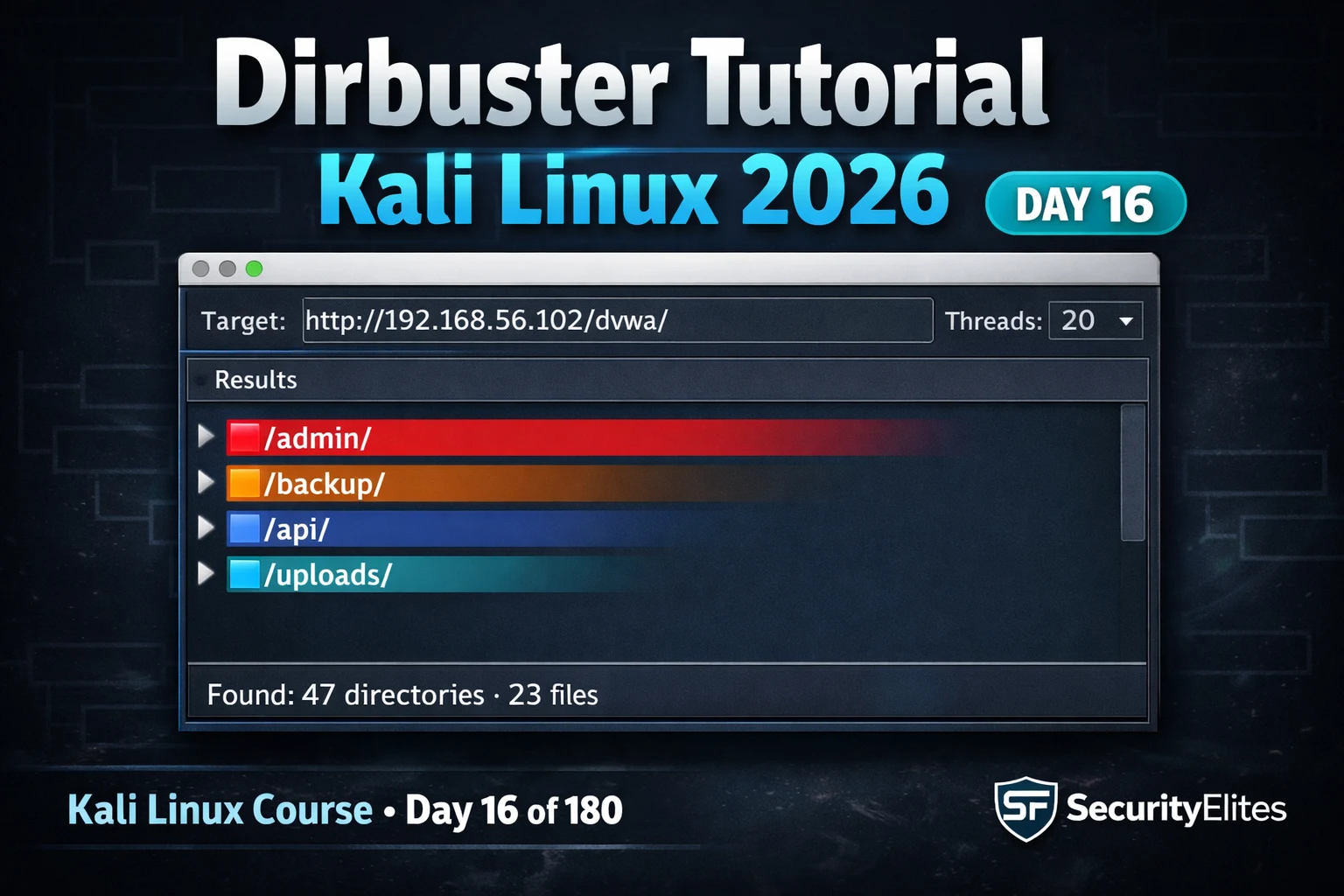
This article is Day 16 of a 180-day Kali Linux training course focused on DirBuster, a GUI tool for discovering hidden directories and files on web servers through HTTP brute-forcing. The article demonstrates how directory enumeration uncovers sensitive paths—admin panels, backups, configuration files, and legacy endpoints—that developers leave unlinked but accessible. Directory brute-forcing is presented as a foundational web assessment technique that repeatedly reveals critical findings missed by surface-level reconnaissance.
- How directory brute-forcing discovers hidden contentDirBuster is a Java-based OWASP tool that iterates through a wordlist of common path names, sending HTTP GET requests to each and recording response codes. A 200 OK indicates the path exists and is accessible; 403 Forbidden means the path exists but access is restricted; 404 Not Found means it does not exist. The tool creates a complete map of server content, including backup files at /backup.zip, configuration exports at /config.php.bak, admin interfaces at /admin/, and old API versions at /api/v1/ that are never linked from the application but discoverable through systematic enumeration.
- Wordlist selection determines scan coverage and speedDirBuster effectiveness depends entirely on wordlist choice. Built-in options range from directory-list-2.3-small.txt (87K entries, fast) to directory-list-2.3-big.txt (1.27M entries, comprehensive but slow). SecLists offers technology-specific wordlists including common.txt (4,727 entries for baseline speed) and CMS-targeted lists for WordPress, Joomla, Drupal, and Magento. The article recommends small.txt or common.txt for CTF/quick scans, medium.txt for lab/pentest work, and big.txt for full assessments. A scan cannot find paths that are not in the wordlist.
- Response code interpretation guides investigation priority200 OK paths require immediate investigation as they are accessible. 403 Forbidden responses confirm directory existence despite access denial and warrant testing for misconfigured permissions, parent-directory traversal, or alternate access paths—many testers incorrectly dismiss 403 responses. 301/302 redirects reveal canonical paths. 401 responses indicate authentication-protected resources suitable for credential testing. 404 responses can be ignored as the path does not exist. This response code hierarchy determines which findings warrant follow-up during assessment.
- DirBuster GUI provides real-time visual analysisDirBuster's Java-based GUI presents results in a tree structure allowing testers to monitor findings in real-time during scanning without parsing text output. Configuration includes setting target URL, thread count (20 recommended), wordlist selection, file extensions (php, txt, html, bak), and enabling recursive scanning to enumerate subdirectories within discovered directories. The professional workflow uses DirBuster's visual interface for initial exploration and learning phases.
- Gobuster trades GUI convenience for production speedGobuster is a Go-based scanner that performs the same directory enumeration but with significantly faster execution than DirBuster due to superior concurrent HTTP request handling. The article demonstrates that Gobuster completes scans in a fraction of the time for identical wordlists and thread counts. Professionals use DirBuster or dirb for learning, then switch to Gobuster for production assessments where speed matters, while dirb serves as the simplest CLI option for quick manual checks.
- Pre-scan prediction separates professionals from tool operatorsThe article emphasizes pre-running DirBuster by manually predicting expected directories based on application architecture, technology stack, and development patterns. Expected categories include admin paths (/admin/, /administrator/, /backend/), backup/development paths (/backup/, /old/, /test/, /.git/), API paths (/api/, /api/v1/, /api/orders/), PHP configuration files (/config.php, /wp-config.php), and legacy paths from documented system updates. This mental model allows testers to spot anomalous findings immediately rather than passively reading tool output.
- Legal authorization is mandatory for scanningDirBuster sends hundreds of HTTP requests per second to target web servers. The article explicitly states that use is legal only on systems the tester owns or has written authorization to test. Running directory brute-forcing against any web server without explicit permission violates computer fraud laws worldwide. In bug bounty programs, some explicitly prohibit automated scanning even on in-scope domains.
- Real-world example demonstrates complete application invisibilityThe author describes a client assessment where the production application was thoroughly hardened with no obvious injection points or authentication flaws, but DirBuster found /old-portal/ returning 200 status. This legacy path contained a three-year-old application version deployed during migration, completely forgotten by the development team, running an unpatched PHP version with multiple known CVEs. The new application was secure but the hidden old application was fully compromised. DirBuster discovered this in eight minutes.
Bottom line: Directory brute-forcing with DirBuster is a mandatory web assessment technique that repeatedly discovers sensitive paths developers leave unlinked but accessible, from admin panels to legacy applications; professionals must understand response code interpretation, wordlist selection tradeoffs, and tool choices (DirBuster for learning, Gobuster for production speed) to properly enumerate complete web application attack surfaces.
FREE
Part of the 180-Day Kali Linux Mastery Course
🎯 What You’ll Master in Day 16
⏱️ 45 min read · 3 hands-on exercises
📋 What You’ll Master — Dirbuster Tutorial Kali Linux 2026
In Day 15 you used Enum4linux to enumerate SMB shares and user accounts. That covers the network layer. Today shifts to the web layer — DirBuster finds what web servers are hiding at undisclosed paths. Both are enumeration tools targeting different protocols, and both appear on every comprehensive assessment in the 180-Day Kali Linux Mastery Course.
What DirBuster Is and How Directory Brute-Forcing Works
DirBuster is a Java-based GUI tool developed by OWASP that discovers hidden directories and files on web servers by iterating through a wordlist of common path names. For each entry in the wordlist, DirBuster sends an HTTP GET request — GET /admin/ HTTP/1.1 — and records the response code. A 200 OK means the path exists and is accessible. A 403 Forbidden means the path exists but access is restricted. A 404 Not Found means it does not exist. After running through thousands of paths, DirBuster produces a map of everything that exists on the server — even paths the application never links to.
This matters because developers frequently leave sensitive content at predictable paths. Backup files at /backup.zip, configuration exports at /config.php.bak, admin interfaces at /admin/ or /management/, and old API versions at /api/v1/ after a migration to /api/v2/. None of these are linked from anywhere. All of them are found by DirBuster in the first scan.
⏱️ Time: 8 minutes · No tools required
e-commerce company. Their public site has: a product catalogue,
a checkout system, a customer login portal, and a blog.
BEFORE running DirBuster, predict:
1. What admin interface paths are most likely to exist?
(Think about what technology stacks commonly use — WordPress,
PHP, custom frameworks all have common admin paths)
2. What backup or development paths might a developer leave
behind on a production server?
(Think: what do developers commonly name test files?)
3. What API paths would you expect behind an e-commerce site?
(Orders, products, users, payments, webhooks)
4. If the site runs PHP, what configuration file paths are
most commonly found accessible on misconfigured servers?
5. The checkout system “was rebuilt 6 months ago” according to
their job listings. What legacy paths might still exist?
Write 10 specific paths you would expect DirBuster to find —
BEFORE running it. Then compare your predictions to the results
after Exercise 2.
📸 Write your 10 predicted paths and share in #day-16-dirbuster on Discord before running Exercise 2.
GUI Setup — Configuring DirBuster for Your First Scan
Wordlists — Which One to Use and Why It Matters
The wordlist is the most important DirBuster configuration choice. A scan is only as good as the paths it checks — if your target uses a non-standard admin path like /management-portal/ and your wordlist does not contain it, DirBuster will never find it. The tradeoff is always speed vs coverage: a small wordlist finishes in minutes but misses uncommon paths; a large wordlist takes hours but finds nearly everything.
⏱️ Time: 20 minutes · Kali VM + Metasploitable on Host-Only network
📸 Screenshot your DirBuster results showing 200-response paths and share in #day-16-dirbuster on Discord.
Interpreting Results — What 200, 403, and 301 Tell You
Response codes are the language of DirBuster results. A 200 OK is the ideal finding — the path exists, is accessible, and returned content. A 403 Forbidden is equally important — it means the directory exists and the server refuses to serve it, which often indicates an admin directory or sensitive location. Many testers dismiss 403 responses; professionals investigate them for misconfigured permissions, parent-directory traversal, or alternate access paths.
DirBuster vs dirb vs Gobuster — Which Tool When
⏱️ Time: 12 minutes · Kali terminal · Metasploitable running
📸 Screenshot Gobuster results with timing and share in #day-16-dirbuster on Discord. Tag #dirbuster2026
🧠 QUICK CHECK — Day 16
📋 Commands Used Today — Day 16 Reference Card
🏆 Mark Day 16 as Complete
Directory brute-forcing is on the checklist of every web application assessment. DirBuster gives you the GUI foundation; Gobuster gives you the speed for production work. You now know both, understand wordlist selection, and can interpret every response code in the results.
❓ Frequently Asked Questions
What is DirBuster and what does it do?
What is the difference between DirBuster, dirb, and Gobuster?
What wordlist should I use with DirBuster?
What HTTP response codes matter in DirBuster results?
Is DirBuster legal to use?
What comes after DirBuster in the course?
Day 15: Enum4linux Tutorial 2026
Day 17: WPScan Tutorial 2026
📚 Further Reading
- Enum4linux Tutorial Kali Linux 2026 — Day 15 covers SMB enumeration — the network-layer counterpart to DirBuster’s web-layer discovery. Together they cover both attack surfaces on any target running SMB and HTTP.
- Kali Linux Tools Hub — The complete Kali Linux tools reference — DirBuster sits in the web application analysis category alongside Nikto, SQLmap, Burp Suite, and the full web testing toolkit.
- 180-Day Kali Linux Mastery Course — The complete course hub — Day 16 DirBuster is part of the web application assessment phase covering Days 12–24, building from HTTP interception through full web vulnerability discovery.
- Gobuster GitHub Repository — The official Gobuster source and documentation — DNS mode, S3 bucket enumeration, fuzzing mode, and all flags for directory brute-forcing at professional assessment speed.
- SecLists GitHub Repository — The standard wordlist collection — the Discovery/Web-Content/ directory contains 50+ targeted wordlists for different technologies and frameworks that outperform generic DirBuster defaults.
