Shadow AI Security Risks 2026 — Biggest Worry for IT Industry

Shadow AI Security Risks 2026 — Biggest Worry for IT Industry
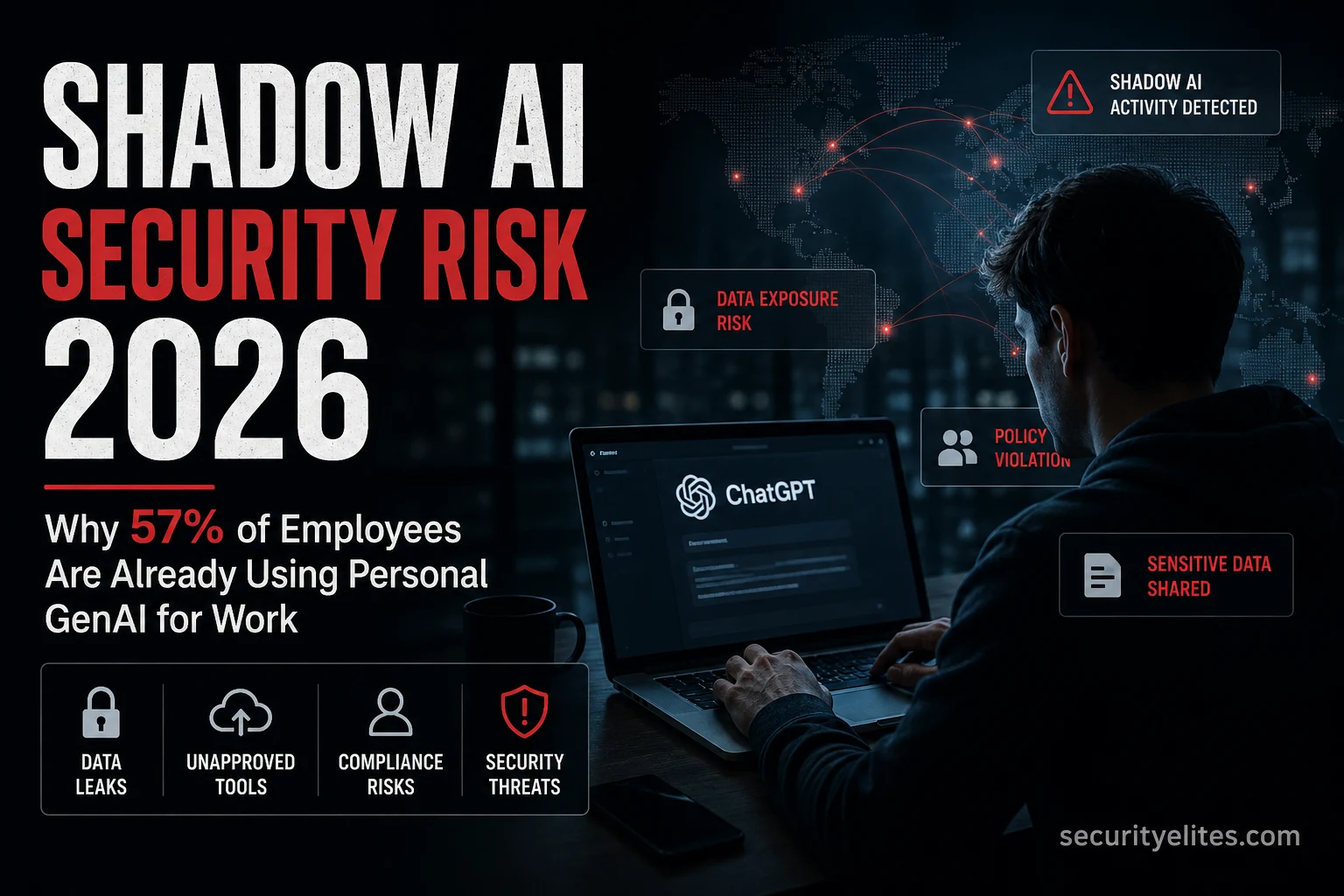
Gartner surveyed 175 employees and found that 57% use personal GenAI accounts for work purposes. 33% admit to inputting sensitive information into unapproved tools. These aren’t reckless employees — they’re efficient ones, using the fastest available tool to get their job done. Shadow AI is what happens when an organisation deploys AI tools without clear policies, or when the approved tools are slower or less capable than the personal ones employees already use. My complete breakdown of what shadow AI is, why it’s a security problem, how to detect it, and what actually works to manage it.

What You’ll Learn

What shadow AI is and how it differs from shadow IT
The specific security risks shadow AI creates — data, compliance, IP
How to detect shadow AI usage in your organisation
What policies and controls actually change employee behaviour
The governance framework that balances security with productivity

⏱️ 12 min read

Shadow AI is the employee-side manifestation of the data privacy risk I covered in Is ChatGPT Safe for Work? The Samsung incident is the canonical shadow AI case. For the approved AI governance framework that prevents shadow AI from becoming a liability, see Google SAIF.


What Shadow AI Is

Shadow IT is the well-established practice of employees using technology tools that haven’t been approved by their organisation’s IT or security team. Shadow AI is the same concept applied specifically to AI tools — employees using ChatGPT, Gemini, Claude, Perplexity, Midjourney, or any other AI service for work tasks without organisational approval or visibility. My framing for clients who think this is a niche problem: if your organisation has more than 10 employees and hasn’t explicitly communicated an AI policy, you almost certainly have shadow AI usage happening right now.

SHADOW AI — WHAT IT LOOKS LIKE IN PRACTICE
# Common shadow AI scenarios
Developer pastes internal codebase into ChatGPT for debugging help
Sales rep uses Gemini to draft proposals containing client names and deal terms
HR manager summarises employee performance reviews using Claude on a personal account
Finance team uses AI to analyse spreadsheets containing revenue figures
Legal team asks ChatGPT to review contract clauses with actual contract text pasted in
# Why employees do it
The approved tools are slower or less capable than personal AI tools
There are no approved tools yet — policy hasn’t caught up with productivity needs
Employees don’t understand the data risk — they see it as “just using a website”
Gartner: 57% use personal GenAI for work · 33% input sensitive data into unapproved tools
# How it differs from shadow IT
Shadow IT: unapproved software running on company devices or networks
Shadow AI: approved consumer websites used for work — harder to detect and block
Shadow AI data risk: the data leaves your organisation the moment it’s submitted


The Security Risks It Creates

Shadow AI creates three distinct risk categories that I assess separately because they require different controls. Data privacy risk, intellectual property risk, and compliance risk. The Samsung incident — three separate engineers pasting proprietary code into ChatGPT within 20 days — is the clearest single illustration of all three converging simultaneously.

SHADOW AI RISK CATEGORIES
# Risk 1: Data privacy — personal data entering consumer AI
Employee submits customer data, employee data, or patient data to consumer AI
Consumer AI plans: data stored, may be used for training, potentially reviewed by staff
GDPR/HIPAA implication: processing personal data on unapproved third-party systems
Real case: HR manager submitting employee performance data — potential GDPR breach
# Risk 2: Intellectual property — proprietary information lost
Source code, product roadmaps, financial data, client lists enter AI vendor’s systems
Once submitted, you cannot retrieve or delete it from the vendor’s training pipeline
Real case: Samsung engineers → proprietary semiconductor code → OpenAI servers → irrecoverable
# Risk 3: Compliance — regulated data in uncontrolled systems
Financial data subject to SOX, patient data subject to HIPAA, EU data subject to GDPR
Consumer AI tools typically don’t have the compliance certifications these require
Audit trail: none — no record of what was submitted or who submitted it

securityelites.com
Shadow AI Risk Matrix — Data Classification
Data Type
Shadow AI Risk
Level
Source code / IP
Irrecoverable once submitted — Samsung pattern
Critical
Customer PII
GDPR breach if processed on unapproved system
Critical
Financial data
SOX/regulatory exposure + competitive risk
Critical
Employee data
Employment law + data protection obligations
High
Internal strategy docs
Competitive intelligence leak if AI memorises
High
Generic work writing
Minimal risk if no confidential content
Low

📸 Shadow AI risk matrix by data type. The top three categories — source code, customer PII, and financial data — are all Critical because submitting them to a consumer AI tool creates risks that can’t be undone after the fact. The Samsung case confirmed that once proprietary code enters OpenAI’s systems, it cannot be retrieved. My risk assessment framework flags any employee workflow that involves these data types as a shadow AI priority for governance.


How to Detect Shadow AI

My detection approach for shadow AI combines network monitoring, endpoint monitoring, and employee survey data. No single method gives a complete picture — organisations that rely solely on network monitoring will miss browser-based AI usage on personal devices, and organisations that only survey employees will miss the cases people don’t self-report.

SHADOW AI DETECTION METHODS
# Method 1: Network egress monitoring
Monitor DNS queries and web traffic to known AI platforms
Track: chatgpt.com, claude.ai, gemini.google.com, perplexity.ai, copilot.microsoft.com
Alert: high-volume uploads (large data submissions to AI platforms)
Limitation: misses personal device usage on personal networks
# Method 2: Endpoint DLP (Data Loss Prevention)
DLP rules flagging copy/paste of classified content to browser AI interfaces
Alert: classified documents opened then AI platform visited within 60 seconds
Tools: Microsoft Purview, Symantec DLP, Forcepoint
# Method 3: CASB (Cloud Access Security Broker)
Intercepts traffic to SaaS AI tools and enforces data policies
Can: block specific AI tools, log usage, redact sensitive content before submission
Tools: Netskope, Zscaler, Microsoft Defender for Cloud Apps
# Method 4: Anonymous employee survey
Ask directly: which AI tools do you use for work? What data do you typically enter?
Anonymous surveys return significantly more honest responses than named ones
Gartner-style finding: the 57% figure came from surveying — not from monitoring


What Policies Actually Work

My honest assessment of AI policies — and I have reviewed dozens of them at this point — based on what I see in client environments: long restrictive policies that say “never use AI for work” are ignored. Short, specific policies with clear green/amber/red guidance are followed. The goal isn’t zero AI usage — it’s controlled AI usage where the right tools are used for the right data. Trying to ban AI entirely in 2026 is equivalent to trying to ban the internet in 2005 — it doesn’t work and it creates a covert usage problem that’s harder to manage than an open one.

AI USAGE POLICY — WHAT ACTUALLY CHANGES BEHAVIOUR
# The one-page green/amber/red framework
GREEN — always OK with any approved AI tool:
Writing help, brainstorming, learning, public information research
AMBER — OK with approved business tools only (ChatGPT Team/Enterprise, M365 Copilot):
Internal documents without personal data, strategy drafts without specific financials
RED — never enter into any AI tool (including approved ones):
Customer PII, source code, financial results, legal privilege, employee data, credentials
# Why this works better than a detailed policy
Employees can apply green/amber/red in 5 seconds — detailed policies require 5 minutes
The red list is specific and non-negotiable — no ambiguity about what it covers
Green category channels usage to approved tools without blocking it entirely
# The approved tool provision
If you only restrict and don’t provide: employees use personal tools anyway
Provide ChatGPT Team or M365 Copilot → employees have an approved option
Approved tool adoption significantly reduces shadow AI volume within 30 days

EXERCISE — THINK LIKE A SECURITY MANAGER (15 MIN)
Map Shadow AI Risk in Your Organisation
Step 1: Identify the 5 highest-risk employee roles in your organisation
(Think: who handles source code, customer data, financial data, legal docs, strategy?)

Step 2: For each role, identify the top 3 work tasks where AI could help
(This is what they’re searching for AI tools to do)

Step 3: For each task, classify the data they’d likely enter
Use the green/amber/red framework above

Step 4: Identify the gap
For each amber/red task: is there an approved tool that covers this use case?
If no: that gap is your shadow AI risk — employees will use personal tools

Step 5: Design the policy response
For each high-risk task with no approved tool:
Option A: provide an approved tool for that specific use case
Option B: document the task as prohibited with a specific explanation why
Option C: accept the risk (document the decision)

Output: a one-page shadow AI risk map for your organisation

✅ The gap analysis in Step 4 is the most valuable output. Most organisations prohibit sensitive AI usage without providing an alternative — which guarantees continued shadow AI usage because the underlying productivity need still exists. My rule: every prohibition should be paired with either an approved alternative or a documented reason why no alternative exists. “You can’t use ChatGPT to summarise board meeting notes” without “but you can use M365 Copilot in Teams which stays in your tenant” just drives the usage underground.


The Governance Framework

SHADOW AI GOVERNANCE — MINIMUM VIABLE PROGRAMME
# 1. Inventory (month 1)
Survey employees — what AI tools are you using for work?
Network scan — what AI platforms are employees reaching from company devices?
Output: list of AI tools in actual use vs approved tools
# 2. Policy (month 1)
Publish the one-page green/amber/red policy
Include it in onboarding and annual security training
Announce approved tools — remove the incentive to use personal alternatives
# 3. Technical controls (month 2–3)
CASB or DLP: enforce policy at the technical layer for high-risk roles
Network monitoring: log AI platform access from company devices
Alert: large data uploads to unapproved AI platforms
# 4. Ongoing (quarterly)
Review: new AI tools employees are requesting or using
Update: approved tool list as better options become available
Train: refresh green/amber/red training annually or after major AI incidents

Shadow AI — Key Points

57% of employees use personal GenAI for work · 33% enter sensitive data — Gartner 2026
Three risk categories: data privacy (GDPR), IP loss (Samsung pattern), compliance (HIPAA/SOX)
Detection: network monitoring + DLP + CASB + anonymous employee survey
Policy that works: one-page green/amber/red + approved tool provision
Governance: inventory → policy → technical controls → quarterly review

Shadow AI — Start With the Survey

Send an anonymous survey to your team this week asking which AI tools they use for work. The results will determine your actual shadow AI exposure far more accurately than any network monitoring can. The ChatGPT work safety guide gives employees the education they need to understand why the policy exists.


Quick Check

A company publishes a policy stating “employees must not use unapproved AI tools for work purposes.” Six months later, shadow AI usage is unchanged. What is the most likely reason the policy failed?


Frequently Asked Questions

What is shadow AI?
Shadow AI is the use of AI tools by employees for work purposes without organisational approval or visibility. It’s the AI equivalent of shadow IT — using technology outside the approved stack. Common examples include using personal ChatGPT accounts to summarise meeting notes, pasting code into AI tools for debugging, or using Gemini to draft proposals containing client information. Gartner’s 2026 research found 57% of employees use personal GenAI accounts for work, with 33% inputting sensitive data into unapproved tools.
Why is shadow AI a security risk?
Shadow AI creates three overlapping risks: data privacy risk (customer or employee personal data entering consumer AI systems without a legal basis), intellectual property risk (proprietary code, strategy, or financial data submitted to external AI vendors’ systems where it may be used for training or reviewed by staff), and compliance risk (regulated data processed on systems without the required certifications). The critical characteristic of shadow AI risk is that it’s largely irreversible — data submitted to consumer AI cannot be retrieved.
How do I detect shadow AI in my organisation?
Four detection methods with complementary coverage: network egress monitoring (DNS and web traffic to known AI platforms), endpoint DLP rules (flagging classified data being submitted to browser-based AI), CASB tools (intercepting and logging traffic to SaaS AI platforms), and anonymous employee surveys (which reveal usage that technical monitoring misses). No single method gives a complete picture — the combination of monitoring and survey data provides the most accurate view of actual shadow AI usage.
What should an AI acceptable use policy include?
The most effective AI policies are specific and short. My recommended format: a clear list of approved tools with their approved data classification levels, a red list of data types that must never be entered into any AI tool (source code, customer PII, financial data, legal documents, employee data, credentials), and a green list of tasks that are always acceptable. The policy should be one page maximum and include specific examples. Pair every prohibition with either an approved alternative or a documented reason why no alternative exists.
← Related

Is ChatGPT Safe for Work? Privacy Guide

→ Framework

Google SAIF — AI Security Programme

Further Reading

  • Is ChatGPT Safe for Work? 2026 — The employee education piece. What ChatGPT and other consumer AI platforms actually do with submitted data, the Samsung incident in full, and the settings changes every employee should make.
  • Google SAIF Framework — SAIF Principle 4 (harmonise platform-level controls) is the programme element that directly addresses shadow AI governance. The full SAIF scoring exercise applies here.
  • ChatGPT vs Gemini vs Claude Security — Choosing the right approved AI tool for your organisation. The data policy comparison across all three platforms’ consumer and enterprise tiers.
  • Gartner — Top Cybersecurity Trends 2026 — The primary source for the 57% and 33% shadow AI statistics, and the full Gartner context on why GenAI breaks traditional security awareness approaches.

ME
Mr Elite
Owner, SecurityElites.com
The thing that consistently surprises security leaders when I present shadow AI data is that it’s their best employees driving the highest risk. The people most likely to use personal AI tools for work are the ones most motivated to be productive — senior developers, experienced analysts, high-performing sales reps. They found AI made them significantly more effective and they’re not going to stop using it because of a policy. My approach: design governance that channels their AI usage into approved tools, not one that tries to suppress it. Suppression fails. Channelling works.

Join free to earn XP for reading this article Track your progress, build streaks and compete on the leaderboard.
Join Free
Lokesh Singh aka Mr Elite
Founder, Securityelites · AI Red Team Educator
Founder of Securityelites and creator of the SE-ARTCP credential. Working penetration tester focused on AI red team, prompt injection research, and LLM security education.
About Lokesh ->

Leave a Comment

Your email address will not be published. Required fields are marked *