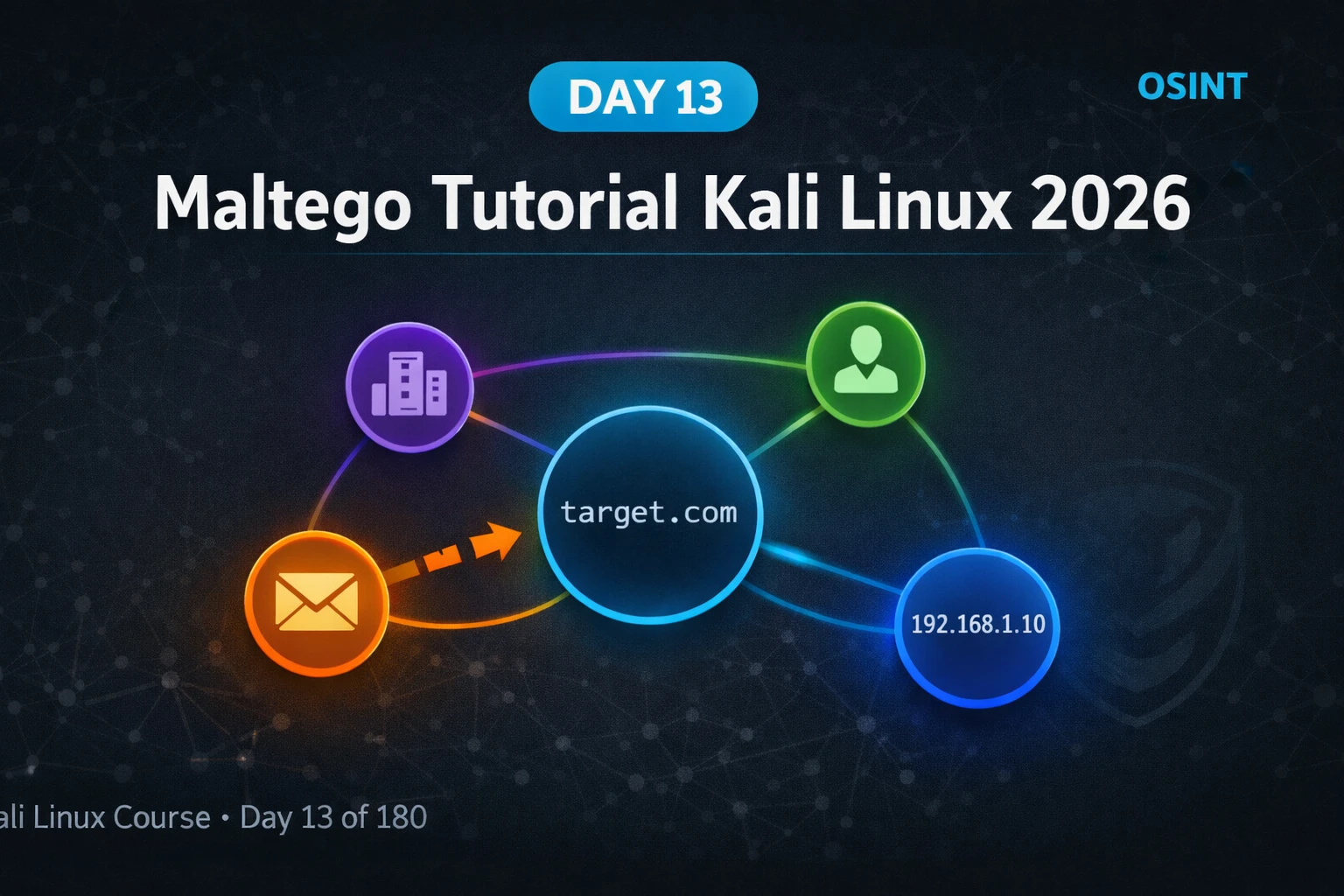
This tutorial from a Kali Linux mastery course teaches Maltego, a graph-based OSINT tool that visualizes relationships between infrastructure entities (domains, IPs, emails, people) discovered through passive reconnaissance. Rather than returning flat lists like other OSINT tools, Maltego displays these relationships as a connected graph, making non-obvious infrastructure connections immediately visible. The article covers installation, core concepts (entities and transforms), practical workflows for DNS and WHOIS enumeration, email discovery, and certificate transparency subdomain mapping.
- Graph-based intelligence reveals hidden connectionsMaltego represents intelligence as nodes (entities like domains, IPs, emails) connected by edges (relationships), whereas text-based tools like theHarvester return flat lists. This visual approach makes structural relationships immediately apparent—for example, discovering that three different email addresses from different sources all resolve to the same server, or identifying multiple domains hosted on the same IP range that would be invisible in a list format.
- Entities and transforms form the operational modelEvery piece of intelligence in Maltego is a typed entity (Domain, IP Address, Email Address, Person, etc.) with an associated icon. Transforms are functions taking one entity type as input and producing related entity types as output—for example, 'DNS from Domain to IP Address' queries DNS records and returns A record results. The article identifies five primary transform categories: DNS transforms (domains to IPs, subdomains, nameservers), WHOIS transforms (domain to registrant data), Email transforms (domain to associated emails), Network transforms (IP to ASN, geolocation, hosting provider)
- Certificate transparency logs expose hidden subdomainsEvery SSL certificate issued by a public CA is recorded permanently in certificate transparency logs, which Maltego can query via the Domain to SSL Certificate and Domain to DNS Name [SSL Cert SANs] transforms. When developers create certificates covering staging.company.com, admin.company.com, or api.company.com, those Subject Alternative Names become publicly discoverable—revealing infrastructure that DNS enumeration and search engines miss entirely. The article emphasizes this is a mandatory step in professional reconnaissance workflows.
- Structured expansion prevents analytical overwhelmThe article prescribes a four-layer expansion pattern: Layer 1 (seed entity), Layer 2 (run all applicable transforms for first-order relationships), Layer 3 (targeted deepening on high-value entities based on investigation objectives), and Layer 4 (cross-referencing entities with multiple incoming edges indicating shared infrastructure or pivot points). Without these boundaries, graphs become incomprehensibly large and lose analytical value, making discipline in selecting which transforms to run essential.
- WHOIS registrant email enables infrastructure linkingRunning WHOIS transforms on a domain returns the registrant email address. The article demonstrates that a single registrant email discovered in WHOIS can be linked to dozens of related domains via the 'To DNS Name [Registrant]' transform—revealing an entire family of infrastructure registered to the same hosting account. The author's engagement example found three related domains registered to the same WHOIS email that the client had not mentioned, two containing unathenticated admin panels.
- IP sharing reveals infrastructure relationshipsThe 'IP to Domains on IP' transform discovers all domains sharing a single IP address. On shared hosting, this indicates multiple domains likely owned by the same organization or that compromising one could expose others. On dedicated hosting, it confirms the target's server isolation. This transform is identified as particularly valuable for targets using poorly separated infrastructure.
- Maltego Community Edition requires free registrationMaltego CE is pre-installed on Kali Linux but requires registration to activate transforms. After a two-minute free registration and login, the tool downloads approximately 30 transform categories covering DNS, WHOIS, email, social media, and certificate transparency. Additional free transform hubs (Shodan, VirusTotal Community, Have I Been Pwned) require their own API keys but unlock significantly more powerful transforms without paying for Maltego Pro.
- Passive recon uses only publicly available dataThe article emphasizes that Maltego queries only publicly available data sources accessed passively—DNS records, WHOIS databases, certificate logs, social media profiles, and public APIs. This makes its use legal for authorized penetration testing, bug bounty reconnaissance within scope, and personal infrastructure. However, the article explicitly warns that using intelligence gathered through unauthorized access to systems is illegal.
Bottom line: Maltego transforms passive OSINT from isolated data points into a visual map of infrastructure relationships, enabling penetration testers and investigators to discover interconnected assets, hidden subdomains, and pivot points in seconds that text-based tools would require extensive manual analysis to identify. The structured workflow of starting with a seed entity and systematically expanding through DNS, WHOIS, email, and certificate transforms creates a complete organizational infrastructure
FREE
Part of the 180-Day Kali Linux Mastery Course
🎯 What You’ll Master in Day 13
⏱️ 52 min read · 3 hands-on exercises
📊 What is your Maltego experience level?
📋 What You’ll Master — Maltego Tutorial Kali Linux 2026
- What Is Maltego and Why It Changes OSINT Investigations
- Maltego Kali Linux 2026 — Install, Register and First Launch
- Entities and Transforms — The Core Maltego Intelligence Model
- Mapping Domain Infrastructure With DNS and WHOIS Transforms
- Email Enumeration and Person Entity Mapping
- Building a Complete OSINT Graph — From Domain to Full Infrastructure Map
In Day 12 we used Burp Suite to intercept and analyse web application traffic — operating at the HTTP layer of a single target. Today we zoom out entirely and look at the organisation from the outside. Maltego operates before you ever send a packet to a target — it assembles intelligence from public sources to map the full landscape of what you are dealing with. This reconnaissance phase is what the Kali Linux 180-Day Mastery Course builds systematically — every tool in sequence for a reason.
What Is Maltego and Why It Changes OSINT Investigations
Maltego is a visual link-analysis and OSINT platform developed by Paterva. It represents intelligence as a graph — nodes are entities (domains, IPs, emails, people, organisations) and edges are the relationships between them. Every transform you run either adds new nodes to the graph or connects existing ones, building an ever-more-complete picture of your target’s digital footprint.
The power of graph-based intelligence is in non-obvious connections. When you run a text-based OSINT tool like theHarvester, you get a list. You can see individual data points but you cannot immediately see that three different email addresses from three different sources all resolve to the same server, or that a domain you had not considered is hosted on the same IP range as your primary target. Maltego makes these structural relationships visually immediate.
Professional threat intelligence analysts use Maltego to map criminal infrastructure, track phishing campaign origins, and connect disparate indicators of compromise. Corporate security teams use it to monitor their own attack surface. Penetration testers use it in the reconnaissance phase to identify every publicly accessible asset before testing begins. The tool works in all three contexts because the underlying intelligence model is universal.
Maltego Kali Linux 2026 — Install, Register and First Launch
Maltego Community Edition is pre-installed on Kali Linux but requires a free registration to activate transforms. The registration takes two minutes and unlocks the full Community Edition transform set — approximately 30 transform categories covering DNS, WHOIS, email, social media, and certificate transparency.
After logging in, Maltego runs a transform seed download that installs the Community Edition transform set. This takes 2–3 minutes on a fast connection. Once complete, the Transform Hub appears showing available transform providers. The free built-in transforms are already active. Optionally install additional free hubs including Shodan, VirusTotal Community, and Have I Been Pwned from the Hub.
Entities and Transforms — The Core Maltego Intelligence Model
Understanding entities and transforms is the conceptual foundation of all maltego tutorial usage. Every piece of intelligence in Maltego is represented as an entity — a typed object with a value and optional additional properties. Every transform is a function that takes one entity type as input and produces one or more entity types as output.
Entity types include: Domain, DNS Name, IP Address, Email Address, Person, Phone Number, Company/Organisation, Website URL, Netblock (CIDR range), AS Number, Social Media Profile, Document, Location, and more. Custom entities can be added through transform hubs. Each entity type has a distinct icon in the graph making entity types visually distinguishable at a glance.
Transform categories you will use most in reconnaissance: DNS transforms (domain → IPs, NS records, MX records, subdomains), WHOIS transforms (domain → registrant, registrar, creation date, nameservers), Email transforms (domain → associated email addresses), Person transforms (name → social profiles, email addresses), and IP transforms (IP → geolocation, ASN, reverse DNS, hosting provider).
⏱️ Time: 10 minutes · Paper and pen or text editor
e-commerce company. You only know their primary domain: shopexample.com
Before opening any tool, think through these questions:
1. What TYPES of infrastructure would a typical e-commerce company have
that would appear in DNS records?
(Think: where do their emails go? How do they accept payments?
Where is their admin panel likely hosted? CDN? Subdomains?)
2. What employee roles would you expect to find email addresses for?
Which role’s email would be highest value if you found it?
3. The company uses Cloudflare. How does this affect your ability
to map their real origin IP addresses via DNS transforms?
4. You find five domains registered to the same registrant email
address via WHOIS. What does this tell you about their
infrastructure and what additional transforms would you run?
5. You find an SSL certificate covering *.shopexample.com and also
staging.shopexample.com, admin.shopexample.com, and
api.shopexample.com in the Subject Alternative Names.
Rank these three subdomains by attack surface priority and
explain your reasoning.
📸 Write your attack surface map and share in #day-13-maltego on Discord.
Mapping Domain Infrastructure With DNS and WHOIS Transforms
DNS transforms are the highest-yield starting point for any Maltego investigation. A single domain entity expanded through all DNS transforms typically yields IP addresses, nameservers, mail servers, and in many cases CDN providers and hosting information — all from a single right-click menu in under 60 seconds.
The “To Domains on IP” transform is particularly valuable for targets using shared hosting or poorly separated infrastructure. When multiple domains share a single IP address, it indicates they are likely owned by the same organisation — or that compromising one could expose the others. On dedicated hosting, a single IP domain map confirms the target’s server isolation.
Email Enumeration and Person Entity Mapping
Email address discovery through Maltego goes significantly further than theHarvester’s search engine scraping. The combination of WHOIS registrant emails, certificate transparency DNS names, and social profile transforms creates a multi-dimensional picture of the people behind an organisation’s infrastructure — information that feeds directly into social engineering scenario planning for authorised penetration tests.
⏱️ Time: 25 minutes · Maltego CE registered and running · Use scanme.nmap.org or your own domain only
📸 Screenshot your completed entity graph and share in #day-13-maltego on Discord. Tag #maltego2026
Building a Complete OSINT Graph — From Domain to Full Infrastructure Map
A complete Maltego investigation follows a structured expansion pattern. You start narrow — one entity — and systematically expand outward through transforms at each layer. The key discipline is knowing when to stop expanding. Every new entity can generate dozens more through transforms. Without boundaries, a graph becomes incomprehensibly large and loses analytical value.
Layer 1 — Seed: Your single starting entity. For a domain-based investigation, this is the primary domain. For a person-based investigation, it might be a known email address or full name.
Layer 2 — Direct expansion: Run all applicable transforms on the seed. This gives you first-order relationships — IPs, nameservers, registrant info, certificate SANs, associated email addresses.
Layer 3 — Targeted deepening: Select the highest-value entities from Layer 2 and run specific transforms on those. Do not run all transforms on all entities — select based on investigation objectives. For infrastructure mapping, deepen IP entities. For personnel mapping, deepen email and person entities.
Layer 4 — Cross-referencing: Look for nodes with multiple incoming edges — these are entities connected to multiple other entities in your graph. They indicate shared infrastructure, key personnel, or pivot points that deserve deeper investigation.
⏱️ Time: 20 minutes · Maltego CE · Use your own domain or authorised target
📸 Screenshot your Maltego graph showing SSL certificate entity connecting to subdomain DNS name nodes and share in #day-13-maltego on Discord.
🧠 QUICK CHECK — Day 13
📋 Commands Used Today — Day 13 Reference Card
🏆 Mark Day 13 as Complete
You have built your first entity relationship graph and understand how Maltego transforms passive OSINT from a list of facts into a map of relationships. Every professional recon phase from here forward starts with this tool.
❓ Frequently Asked Questions
Is Maltego free on Kali Linux?
What are Maltego transforms?
What types of entities does Maltego support?
How is Maltego different from theHarvester?
Can Maltego be used for penetration testing?
What comes after Maltego in the Kali Linux course?
Day 12: Burp Suite Kali Linux 2026
Day 14: Netdiscover Tutorial 2026
📚 Further Reading
- theHarvester Tutorial 2026 — Day 9 covers theHarvester for bulk email, domain, and IP collection from search engines — the command-line complement to Maltego’s visual graph analysis.
- 180-Day Kali Linux Mastery Course — The complete course hub with every day indexed from Nmap through advanced exploitation tools in a structured day-by-day sequence.
- OSINT Tools Guide — The complete OSINT tools category covering Maltego, Recon-ng, SpiderFoot, Sherlock, and every major open-source intelligence gathering tool.
- Maltego Transform Hub — The official Maltego Transform Hub listing every available free and commercial transform provider, API integration guide, and Community Edition activation instructions.
- crt.sh Certificate Transparency Search — The free certificate transparency log search engine used by Maltego’s SSL transforms — queryable directly for subdomain discovery without any tool installation.
