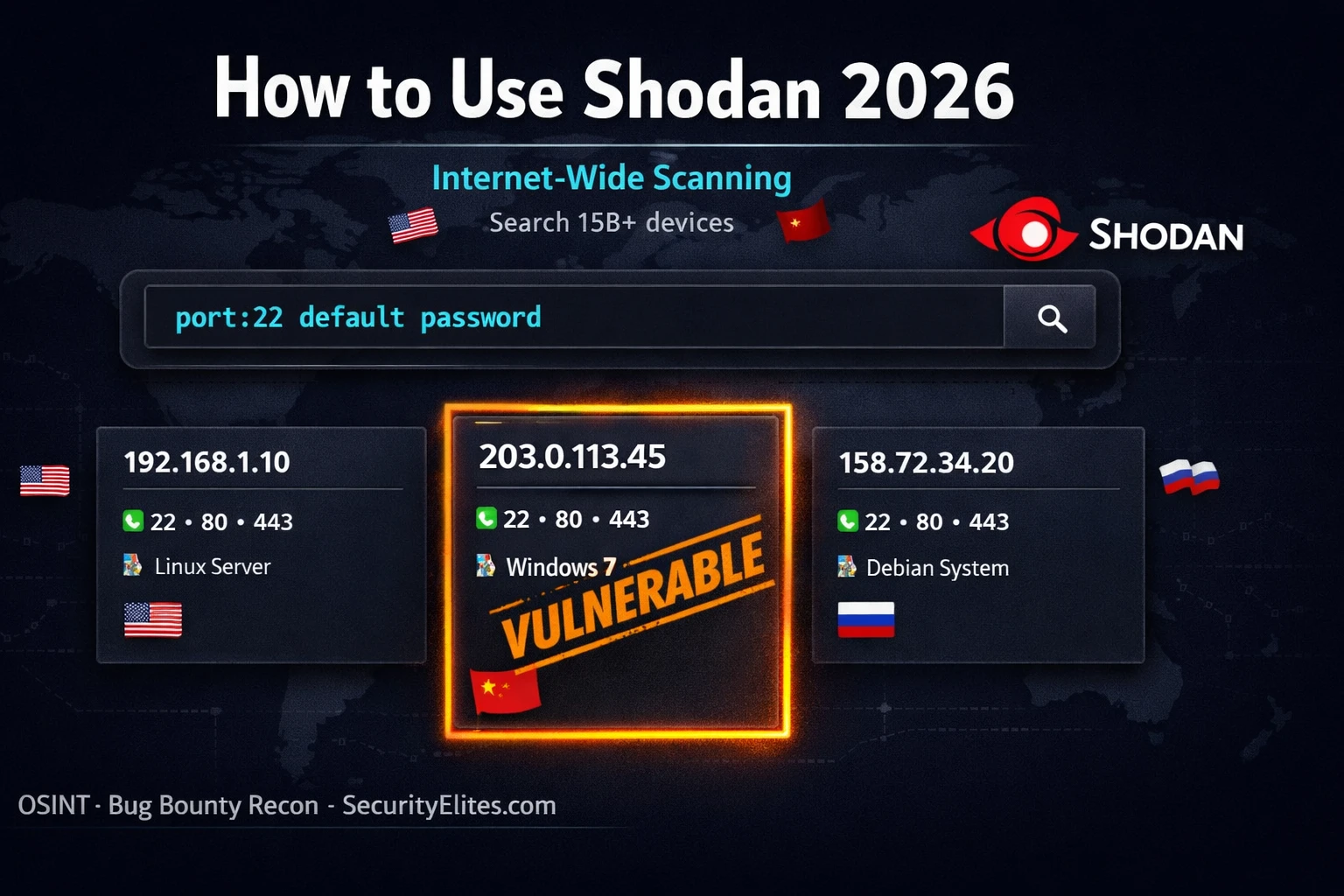
This guide explains Shodan, a search engine indexing over 15 billion internet-facing services and their banners, and demonstrates how to use it for passive reconnaissance in bug bounty and penetration testing. Unlike Google which indexes web pages, Shodan indexes service banners—raw responses from SSH servers, databases, cameras, and industrial control systems—revealing exposed attack surface that web search cannot find. The article provides practical techniques for querying exposed services, building automated reconnaissance workflows, and continuously monitoring target infrastructure, while emphasizing that searching is legal but accessing discovered devices without authorization remains illegal.
- How Shodan fundamentally differs from GoogleShodan continuously scans all 4.3 billion IPv4 addresses on common and uncommon ports, recording service banners—the raw response a network service sends before credentials are required, such as SSH version strings, HTTP server headers, database announcements, and industrial control system model numbers. Google indexes web page content and meta data but does not index these raw service responses. When searching Shodan for MongoDB, you access the banners of every internet-facing MongoDB instance ever observed, including those without authentication, whereas Google cannot find these services at
- Core filters for targeted attack surface discoveryThe org filter (org:"Company Name") finds all indexed assets belonging to an organization, the hostname filter (hostname:domain.com) correlates Shodan results against DNS enumeration to identify unexpected IPs, and the SSL certificate filter (ssl.cert.subject.cn:domain.com) reveals infrastructure covered by wildcard certificates that DNS enumeration misses. Port filters (port:27017 for MongoDB, port:6379 for Redis) combined with negative filters (-"authentication") isolate unauthenticated services. These filters can be combined to create structured recon workflows that map complete attack surf
- Shodan dorks combine multiple filters for efficiencyDorks are pre-built multi-filter queries targeting specific exposed service types: http.title:"Admin" http.status:200 org:"Target" finds exposed admin panels, http.title:"Dashboard [Jenkins]" port:8080 finds Jenkins CI/CD instances, and port:27017 "MongoDB" -"authentication" finds unauthenticated databases. These queries allow security researchers to find high-value targets systematically rather than through random exploration, with repositories of hundreds of dorks available covering specific device types and vulnerability patterns.
- ASN-based reconnaissance for complete coverageFinding a company's Autonomous System Number (ASN) via bgp.he.net or Shodan search results enables searching all IP ranges owned by that company, including ranges not obviously linked to the company name in WHOIS records. The query asn:AS12345 with optional service filters (asn:AS12345 port:8443) covers infrastructure that the org filter might miss due to naming variations or subsidiary structures. The Shodan CLI command "shodan download" can retrieve all IPs under an ASN into a file for offline analysis.
- CLI automation integrates Shodan into recon pipelinesThe Shodan Python library installed via pip can be initialized with an API key and scripted for automated queries. The shodan host command quickly reveals what Shodan knows about any IP—open ports, software versions, historical data. Results can be piped through standard Unix tools (jq, awk, grep) to extract specific fields, filter by criteria, and feed into other reconnaissance tools. Free accounts allow 100 API queries per month; the CLI works on Kali Linux and other systems with Python.
- Certificate indexing reveals hidden infrastructureSSL certificate filters (ssl.cert.subject.cn:target.com) often reveal subdomains and infrastructure that neither DNS enumeration nor web search discovers because certificates are issued for infrastructure before or instead of DNS records being created. Censys has particularly strong TLS/SSL certificate indexing through its parsed.names search and is complementary to Shodan for this purpose. Cross-referencing Shodan IPs against subdomain enumeration results identifies shadow IT and forgotten assets not appearing in DNS.
- Alerts enable continuous discovery of new assetsShodan Alerts is a paid feature notifying users when new devices or services appear in Shodan's index for specified IP ranges or networks. For bug bounty targets, alerts on company IP ranges mean notification before other hunters discover newly internet-facing assets, which are often freshly deployed and less hardened. The free tier allows monitoring up to 16 IPs; paid tiers expand this to full netblock monitoring. Alerts are configured through the Monitor section of shodan.io by entering target IP ranges and selecting which port and service changes trigger notifications.
- Complementary tools provide complete coverageCensys and FOFA index overlapping but distinct subsets of the internet, sometimes surfacing infrastructure Shodan misses. Censys excels at certificate discovery with 250 free queries monthly and free Academic access for students. FOFA is a Chinese intelligence platform with particularly strong APAC region indexing that Shodan under-represents. Running the same org and hostname queries across all three platforms, then merging unique IP results and feeding them into Nmap for verification, produces a near-complete internet-facing asset inventory.
Bottom line: Shodan is a passive reconnaissance tool that reveals exposed internet-facing services through service banner indexing, and systematic use of org filters, hostname filters, SSL certificate queries, and automated CLI workflows can discover complete attack surfaces in minutes—but users must remember that searching Shodan is legal while accessing any discovered device without authorization remains illegal regardless of how it was found. The most valuable real-world application is combining Shodan's
🎯 What You’ll Master in This Guide
⏱️ 48 min read · 3 exercises
📊 How familiar are you with Shodan?
📋 What You’ll Master — How to Use Shodan 2026
- What Is Shodan and How It Indexes the Internet
- Core Shodan Filters — The 10 Most Useful for Security Research
- Shodan Dorks 2026 — Targeted Queries for Bug Bounty Recon
- Organisation Reconnaissance — Mapping a Target’s Full Attack Surface
- Shodan CLI on Kali Linux — Automated Recon Integration
- Shodan Alerts — Continuous Attack Surface Monitoring
Shodan sits at the intersection of the OSINT tools and bug bounty recon methodology. It works at a layer between Maltego’s entity-relationship intelligence and Nmap’s active scanning — passive like Maltego, but focused on service characteristics rather than DNS relationships. For any organisation with internet-facing infrastructure, Shodan often reveals more attack surface than any other single passive source.
What Is Shodan and How It Indexes the Internet
Shodan was created by John Matherly in 2009. It works by continuously scanning the entire internet — all 4.3 billion IPv4 addresses — on common and uncommon ports, recording the service banner that each open port returns. A service banner is the raw response a network service sends when you connect to it before any credentials are supplied: the SSH version string, the HTTP server header, the database version announcement, the industrial control system model number.
This banner data is indexed and made searchable. When you search Shodan for MongoDB server information, you are searching the banners of every internet-facing MongoDB instance that Shodan has observed — including any that expose their databases without authentication. When you search for a specific CVE, Shodan returns every device whose banner contains indicators associated with that vulnerability.
HTML text and links
Site titles and meta
Public documents
Does NOT index raw service responses
Open port listings
SSL certificate data
Software versions
Exposed databases, cameras, SCADA
Core Shodan Filters — The 10 Most Useful for Security Research
⏱️ Time: 12 minutes · shodan.io free account required
Step 2: Choose a company from a public bug bounty programme
Search: org:”[Company Name]”
Note: total number of results and top open ports shown
Step 3: Refine — add port filters for interesting services:
org:”[Company Name]” port:8080
org:”[Company Name]” port:8443
org:”[Company Name]” port:3389
Note: any non-standard ports or unexpected services?
Step 4: Search by hostname:
hostname:[company domain]
Compare results to your subfinder/amass subdomain list —
do the IPs match? Any new IPs not in your DNS results?
Step 5: Check SSL certificates:
ssl.cert.subject.cn:[company domain]
This often reveals subdomains covered by wildcard certs
Step 6: Look at any result carefully:
– What software version is running?
– Is there a default credential hint in the banner?
– Does the HTTP title suggest an admin interface?
Step 7: Note any findings that warrant further investigation
within the programme scope for your next testing session
IMPORTANT: Observation only — do not attempt to access any service.
📸 Screenshot your Shodan org filter results and share in #shodan-recon on Discord.
Shodan Dorks 2026 — Targeted Queries for Bug Bounty Recon
Shodan dorks are pre-built queries combining multiple filters to find specific types of exposed or vulnerable services. These are the queries security researchers use to find the most interesting targets efficiently.
⏱️ Time: 8 minutes · No tools required
Their main product is a B2B analytics platform. From LinkedIn you know:
– They use AWS (EC2 instances, S3, RDS)
– Their engineering team uses GitHub and Jenkins CI/CD
– They have offices in 3 countries
– Their main domain is company.com
Design a Shodan recon sequence (5–7 queries) that would
map their internet-facing attack surface efficiently.
For each query:
1. Write the exact Shodan filter syntax
2. Explain what specific exposure you are looking for
3. Describe what a “hit” on that query would mean for testing
Consider:
– Which services are highest value for a SaaS company?
– Which services are most likely to be accidentally exposed?
– How would you use the org filter vs hostname filter vs ssl filter?
– What would a Jenkins or Kubernetes hit tell you about their
infrastructure security posture?
📸 Share your 5-query Shodan recon sequence in #shodan-recon on Discord.
Organisation Reconnaissance — Mapping a Target’s Full Attack Surface
The most systematic approach to Shodan org recon is to combine the org filter with your ASN (Autonomous System Number) if you can identify it. A company’s ASN covers all IP ranges they own — including ranges that are not obviously linked to the company name in WHOIS records. Find the ASN with tools like bgp.he.net and then use asn:AS12345 in Shodan for complete coverage.
Shodan CLI on Kali Linux — Automated Recon Integration
⏱️ Time: 20 minutes · Kali Linux, Shodan free account
📸 Screenshot your Shodan CLI output showing an IP host result and share in #shodan-recon on Discord. Tag #shodan2026
Shodan vs Censys vs FOFA — Choosing the Right Tool
Shodan is the most well-known internet-wide scanner but it is not the only one. Censys and FOFA index overlapping but distinct subsets of the internet and sometimes surface infrastructure that Shodan misses. Using all three on high-value targets gives the most complete coverage.
Censys (censys.io) has particularly strong TLS/SSL certificate indexing and provides more structured data through its search API. The free tier allows 250 queries per month. For bug bounty, Censys is strongest for certificate discovery: search parsed.names: target.com to find all certificates mentioning your target domain — this reveals infrastructure that neither DNS enumeration nor Shodan certificate search catches. Censys Academic access is free for students.
FOFA (fofa.info) is a Chinese internet intelligence platform that indexes significant infrastructure in Asia-Pacific that Shodan under-represents. For programmes with global infrastructure, FOFA regularly finds assets in APAC regions that Shodan shows as empty. Its query syntax is similar to Shodan and a free tier with limited results is available without registration.
The combined workflow: Run the same org and hostname queries across all three platforms and merge the unique IP results. Feed the merged list into Nmap for service verification. Cross-reference with your subdomain enumeration results. The union of all three scanners produces a near-complete internet-facing asset inventory for any target.
Shodan Alerts — Continuous Attack Surface Monitoring
Shodan Alerts are a paid feature that notifies you when new devices or services appear in Shodan’s index for a specified IP range or network. For bug bounty hunters, alerts set on a target company’s IP ranges mean you are notified whenever a new asset becomes internet-facing — before other hunters discover it. New assets are often freshly deployed and less hardened than established infrastructure.
To set up an alert: log into shodan.io, click “Monitor” in the navigation, then “Create Network Monitor”. Enter the target IP range (use the ASN-derived range from the org recon section). Choose which port and service changes trigger notifications. The free tier allows monitoring up to 16 IPs. Paid tiers expand this to full netblock monitoring.
🧠 QUICK CHECK — Shodan
org:"Target Corp" http.title:"Kibana" and find an internal Kibana dashboard accessible from the internet with no authentication. What is the severity and what data is likely exposed?
📋 Key Shodan Filters — Quick Reference 2026
❓ Frequently Asked Questions
What is Shodan and what makes it different from Google?
Is using Shodan legal?
What is a Shodan dork?
How do I use Shodan for bug bounty recon?
Does Shodan require a paid account?
What types of devices can Shodan find?
Maltego OSINT Tutorial 2026
Subdomain Enumeration Tools 2026
📚 Further Reading
- Maltego Tutorial Kali Linux 2026 — Maltego provides entity-relationship OSINT mapping that complements Shodan’s service-banner intelligence — use both together for comprehensive passive recon.
- Subdomain Enumeration Tools 2026 — The complete subdomain discovery pipeline using Subfinder, Amass, and crt.sh — cross-reference subdomain IPs against your Shodan org results for complete attack surface mapping.
- OSINT Tools Guide — The complete OSINT tools category covering Shodan, Maltego, SpiderFoot, theHarvester, and every major passive intelligence gathering tool for security research.
- Shodan Explore — Public Search Queries — The official Shodan community query library featuring thousands of curated dorks for finding specific device types, vulnerable services, and internet-wide vulnerability patterns.
- Shodan CLI Documentation — Official Shodan command-line interface documentation covering all commands, output formats, and API integration for automated recon pipeline construction.
